 ProMapRanker
Forms Automation Software


Branded landing-page forms with payments, calculations and e-signatures · Pricing starts at: $49/month (Pro, billed annually; $59 per month)
Direct answer
For branded landing-page forms with payments, calculations and e-signatures, Paperform is where this list starts. Alternatives: Tally for anyone who wants a capable form builder at no cost, and Formstack for healthcare, legal and HR teams needing compliance, documents and e-signatures in one suite. All 7 tools are compared below on price, free plan and limits.
Key takeaways
- Number one here is Paperform, a fit for branded landing-page forms with payments, calculations and e-signatures.
- Typeform is the one to check for customer-facing surveys and lead forms where completion rates matter.
- 4 of 7 tools offer a free plan: Paperform, Tally, Jotform, Zoho Forms.
- Zoho Forms has the lowest monthly starting price in this list: $12/month.
- The main caution on Tally: Pro at $29 per month brings branding removal, custom domains and collaboration but little functional depth.
Quick comparison
| Pick | Great for | Pricing starts at | Free tier | |
|---|---|---|---|---|
| Paperform | Branded landing-page forms with payments, calculations and e-signatures | $49/month (Pro, billed annually; $59 per month) | Yes | Visit |
 Tally | Anyone who wants a capable form builder at no cost | $29/month (Pro) | Yes | Visit |
 Formstack | Healthcare, legal and HR teams needing compliance, documents and e-signatures in one suite | $83/month (Forms plan, billed yearly; $99 per month) | Free trial (14 days) | Visit |
 Jotform | Teams that want templates, automation and payments without enterprise pricing | $34/month (Bronze, billed yearly; $39 per month) | Yes | Visit |
 FormAssembly | Enterprises that require Salesforce-native, compliant data collection | See website (custom quote; Atlas tiers) | No | Visit |
 Zoho Forms | Firms already running on Zoho CRM, Books or other Zoho apps | $12/month (Standard, billed yearly) | Yes | Visit |
 Typeform | Customer-facing surveys and lead forms where completion rates matter | $25/month (Basic, billed yearly; $29 monthly) | Free trial | Visit |
The best forms automation software
ProMapRanker put together this guide to forms automation software for readers who want a clear shortlist without reading every vendor page. It compares 7 tools on starting price, free plans, who each one suits and where each one falls short.
Paperform
Great for: Branded landing-page forms with payments, calculations and e-signatures
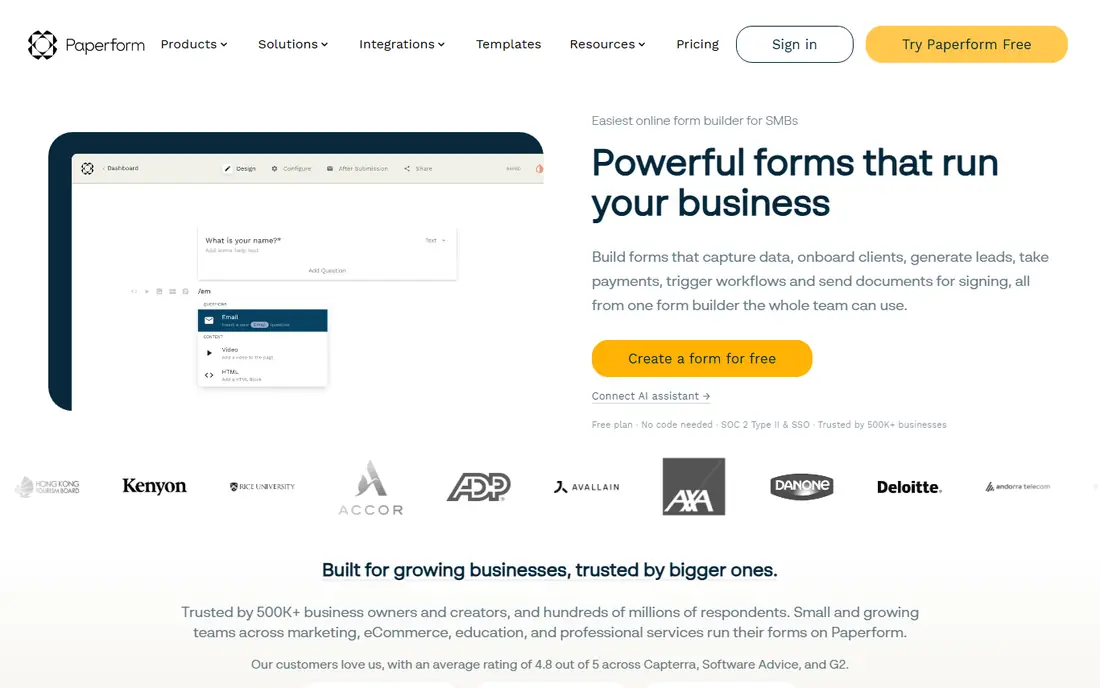
Paperform was built for branded landing-page forms with payments, calculations and e-signatures. Paperform is the flat-rate pick. A restricted free plan spans straightforward forms.
Drawbacks to consider: Smaller integration list than Jotform; premium begins at $49 per month).
The document-style editor produces forms that look like branded landing pages, and five payment gateways (Stripe, PayPal, Square, Braintree, Google Pay) make it a real order-form tool. In practice, at $49 per month for full features, it costs more than Jotform Bronze to start, and regulated healthcare buyers must look elsewhere. In daily use, where Typeform and Jotform meter responses and submissions, Paperform charges $49 per month annually for Pro with unlimited submissions and unlimited seats, plus Business at $124 annually with the API. Price to start with Paperform: $49/month. Paperform has a free plan.
- Order forms and dynamic pricing
- Papersign e-signatures and Stepper workflow automation included in the subscription
- Not HIPAA compliant and signs no BAAs, so healthcare workflows are out
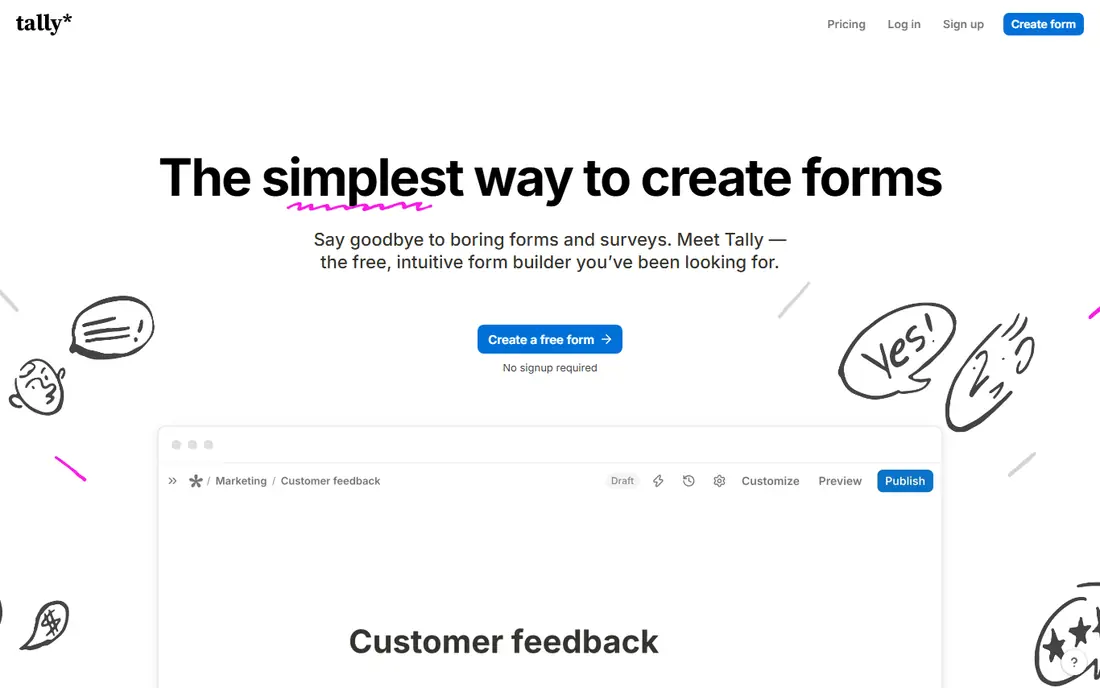
Choose Tally for anyone who wants a capable form builder at no cost. For startups, freelancers, nonprofits and internal tools, the free plan is the entire product and it is very good.
Also, the honest catch is what is missing: no HIPAA level, a smaller integration catalog, and analytics that stay entry-level. Pro at $29 per month (about $24 annually) layers on custom domains, branding removal, team collaboration and advanced customization. On cost, Tally starts like this: $29/month. You can start on Tally without paying.
Honest limits: Fewer native integrations than Jotform; custom domains and collaboration but little functional depth.
- The most ample free plan in the category: unlimited forms
- Conditional logic and calculations
- Pro at $29 per month layers on branding removal
Formstack
Great for: Healthcare, legal and HR teams needing compliance, documents and e-signatures in one suite
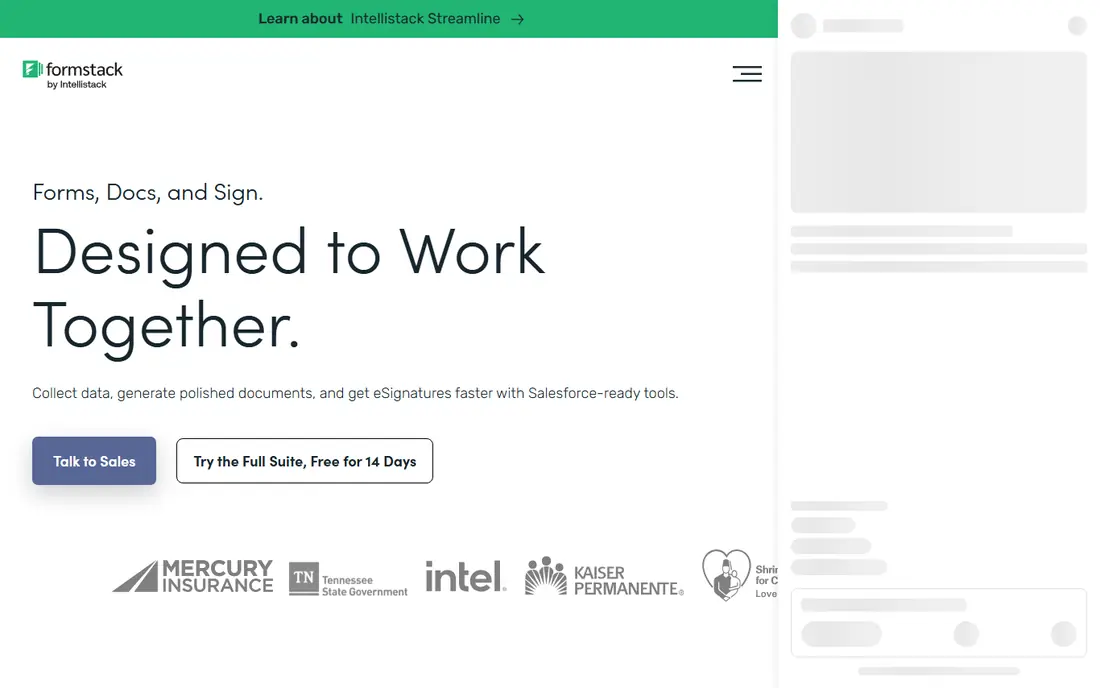
In short, Formstack is for healthcare, legal and HR teams needing compliance, documents and e-signatures in one suite. Formstack sells to regulated teams. The Forms plan at $83 per month annually includes 25 forms and 1,000 submissions per form with conditional logic and integrations.
Main advantages: Documents.
Beyond that, a 14-day trial is offered. Buy it for the compliance stack and the documents-plus-signature workflow. Formstack starts at: $83/month. Free plan details: Free trial (14 days).
Trade-offs to know: No free plan at all.
- E-signatures and forms in one Suite ($250/month annually)
- Approval workflows and Salesforce integration made for regulated industries
- Entry at $83 per month is steep next to $15 to $30 competitors
Jotform
Great for: Teams that want templates, automation and payments without enterprise pricing
For teams that want templates, automation and payments without enterprise pricing, Jotform is a natural candidate. Jotform is the value pick in forms. In practice, the free plan is genuinely usable (5 forms, 100 submissions per month), Bronze at $34 per month annually hands 25 forms and 1,000 submissions, Silver at $39 annually provides 50 forms and 2,500 submissions, and Gold at $99 annually provides 100 forms, 5,000 submissions and HIPAA features.
Limits to weigh: HIPAA compliance waits until Gold at $99 per month annually.
Upsides: Native approval workflows and 100-plus integrations on premium plans. If your volume is high and predictable, Paperform or Tally price flat. Beyond the builder, you get Jotform Tables for submission data, approval workflows, PDF generation from submissions. An AI agent builder for conversational data collection. For everyone else, Jotform hands the most capability per dollar in the category. As for the details, a lead-gen form on a decent website can burn through 1,000 submissions quicker than expected, and overage or upgrade is the only fix. Price to start with Jotform: $34/month. Jotform offers a free plan.
- Payment collection through Stripe, PayPal
- Square and others with no additional gateway fee from Jotform
- The interface packs in so plenty of features that new users face a ramp-up time
FormAssembly
Great for: Enterprises that require Salesforce-native, compliant data collection
Think of FormAssembly for enterprises that require Salesforce-native, compliant data collection. FormAssembly is the enterprise compliance pick.
In daily use, for a hospital system, university or financial institution collecting sensitive data at scale, it is the right call. For everyday use, FormAssembly earns its place as the ceiling of this category. This comparison lists no price for FormAssembly; ask the vendor. No free plan comes with FormAssembly.
The main drawbacks: Custom pricing with a sales process, so no self-serve start.
- Compliance-first architecture (HIPAA, PCI, GDPR) with government cloud choices
- Including prefilled forms and direct record creation
- Overkill and overpriced for anything under enterprise scale
Choose Zoho Forms for companies already running on Zoho CRM, Books or other Zoho apps. Zoho Forms makes sense in one situation: your business already runs on Zoho.
From a buyer's view, if you are not a Zoho shop, Jotform hands you more for a little more money. Then form submissions flow into Zoho CRM as leads, into Campaigns as contacts, and into Desk as tickets with no connectors and no additional integration bill. The starting price for Zoho Forms: $12/month. A free plan is available with Zoho Forms.
Trade-offs to know: The template library and design polish trail Jotform and Typeform.
- Offline form collection through the mobile app
- Deep native integration with the Zoho suite (CRM, Campaigns, Desk)
- Advanced workflow features need higher Zoho One levels
Typeform
Great for: Customer-facing surveys and lead forms where completion rates matter
Typeform is aimed squarely at customer-facing surveys and lead forms where completion rates matter. Typeform is the design pick. Internal forms, HR paperwork and anything high-volume belong on Jotform or Tally.
Beyond that, a free plan exists but at 10 responses per month it is a trial in disguise. Customer research, waitlists and qualification forms where every completion counts belong here. For everyday use, entry-level at $25 per month annually handles 100 responses per month, Plus at $50 annually includes 1,000 responses, and Business at $83 annually handles 10,000 responses with Salesforce integration. As for the details, a form that performs well punishes you: more responses means a forced upgrade. Typeform pricing: $25/month. Free access: Free trial.
Points against: one of the tightest limits anywhere; Pricing is per response volume, so a viral form gets pricey.
- 3,000-plus templates and 120-plus integrations including Salesforce and HubSpot
- Logic jumps build branching flows without code
- Payment collection runs only through Stripe
How we chose
ProMapRanker looked at what each vendor publishes: pricing, plan limits, feature coverage for forms automation software and stated drawbacks. No hands-on testing is claimed. Figures are shown as the vendors publish them. Billing terms, seat minimums and add-ons can change the real cost. The ranking is editorial: typical fit first, then clear pricing, then free access. If your needs are unusual, read the profiles rather than relying on position.
Pre-purchase checklist
- Ask FormAssembly for a written quote, since no starting price is shown.
- Look at free plan limits closely: Paperform, Tally, Jotform and Zoho Forms have one, and the caps decide whether it is usable for real work.
- Use real work to test the free trial from Formstack and Typeform, rather than a demo project.
- Before choosing Paperform, weigh its main limit: no full-featured free level (the free plan includes straightforward forms.
- Work out what Zoho Forms costs with your real seat count, add-ons and usage, not just the entry price.
- Ask whether Tally integrates with your current software, and whether that comes standard or as an add-on.
Frequently asked questions
How are the tools for forms automation software ordered?
Paperform sits first and Typeform last because the order follows typical fit for forms automation software, then price clarity and free access. It is a judgement call, so read each profile for fit and limits.
Can I try these options before paying?
Often, yes. Paperform, Tally, Jotform and Zoho Forms have a free plan and Formstack and Typeform offer a free trial. Use your own data and a real task during the test, and check what the free tier or trial limits before you rely on it.
Which options for forms automation software have a free plan?
Paperform, Tally, Jotform and Zoho Forms offer a free plan in this list. Free plans usually cap users, projects or features, so check the limits on the vendor page. Several others offer a trial instead.
Is Paperform the right pick for everyone comparing forms automation software?
No single tool suits every team. Paperform comes first because it fits branded landing-page forms with payments, calculations and e-signatures, while Tally suits anyone who wants a capable form builder for free and Formstack suits healthcare, legal and HR teams needing compliance, documents and e-signatures in one suite. Match the tool to your own size, budget and workflow before deciding.
Sources
See where you really rank - block by block
ProMapRanker scans Google Maps across a grid of your service area. Simple monthly plans from $19, white-label on every plan.
Start freeKeep reading
 zscaler alternatives
Best Zscaler Alternatives in 2026
Looking for zscaler alternatives? We compare 9 SASE and zero trust platforms on architecture, data protection, pricing, and fit for your network and team.
Read → zapier alternatives free
Best Zapier Alternatives Free in 2026
Nine automation tools for zapier alternatives free in 2026, all with genuinely free tiers, plus free plan limits, starting prices and upgrade paths explained.
Read → which platform is best for online reputation
Which Platform Is Best for Online Reputation in 2026
Wondering which platform is best for online reputation? We compare 8 review, listing, and response tools for small and multi-location businesses and agencies.
Read →