 ProMapRanker
Best Food Tracking App in 2026

Key takeaways
- MyNetDiary offers the strongest free tier, with barcode scanning, macro targets and a large verified food database.
- MyFitnessPal suits readers who want the largest food database and wide device support, but key logging tools sit in Premium.
- Cronometer suits readers who want detailed nutrient data, while MacroFactor suits readers who want adaptive targets.
- Lose It and Yazio suit beginners who want a simple daily budget and a clear, friendly diary.
- Check what is free before you subscribe, because barcode, photo and voice logging rules differ widely in 2026.
Quick comparison
| Pick | Great for | Pricing starts at | Free tier | |
|---|---|---|---|---|
 MyNetDiary MyNetDiary | Best free tracking | Free | Yes | Visit |
 MyFitnessPal MyFitnessPal | Largest database | Free | Yes | Visit |
 Cronometer Cronometer | Nutrient detail | Free | Yes | Visit |
 Lose It Lose It | Simple weight loss diary | Free | Yes | Visit |
 MacroFactor MacroFactor | Adaptive targets | $11.99 per month | Free trial | Visit |
 Yazio Yazio | Recipes and fasting | Free | Yes | Visit |
 Lifesum Lifesum | Guided plans | Free | Yes | Visit |
 FatSecret FatSecret | Simple free tracking | Free | Yes | Visit |
The best food tracking app
A good food tracker should make logging fast, show calories and macros clearly, and avoid pushing you toward a plan you do not need. The apps below differ on database size, free features and coaching style, so the best choice depends on whether you want simple calorie counting or detailed nutrient data.
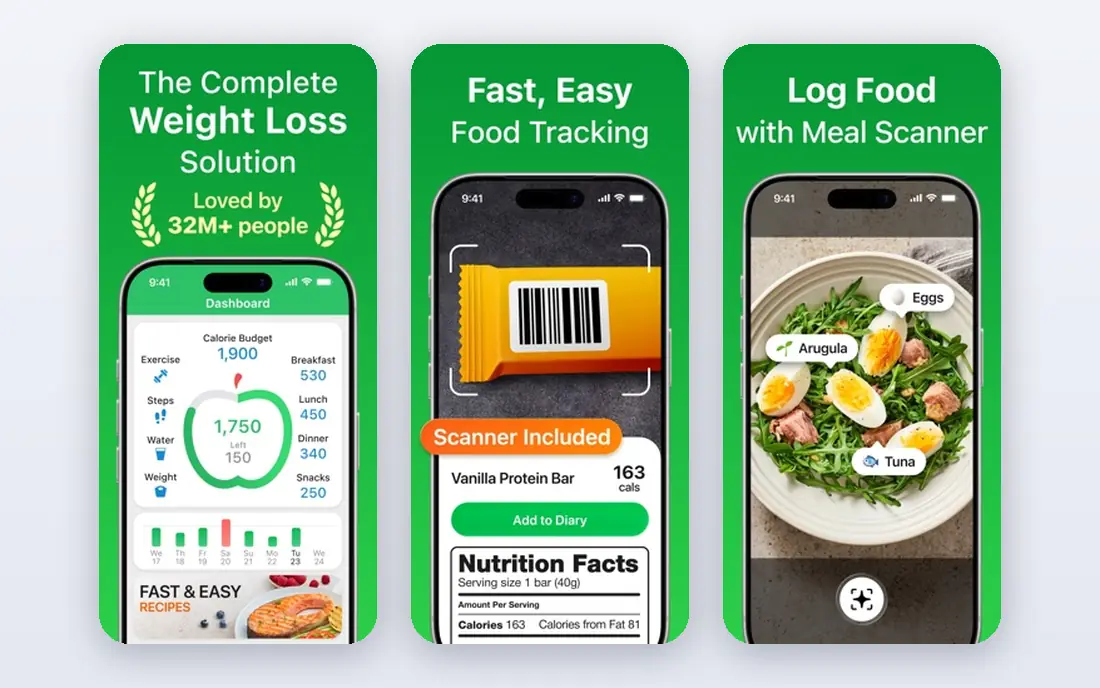
MyNetDiary is our top pick for readers who want a strong free tracker without constant upgrade prompts. The free tier includes barcode scanning, custom macro targets by grams or percentages, and a database built on verified sources. That combination is rare in 2026, when many rivals moved barcode scanning or gram targets behind a paywall. Paid tiers add AI coaching, meal planning and other advanced tools, with Premium listed at 59.99 dollars per year in recent comparisons. For most readers, the free tier covers daily logging well, and the paid tier is worth considering only if you want coaching or planning help. MyNetDiary suits readers who log daily and want accurate data without paying first.
- Free barcode scanning and macro targets
- Large staff verified food database
- No ads in the free tier
- AI coaching and advanced planning need paid tiers
- Some premium features sit in higher tiers
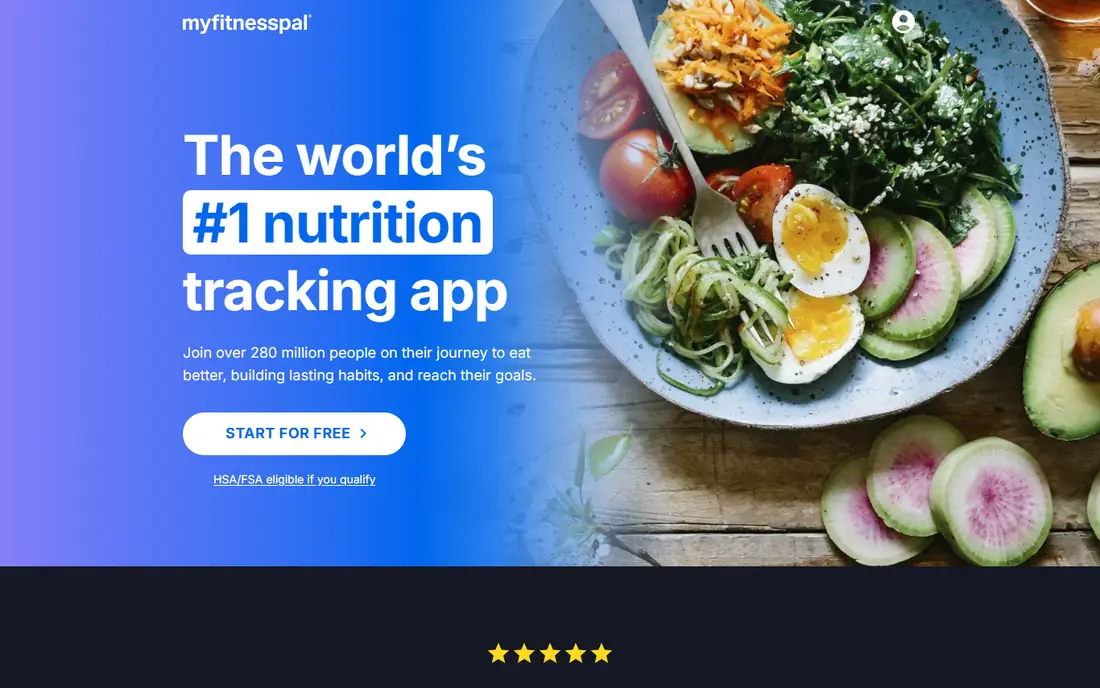
MyFitnessPal remains the most familiar name in food tracking, and its database is its main advantage. With millions of foods, including restaurant menus and branded items, it often finds a match for a meal that smaller apps miss. Integrations with fitness apps and devices also make it easy to bring steps and workouts into the same view. The free tier is more limited than it once was. Barcode scanning, photo logging and voice logging require Premium in the United States, with Premium listed at 79.99 dollars per year in recent comparisons. MyFitnessPal suits readers who already have history in the app, or who value database breadth over free logging tools. New users who want free barcode scanning should start with MyNetDiary or Cronometer.
- Very large food database with restaurant items
- Wide app and device integrations
- Familiar diary layout
- Barcode, photo and voice logging require Premium in the United States
- Free tier includes ads
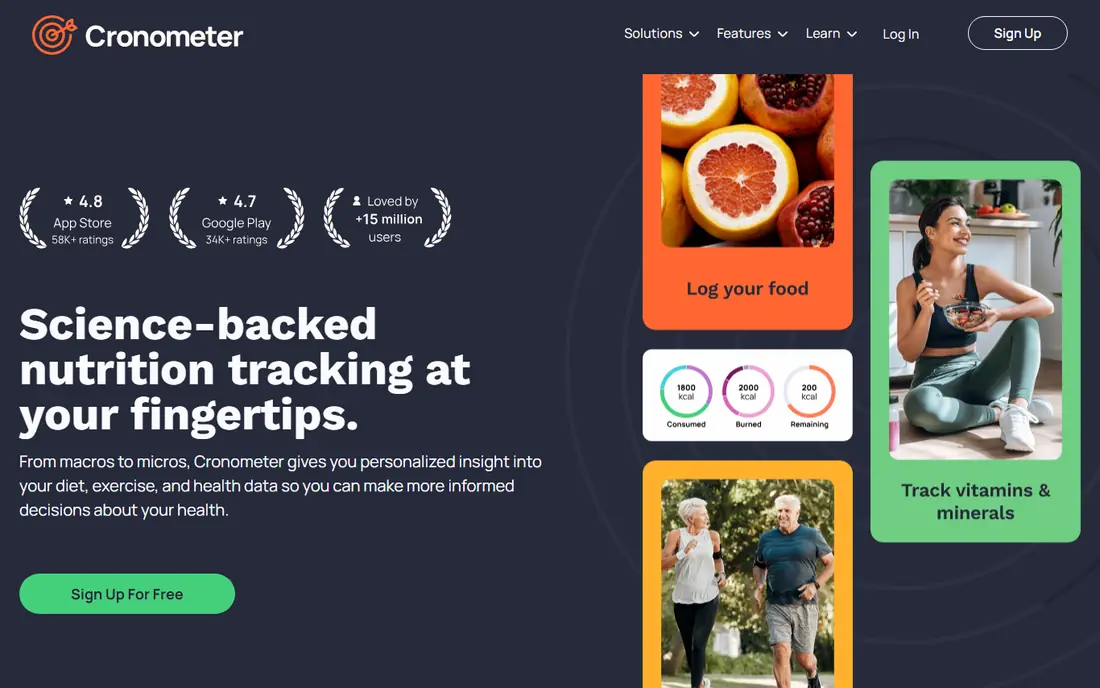
Cronometer is the pick for readers who care about more than calories. It tracks a wide range of vitamins, minerals and other nutrients, and its food data leans on verified sources rather than crowd sourced entries alone. Charts and reports help you see patterns over weeks, such as low fibre or high sodium, without exporting data elsewhere. That depth can feel like too much if you only want a daily calorie budget. The interface shows more numbers than a simple diary, and Gold, listed at 59.99 dollars per year in recent comparisons, adds coaching and other advanced tools. Cronometer suits readers who track nutrients for health reasons, follow a specific eating pattern, or want cleaner food data than a crowd sourced database provides.
- Detailed nutrient tracking with verified foods
- Free barcode scanning
- Strong charts and reports
- Depth can feel heavy for simple calorie counting
- Some coaching and fasting tools need Gold
Lose It keeps food tracking close to its core job: set a calorie budget, log food, track weight, and see progress. The diary is easy to read, and the app does not overload new users with nutrient charts on day one. That simplicity helps readers who want to build a daily habit without learning a complex system first. Premium, listed at 79.99 dollars per year in recent comparisons, adds barcode scanning, photo logging, voice logging and gram macro targets. The free tier still covers basic logging, but readers who scan many packaged foods will feel the limit quickly. Lose It suits beginners who want a straightforward weight loss diary and who are happy to search foods by name at first.
- Clear calorie budget and weight tracking
- Large food database
- Simple, friendly diary
- Barcode, photo and voice logging require Premium
- Macro targets by grams need Premium
MacroFactor takes a different approach from the diary apps above. Instead of giving you a fixed target and leaving it unchanged, it adjusts your calorie and macro targets based on your logged intake and weight trend over time. That adaptive model suits readers who already log consistently and want targets that respond to real progress, rather than a one time calculator result. The price reflects that coaching model, at 11.99 dollars per month or 71.99 dollars per year in recent comparisons, with a 7 day trial and no permanent free tier. Incomplete logging weakens the adaptation, so MacroFactor is a poor fit if you log only a few days a week. It is a strong fit for lifters, athletes and steady trackers who want data driven targets and are willing to pay for them.
- Adaptive calorie and macro targets based on logged data
- Clear expenditure estimates
- Strong macro coaching logic
- No permanent free tier
- Needs consistent, complete logging to adapt well
Yazio suits readers who want recipes and fasting support alongside basic tracking. The app offers meal ideas, a fasting tracker for common patterns, and a clean diary that is easy to use on a phone. Free tracking covers calories and basic macros, which is enough for many beginners. Pro, listed near 47.90 dollars per year in recent comparisons, adds deeper planning, nutrition analysis and other tools. Yazio has no web app in recent comparisons, so desktop logging is limited. Yazio is a good fit for readers who cook at home, try intermittent fasting, or want a guided feel without the depth of Cronometer.
- Recipe library and fasting tools
- Free basic calorie and macro tracking
- Friendly onboarding
- Many planning tools require Pro
- No web app in recent comparisons
- Barcode and photo logging need Pro in some cases
Lifesum focuses on guidance as much as logging. It offers diet plans, meal suggestions and habit tracking in a polished interface that feels more like a wellness app than a plain diary. That structure suits readers who want suggestions for what to eat next, rather than only a place to record what they already ate. The free tier is the limit. Recent reviews describe it as a preview of Premium, with meal plans, advanced tracking and many recipes behind the subscription. Lifesum Premium pricing varies by storefront, so check the current checkout price before you subscribe. Lifesum suits readers who already plan to pay for a guided plan and who value its interface and meal ideas over a strong free tier.
- Guided diet plans and meal ideas
- Polished interface
- Habit and lifestyle tracking
- Free tier is limited compared with MyNetDiary
- Many plans and recipes need Premium
FatSecret is a useful free alternative for readers who want simple tracking without a paywall on core tools. The free tier includes barcode scanning, macro tracking, a recipe builder and a web dashboard, which many paid rivals now restrict. Community features and a food diary add support for readers who like sharing progress. The interface is less polished than MyNetDiary or Lifesum, and Premium pricing varies by country, with recent reports citing a wide range. FatSecret suits readers who want a no frills free tracker and who do not mind an older design. If you want verified nutrient depth, Cronometer remains stronger, but for free daily logging FatSecret is hard to ignore.
- Free barcode scanning and macro tracking
- Recipe builder and community
- Web dashboard alongside mobile apps
- Interface feels older than newer rivals
- Premium features vary by country
How we picked these
We compared official feature pages, app store listings, pricing pages and public reviews for apps that are still available in October 2026. We favoured apps with a clear free or trial option, a food database a new user can search quickly, and a logging method that fits daily use. We also mixed simple diaries with nutrient focused and adaptive tools, so readers with different goals can find a fit. We did not claim hands-on testing of every meal log, because database accuracy and logging speed vary by food, region and device. Where prices differed by storefront or region, we used recent United States list prices from vendor and comparison pages and advised readers to check checkout pricing. That keeps the comparison honest without presenting a single storefront price as universal.
How to choose a tracker you will actually keep using
Start with the logging method you will use most. If you eat many packaged foods, free barcode scanning matters, and MyNetDiary, Cronometer and FatSecret have an edge. If you eat restaurant meals or home cooked food, database breadth and custom recipes matter more, and MyFitnessPal or MyNetDiary may fit better. Test the search for five meals you eat often before you pay, because a database that misses your staple foods will slow every log. Next, decide how much detail you want. A simple calorie budget suits Lose It or Yazio, while nutrient detail suits Cronometer and adaptive targets suit MacroFactor. Set a realistic logging routine, such as logging dinner first, then adding other meals as the habit forms. A tracker only helps if you use it most days, so ease of use matters more than a long feature list.
A note on health and tracking
Food tracking apps provide general nutrition information, not medical advice. Calorie and macro targets from an app are estimates, and they may not suit pregnancy, eating disorders, diabetes, or other health conditions. If you have a health condition, take medication that affects appetite or weight, or feel distressed by tracking, talk to a clinician or registered dietitian before you follow an app target. Use tracking as a learning tool, not as a strict rule for every meal.
Frequently asked questions
What is the best food tracking app free?
MyNetDiary is the strongest free option in this list, because it includes barcode scanning, macro targets by grams or percentages, and a verified database without ads in the free tier. Cronometer and FatSecret also offer useful free tiers with barcode scanning. The best food tracking app free for you depends on whether you want nutrient depth, where Cronometer leads, or simple logging, where FatSecret is enough.
What is the best food tracking app for weight loss?
Lose It suits beginners who want a simple calorie budget and weight chart, while MyFitnessPal suits readers who want a large database for restaurant and branded foods. MyNetDiary is a strong middle choice, with free barcode scanning and macro targets. Pick the app you will open daily, since consistent logging matters more than a small feature difference.
What are the best food tracking apps for macros?
MyNetDiary, Cronometer and MacroFactor lead for macros. MyNetDiary and Cronometer let you set gram targets free, while MacroFactor adjusts targets over time based on your trend. MyFitnessPal and Lose It offer percentage targets free, with gram targets in Premium. If you follow a fixed protein target, a free gram target app will save you a subscription.
What is the best diet tracker app for nutrients?
Cronometer is the best diet tracker app for nutrients, because it tracks a wide range of vitamins and minerals with verified food sources and clear charts. MyNetDiary also tracks many nutrients in its free tier. If you only need calories and macros, a simpler app will feel faster, but for nutrient detail Cronometer is the clear pick.
What is the best app food tracking for beginners?
Lose It and Yazio are the easiest starting points, with clear budgets, simple diaries and guided onboarding. MyNetDiary is also beginner friendly, with a stronger free tier. Start free, log for two weeks, and only pay if a specific paid feature, such as photo logging or coaching, would clearly save you time.
How do the best apps to track food handle privacy?
Most trackers collect food logs, weight and device data, and their privacy policies differ on sharing and retention. Prefer apps with clear privacy practices, such as data export, account deletion and limited third party sharing. Read the privacy policy before you sync health data, and avoid linking accounts you do not need for core logging.
Sources
See where you really rank - block by block
ProMapRanker scans Google Maps across a grid of your service area. Simple monthly plans from $19, white-label on every plan.
Start freeKeep reading
 youtube alternatives
Best YouTube Alternatives in 2026
Looking for youtube alternatives in 2026? We compare Vimeo, Dailymotion, Twitch, Rumble, and more on price, audience, monetization, control and privacy.
Read → what's the best ai tool for photo editing
What Is the Best AI Tool for Photo Editing in 2026
What is the best AI tool for photo editing? We compare ten tools for 2026, from Photoshop and Lightroom to Luminar, Topaz, Canva and mobile editors today.
Read → twitter alternatives
Best Twitter Alternatives in 2026
Compare the best twitter alternatives for 2026, from Bluesky, Threads, and Mastodon to Reddit, Tumblr, and Micro.blog, with free plans and audience notes.
Read →