 ProMapRanker
Best Food Service Management Software in 2026


Full-service and multi-concept restaurants · Pricing starts at: $69 per month
Key takeaways
- A point of sale system is the core of most food service software, but scheduling, inventory and reservations often come from separate tools.
- Square offers the lowest entry cost with a free plan, while Toast and Lightspeed suit larger or multi-location operations.
- Card processing rates can cost more than software fees, so compare the full monthly total, not just the headline plan price.
- Contract length and hardware lock-in matter as much as features, especially for a first restaurant.
Quick comparison
| Pick | Great for | Pricing starts at | Free tier | |
|---|---|---|---|---|
| Toast | Full-service and multi-concept restaurants | $69 per month | No | Visit |
 Square for Restaurants | Low-cost start with no contract | Free | Yes | Visit |
 Lightspeed Restaurant | Multi-location and fine dining | $69 per month | No | Visit |
 TouchBistro | iPad-based table service | $69 per month | No | Visit |
 SpotOn | Flexible terms for independents | See website | No | Visit |
 Clover | Bundled hardware and payments | See website | No | Visit |
 Restaurant365 | Multi-unit accounting and inventory | See website | No | Visit |
 7shifts | Staff scheduling and labour control | Free | Yes | Visit |
 OpenTable | Reservations and guest management | $149 per month | No | Visit |
The best food service management software
We compared platforms that run daily restaurant work, including ordering, payments, inventory, scheduling and reservations. Some tools do all of this in one system, while others do one job well and connect to your existing point of sale.
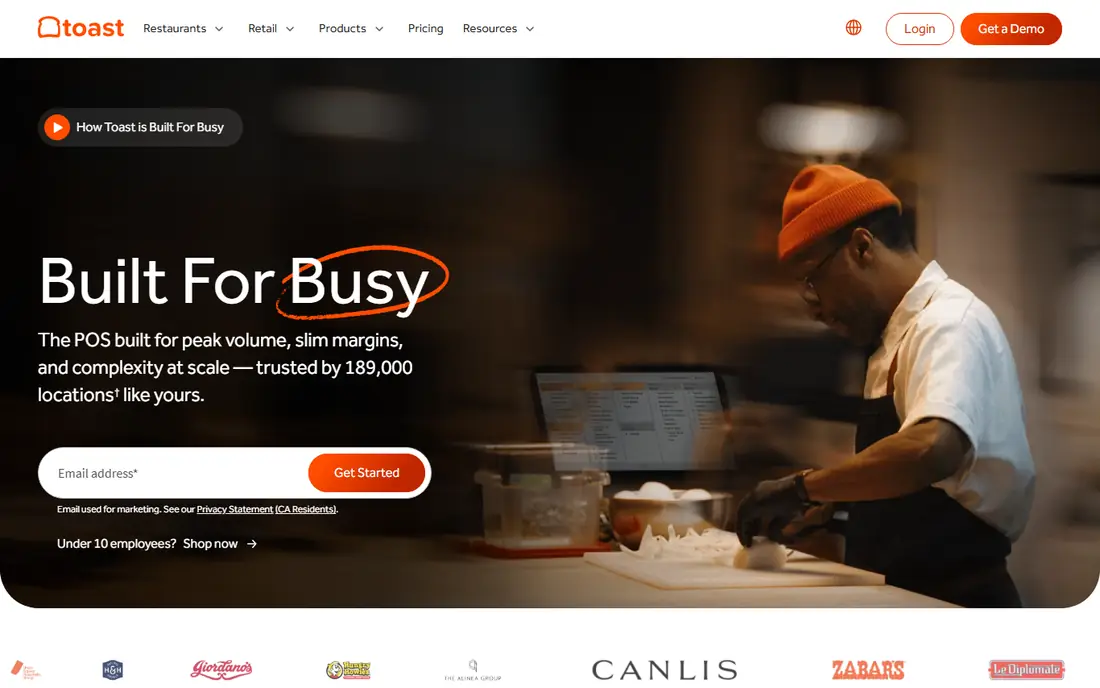
Toast is built for restaurants first, and that focus shows in table management, kitchen display, online ordering and menu tools that fit a busy dining room. It also offers payroll, inventory and reporting add-ons, so a growing group can keep more work in one system as it adds locations. For a full-service restaurant with complex service, Toast is often the default comparison point.
The costs need careful checking. Software starts at $69 per month for the point of sale plan, with a starter kit at $0 in some cases, but modules, devices and processing add to the total. Toast does not publish its in-person card rate on the same terms as Square, so ask for a written quote for your volume. Toast hardware is also required, which raises switching costs if you later change provider.
- Deep restaurant feature set
- Tableside and online ordering
- Strong reporting
- Toast-only hardware
- Processing rate not published
- Add-on modules add cost
Square for Restaurants suits a new cafe, food truck or small restaurant that wants to start without a large upfront bill. The free plan covers basic ordering and payments, with Plus at $49 per month and Premium at $149 per month per location for table service, floor plans and more advanced tools. Published card rates make comparison simple, and there is no long contract to escape if the fit is wrong.
The limits appear as volume grows. Processing fees can outweigh a flat software fee at high sales, and some features that Toast bundles need a higher Square tier or an add-on. Square also requires its own payment processing, so you cannot bring a cheaper processor. For a small operation that values flexibility, Square is still the easiest safe start in this list.
- Free plan available
- No long contract
- Clear published rates
- IPad hardware
- Advanced features need paid tiers
- Processing fees rise with volume
- Square-only payments
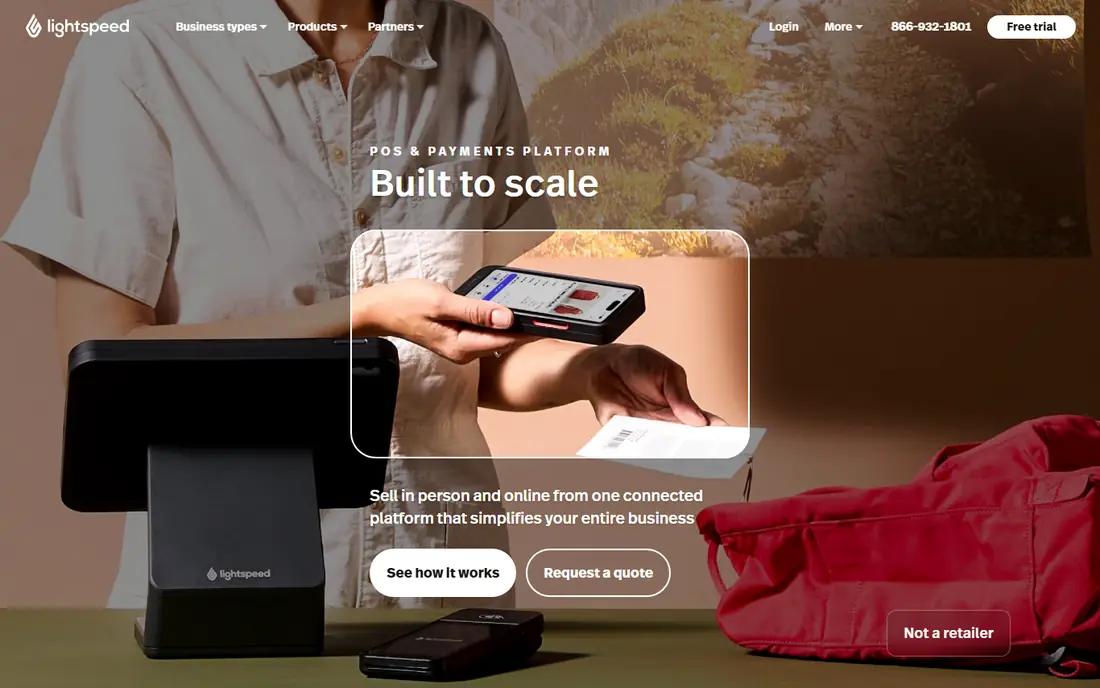
Lightspeed Restaurant fits groups and fine dining rooms that need central menus, stock control across sites and detailed reporting. Its menu tools handle modifiers, courses and pricing changes well, and its reporting helps managers compare locations without exporting data to spreadsheets. Integrations with accounting, loyalty and online ordering tools extend the system further.
At $69 per month to start in the US, Lightspeed looks similar to Toast on paper, but the full cost depends on add-ons and devices. Small single-site restaurants may find the depth more than they need, and staff training takes longer than with Square. For a multi-location group, that depth is the point, and Lightspeed earns its place here.
- Strong multi-location reporting
- Menu and inventory depth
- Broad integrations
- Higher total cost with add-ons
- Learning curve for small teams
TouchBistro runs on iPad, which keeps hardware costs lower than proprietary terminal systems and makes tableside ordering simple. Its table management, floor plans and menu tools suit full-service restaurants, and recipe management with allergen mapping helps kitchens handle dietary requests with care. Staff can learn the interface quickly because it follows familiar tablet patterns.
The $69 per month starting price is for software only, so iPads, stands, printers and payment hardware sit on top. TouchBistro also sells add-ons for reservations, online ordering and loyalty, which can push the monthly total up. For a table-service restaurant that prefers iPad hardware, TouchBistro is a practical alternative to Toast and Lightspeed.
- IPad-native design
- Table and menu management
- Recipe and allergen tools
- Software-only price excludes hardware
- Add-ons increase cost
SpotOn appeals to independent restaurants that want a capable point of sale without a rigid long-term deal. Its plans cover ordering, payments, marketing and loyalty tools, and some pricing is published per station, which helps a small restaurant estimate cost. The system also bundles guest-facing tools that other vendors sell separately, such as online ordering and review prompts.
Pricing is less simple than Square because station count and plan choice change the total, and processing rates should be confirmed in writing. SpotOn is best for an owner who will compare a written quote with Toast and Square, and who values flexible terms over the deepest multi-location reporting. Get the full monthly figure, including devices, before you sign.
- Flexible contract options
- Bundled guest tools
- Published station pricing in some plans
- Pricing varies by plan and station count
- Processing terms need checking
Clover sells restaurant bundles that include devices and software, which can simplify setup for a restaurant that wants one supplier for hardware and payments. Its app marketplace adds tools for loyalty, inventory and online ordering, and its devices cover counter, tableside and kitchen use. For a restaurant that prefers a single bundle over buying hardware separately, Clover is convenient.
The drawback is contract and price clarity. Restaurant bundles often run for 36 months, and pricing varies by reseller, so two restaurants can pay different amounts for a similar setup. Ask for the total term cost, the monthly software fee after any upfront payment, and the exit terms in writing. Clover fits owners who will negotiate and who want bundled hardware, not owners who want a month-to-month start.
- Hardware included in bundles
- App marketplace
- Strong counter and table options
- Long bundle terms
- Pricing varies by reseller
- Less transparent than Square
Restaurant365 is back-office software rather than a front-of-house point of sale, and that distinction matters. It connects accounting, inventory, purchasing and scheduling for multi-unit groups, helping finance teams track food cost, labour cost and margins across locations. A group that already has a point of sale can use Restaurant365 to replace spreadsheets and separate accounting tools.
Pricing is quote only, and implementation takes effort, since chart of accounts, inventory items and supplier data need setup. A single cafe will not need this depth, and the cost will reflect that. For a group with five or more locations, Restaurant365 can pay for itself by tightening food and labour controls, which are often the largest controllable costs.
- Integrated accounting, inventory and scheduling
- Multi-unit reporting
- Food cost control
- Quote-only pricing
- Overkill for a single small restaurant
- Implementation effort
7shifts solves one problem well: getting the right staff on shift at the right cost. It covers scheduling, availability, time tracking, messaging and labour cost reporting, and it connects to common point of sale systems so sales data can inform staffing. A free plan covers small teams, which makes it an easy add-on for a restaurant that already has a point of sale but still schedules in a spreadsheet.
It is not a replacement for Toast, Square or Lightspeed, since it does not take orders or payments. Larger teams need a paid plan, and the best features sit in higher tiers. Pair 7shifts with your existing point of sale when labour cost is the main worry, rather than buying a whole new point of sale to fix scheduling alone.
- Free plan for small teams
- Scheduling, time tracking and labour reporting
- POS integrations
- Not a point of sale
- Paid features needed for larger teams
OpenTable is the reservation and guest management choice for full-service restaurants that want diners to find and book them online. It handles bookings, table management, guest profiles and waitlists, and its diner network can bring new guests who search by area, cuisine or time. Marketing tools and guest history help a restaurant recognise repeat diners and tailor service.
OpenTable does not replace a point of sale, so it adds to your software stack rather than replacing it. Pricing starts around $149 per month, with cover charges applying in some plans, so check the total for your reservation volume. For a busy dining room that lives on reservations, OpenTable is worth the extra cost. For a counter-service spot, it is unnecessary.
- Large diner discovery network
- Table and guest profiles
- Marketing tools
- Monthly fee plus cover charges in some plans
- Not a full point of sale
How we picked these
We compared official pricing pages, plan features, hardware requirements, contract terms and the core jobs each tool covers, from ordering and payments to scheduling, inventory and reservations. We kept tools that are live in the US in October 2026 and that fit food service work, rather than generic retail or accounting software alone. Where pricing varies by reseller or quote, we say so instead of publishing a single figure that would mislead.
What to check before you buy
Start with your service style. A counter-service cafe needs fast ordering and simple menus. A full-service restaurant needs tables, coursing and kitchen display. A multi-unit group needs central reporting and inventory control. Buying a system built for a different style leads to workarounds that staff resent and that slow service.
Total cost, contract and hardware
Ask each vendor for a written total that includes software, devices, add-ons and card processing at your expected volume. Confirm contract length, early exit fees and what happens to your data if you leave. Check if you must use the vendor's hardware and processor, since those limits raise switching costs later. A free plan is useful for testing, but it rarely covers a full dining room.
Frequently asked questions
What is the best software for a small restaurant?
Square for Restaurants is the lowest-risk start for a small restaurant, thanks to its free plan and lack of a long contract. TouchBistro and SpotOn are good next steps if you need deeper table service or bundled guest tools. Compare processing costs at your volume before you choose.
Do I need separate software for scheduling and accounting?
Not always. Many point of sale systems include basic inventory and reporting, but dedicated tools do scheduling and accounting better. 7shifts covers scheduling, while Restaurant365 covers multi-unit accounting and inventory. A single restaurant can often manage with point of sale reports plus a scheduling tool.
How much does restaurant management software cost per month?
Software fees in this list run from free to around $149 per month to start, before hardware, add-ons and card processing. Processing often costs more than software at normal sales volumes, so ask for the full monthly total. Quote-only tools such as Restaurant365 need a sales quote for an accurate figure.
Can I switch point of sale systems later?
Yes, but switching costs time and money, especially if you bought vendor hardware or signed a long contract. Export your menu, customer and sales data before you cancel, and train staff on the new system before launch. Month-to-month systems such as Square make switching easier than 36-month bundles.
Is OpenTable worth it for a small restaurant?
OpenTable is worth it when reservations drive a large share of covers and diner discovery matters. For counter service, takeaway or a small cafe with walk-ins only, the monthly fee adds cost without matching benefit. Check cover charges for your booking volume before you sign.
Sources
See where you really rank - block by block
ProMapRanker scans Google Maps across a grid of your service area. Simple monthly plans from $19, white-label on every plan.
Start freeKeep reading
 zoro.to alternatives
Best Zoro.to Alternatives in 2026
We compare the best zoro.to alternatives in 2026, listing only legal licensed anime streaming services, from Crunchyroll to free options for fans today.
Read → zip alternatives
Best Zip Alternatives in 2026
We compare the best zip alternatives for buy now, pay later in 2026, covering pay-in-4 plans, fees, spending limits, and credit reporting options today.
Read → yesware alternatives
Best Yesware Alternatives in 2026
Compare the best yesware alternatives for sales email tracking, templates, and sequences, with current pricing and honest tradeoffs for small sales teams.
Read →