 ProMapRanker
Best Food Journal App in 2026


Largest food database and device links · Pricing starts at: $19.99 per month
Key takeaways
- Cronometer and FatSecret give the most useful free tiers, with barcode scanning included.
- MyFitnessPal still has the widest food database, but its best logging tools need Premium.
- Lose It and Yazio are simpler daily journals, while MacroFactor suits committed macro trackers.
- A food journal helps you see patterns, but it is not a medical device and cannot diagnose a condition.
Quick comparison
| Pick | Great for | Pricing starts at | Free tier | |
|---|---|---|---|---|
| MyFitnessPal | Largest food database and device links | $19.99 per month | Yes | Visit |
 Lose It | Simple weight-loss journaling | $79.99 per year | Yes | Visit |
 Cronometer | Detailed nutrient tracking | $10.99 per month | Yes | Visit |
 Yazio | Fasting and meal plans in one app | $47.90 per year | Yes | Visit |
 MyNetDiary | Feature-rich free journaling | $59.99 per year | Yes | Visit |
 FatSecret | Free journaling on a budget | See website | Yes | Visit |
 Lifesum | Diet styles and meal ideas | See website | Yes | Visit |
 MacroFactor | Adaptive calorie and macro targets | $11.99 per month | Free trial | Visit |
The best Food Journal App in 2026
We compared eight food journals on database quality, free-tier limits, nutrient detail, and how fast daily logging feels.
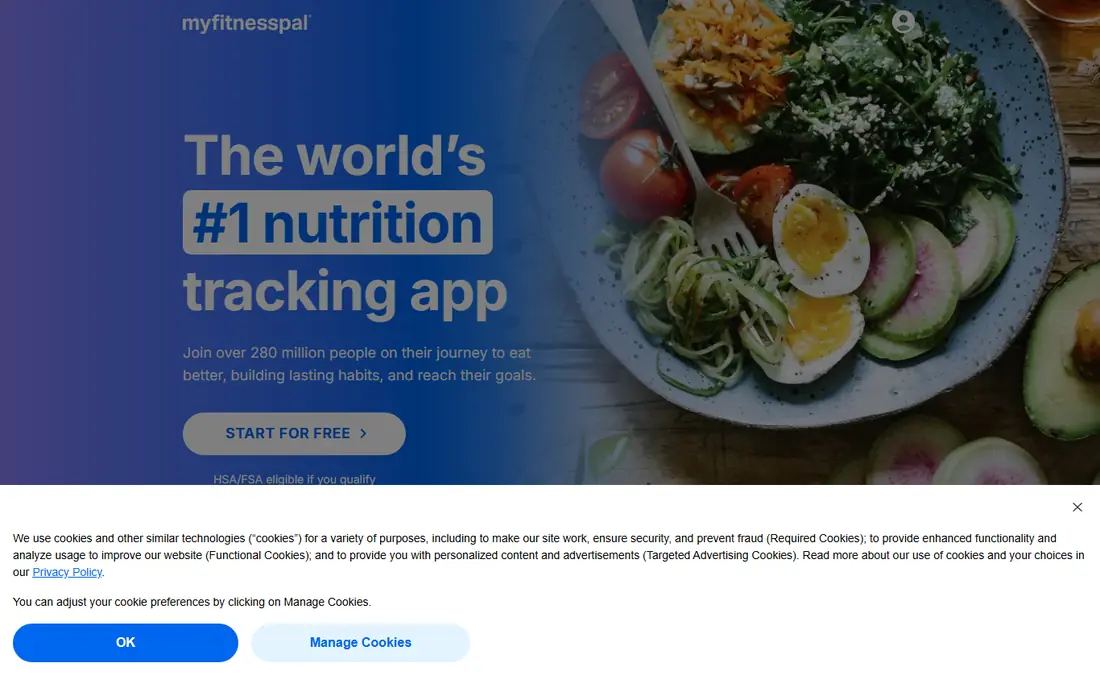
MyFitnessPal is the default pick for many people because its food database covers branded items and restaurant dishes that smaller apps miss. Logging is fast once your frequent foods are saved, and device links pull activity in without manual entry.
The free version is workable for basic logging, but barcode scanning now needs Premium, which changes the daily experience. If you scan most meals, budget for Premium or pick an app that keeps scanning free.
For a short trial, use MyFitnessPal for a real week of normal use before you judge it, since first-day setup rarely shows daily friction.
- Very large food database
- Links to many fitness devices
- Recipe and meal tools
- Barcode scanning sits behind Premium
- Free version shows ads
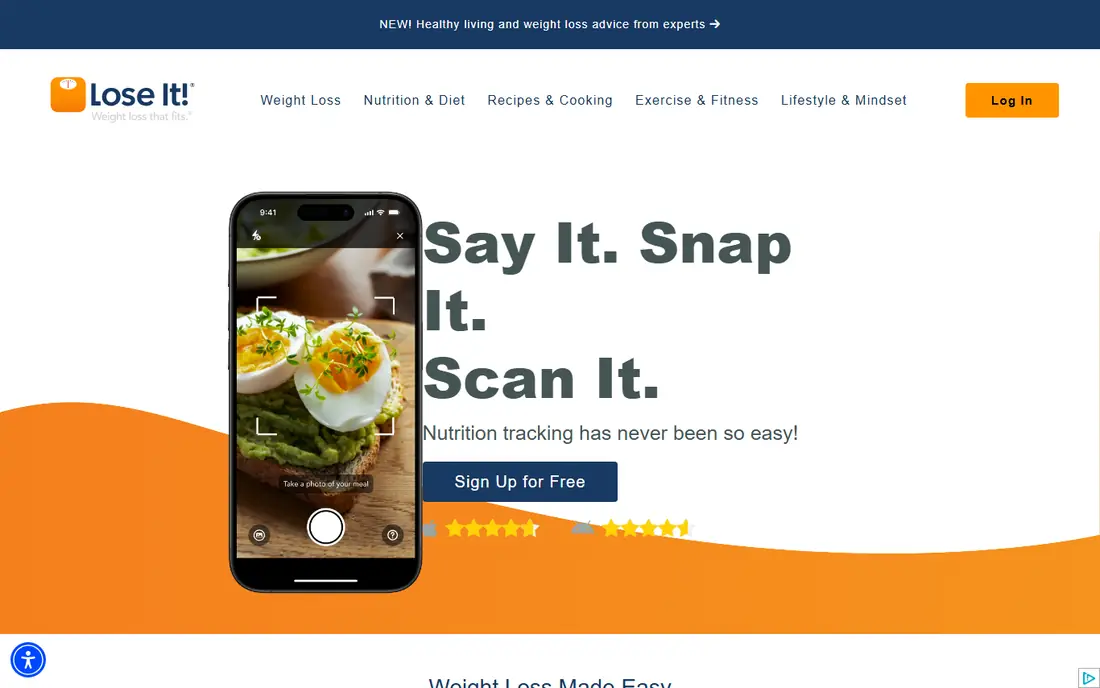
Lose It suits people who want a journal, not a nutrition textbook. The interface keeps daily logging short, and its pattern views help you see which days tend to run high without a lot of setup.
The trade-off is depth. If you need detailed vitamin and mineral tracking, another app on this list will serve you better. Lose It is strongest for steady calorie and weight tracking.
Before you pay, check the free tier against the feature you will use most, because that one limit usually decides if Lose It stays on your phone or desktop.
- Clean, simple logging flow
- Photo logging on paid plans
- Goal and pattern views
- Barcode and photo logging need Premium
- Nutrient detail is thinner than Cronometer
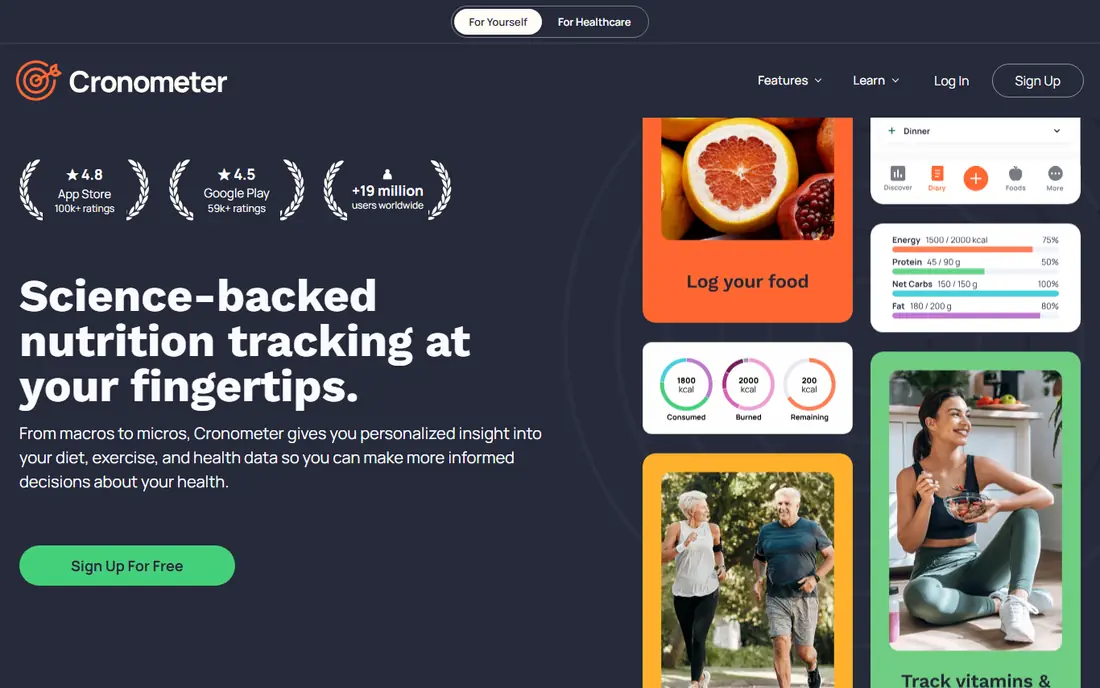
Cronometer is our pick for people who care about nutrients, not just calories. Its data sources are more tightly checked, and the free plan keeps barcode scanning, which is rare among leading apps.
The detail can feel like work in week one. Once you build a list of regular foods, logging speeds up, but casual users may prefer a simpler journal.
A quick check helps here: open Cronometer, search for your own neighborhood, class, or portfolio, and see if the results feel current and complete.
- Verified nutrient data
- Barcode scanning on the free plan
- Tracks many micronutrients
- Interface feels detailed and busy at first
- Food database is smaller than MyFitnessPal
Yazio combines a food journal with fasting tools and meal plans, so it fits people who already follow a fasting routine. The daily view is clear, and recipes give ideas when logging feels repetitive.
The lack of a web app is a real limit for people who log at a desk. Many planning tools also sit behind Pro, so check the free plan against your routine before you commit.
If you are torn between two picks, run Yazio beside the other option for a few days and keep the one that fits your routine with less effort.
- Fasting timer plus food journal
- Recipes and meal plans
- Clear daily targets
- No web app
- Barcode and photo logging need Pro
MyNetDiary gives more in its free tier than most rivals, which makes it a smart first try. It handles diet plans, diabetes tracking, and detailed reports without pushing you to pay at once.
Its look is less modern than MyFitnessPal or Lifesum, and that may matter if a pleasant interface keeps you logging. On features alone, though, it punches above its price.
The practical test for MyNetDiary is simple: does it save time on a busy day, or does it add steps you will skip when you are tired?
- Strong free tier
- Diabetes and diet plan options
- Detailed reports
- Design feels dated in places
- Some coaching tools need paid plans
FatSecret is the best no-cost starting point if you do not want to pay. Barcode scanning and the full food database are free, which removes the main paywall that other apps use.
The free version carries ads, and the paid tier adds less obvious value than Premium plans elsewhere. For basic daily journaling, the free plan is often enough on its own.
When you trial FatSecret, note what happens at the edge cases, such as a busy night, a large class set, or an unusual food or sound, since those moments reveal limits.
- Barcode scanning and full database on the free plan
- Community and challenges
- Simple interface
- Ads in the free version
- Premium features are less distinct than rivals
Lifesum is a good fit if you follow a named diet style and want meals that fit it. Its design is pleasant, and the plan views make a new eating pattern easier to follow from day one.
It is less useful as a deep nutrient tracker. If you need exact micronutrient totals, Cronometer remains the better tool, while Lifesum wins on meal ideas and presentation.
For most buyers, the decision on Lifesum comes down to fit, not to a single feature, so weigh the daily workflow more than the feature list.
- Diet plans for keto, Mediterranean, and other styles
- Recipes
- Clean visual design
- Many planning features need Premium
- Nutrient detail is basic
MacroFactor is different because its targets change with your logged data and weight trend, rather than staying fixed. For people who already log most days, that adaptive approach can feel more honest than a static goal.
It is not a casual trial app. Without a free tier and with a need for consistent logging, it suits committed users who want macro coaching and are willing to pay for it.
Keep MacroFactor only if it still feels useful after the novelty fades, since a tool you stop opening cannot help, no matter how strong its list looks.
- Targets adapt as you log
- Strong macro focus
- No ads
- No permanent free tier
- Needs steady logging to adapt well
How we picked these
This is not medical advice. A food journal can help you notice patterns and support a plan you discuss with a clinician or dietitian, but it should not replace professional advice, especially for diabetes, eating disorders, pregnancy, or any condition that affects diet. We checked each vendor site and store listing in October 2026 for current prices and free-tier limits, and we favored apps that are still active, that log common foods quickly, and that explain what sits behind a paywall. Where prices varied by source, we used See website rather than guess.
We also checked for gaps that matter in daily use, such as whether a free plan covers the core job, whether a paid plan is needed for a common feature, and whether the product is still maintained. Where a vendor page and a store listing disagreed, we favored the vendor page for price and the store listing for platform availability, and we used See website when the price could not be confirmed cleanly.
Choosing the right food journal app
Start with how you actually eat. If most meals are packaged or branded, a large database matters more than nutrient detail. If you cook from raw ingredients, verified nutrient data and recipe tools matter more. Try the free tier for a full week of real meals before you pay, since a journal only helps if you keep using it.
Next, check the paywall that affects your habit. Barcode scanning, photo logging, and fasting timers are the features most often locked behind paid plans, and they change daily use more than extra reports do. If you scan everything, pick an app that keeps scanning free or budget for it from the start.
Finally, keep the goal modest. Log the main meals, review the week, and look for one repeatable change, such as a snack that often pushes the day high. A journal that takes two minutes a day will beat a detailed one you abandon in week two.
Before you commit, read the current terms on the vendor site, check the cancellation steps, and confirm the price for your region and billing period. Prices and free tiers change, and a short trial with your real data will tell you more than any feature list. Keep a note of what you liked and what frustrated you during the trial, then choose the option that still feels easy after a full week.
Frequently asked questions
What are the best food diary apps?
MyFitnessPal, Lose It, Cronometer, Yazio, MyNetDiary, FatSecret, Lifesum, and MacroFactor are the strongest food diary apps in 2026. The best one depends on whether you want a large database, free barcode scanning, or detailed nutrient data.
What are the best food journal apps for free?
FatSecret and Cronometer offer the most useful free plans, since both include barcode scanning. MyNetDiary also gives a strong free tier, while MyFitnessPal and Lose It keep some logging tools behind Premium.
Is MyFitnessPal still worth it in 2026?
It is worth it if you value its large database and device links and you are willing to pay for Premium barcode scanning. If free scanning matters more, Cronometer or FatSecret may fit better.
Which food journal app tracks micronutrients best?
Cronometer tracks the widest set of micronutrients with more tightly checked data sources. MyFitnessPal and Lose It focus more on calories and macros.
Do food journal apps help with weight loss?
They can help by making intake visible and showing patterns over weeks. Results depend on steady logging and on a plan that fits your health needs, so talk with a clinician if you have a medical condition.
Sources
See where you really rank - block by block
ProMapRanker scans Google Maps across a grid of your service area. Simple monthly plans from $19, white-label on every plan.
Start freeKeep reading
 zscaler alternatives
Best Zscaler Alternatives in 2026
Looking for zscaler alternatives? We compare 9 SASE and zero trust platforms on architecture, data protection, pricing, and fit for your network and team.
Read → zapier alternatives free
Best Zapier Alternatives Free in 2026
Nine automation tools for zapier alternatives free in 2026, all with genuinely free tiers, plus free plan limits, starting prices and upgrade paths explained.
Read → which platform is best for online reputation
Which Platform Is Best for Online Reputation in 2026
Wondering which platform is best for online reputation? We compare 8 review, listing, and response tools for small and multi-location businesses and agencies.
Read →