 ProMapRanker
8 Top Flow Diagram Software Options Compared (2026)

Key takeaways
- Cacoo takes the first slot, best suited to team diagramming from Nulab.
- For EdrawMax and Gliffy, you have to request a quote because no starting price is shown.
- Free access is easy to find: 6 of the 8 tools have a free plan, for example Cacoo, Miro, Whimsical and Creately.
- The main caution on Whimsical: less depth than Lucidchart.
Direct answer
For team diagramming from Nulab, Cacoo is where this list starts. Alternatives: EdrawMax for all-in-one diagramming suite, and Miro for collaborative diagramming in workshops. The remaining 5 options are covered below with prices and limits.
Quick comparison
| Pick | Great for | Pricing starts at | Free tier | |
|---|---|---|---|---|
 Cacoo | Team diagramming from Nulab | Free | Yes | Visit |
 EdrawMax | All-in-one diagramming suite | See website | Free trial | Visit |
 Miro | Collaborative diagramming in workshops | Free | Yes | Visit |
 Whimsical | Quick, beautiful flowcharts | Free | Yes | Visit |
 Creately | Diagramming with data-linked visuals | Free | Yes | Visit |
 Lucidchart | Business flowcharts and process maps | Free | Yes | Visit |
 Gliffy | Straightforward diagramming inside Atlassian tools | See website | Free trial | Visit |
 diagrams.net | Free diagramming without limits | Free | Yes | Visit |
8 options for flow diagram software in detail
If you are comparing flow diagram software, this page covers 8 tools in one place: what each is best for, what it costs to start, whether it has a free plan, and the main limit to know about.
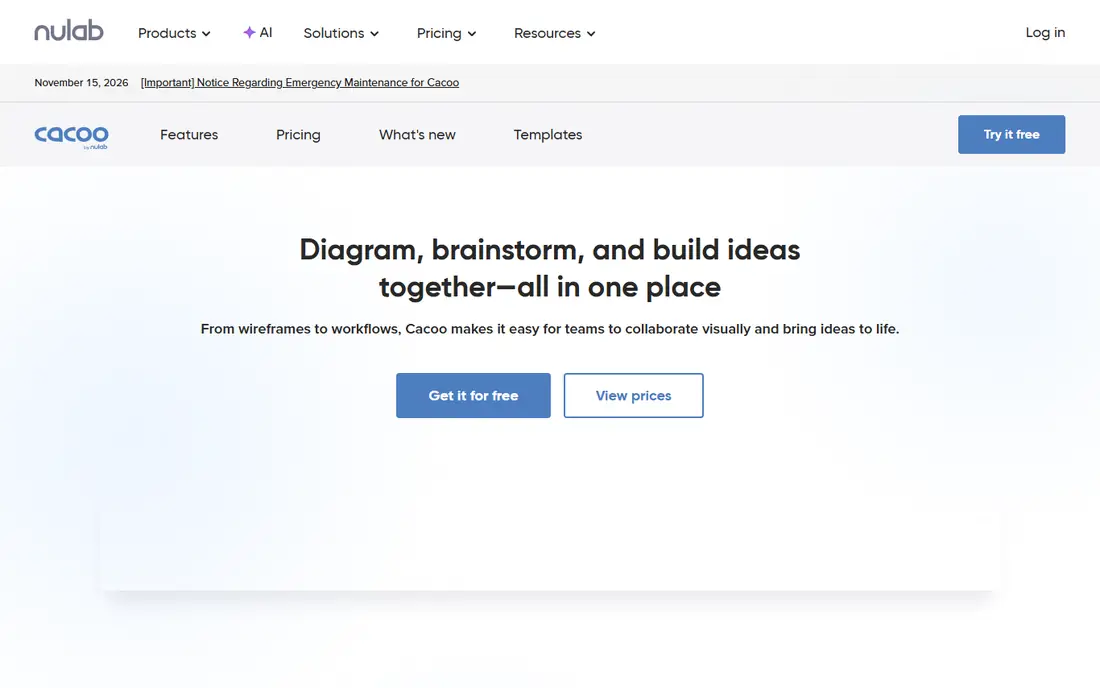
Choose Cacoo for team diagramming from Nulab. The interface is straightforward, the Nulab integrations suit existing customers, and the free level spans team use. More specifically, for Nulab shops, it is the natural diagramming choice.
Outside the Nulab ecosystem there is less reason to choose it. But as a straightforward collaborative diagrammer, especially for existing Nulab teams, Cacoo is pleasant and capable. On cost, Cacoo starts like this: Free. A free plan is available with Cacoo.
Honest limits: Less known outside Nulab users.
- Straightforward interface
- Live team collaboration
- Template library is modest
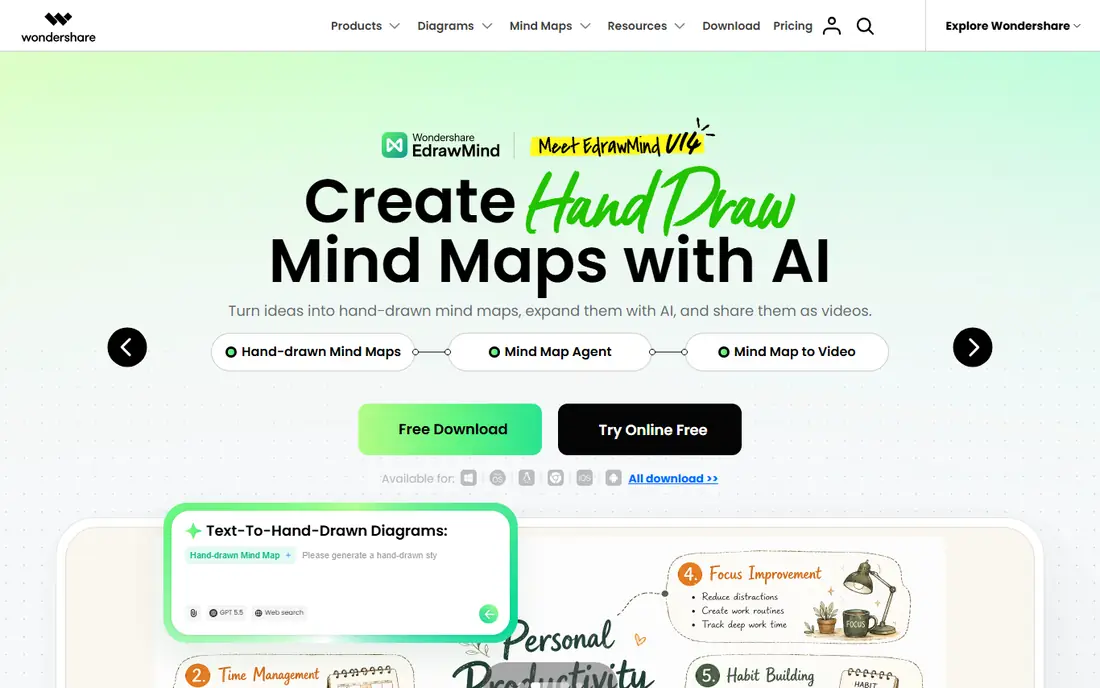
EdrawMax makes the most sense for all-in-one diagramming suite. The sheer breadth is unmatched at the price. Also, desktop and online versions exist, and perpetual licenses appeal to buyers tired of subscriptions.
Limits to weigh: Brand is less known in the West.
As for the details, the interface is dense with the weight of all those diagram types, and collaboration is entry-level compared with cloud-native tools. But for individual users and small teams that require plenty of diagram types without numerous subscriptions, EdrawMax's breadth-for-price is compelling. EdrawMax does not show a starting price in this comparison, so check the vendor site for current pricing. Trial and free access: Free trial.
- Desktop plus online
- Budget-friendly perpetual choices
- Interface is dense

Miro is a good fit for collaborative diagramming in workshops. Teams map processes together on an infinite canvas during workshops, with flowcharts emerging from sticky notes and discussion. That social process produces diagrams people actually understand, since they built them together.
Where it is weaker: Can feel chaotic.
Miro approaches diagrams from collaboration rather than documentation. Team pricing brings up, and large boards can feel chaotic without facilitation. Miro starts at: Free. Miro offers a free plan.
- Flowcharts emerge from workshops naturally
- Huge template library
- Pricing climbs with teams
Think of Whimsical for quick, beautiful flowcharts. Whimsical optimized for speed and beauty. In practice, the free tier includes genuine use.
In practice, depth is the trade-off. But most flowcharts are straightforward, and Whimsical makes straightforward quick and pleasant. In practice, for product teams that diagram constantly, the time savings compound. Whimsical pricing: Free. Whimsical has a free plan.
Where it is weaker: Less depth than Lucidchart.
- Wireframes and docs in one
- The fastest flowcharting experience
- Advanced diagram types are thin
Creately is aimed squarely at Diagramming with data-linked visuals. Collaboration and a wide diagram catalog round out the package.
Worth adding: Creately differentiates with data-linked diagrams: link a diagram to data sources and visuals update as the data changes. What you pay to start with Creately: Free. A free plan is available with Creately.
What to check first: Advanced features need premium plans.
- Decent collaboration
- Wide diagram types
- Interface is busy
Lucidchart is aimed squarely at business flowcharts and process maps. Lucidchart became the default business diagramming tool by being decent at the unglamorous parts: process flows, org charts, system diagrams and network maps that teams actually maintain. Beyond that, the template library includes most business diagramming needs, collaboration works in live, and integrations with Google Workspace, Microsoft and Atlassian put diagrams where work happens.
The company now operates under the Lucid brand, which is why the homepage moved. But for business process documentation that several people maintain, Lucidchart's combination of depth and familiarity keeps it the standard. What you pay to start with Lucidchart: Free. Free access exists with Lucidchart.
Watch-outs: Can feel heavy for fast sketches.
- Huge template and shape libraries
- The business standard for a reason
- Meaningful use needs a premium plan
Gliffy is designed for straightforward diagramming inside Atlassian tools. Gliffy found its niche inside Atlassian: diagrams embedded straight in Confluence pages and Jira issues. Per-user pricing in the Atlassian marketplace layers on up.
But Confluence-centric teams that require adequate diagramming where their docs live still find Gliffy practical. From a buyer's view, as a standalone diagrammer it provides less than the leaders, and development pace has slowed. In daily use, for teams documenting processes where the documentation already lives, that embedding removes context switching. Check the vendor site for Gliffy pricing; none is listed in this comparison. On free options: Free trial.
Where it is weaker: Innovation has slowed.
- Capable Confluence and Jira integration
- Adequate for entry-level diagrams
- Pricing per user adds up
diagrams.net is a good fit for free diagramming without limits. It manages flowcharts, network diagrams, UML and more with no document limits, no watermark and no account required.
It links up with Confluence, Google Drive and GitHub, and the desktop app works offline. Beyond that, for anyone who needs real diagrams without a budget, this is the answer, full stop. Entry price for diagrams.net: Free. A free plan is available with diagrams.net.
Points against: Interface is utilitarian.
- Connects with Confluence and Google Drive
- Runs in browser or desktop
- No live collaboration
How we built this list
Selection started from tools commonly considered for flow diagram software, then narrowed to 8 that have clear pricing information or a clear quote process. Prices and plan limits come from vendor pages and can change, so confirm them on the vendor site before you buy. The ranking is editorial: typical fit first, then clear pricing, then free access. If your needs are unusual, read the profiles rather than relying on position.
Before you commit
- Ask EdrawMax and Gliffy for a written quote, since no starting price is shown.
- Look at free plan limits closely: Cacoo, Miro, Whimsical and others have one, and the caps decide whether it is usable for real work.
- Take the trial from EdrawMax and Gliffy and push a live task through it before you pay.
- Read the limits listed for Cacoo first: smaller feature set.
- Pick one real project and run it in Creately first; a small pilot shows fit faster than a checklist.
- Confirm the exact EdrawMax plan that includes your must-have features.
Frequently asked questions
Do these tools publish their prices?
Not all of them. EdrawMax and Gliffy publish no starting price, so expect a quote request for those. The rest, Cacoo included, show a starting price, though seats and billing terms still change the final cost.
Which diagram tool is a good match for teams?
For most readers this guide would start with Cacoo, built for team diagramming from Nulab. EdrawMax is the alternative for all-in-one diagramming suite, and Miro for collaborative diagramming in workshops. The right answer depends on budget and workflow.
Is Lucidchart still called Lucidchart?
The product is still Lucidchart, but the company rebranded to Lucid and the homepage moved to lucid.co. Existing accounts and links continue to work. The product itself is unchanged apart from normal development.
Which options for flow diagram software have a free plan?
6 of the 8 tools have a free plan, including Cacoo, Miro, Whimsical and Creately. Free plans usually cap users, projects or features, so check the limits on the vendor page. Several others offer a trial instead.
What is the best free flowchart software?
Cacoo comes first here and is built for team diagramming from Nulab. Buyers with other needs may prefer EdrawMax (for all-in-one diagramming suite) or Miro (for collaborative diagramming in workshops). Compare costs and limits first.
How are the tools for flow diagram software ordered?
The order follows typical fit for flow diagram software, with Cacoo first and diagrams.net last, then price clarity and free access. It is editorial judgement, not a score, so another team could rank the tools differently.
Sources
See where you really rank - block by block
ProMapRanker scans Google Maps across a grid of your service area. Simple monthly plans from $19, white-label on every plan.
Start freeKeep reading
 zoho inventory alternatives
6 Alternatives to Zoho Inventory, Compared on Price and Fit
Zoho Inventory alternatives: 6 tools compared on price, free plans and fit. Katana leads the list for manufacturers. Fit and flaws are laid out for each entry.
Read → zoho crm alternatives
Best Zoho CRM Alternatives (2026)
Need Zoho CRM alternatives? We compare 7 tools on cost, free access and who each suits. Every pick gets a straight assessment. Built for quick decisions.
Read → zelle alternatives
Best Zelle Alternatives in 2026
Compare the best Zelle alternatives for sending money to friends, paying sellers and moving funds abroad, with honest notes on fees, speed and safety in 2026.
Read →