 ProMapRanker
Best Flight Tracker App in 2026


Map first tracking for enthusiasts · Pricing starts at: Free
Key takeaways
- FlightAware is the best practical pick for travel days, with inbound aircraft tracking, gate updates, and delay alerts.
- Flightradar24 is the best map first pick for enthusiasts, with detailed aircraft data, photos, and playback.
- Plane Finder suits casual spotting with AR sky pointing, while FlightView suits simple status boards and delay checks.
- Most travellers only need a free tier, so pay only if you want longer history, fewer ads, or advanced filters.
Quick comparison
| Pick | Great for | Pricing starts at | Free tier | |
|---|---|---|---|---|
| Flightradar24 | Map first tracking for enthusiasts | Free | Yes | Visit |
 FlightAware FlightAware | Practical travel day tracking | Free | Yes | Visit |
 Plane Finder Plane Finder | Casual spotting and AR | Free | Yes | Visit |
 FlightView FlightView | Simple status boards in North America | Free | Yes | Visit |
 Flighty Flighty | Frequent flyers who want smart alerts | Free | Yes | Visit |
 AirNav RadarBox AirNav RadarBox | Flightradar24 alternative with deep data | Free | Yes | Visit |
 ADS-B Exchange ADS-B Exchange | Unfiltered tracking for serious watchers | Free | Yes | Visit |
 App in the Air App in the Air | Trip organisation plus tracking | Free | Yes | Visit |
 TripIt TripIt | Trip plans with flight status | Free | Yes | Visit |
The best flight tracker apps
We compared pricing pages, feature lists, app store listings, and public reviews to build this shortlist of nine options. The list below covers well known leaders and strong smaller options, so you can compare fit, price, and limits before you sign up.
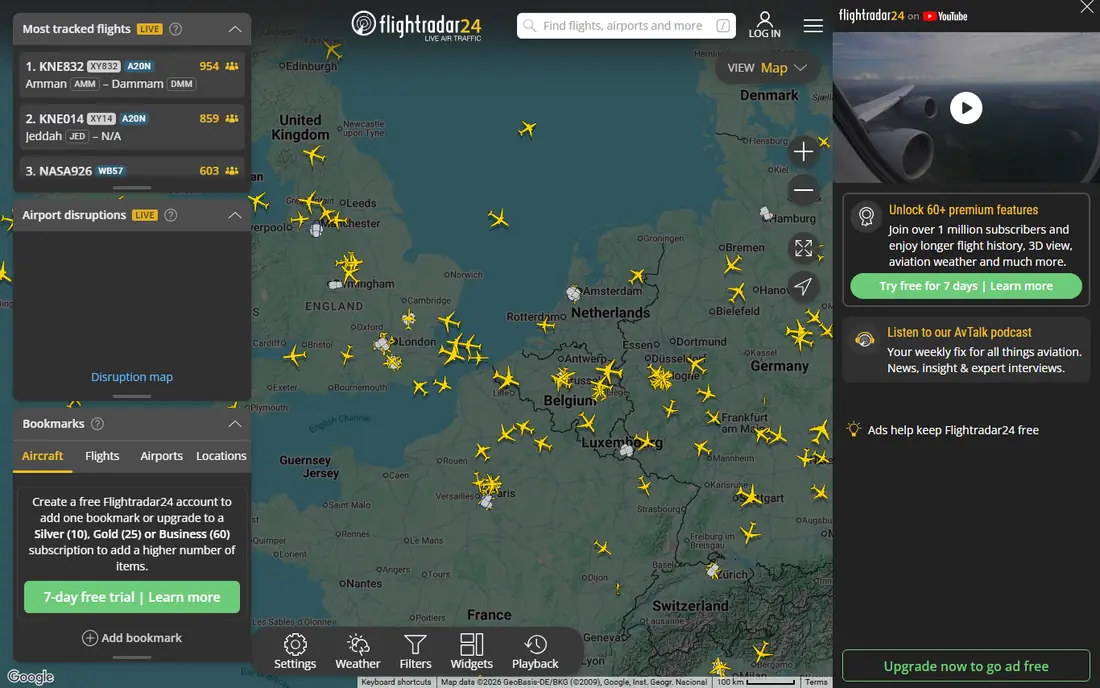
This is the pick to start with if you want a proven option with broad coverage and clear pricing. Flightradar24 is the app to open when you want to see the sky, not only a status line. Tap any plane for route, altitude, speed, aircraft type, and photos, and use playback to review past flights. For a simple travel day, its depth can distract. If you only need gate and delay alerts, FlightAware gives a clearer status first view. Check the current plan page before you buy, because prices and free limits change.
- Detailed live map
- Aircraft photos and details
- Playback and AR sky view
- Paid plans needed for long history and advanced filters
- Free tier has ads
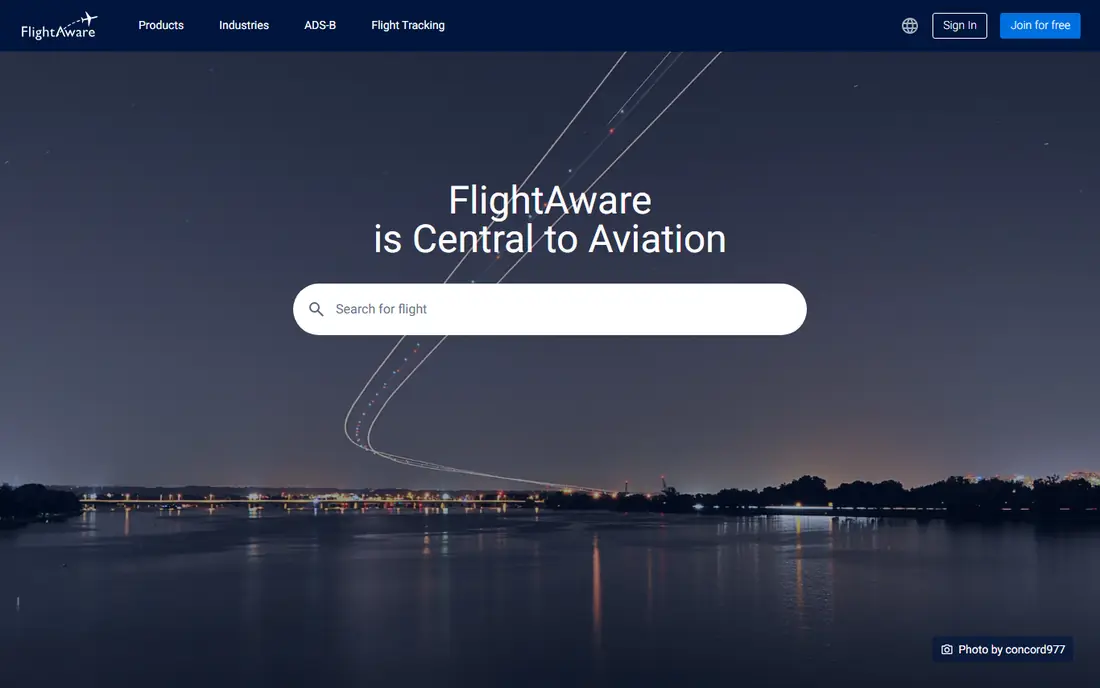
For readers who value a focused feature set over a long list of extras, this option deserves a close look. FlightAware helps travellers act early by tracking the inbound aircraft that becomes your flight. That early warning, plus gate and delay alerts, makes it the most practical pick for trips and pickups. The map is less rich than Flightradar24 for enthusiasts. If you want aircraft photos, filters, and long playback, keep Flightradar24 as a second app. Check the current plan page before you buy, because prices and free limits change.
- Inbound aircraft tracking
- Gate and delay alerts
- Airport delay maps
- Free app has ads
- Premium features need a paid plan
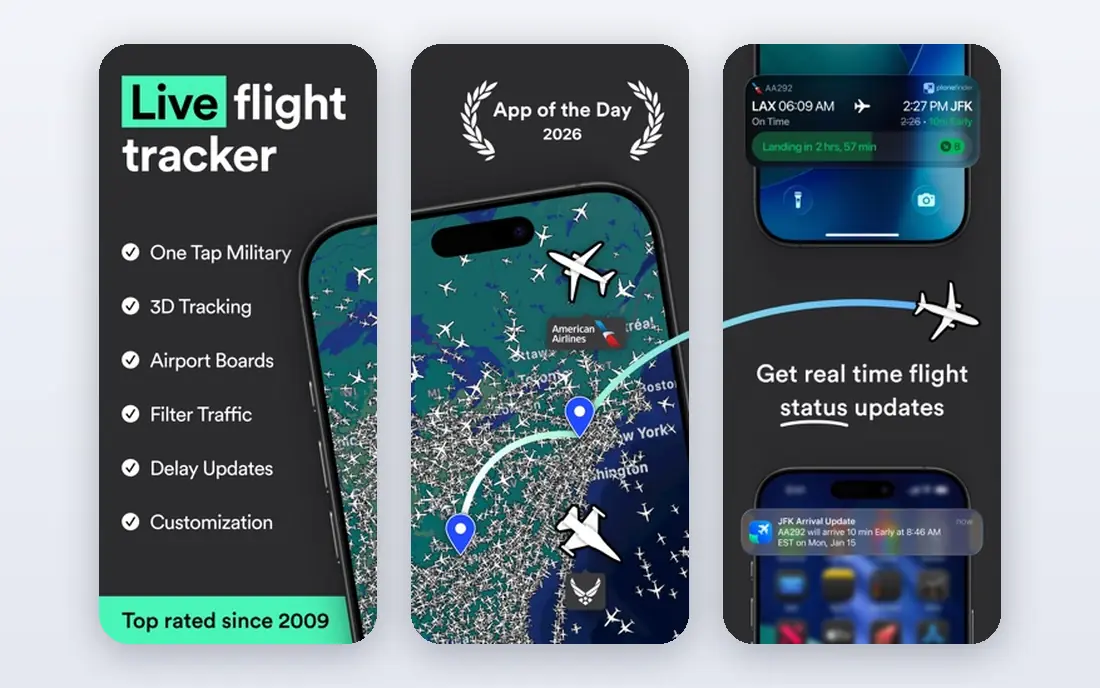
If your main need is simplicity on a busy day, this is one of the easier options to live with. Plane Finder suits casual users who want a clean map and the fun of pointing a phone at the sky to identify a plane. Its interface is simpler than Flightradar24, which helps new users. Serious enthusiasts may miss some of Flightradar24 filters and history. Check coverage for your local airports before paying for premium. Check the current plan page before you buy, because prices and free limits change.
- AR camera mode
- Clean map
- Playback and custom filters on paid tiers
- Advanced alerts need a paid plan
- Coverage is thinner in some regions
Teams and individuals who already use related tools will find this option fits into daily work with little friction. FlightView is a straightforward choice for travellers who want a status board without map complexity. It works well for North American flights and for checking delays before leaving home. If you want a live global map or aircraft spotting tools, Flightradar24 or Plane Finder will suit you better. Check the current plan page before you buy, because prices and free limits change.
- Clear status boards
- Delay and gate info
- Simple search by flight or route
- Map features are thinner than rivals
- Global coverage is less deep
This option stands out for people who want strong core features without paying for a large bundle they will not use. Flighty is built for frequent flyers who want a clean timeline and early delay warnings. It presents each trip as a simple journey with times, gates, and alerts in one place. Casual travellers who fly once a year may not need its paid features. A free tier from FlightAware or Flightradar24 may cover occasional trips. Check the current plan page before you buy, because prices and free limits change.
- Smart delay predictions
- Clean trip timeline
- Calendar and TripIt style import options
- Some advanced features need a paid plan
- Free tier is more limited
When budget matters more than having every advanced feature, this is a practical place to start. RadarBox is the closest one for one alternative to Flightradar24, with a global map, fleet data, and airport boards. It suits enthusiasts who want a different data source or interface. New users may find the interface more technical than Plane Finder. Start with the free tier and compare map clarity with Flightradar24 before subscribing. Check the current plan page before you buy, because prices and free limits change.
- Global map and fleet data
- Airport boards
- Historical playback on paid tiers
- Interface can feel technical
- Some features need a subscription
For users who need depth in one area rather than average performance across many areas, this option makes sense. ADS-B Exchange is a community run network that shows aircraft other commercial trackers may filter out. Serious watchers use it as a reference when they need unfiltered data. It is not a polished travel app. For gate alerts and trip timelines, use FlightAware or Flighty, and keep ADS-B Exchange for research and spotting. Check the current plan page before you buy, because prices and free limits change.
- Unfiltered community data
- Military and blocked aircraft often visible
- Free web access
- Interface is basic
- Mobile experience is less polished than commercial apps
This is a good second option to compare side by side with the leaders, especially if you want a different style of interface. App in the Air combines flight tracking with trip organisation, so flights, bookings, and airport tips sit in one timeline. That helps travellers who want one app for a whole trip. Enthusiasts will still want Flightradar24 for maps and aircraft data. Use App in the Air for logistics and Flightradar24 for the sky. Check the current plan page before you buy, because prices and free limits change.
- Trip timeline with flights and bookings
- Airport tips
- Simple tracking
- Some features need a paid plan
- Map depth is thinner than Flightradar24
If you want a smaller, more focused service that still covers the basics well, this option is worth testing. TripIt turns forwarded booking emails into a single itinerary, with flight status shown inside each trip. That saves time for travellers who juggle hotels, cars, and flights on one journey. If you only want live maps or spotting, Flightradar24 is better. TripIt shines when you need the whole trip in one place, not only one flight. Check the current plan page before you buy, because prices and free limits change.
- Auto built itineraries from bookings
- Flight status in trip view
- Calendar sync
- Full flight tracking depth is thinner than dedicated trackers
- Pro features cost extra
How we picked these
We compared official feature pages, pricing pages, app store listings, privacy policies, and public reviews for each product. We checked whether each product still exists and works in October 2026, whether it truly fits the topic, and whether its starting price and free tier could be verified from the vendor or an app store listing. Where a price could not be verified, we wrote See website rather than guessing. We did not claim hands-on testing, and we did not add scores or ratings that we could not trace to a published source. If a product changed its plans after our check, the vendor page is the final source.
How to choose a flight tracker app
A good tracker answers one question fast: is this flight on time, delayed, or cancelled, and what should I do next. Map beauty matters less on a travel day than clear status, gate info, and timely alerts.
Decide whether you track trips or planes
Travellers need status, gates, and alerts for their own flights. Enthusiasts need maps, aircraft details, filters, and playback. FlightAware suits the first group, Flightradar24 suits the second, and many people use both for different jobs.
Test alerts before a real trip
Add a flight, turn on push alerts, and check how fast delay, gate, and cancellation notices arrive. Compare them with airline app alerts on the same flight. If alerts arrive late or are buried in ads, try another app before you rely on it at the airport.
Check coverage for your routes
Global coverage varies by region and by aircraft type. Check that your usual airlines, airports, and private or regional flights appear correctly. If you fly in North America, also test FlightView, and if you spot planes, test AR features in Plane Finder.
Frequently asked questions
What is the best flight tracking app free?
FlightAware and Flightradar24 both offer useful free tiers for status and maps, while Plane Finder and FlightView also cover basic tracking free. Pay only if you want longer history, weather layers, or an ad free experience.
What is the best app to track flights for airport pickup?
FlightAware is a strong pickup pick because it highlights arrivals, landing status, and delays in a clear status view. Set alerts for landing and gate arrival so you can time your drive to the airport.
What is the best plane tracker app for enthusiasts?
Flightradar24 is the leading enthusiast pick for its live map, aircraft photos, filters, and playback. Plane Finder is a good alternative for AR sky pointing and a simpler map experience.
Do flight tracker apps show delays before airlines?
Sometimes, because trackers combine radar, airport, and airline feeds and can spot inbound aircraft delays early. FlightAware inbound tracking is a good example. Still, treat the airline app as the source for rebooking and boarding passes.
Can I track a flight with only a flight number?
Yes, all apps here let you search by flight number, and most also let you search by route, airport, or aircraft registration. Enter the airline code plus number, such as AA123, for the fastest result.
Sources
See where you really rank - block by block
ProMapRanker scans Google Maps across a grid of your service area. Simple monthly plans from $19, white-label on every plan.
Start freeKeep reading
 zendesk alternatives
Best Zendesk Alternatives in 2026
Compare the best Zendesk alternatives in 2026, from budget help desks to AI-first support tools, with current pricing, free plans, and honest trade-offs.
Read → wordpress alternatives
Best WordPress Alternatives in 2026
Looking for the best WordPress alternatives? We compare 8 free and paid options for blogs, business sites, stores, and developer-led projects in 2026.
Read → which real estate company has the best training
Best Real Estate Company Training in 2026
Compare which real estate company has the best training, from Keller Williams and eXp to Compass and Coldwell Banker, by program, mentor, and fit in 2026.
Read →