 ProMapRanker
Best Fixed Asset Management Software in 2026

Key takeaways
- Asset Panda and EZOfficeInventory suit teams that need flexible tracking and barcode scanning without enterprise cost.
- Sage Fixed Assets and IBM Maximo suit finance and enterprise teams that need formal depreciation and audit trails.
- UpKeep, Fiix, and MaintainX blend asset tracking with maintenance work, which suits operations teams more than pure finance teams.
- Start with a clean asset list and a barcode or tag plan, since no software fixes a messy count on its own.
Quick comparison
| Pick | Great for | Pricing starts at | Free tier | |
|---|---|---|---|---|
 Asset Panda | Flexible asset tracking | See website | No | Visit |
 EZOfficeInventory | Affordable asset tracking | $35 per month | Free trial | Visit |
 Sage Fixed Assets | Depreciation and tax reporting | See website | No | Visit |
 IBM Maximo | Large enterprise asset portfolios | See website | No | Visit |
 UpKeep | Maintenance plus asset tracking | $24 per user per month | Free trial | Visit |
 Fiix | Maintenance teams on a budget | $45 per user per month | Yes | Visit |
 MaintainX | Mobile-first maintenance teams | $20 per user per month | Yes | Visit |
 AssetCloud by Wasp | Barcode-based asset tracking | See website | No | Visit |
 Limble CMMS | Maintenance teams that want asset hierarchies | See website | Free trial | Visit |
The best fixed asset management software
Fixed asset software tracks what you own, where it is, what it is worth, and when it needs service or replacement. We compared official pricing pages, feature pages, and public documentation, and we weighed tracking, depreciation, maintenance, mobile access, and audit reporting. The right pick depends on whether finance, operations, or both will use it daily.
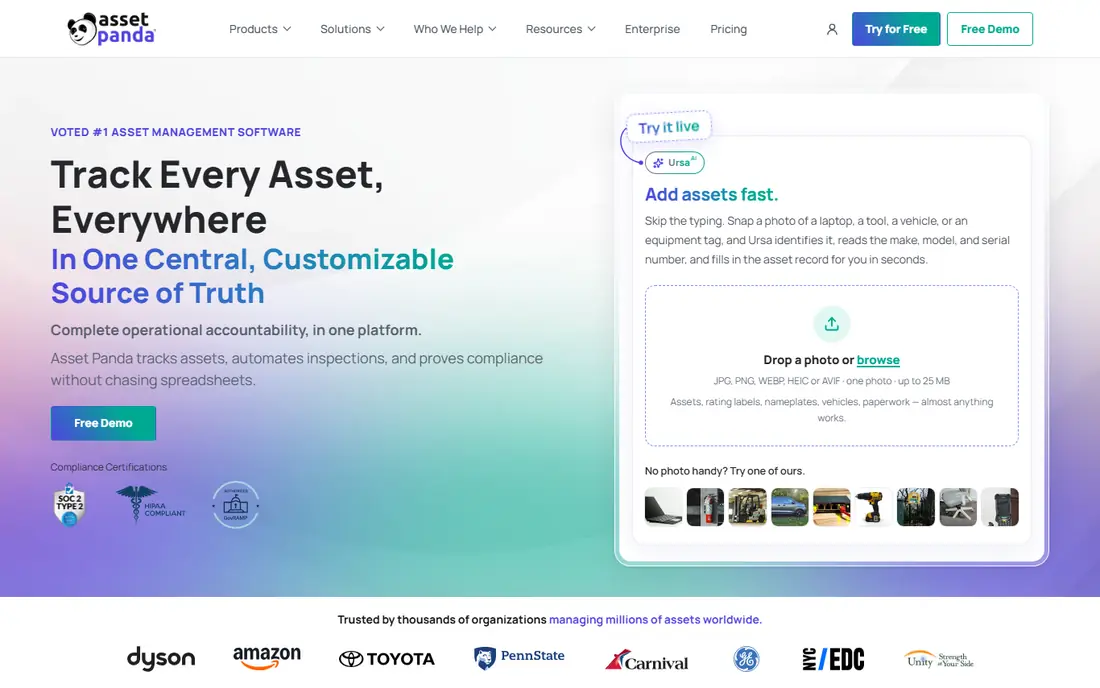
Asset Panda is a cloud tool for tracking mixed assets, from laptops and vehicles to machinery and furniture, with custom fields that match how your team actually works. Mobile barcode scanning makes audits faster, and workflows can route approvals, maintenance alerts, and check-in or check-out steps without spreadsheets. Reporting covers location, owner, condition, and depreciation where configured.
The trade-off is that flexibility needs setup time. A team that wants a ready-made finance depreciation system may find Asset Panda more of a tracking platform than a tax tool. Pricing is quote-based, so budget planning needs a sales conversation. For operations and IT teams with varied assets, it is a strong, adaptable choice.
- Highly configurable fields and actions
- Barcode scanning on mobile
- Strong reporting and workflows
- Quote-based pricing
- Setup takes time to shape to your process
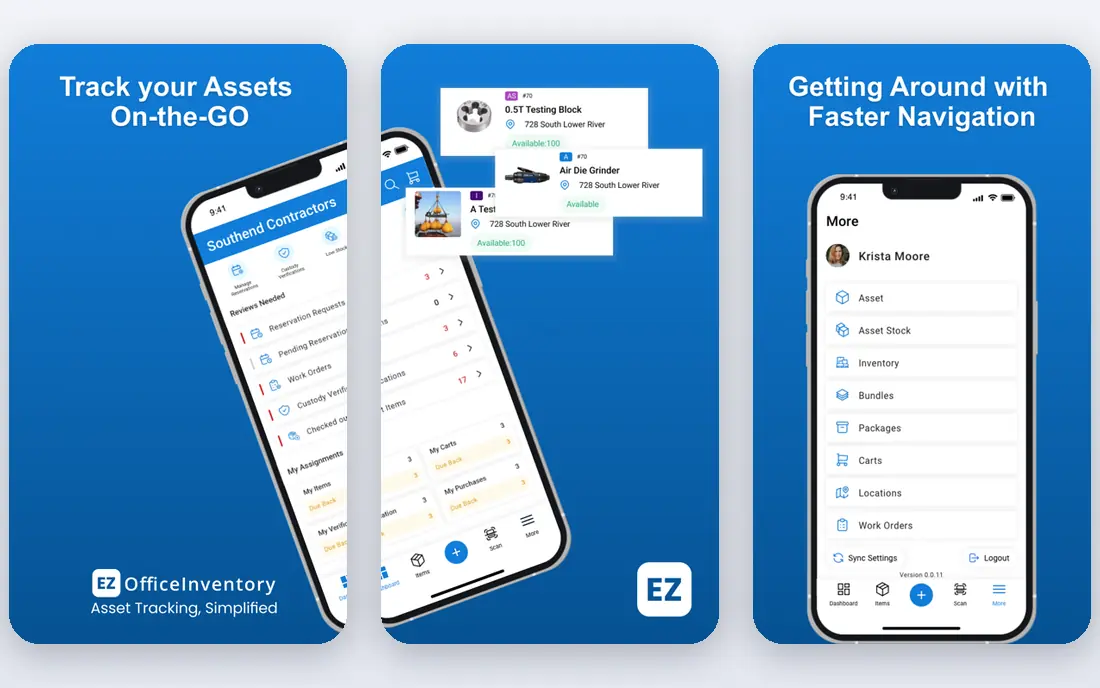
EZOfficeInventory gives small and midsize teams a clear starting price and a practical tracking set, including barcode and QR scanning, check-in and check-out, maintenance scheduling, and reservations. The interface is straightforward, and the mobile app suits a warehouse or field audit. For a team moving off spreadsheets, the jump in control is immediate.
Depreciation and finance reporting are lighter than on Sage Fixed Assets, so a finance team with complex tax books may still need a dedicated tool. Larger enterprise features also sit on higher plans. For affordable, day-to-day asset tracking, EZOfficeInventory is good value.
- Clear entry pricing
- Barcode and QR tracking
- Maintenance and reservation tools
- Depreciation features are lighter than Sage
- Larger enterprise controls cost extra
Sage Fixed Assets is built for finance teams that need correct depreciation, disposal handling, and tax reporting across many assets and books. It supports multiple depreciation methods and reporting that auditors expect, which makes year-end work cleaner than a spreadsheet or a general tracking tool. Integration with Sage accounting products helps when asset values must match the ledger.
It is not a light mobile tracking app, and pricing is quote-based. Operations teams that need fast barcode audits may find it heavier than Asset Panda or EZOfficeInventory. For a finance-led fixed asset program, Sage is the specialist pick.
- Deep depreciation calculations
- Tax and financial reporting
- Long history in fixed assets
- Quote-based pricing
- Interface and setup feel enterprise-grade rather than simple
IBM Maximo is the enterprise standard for asset-intensive organizations such as utilities, transport, and manufacturing. It covers acquisition, maintenance, reliability, safety, and disposal across tens of thousands of assets and many sites, with audit trails that regulators expect. Predictive monitoring tools help large teams spot failure risk before it stops production.
The cost is weight. Licensing is quote-based, implementation often needs consultants and months of work, and total cost can be high. Smaller teams should not start here. For a large portfolio where asset failure carries serious cost or safety risk, Maximo is the benchmark.
- Full asset lifecycle coverage
- Reliability and safety modules
- Scales to very large portfolios
- Quote-based licensing
- Long partner-led implementation
UpKeep blends asset tracking with maintenance work orders, which suits teams that care as much about keeping equipment running as about listing it. Essential starts at 24 dollars per user per month, with unlimited work orders and locations, and the trial does not ask for a card. Technicians can log work from mobile, and managers can see asset history in one place.
Preventive scheduling, custom checklists, and parts inventory with costing arrive on the Premium plan at 55 dollars per user per month in recent listings, and the Professional and Enterprise plans are quote-based. A team that needs those features should budget for Premium from the start. For maintenance-led asset work, UpKeep is an easy first trial.
- Public pricing on lower plans
- Unlimited work orders and locations from the first plan
- Free trial
- Preventive scheduling and parts inventory start on higher plans
- Top plans are quote-based
Fiix is a maintenance system that also serves as a practical asset tracker for manufacturing and facilities teams. The free plan lets a small team start without a card, and paid plans add preventive scheduling, work order management, and parts tracking. Mobile access means technicians can update asset status from the floor rather than returning to a desk.
Finance teams should note that depreciation is not its strength, and some reporting depth sits on higher plans. Pricing in recent listings puts Basic at 45 dollars per user per month, with Professional higher. For a maintenance team that wants asset history tied to real work orders, Fiix is a solid, affordable pick.
- Free plan for basic use
- Preventive maintenance tools
- Mobile access for technicians
- Deeper reporting and integrations sit on higher plans
- Finance depreciation is limited
MaintainX is designed for mobile-first maintenance teams and multi-shift operations, with a free Basic plan that covers core work orders and asset records. Paid Essential pricing in recent listings is about 20 dollars per user per month billed annually, and requester accounts are free, which helps when many staff need to report a problem. The mobile app is clean, and managers can track work across sites.
As with Fiix, this is an operations tool first, not a finance depreciation system. Teams that need formal fixed asset books should pair it with accounting software or pick Sage. For a team that lives on mobile work orders, MaintainX is one of the easiest systems to adopt.
- Free Basic plan
- Mobile-first design
- Requester accounts free
- Finance depreciation is limited
- Advanced features need paid plans
AssetCloud by Wasp comes from a barcode company, and that shows in its tracking tools. It handles asset check-in and check-out, location moves, audits, and depreciation fields, with barcode printers and scanners available from the same vendor. For a warehouse, school, or hospital that already uses barcodes, the fit is natural.
Pricing varies by subscription or one-time options, so a buyer should get a written quote that states the deployment type and user count. The product range can also be confusing at first, since Wasp sells several related tools. For barcode-led asset control, AssetCloud is a practical, proven choice.
- Strong barcode heritage
- Asset check-in, check-out, and audit tools
- Hardware options
- Pricing by quote or subscription varies
- Cloud and on-premise options can confuse buyers
Limble CMMS suits maintenance teams that need to organize assets into clear hierarchies, such as a building, then a floor, then a machine, then a part. Setup is quicker than on enterprise systems, and preventive maintenance, work orders, and parts tracking are included. Small crews often get running without a long implementation project.
Published pricing is limited, so teams need a quote or trial to confirm cost. Like other maintenance tools here, it is not a dedicated finance depreciation system. For operations teams that want asset structure plus maintenance in one tidy system, Limble is worth a trial.
- Deep asset hierarchies
- Easy setup for small crews
- Preventive maintenance tools
- Published pricing is limited
- Finance depreciation is not the focus
How we picked these
We compared official pricing pages, feature pages, and public documentation for tools that track fixed assets, handle depreciation or maintenance, and support audits. We kept only tools that are live and truly fit fixed asset work, not general inventory or project tools. We weighed tracking flexibility, depreciation depth, maintenance integration, mobile access, and whether pricing is public or quote-based.
What to check before you choose
Decide who owns the system. If finance owns it, depreciation, disposal, and audit reporting come first, and Sage or Maximo will fit better. If operations owns it, mobile audits, work orders, and maintenance history come first, and UpKeep, Fiix, or MaintainX will fit better. If both teams need it, look for a tool with clear roles and an export or integration to accounting, rather than forcing one team to work in the wrong system.
Count your assets and tag them before you buy. A pilot with 100 real assets, real locations, and real barcode tags will reveal problems that a demo never shows, such as duplicate names or missing owners. Check audit reporting, disposal workflows, and how the tool handles an asset that moves sites. Finally, confirm total cost for your user count, since per-user pricing grows quickly on larger teams.
Frequently asked questions
What is the best fixed asset management software?
Asset Panda suits flexible tracking, EZOfficeInventory suits affordable tracking, and Sage Fixed Assets suits finance-led depreciation. UpKeep, Fiix, and MaintainX suit operations teams that tie assets to maintenance. Pick by owner first, since finance and operations need different strengths.
What is the best software for fixed asset management for small businesses?
EZOfficeInventory and MaintainX are good small business starting points, since both offer low entry costs and mobile tracking. Asset Panda suits a small team with varied assets that need custom fields. Start with a pilot of real assets before you commit to a paid plan.
What is the best fixed asset depreciation software?
Sage Fixed Assets is the specialist choice for depreciation, tax reporting, and multiple books. IBM Maximo also covers lifecycle and depreciation at enterprise scale. General tracking tools include depreciation fields, but they rarely match a dedicated finance tool for tax work.
How does fixed asset software help with audits?
It gives auditors a single record per asset, with purchase details, location, owner, condition, and maintenance history, plus barcode audit logs that show what was counted and when. That record replaces scattered spreadsheets and makes it easier to prove an asset exists and is in use. Keep disposal records too, since auditors check removals as closely as additions.
Can fixed asset software integrate with accounting tools?
Many tools offer integrations or exports to accounting systems, and Sage Fixed Assets integrates with Sage accounting products. Check the specific integration before you buy, since a generic export may not carry depreciation journals cleanly. Test one month of journals in a trial to confirm the numbers match your ledger.
Sources
- https://www.assetpanda.com
- https://www.ezofficeinventory.com
- https://www.sage.com/en-us/products/sage-fixed-assets/
- https://www.ibm.com/products/maximo
- https://www.onupkeep.com/pricing/
- https://www.fiixsoftware.com
- https://www.maintainx.com
- https://www.waspbarcode.com/asset-tracking-software/
- https://limblecmms.com
See where you really rank - block by block
ProMapRanker scans Google Maps across a grid of your service area. Simple monthly plans from $19, white-label on every plan.
Start freeKeep reading
 zoro.to alternatives
Best Zoro.to Alternatives in 2026
We compare the best zoro.to alternatives in 2026, listing only legal licensed anime streaming services, from Crunchyroll to free options for fans today.
Read → zip alternatives
Best Zip Alternatives in 2026
We compare the best zip alternatives for buy now, pay later in 2026, covering pay-in-4 plans, fees, spending limits, and credit reporting options today.
Read → yesware alternatives
Best Yesware Alternatives in 2026
Compare the best yesware alternatives for sales email tracking, templates, and sequences, with current pricing and honest tradeoffs for small sales teams.
Read →