 ProMapRanker
Best Fitness Apps in 2026

Key takeaways
- Nike Training Club and FitOn give the strongest free workout libraries for home training with no subscription required.
- Strava suits runners and cyclists who want social motivation, while Hevy suits lifters who want a simple strength log.
- MyFitnessPal remains the clearest choice when food tracking matters as much as exercise.
- Apple Fitness+ and Peloton work best for people who already use those devices or enjoy instructor-led classes.
- Start with a free tier for two weeks before paying, since habit fit matters more than feature count.
Quick comparison
| Pick | Great for | Pricing starts at | Free tier | |
|---|---|---|---|---|
 Nike Training Club Nike Training Club | Free guided home workouts | Free | Yes | Visit |
 Strava Strava | Running and cycling community | See website | Yes | Visit |
 MyFitnessPal MyFitnessPal | Food and calorie tracking | See website | Yes | Visit |
 FitOn FitOn | Free celebrity-led classes | Free | Yes | Visit |
 Apple Fitness+ Apple Fitness+ | Apple device owners | See website | Free trial | Visit |
 Fitbod Fitbod | Adaptive gym strength plans | See website | Free trial | Visit |
 Peloton App Peloton App | Instructor-led studio classes | See website | Free trial | Visit |
 Hevy Hevy | Simple strength workout logging | Free | Yes | Visit |
The best fitness apps
The best fitness apps below cover home workouts, running, nutrition, and gym training, so you can match the tool to the habit you want to build.
Nike Training Club offers guided sessions that range from short mobility work to full strength workouts, and most sessions need little or no equipment. The plans give beginners a clear path, with programs grouped by goal and level, so a new user does not have to build a routine from scratch. That structure helps people who feel unsure about form, pace, or how often to train. The main weakness is depth for experienced lifters, since the app does not track progressive overload as closely as a dedicated gym log. It also lacks the social racing features that keep some runners motivated over months. Still, for free home training with professional coaching cues, it is hard to beat, and it pairs well with a separate tracker for food or running.
- Large free workout library
- Plans for strength, yoga, and HIIT
- Clear coaching cues for beginners
- Limited long-term strength progression tracking
- No built-in food logging
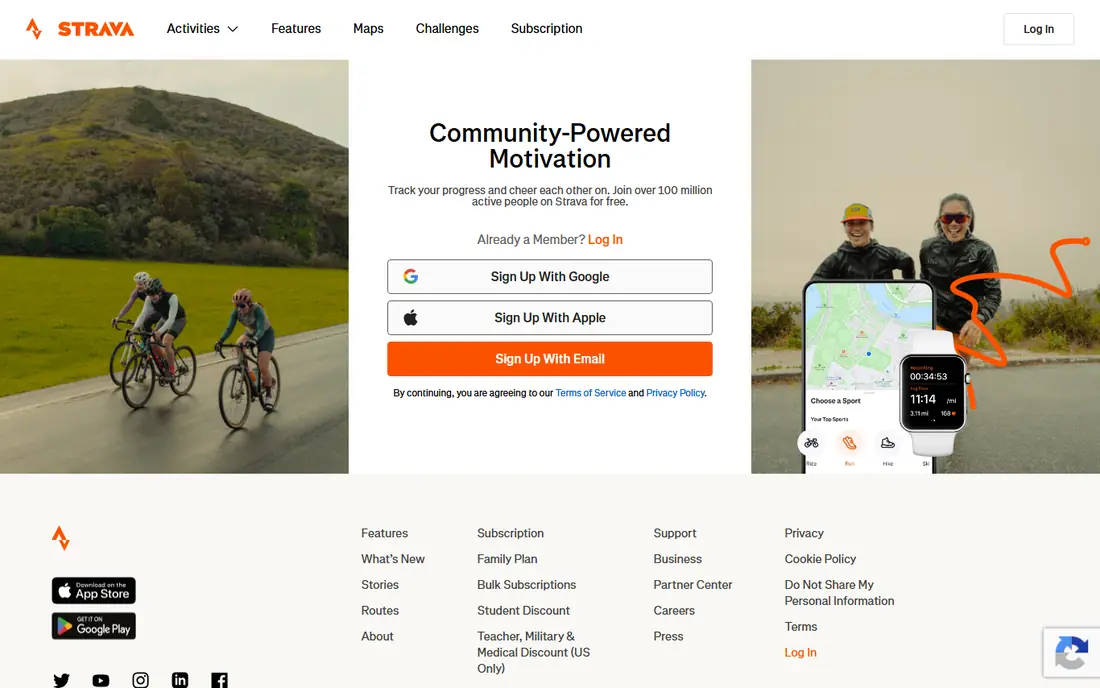
Strava records runs, rides, walks, and other outdoor activity with GPS maps, pace, distance, and elevation, and it presents that history in a clean activity feed. The social layer is the real draw, because clubs, challenges, and segment leaderboards give regular athletes a reason to return and to compare progress with friends. That shared accountability helps many people stay consistent through cold or busy weeks. The free tier covers basic tracking well, but deeper training analysis, route planning tools, and some performance metrics require a paid plan. Strava also does not replace a workout library for strength or studio classes. For runners and cyclists who care about community and outdoor data, however, it remains the default social training app.
- Reliable GPS tracking for runs and rides
- Strong clubs, challenges, and segments
- Wide wearable support
- Many analysis features sit behind a subscription
- No guided strength programs
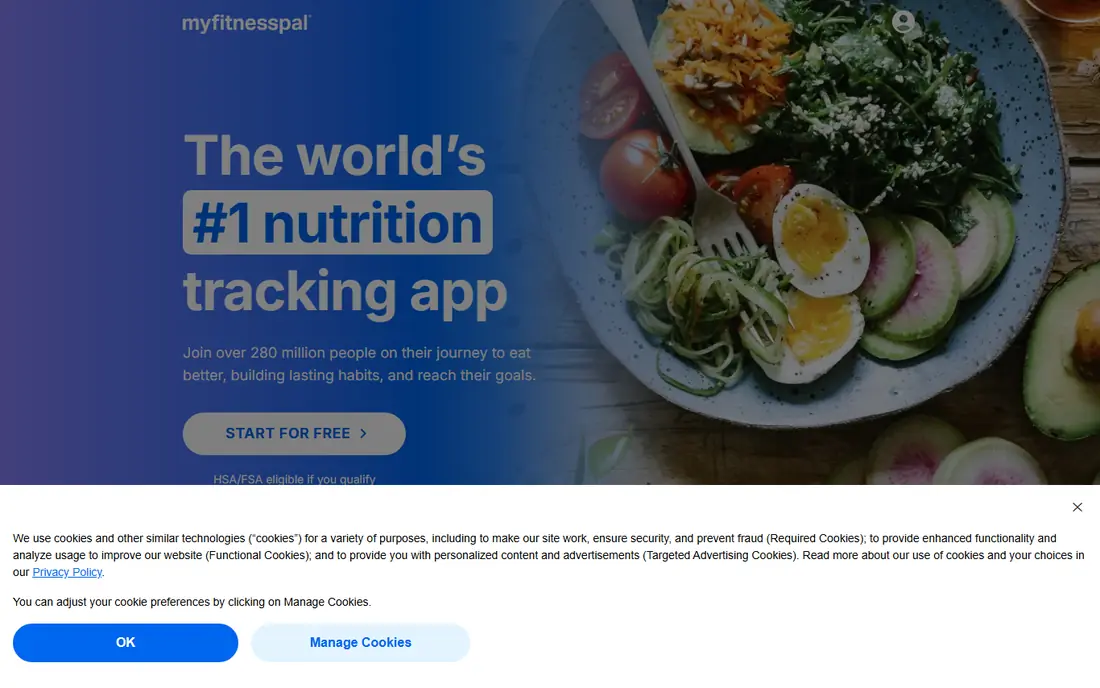
MyFitnessPal focuses on what many fitness apps skip, which is the food side of a health goal, with a large database that makes logging meals faster than manual entry. Barcode scanning, saved meals, and recipe tools reduce friction, and the app shows calories, protein, carbs, and fat alongside exercise entries. That combination helps people who want weight loss, weight gain, or simply a clearer picture of eating patterns. The trade-off is the daily effort of logging, which can feel tedious after the first few weeks, especially for home-cooked meals. Exercise guidance inside the app is also limited compared with a dedicated workout app. Used as a nutrition companion next to a training app, though, it gives the most complete view of energy in and energy out.
- Very large food database with barcode scanning
- Tracks calories and nutrients
- Connects to many fitness apps
- Daily food logging can feel repetitive
- Some advanced features require a paid plan
FitOn delivers instructor-led classes across cardio, strength, dance, yoga, and Pilates, with many sessions lasting under 30 minutes. That range suits people who want variety without paying, and the short formats make it easier to fit training around work or family time. The app also supports group workouts with friends, which adds a light social pull without a competitive leaderboard. Where FitOn falls short is detailed tracking, since it does not offer the deep strength progression or running analytics found in specialist apps. Program structure is also looser than a coached plan, so users who need strict progression may want to add their own schedule. For free, varied home classes, it is one of the strongest starting points available.
- Fully free workout library
- Short sessions for busy days
- Classes across cardio, strength, and yoga
- Limited performance analytics
- Less structured long-term programming than paid coaching apps
Apple Fitness+ offers studio-style classes in strength, HIIT, yoga, Pilates, dance, cycling, treadmill, rowing, and meditation, all led by trainers with on-screen metrics. Apple Watch owners get live heart rate, calories, and activity rings on screen during a session, which makes effort easy to read at a glance. The catalog is broad enough that most users can rotate workout types without repeating the same class too often. The clear limit is ecosystem lock-in, since the full experience depends on Apple devices and there is no Android app. People without an Apple Watch also miss the live metric overlay that sets the service apart. For households already using iPhones, iPads, and Apple TV, it is a polished and convenient training library.
- Polished studio classes across many workout types
- Tight Apple Watch integration
- New workouts added regularly
- Works best inside the Apple ecosystem
- No Android version for phone users
Fitbod creates strength workouts based on your equipment, experience, and training history, then adjusts the next session to avoid overworking muscles that are still recovering. That adaptive logic suits gym users who want a plan without hiring a coach or writing their own program. Logging is straightforward, with sets, reps, and weights recorded for each exercise and progress shown over time. The app is less useful for runners or class lovers, since cardio and studio content are not its focus. It also works best when you train in a gym with a reasonable range of equipment, rather than at home with only bodyweight. For lifters who want structured, changing strength plans, Fitbod fills a gap that general workout libraries leave open.
- Builds gym plans around available equipment
- Adjusts for muscle recovery
- Logs sets, reps, and weights clearly
- Focused mainly on strength, not cardio classes
- Best results need regular gym access
Peloton App brings live and on-demand classes for cycling, running, strength, yoga, meditation, and more, with instructors who build a loyal following. The class library is large, and live sessions add a sense of shared effort that recorded workouts often lack. Users without a Peloton bike or treadmill can still follow many classes using their own equipment or no equipment at all. The main drawback is cost, since the monthly fee is ongoing and the value drops if you train only a few times per month. Without Peloton hardware, some metrics and leaderboard features also feel less complete. For people who thrive on instructor energy and a regular class schedule, it remains a motivating choice.
- Large live and on-demand class library
- Strong instructor energy and community
- Classes beyond cycling
- Subscription cost adds up over a year
- App experience is thinner without Peloton hardware
Hevy keeps gym tracking simple, with routines you can build once and reuse, plus quick logging for sets, reps, and weights during a session. That speed matters in a busy gym, where a complicated app can break focus between sets. The interface stays out of the way, and history charts show progress on key lifts without extra clutter. Hevy does not try to be a class library or a coaching service, so beginners who need guidance will need a plan from elsewhere. Its social features are also modest compared with Strava or Peloton. For lifters who already know what to train and just want a fast, reliable log, it is an excellent free starting point.
- Clean and fast workout logging
- Useful routine builder
- Works well with Apple Watch
- No guided classes or coaching plans
- Social features are basic
How we picked these
We compared official feature pages, pricing pages, app store listings, privacy policies, and public reviews for widely used fitness apps. We favored apps with a clear free tier or trial, broad device support, and a distinct strength, rather than listing eight apps that do the same job. We did not claim hands-on testing, and prices were left as See website where vendor pricing was not confirmed at the time of writing.
What to look for before you choose
Start with your main activity, not the app with the longest feature list. A runner needs GPS and route history, a lifter needs a good log and progression view, and a person focused on weight loss needs food tracking that they will actually use daily. Check device support early, since some apps work best with a specific watch or phone system, and that limit can matter more than a single feature. Trial length and cancellation terms also deserve a close look before you pay. Use the free tier or trial for at least two weeks of real workouts, and judge the app on whether it fits your schedule, equipment, and motivation style. If logging feels like a chore in week one, it will rarely feel easier in month three, so a simpler app you use often beats a powerful app you avoid.
Frequently asked questions
What are the best fitness apps free?
Nike Training Club and FitOn offer the strongest fully free workout libraries, while Strava and MyFitnessPal offer useful free tiers for tracking. Hevy also gives free strength logging. Try a free option first, then pay only for a feature you already miss.
What is the best free workout app for weight loss?
MyFitnessPal pairs well with a workout app for weight loss, because food tracking often matters more than exercise choice alone. Nike Training Club or FitOn can supply the workouts, while MyFitnessPal records meals. Together they cover both sides of the goal.
Which app is best for tracking workouts?
Hevy suits simple gym logging, Fitbod suits adaptive strength plans, and Strava suits outdoor runs and rides. Pick based on training type, since a running tracker and a gym log solve different problems. The best tracker is the one you open every session.
Do I need a paid fitness app?
No, many people reach their goals with free tiers alone, especially for home workouts and basic tracking. Paid plans add deeper analysis, guided programs, or class libraries. Pay when a specific paid feature solves a problem you have already felt.
Can one fitness app do everything?
Most apps do one job well and other jobs only partly, so many users pair two apps, such as Strava for running and MyFitnessPal for food. That pairing is normal and often cheaper than a single premium plan. Choose the pair that matches your routine.
Sources
See where you really rank - block by block
ProMapRanker scans Google Maps across a grid of your service area. Simple monthly plans from $19, white-label on every plan.
Start freeKeep reading
 zendesk alternatives
Best Zendesk Alternatives in 2026
Compare the best Zendesk alternatives in 2026, from budget help desks to AI-first support tools, with current pricing, free plans, and honest trade-offs.
Read → wordpress alternatives
Best WordPress Alternatives in 2026
Looking for the best WordPress alternatives? We compare 8 free and paid options for blogs, business sites, stores, and developer-led projects in 2026.
Read → which real estate company has the best training
Best Real Estate Company Training in 2026
Compare which real estate company has the best training, from Keller Williams and eXp to Compass and Coldwell Banker, by program, mentor, and fit in 2026.
Read →