 ProMapRanker
Best Firewall Software in 2026

Key takeaways
- pfSense and OPNsense lead for network firewalls on your own hardware, with no licence fee for the core software.
- Sophos Firewall and FortiGate suit businesses that want central management, threat filtering, and support.
- ZoneAlarm, GlassWire, and Comodo suit Windows users who want per-app control on one computer.
- A network firewall and a personal app firewall solve different problems, so many setups need one of each.
Quick comparison
| Pick | Great for | Pricing starts at | Free tier | |
|---|---|---|---|---|
 pfSense | Network firewall on own hardware | Free | Yes | Visit |
 OPNsense | Open network firewall | Free | Yes | Visit |
 Sophos Firewall | Managed business networks | See website | No | Visit |
 FortiGate | Business network security | See website | No | Visit |
 ZoneAlarm | Windows personal firewall | Free | Yes | Visit |
 GlassWire | Visual app traffic control | Free | Yes | Visit |
 Comodo Firewall | Free Windows firewall | Free | Yes | Visit |
 Little Snitch | Mac app connection control | See website | No | Visit |
 Portmaster | Open app firewall for PC | Free | Yes | Visit |
The best firewall software
We split this list between network firewalls, which protect a whole home or office network, and personal firewalls, which control apps on one computer. Both types matter, but they are not interchangeable. Check platform support carefully, because several tools here are Windows-only or Mac-only.
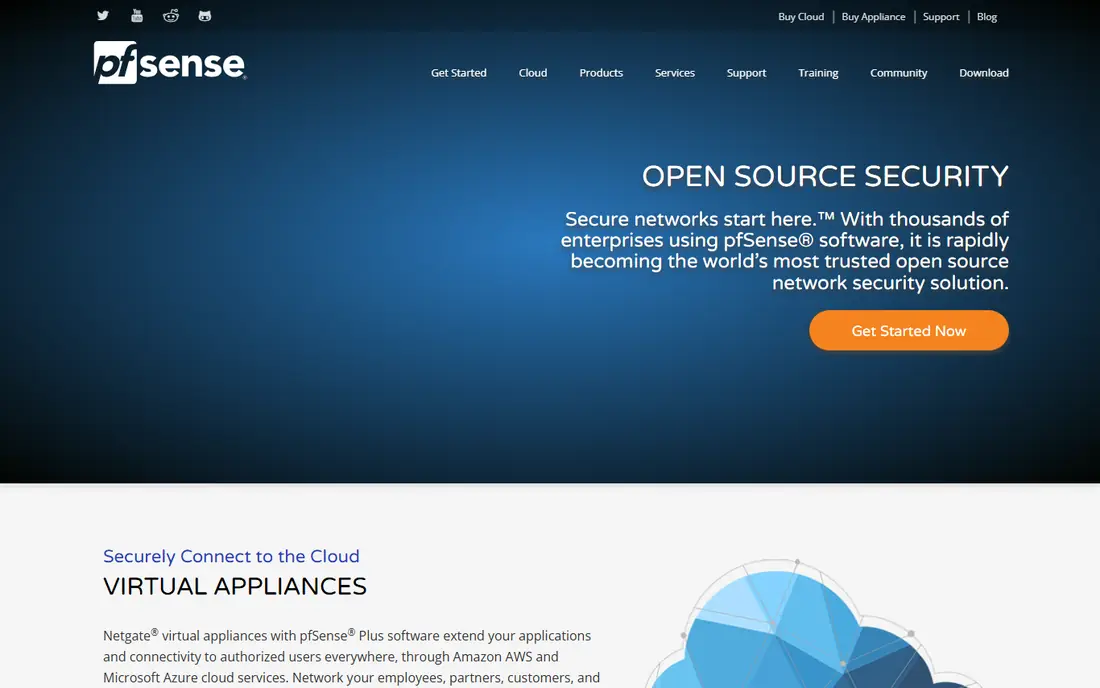
pfSense is a free, open source firewall and router platform based on FreeBSD. You install it on your own hardware or a virtual machine, then set firewall rules, VPN access, traffic shaping, and intrusion filtering through a web interface. Packages add features such as ad blocking, DNS filtering, and network monitoring.
We pick pfSense first for technical users who want a full network firewall without a licence fee. The community edition costs nothing for the software, while hardware and your time are the real costs. Beginners should expect a learning curve, and businesses that want vendor support should price the paid Plus tiers.
- Free community edition
- Strong routing, VPN, and filtering rules
- Large package library
- Needs compatible hardware and network knowledge
- Paid Plus version adds licence cost for support tiers
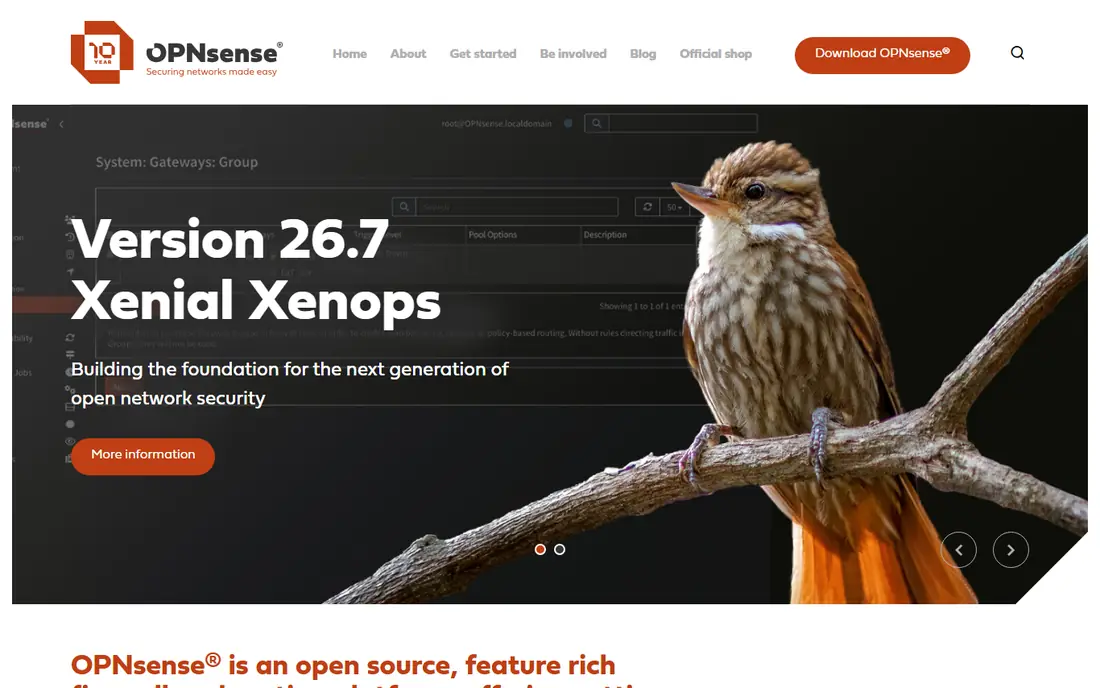
OPNsense is a free, open source firewall and routing platform, also based on FreeBSD, with a modern web interface and a plugin system. It supports firewall rules, VPN, intrusion detection, traffic shaping, and captive portals. A paid Business Edition adds a slower, selective update path and commercial extras for organisations that want stability over new features.
We like OPNsense for users who want a clean interface and clear open licensing. It suits home labs, small offices, and technical users who run their own hardware. As with pfSense, you need compatible hardware and network skills, and support comes mainly from community docs unless you pay for a business plan.
- Free community edition under a clear open licence
- Modern web interface
- Regular releases
- Business edition is a paid subscription
- Some plugins need extra setup
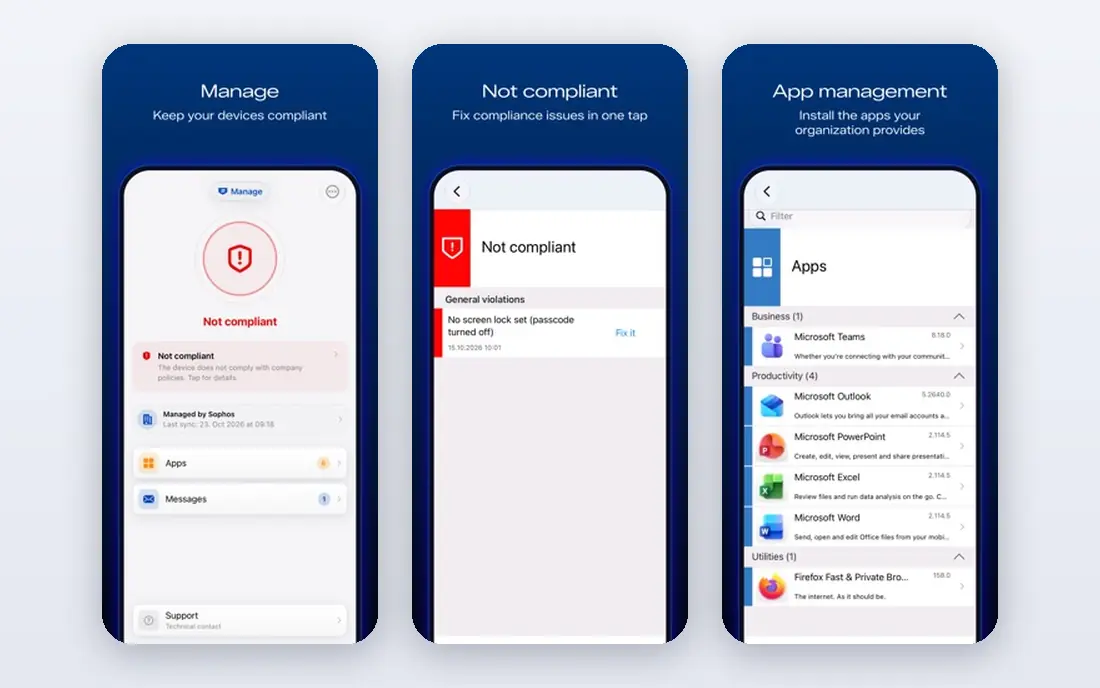
Sophos Firewall is a next-generation firewall for businesses, available as software, virtual appliance, or hardware. It combines firewall rules, intrusion prevention, web filtering, application control, and VPN access, with central management through Sophos Central for multiple sites. Integration with Sophos endpoint products lets network and device security share threat data.
We recommend Sophos for small and mid-size businesses that want a managed firewall with vendor support. It is easier to run at several sites than a self-built pfSense setup, but pricing is often quoted and depends on size and features. Budget for subscription renewals, because threat filtering and support sit behind paid tiers.
- Central management through Sophos Central
- Web, app, and intrusion controls
- Endpoint integration
- Quote-based pricing for many deployments
- Full feature set can raise total cost
FortiGate, by Fortinet, is a next-generation firewall platform used by businesses of many sizes. It offers firewalling, intrusion prevention, web filtering, VPN, and threat intelligence, with central management for branch offices and remote workers. Models range from small office units to large data centre systems, and virtual versions run in cloud environments.
We include FortiGate for businesses that need a proven, scalable firewall with strong threat data. The range is a strength, but also a complication, because model choice and security bundles change the price a lot. Small offices should compare total subscription cost against Sophos and against a self-run pfSense or OPNsense setup.
- Wide next-generation firewall range
- Strong threat intelligence
- Central management for many sites
- Pricing and licensing vary by model and bundle
- Smaller deployments may find it costly
ZoneAlarm is a personal firewall for Windows that controls which programs can access the internet and which inbound connections are allowed. The free firewall version covers basic two-way protection, while paid plans add antivirus, anti-phishing, anti-ransomware, and mobile security. Network zones let users treat home and public networks differently.
We pick ZoneAlarm for Windows users who want clear per-program control without paying. It suits home users who want to block an app from sending data or to approve new programs as they appear. Mac and Linux users need another tool, and users who want full security suites should compare paid ZoneAlarm plans against other suites.
- Free firewall with two-way control
- Program access prompts
- Long track record on Windows
- Windows only
- Paid plans needed for full antivirus and anti-ransomware features
GlassWire combines network monitoring with a firewall for Windows. It shows which apps use data, which hosts they contact, and how much traffic they send, in a visual graph that is easy to read. Paid Premium adds Ask to Connect prompts, lockdown mode, profiles, and longer history, while the free version covers basic monitoring and blocking.
We like GlassWire for users who want to see traffic before they block it. The visual approach helps spot a chatty app or an unknown connection quickly. The catch is that the richest controls sit behind Premium, so free users get monitoring with limits. Mac users should look at Little Snitch instead.
- Clear visual graph of app traffic
- Firewall blocking and alerts
- Network device monitoring
- Full features need a paid Premium plan
- Windows focus, with Android as a monitor only
Comodo Firewall is a free personal firewall for Windows that monitors inbound and outbound traffic, controls application access, and includes sandboxing for untrusted programs. It suits users who want strong default-deny controls without paying for a suite. A paid version adds extra security features for users who want a fuller package.
We include Comodo for Windows users who want a free, feature-rich firewall and do not mind learning its prompts. Beginners may find the alerts frequent at first, until rules are set for trusted apps. Users who prefer a quieter tool should consider ZoneAlarm or GlassWire first.
- Free firewall with sandboxing
- Application control and intrusion features
- No subscription for core firewall
- Interface and prompts can overwhelm beginners
- Paid suite adds features some users may not need
Little Snitch is a well-known application firewall for macOS. It alerts you when an app tries to connect to the internet, lets you allow or deny that connection, and shows live traffic in a network monitor. Rules can be temporary or permanent, per app, per domain, or per port, which gives Mac users fine control over outbound data.
We pick Little Snitch as the Mac answer to GlassWire and ZoneAlarm. It is the clearest choice for Mac users who want to stop apps from phoning home. The trade-off is cost and platform. It is Mac only and paid, so Windows users need a different tool, and casual Mac users may find the alerts too detailed at first.
- Per-app outbound control on Mac
- Detailed connection alerts
- Network monitor with map and traffic views
- Mac only
- Paid licence, with no free plan
- Learning curve for rule creation
Portmaster, by Safing, is an open application firewall for Windows and Linux that monitors per-app connections in real time, applies global and per-app rules, and adds DNS filtering. The free core covers firewall and monitoring, while paid Plus and Pro tiers add extra features and support. It suits privacy-focused users who want open source tools.
We include Portmaster for technical Windows and Linux users who want an open firewall with DNS control. It is less polished for beginners than GlassWire, but its open core and rule system appeal to users who want control without a proprietary suite. Mac users should use Little Snitch instead.
- Free open core
- Per-app rules and DNS filtering
- Windows and Linux support
- Paid Plus and Pro tiers add features
- Interface assumes some technical comfort
How we picked these
We compared official product and pricing pages for firewall tools still offered in October 2026. We kept a mix of network firewalls and personal app firewalls, free and paid, across Windows, Mac, Linux, and dedicated hardware. Where pricing was quoted or model-dependent, we wrote See website rather than inventing a figure.
Network firewall or personal firewall
A network firewall sits at the edge of your home or office network and filters traffic for every device behind it. A personal firewall runs on one computer and controls that computer apps. A network firewall cannot see which app on a laptop sent traffic once it leaves the device, and a personal firewall cannot protect a smart TV or camera. For a home office, a network firewall plus a personal firewall on work computers gives the best coverage.
Rules that keep you safe without breaking apps
Start with a default-deny mindset for outbound app control, then allow trusted apps one by one. On a network firewall, block inbound traffic by default and open only the ports you truly need for a server or game. Test after each change, because a wrong rule can break email, video calls, or a work VPN. Keep a note of rules you add, so you can undo a change that causes trouble.
Updates and support matter as much as features
A firewall with outdated threat signatures or unpatched software is a weak link. Check update frequency, support options, and end-of-life policy before you choose. Open source tools need your time for updates, while paid business firewalls bundle updates and support into subscriptions. For a business network, paid support is often worth the cost when an outage or attack needs fast help.
Frequently asked questions
What is the best firewall software for home use?
pfSense or OPNsense lead for a whole-home network firewall on your own hardware, while ZoneAlarm or GlassWire lead for per-app control on a Windows PC. Many homes benefit from both: a network firewall at the edge and a personal firewall on work computers.
What is the best firewall software for business?
Sophos Firewall and FortiGate lead for businesses that want central management, threat filtering, and vendor support. Technical teams with in-house skills may prefer pfSense or OPNsense for cost and control, with paid support where available.
Is there a free firewall that is actually good?
Yes. pfSense and OPNsense are free for network use, ZoneAlarm and Comodo offer free Windows firewalls, and Portmaster offers a free open core. Free tools need more setup and self-support than paid business firewalls.
What is the best firewall app for Mac?
Little Snitch is our pick for Mac, thanks to per-app outbound alerts and a detailed network monitor. Windows users should look at GlassWire, ZoneAlarm, or Portmaster instead, because Little Snitch is Mac only.
Do I still need a firewall if I have antivirus?
Yes. Antivirus checks files and programs for malware, while a firewall controls network traffic in and out of your computer or network. They cover different risks, so most setups should run both, plus keep the operating system updated.
Sources
- https://www.pfsense.org
- https://opnsense.org
- https://www.sophos.com/en-us/products/next-gen-firewall
- https://www.fortinet.com/products/next-generation-firewall
- https://www.zonealarm.com
- https://www.glasswire.com
- https://www.comodo.com/products/comodo-firewall.php
- https://www.obdev.at/products/littlesnitch
- https://safing.io/portmaster
See where you really rank - block by block
ProMapRanker scans Google Maps across a grid of your service area. Simple monthly plans from $19, white-label on every plan.
Start freeKeep reading
 zoho inventory alternatives
6 Alternatives to Zoho Inventory, Compared on Price and Fit
Zoho Inventory alternatives: 6 tools compared on price, free plans and fit. Katana leads the list for manufacturers. Fit and flaws are laid out for each entry.
Read → zoho crm alternatives
Best Zoho CRM Alternatives (2026)
Need Zoho CRM alternatives? We compare 7 tools on cost, free access and who each suits. Every pick gets a straight assessment. Built for quick decisions.
Read → zelle alternatives
Best Zelle Alternatives in 2026
Compare the best Zelle alternatives for sending money to friends, paying sellers and moving funds abroad, with honest notes on fees, speed and safety in 2026.
Read →