 ProMapRanker
Best Financial Calculator App in 2026

Key takeaways
- Calculator.net is our pick for most people who want many calculators in one free place without an account.
- Bankrate and NerdWallet are best when you want a loan or mortgage answer next to plain explanations and current rate context.
- Empower, ProjectionLab, and Boldin suit retirement planning, with free tiers that cover basic projections and paid tiers for deeper modeling.
- A calculator result is an estimate, not a loan offer, so check taxes, fees, insurance, and your credit profile before you act.
- This article is general information only, not financial advice, and it does not replace advice from a qualified professional.
Quick comparison
| Pick | Great for | Pricing starts at | Free tier | |
|---|---|---|---|---|
 Calculator.net | Many free calculators in one place | Free | Yes | Visit |
 Bankrate | Mortgage and loan calculators with rate context | Free | Yes | Visit |
 NerdWallet | Loan calculators with plain explanations | Free | Yes | Visit |
 SmartAsset | Tax, mortgage, and retirement estimates | Free | Yes | Visit |
 Empower Personal Dashboard | Free retirement and net worth view | Free | Yes | Visit |
 ProjectionLab | Detailed retirement scenarios | See website | Yes | Visit |
 Boldin | DIY retirement modeling | See website | Yes | Visit |
 Fidelity | Free retirement and savings calculators | Free | Yes | Visit |
 Quicken Simplifi | Budgeting plus retirement planning | See website | Free trial | Visit |
The best financial calculator apps
We compared calculator range, clarity of inputs, whether results show a schedule or breakdown, and how much you can do without an account. Our list favors tools that explain their assumptions and let you change them.
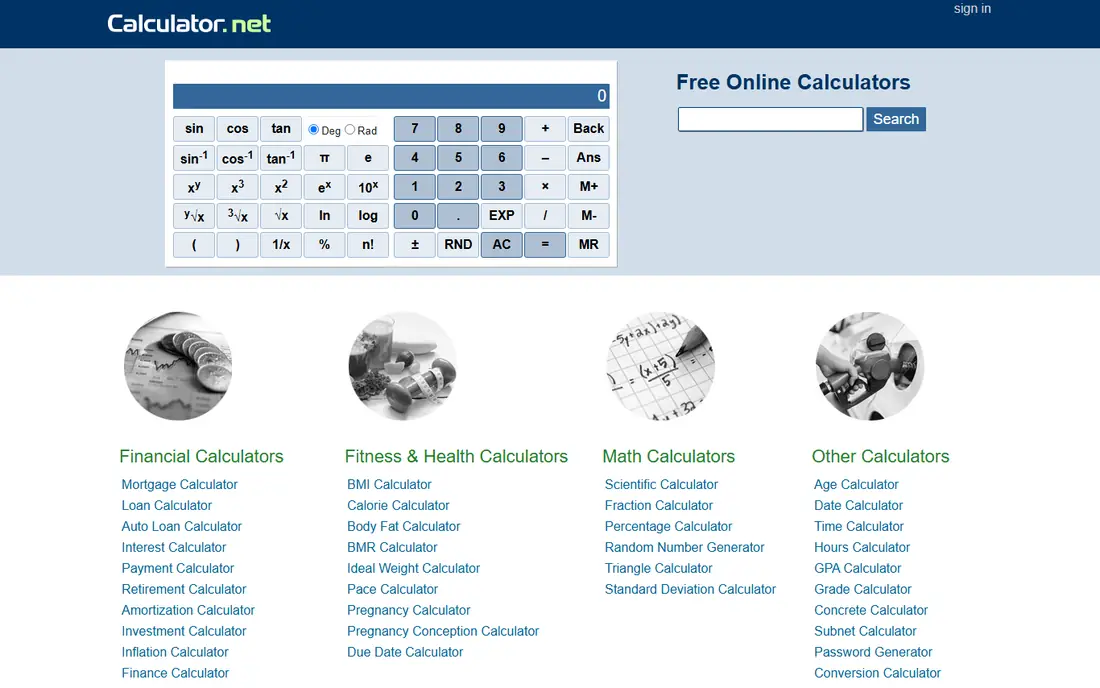
Calculator.net is the workhorse of this list. It covers mortgages, auto loans, personal loans, compound interest, retirement savings, and many smaller cases in one free site. You enter numbers, change the rate or term, and see how the monthly payment and total interest move.
The site is not pretty, and the number of options can feel like a lot at first. That breadth is still the point. For a quick answer to a loan question, Calculator.net usually has the right calculator without a signup wall.
- Wide range of loan, mortgage, investment, and retirement calculators
- No account needed for most tools
- Results show schedules and breakdowns
- Plain design that can feel busy
- Some pages carry ads that distract from the math
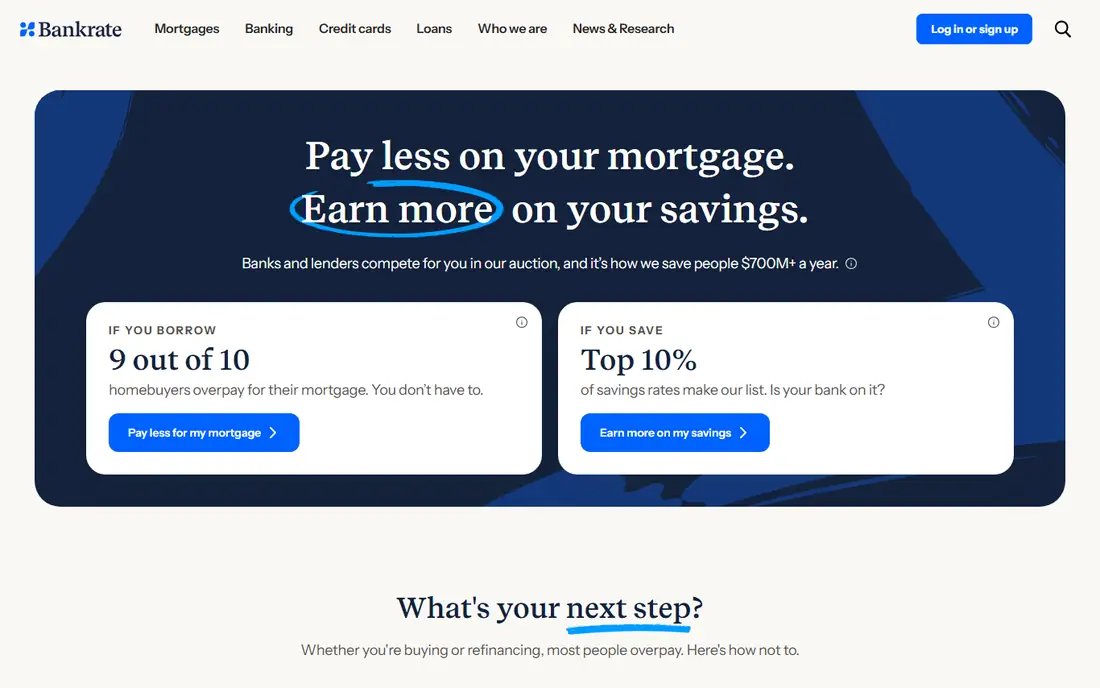
Bankrate suits buyers who want a payment estimate and a sense of current rates in the same visit. Its mortgage calculator handles home price, down payment, rate, taxes, insurance, and HOA costs, then shows a payment breakdown that is easier to read than a single total. That breakdown helps you see why two similar loans can feel different each month.
Bankrate is a media and rate site as well as a calculator site, so expect lender listings near results. Use the calculator for math, and treat any lender offer as a separate step to compare on its own terms.
- Clear mortgage, auto, and personal loan calculators
- Rate and lender context nearby
- Amortization schedules on key tools
- Pages can push lender offers alongside results
- Some tools need more inputs than a quick check requires

NerdWallet is a good pick when the math itself is not the hard part, and understanding it is. Its calculators pair payment results with short explanations of terms like principal, interest, and private mortgage insurance. That context helps first-time buyers ask better questions of a lender.
Like Bankrate, NerdWallet earns money from partner listings, so keep the calculator and the offer apart in your mind. Run the numbers first, then compare lenders with the same inputs.
- Plain language around loan math
- Mortgage, auto, and personal loan tools
- Helpful guides next to calculators
- Results are estimates, not offers
- Site includes partner offers that need separate checking
SmartAsset covers a wider money life than a loan-only site. You can estimate a mortgage payment, check a paycheck after tax in your state, and run a basic retirement number without opening three different tools. Location-based tax detail is useful, because a mortgage that looks fine in one state can feel different in another.
Tax rules change, and SmartAsset estimates are only as good as the inputs you enter. Double-check the tax year, filing status, and local rates before you use a result for a real decision.
- Mortgage, tax, and retirement calculators in one place
- Location-based tax estimates
- Clear input summaries
- Estimates depend on tax and local inputs you must check
- Some tools lead toward advisor matching
Empower Personal Dashboard is the strongest free all-in-one view on this list. Link accounts and it shows net worth, spending, debt progress, and a retirement trajectory in one place. You can test what happens if you retire earlier, spend less, or save more, and see the outcome in seconds.
The catch is linking. If you do not want to connect bank and brokerage accounts, you will get less from the dashboard. Empower also offers paid wealth management, but you are not required to use it to keep the free tools.
- Free dashboard with net worth, cash flow, and retirement views
- Scenario checks for earlier or later retirement
- No charge for core tools
- Best results need linked accounts, which some users prefer to avoid
- Company also offers paid wealth services
ProjectionLab suits people who want to test a retirement plan, not just get one number. You can model income sources, spending changes, taxes, and account draws over time, then compare scenarios side by side. That depth helps when a simple calculator hides a timing problem, such as a gap before Social Security starts.
The free plan covers basic projections, while deeper features sit on a paid plan. Expect to spend time setting inputs up well. A detailed model with rough inputs still gives a rough answer.
- Detailed scenario modeling with tax handling
- Free basic plan
- Clear charts for income, spending, and account balances
- Paid plan needed for full features
- Learning curve is higher than a simple calculator
Boldin, formerly known under a different brand name, is built for do-it-yourself retirement planning. Its planner lets you enter income, expenses, pensions, Social Security timing, and housing plans, then shows a long-term view of whether the plan holds. For readers who like to adjust assumptions themselves, that control is the main draw.
Boldin is not a one-minute calculator. Give it a full set of inputs and time to learn the layout. If you only need a quick mortgage payment, Calculator.net or Bankrate will be faster.
- Free planner with detailed retirement modeling
- Paid PlannerPlus adds more scenarios
- Built for people who want control
- Interface takes time to learn
- Free tier has limits on advanced features
Fidelity offers a solid set of free calculators for retirement income, savings goals, and required distributions. You do not need to be a customer to use many of them, and the guides nearby explain terms without pushing a single product. That makes Fidelity a safe second check after a tool like ProjectionLab or Boldin.
Fidelity is a brokerage, so some deeper planning features sit inside a customer account. Use the public calculators for estimates, and treat any product suggestion as a separate decision.
- Free calculators from a large brokerage
- Retirement income and savings tools
- Educational guides nearby
- Some tools work best for Fidelity customers
- Results are estimates, not personal advice
Quicken Simplifi fits readers who want a finance calculator app that also tracks daily money. Its retirement planner supports many adjustable variables, including separate return rates before and after retirement, Social Security income, pension income, and inflation. That planning depth sits next to budgeting and spending reports, so a plan and a monthly budget stay in one place.
Simplifi is a paid app after its trial, and it works best when accounts are linked. If you only need a single loan calculation, a free site on this list will be quicker and cheaper.
- Budgeting, spending reports, and retirement planning in one app
- Loan calculator and goal tracking
- Regular updates
- Paid subscription after trial
- Account linking needed for full value
How we picked these
We compared official calculator pages, pricing pages, and app listings for range, clarity, and free access. We favored tools that show their inputs and assumptions, offer schedules or breakdowns, and do not require an account for a basic estimate. We excluded tools that only show a single number with no way to change the rate, term, or fees. This article is general information only, not financial advice.
How to use a finance calculator without fooling yourself
Start with the inputs you can verify. For a mortgage, that means home price, down payment, rate, loan term, property tax, insurance, HOA dues, and any private mortgage insurance. For retirement, it means current savings, yearly contributions, expected return, inflation, and planned spending. A calculator that uses a guessed rate will give a confident-looking answer that still misses the real cost.
Run three versions of every important number: a base case, a worse case, and a better case. Change the rate by one point, change the term by five years, and change retirement spending by a modest amount. If a small change breaks the plan, that is useful news. It tells you where to save more, borrow less, or get professional advice before you commit.
Check what the calculator leaves out. Taxes, fees, closing costs, maintenance, and health costs can change a result a lot, and not every tool includes them. Read the assumptions section, and add missing costs by hand when you need a realistic total.
Frequently asked questions
What is the best finance calculator app for loans?
Calculator.net is best for range and speed, Bankrate is best for mortgage context, and NerdWallet is best for plain explanations. All three are free for basic loan math. Use the same inputs in two tools to check that the results agree before you trust a payment figure.
Is there a free financial calculator app that covers retirement?
Yes. Empower Personal Dashboard, ProjectionLab, Boldin, and Fidelity all offer free retirement tools with different levels of detail. Empower is best for a quick overall view, while ProjectionLab and Boldin suit deeper scenario work. Paid tiers add features, but a free tier is enough to start a plan.
Are online mortgage calculators accurate?
They are accurate for the math they show, given the inputs you enter. They are not loan offers, and the final rate depends on credit, down payment, property, and lender fees. Use a calculator to set a budget range, then confirm the real payment with a lender quote that includes taxes, insurance, and fees.
What should a good financial calculator include?
A good calculator lets you change rate, term, down payment, taxes, insurance, and fees, and it shows a breakdown or schedule, not just a total. For retirement, it should let you change return, inflation, spending, and income timing. If you cannot see or change an assumption, treat the result with care.
Is this article financial advice?
No. This article is general information only, not financial advice. Calculators give estimates based on your inputs, and real outcomes depend on markets, taxes, rates, and personal circumstances. Talk to a qualified financial professional before making a large borrowing, investing, or retirement decision.
Sources
See where you really rank - block by block
ProMapRanker scans Google Maps across a grid of your service area. Simple monthly plans from $19, white-label on every plan.
Start freeKeep reading
 zscaler alternatives
Best Zscaler Alternatives in 2026
Looking for zscaler alternatives? We compare 9 SASE and zero trust platforms on architecture, data protection, pricing, and fit for your network and team.
Read → zapier alternatives free
Best Zapier Alternatives Free in 2026
Nine automation tools for zapier alternatives free in 2026, all with genuinely free tiers, plus free plan limits, starting prices and upgrade paths explained.
Read → which platform is best for online reputation
Which Platform Is Best for Online Reputation in 2026
Wondering which platform is best for online reputation? We compare 8 review, listing, and response tools for small and multi-location businesses and agencies.
Read →