 ProMapRanker
Best Filter App in 2026

Key takeaways
- VSCO is our pick for film-style presets, while Snapseed is the best completely free editor with filters and precise controls.
- Adobe Lightroom Mobile suits photographers who want presets plus RAW editing and cloud sync across devices.
- PicsArt and PhotoDirector suit playful, creative filters, while Darkroom and Polarr suit careful, consistent editing.
- Edit only your own photos, or photos of others with clear consent, and keep edits honest when a photo will be used as a record.
Quick comparison
| Pick | Great for | Pricing starts at | Free tier | |
|---|---|---|---|---|
 VSCO | Film-style presets | From $29.99 per year | Yes | Visit |
 Snapseed | Completely free editing and filters | Free | Yes | Visit |
 Adobe Lightroom Mobile | Presets plus RAW and cloud sync | Free | Yes | Visit |
 PicsArt | Creative filters and effects | See website | Yes | Visit |
 Afterlight | Custom filters and textures | See website | Yes | Visit |
 Polarr | Advanced filters and masks | See website | Yes | Visit |
 Prisma | Artistic painterly filters | See website | Yes | Visit |
 Darkroom | Fast iOS RAW editing | See website | Yes | Visit |
 PhotoDirector | Creative filters and AI tools | See website | Yes | Visit |
The best photo filter apps
A filter app should do more than add a colour wash. The apps below pair presets with editing controls, so you can apply a look and then adjust it to suit the light in your own photo. All are legitimate photo editing tools for your own photos.
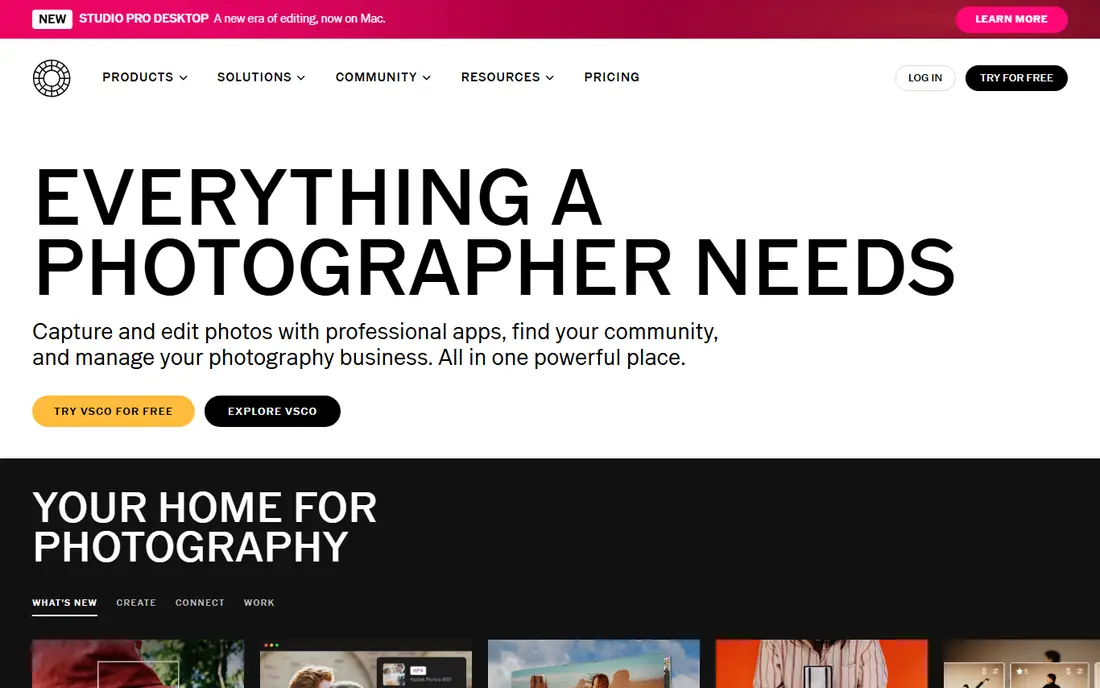
VSCO is the filter app most photographers name first. Its film-inspired presets give photos a consistent, muted or warm look, and its manual tools let you adjust exposure, contrast, tone and grain after applying a preset. Recipes let you save a look and reuse it across a set.
The free Starter tier includes a small set of presets, while Plus at $29.99 per year adds 200+ presets and advanced tools. Pro adds desktop editing and more. RAW support varies by device, so iPhone users get more than Android users here. For a preset-led style, it is still the pick.
- 200+ presets on Plus
- Strong manual controls
- Clean community
- Best presets need Plus
- RAW editing is iPhone only in some cases
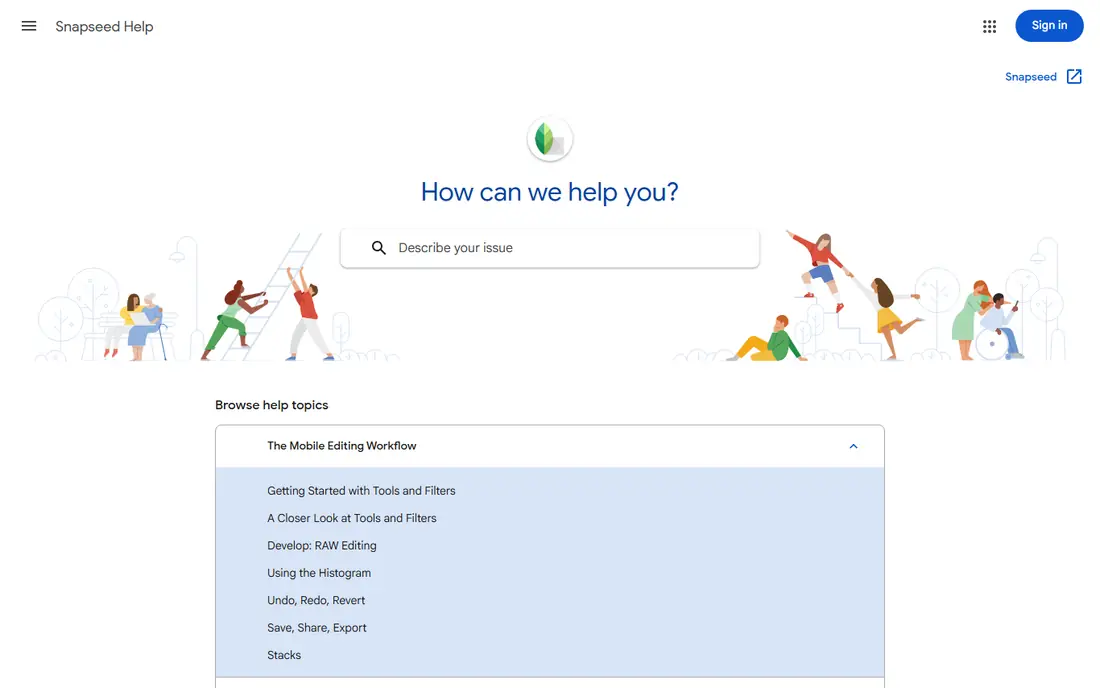
Snapseed, from Google, is the most generous photo editor on mobile. It is completely free, with no ads, no in-app purchases and no subscription, yet it offers 29 tools, filters, selective editing, curves and healing. That mix covers both quick filter looks and careful manual edits.
It has no cloud sync, no video editing and no preset marketplace, and its interface feels dated next to VSCO. It also has no standalone official homepage, so we link to Google official Snapseed support page here. For free, full editing, nothing else here matches it.
- Completely free with no ads
- 29 tools
- Selective editing and curves
- No cloud sync
- Interface feels dated
- No preset marketplace
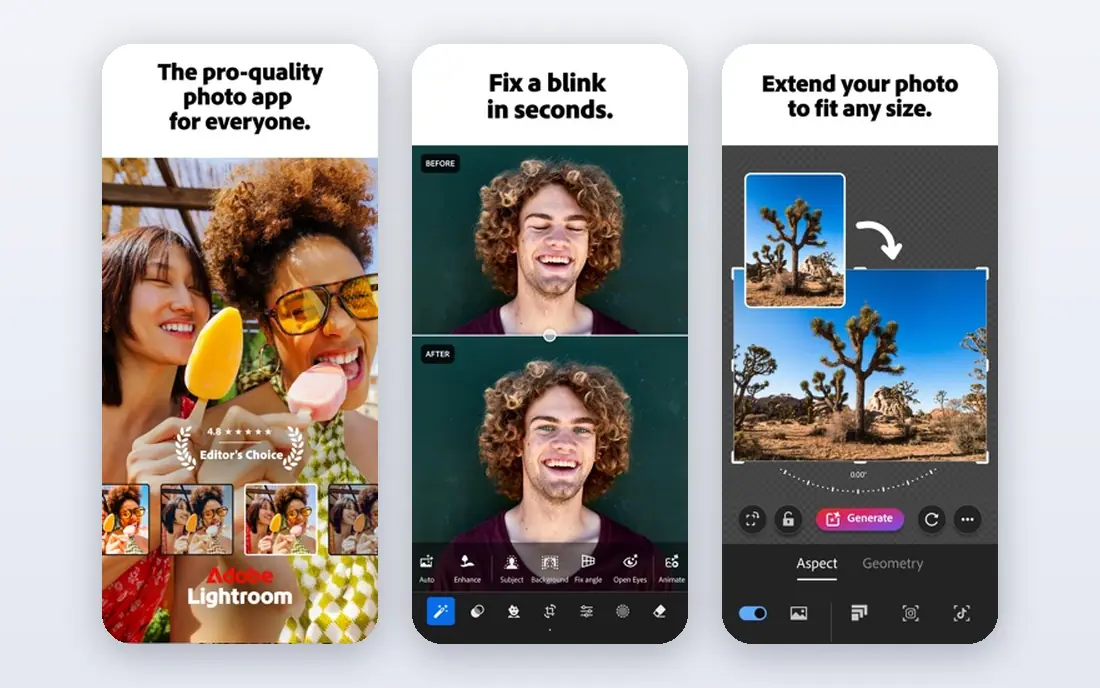
Adobe Lightroom Mobile pairs presets with professional editing. The free tier covers basic exposure, contrast, colour and crop, while Premium adds selective edits, masking, healing and cloud sync for RAW files. Presets can be created, saved and shared, which suits a consistent feed.
Premium costs $9.99 per month as part of the Photography Plan in many listings, and app-store prices vary. The full toolset also takes time to learn. For photographers who edit across phone and desktop, the sync and RAW support justify the cost.
- RAW editing
- Cloud sync
- Preset creation and sharing
- Best tools need Premium at $9.99 per month
- Learning curve for beginners
PicsArt suits playful, creative editing. Its filter and effect library is large, with AI effects, stickers, collage tools and text options for social posts. It runs on web and mobile, so a look started on a phone can be finished on a computer.
The free tier has ads and limits some effects to paid plans, with prices varying by region and billing cycle, so we list See website here. It is less suited to careful RAW work than Lightroom or Snapseed. For bold social styles, its range is hard to beat.
- Large filter and effect library
- Collage and stickers
- Web and mobile
- Free tier has ads
- Best effects need a paid plan
Afterlight is a calm, creative editor with custom filters, textures, frames and solid manual tools. It suits photographers who want a personal look without a noisy social feed, and its filter creation tools let you build and save your own styles. The interface stays focused on the photo.
Pricing varies by store and plan, so we list See website here and suggest checking the app-store listing for your region. Its community is smaller than VSCO, so preset sharing is thinner. For a personal filter style, it remains a strong, quiet pick.
- Custom filters
- Textures and frames
- Clean editing tools
- Pricing varies by store
- Smaller community than VSCO
Polarr gives careful editors more control than a simple filter app. Custom filters, masks, local adjustments and colour tools let you shape a look precisely, and its apps run across phone, desktop and web. Photographers who build a signature style will value its depth.
The best features need a paid plan, with prices varying by region, so we list See website here. The interface can feel dense for beginners who only want a quick filter. Start with the free tier, then upgrade only if masks and custom filters become part of your routine.
- Custom filters
- Masks and local edits
- Cross-platform apps
- Best features need a paid plan
- Interface can feel dense
Prisma turns photos into painterly artwork with neural-style filters inspired by art movements. Its looks are distinctive, which suits social posts, posters and creative projects that need a bold style rather than a natural photo. Rendering is fast and sharing is simple.
It is not suited to natural or professional photo editing, because its styles change the photo heavily. Premium styles need a paid plan, with prices varying by store, so we list See website here. Use it for art effects, and a different app for true-to-life edits.
- Neural art-style filters
- Distinctive looks
- Fast rendering
- Not suited to natural editing
- Best styles need Premium
Darkroom is built for iPhone photographers who want fast RAW editing. It syncs with Apple Photos, supports batch edits, and applies presets quickly across a set. Its speed and RAW handling make it a strong Lightroom alternative for Apple-only workflows.
It runs on iOS, iPadOS and Mac only, so Android users need another pick. The best features need a paid plan, with prices varying by billing cycle, so we list See website here. For Apple photographers who value speed, it is a clear fit.
- Fast RAW editing on iPhone
- Batch edits
- Apple Photos sync
- IOS and Mac only
- Best features need a paid plan
PhotoDirector, from CyberLink, mixes filters with AI tools, collage options and animation features for social photos. Its library covers everyday filters plus creative effects, and its mobile and desktop versions share a similar workflow. That range suits creators who make both photos and short clips.
The free tier limits some tools, and the best features need a paid plan, with prices varying by region, so we list See website here. For careful RAW work, Lightroom or Darkroom give more control. For creative social editing, its breadth is a strength.
- Filter and effect library
- AI tools
- Collage and animation options
- Free tier limits some tools
- Best features need a paid plan
How we picked these
We compared official pricing and feature pages, store listings and public photo editor comparisons, focusing on preset quality, editing controls, RAW support and free tier limits. We only listed legitimate photo editing tools, and we left out any tool built for undressing or non-consensual editing. Prices below are vendor and store prices checked in October 2026, and we wrote See website where app-store prices vary by region, plan or billing cycle.
How to pick a photo filter app
Start with the look you want. Film presets suit warm, muted or vintage styles. Clean presets suit bright, natural photos. Creative effects suit social posts that need a bold style. Pick one main look, then learn its controls, rather than collecting dozens of filters you never adjust.
Adjust after you apply
A preset is a starting point, not a finish. After applying it, adjust exposure, contrast, warmth and saturation for the light in your photo. Saving your adjusted version as a custom preset keeps a consistent style across a set without repeating the same edits each time.
Check export and RAW support
If you shoot RAW or print photos, pick an app with RAW support and high-resolution export. Social-only apps may compress exports or limit resolution on free tiers. Test an export at full size before you edit a whole set for print or client work.
Frequently asked questions
What is the best app for filters?
VSCO is the best pick for film-style filters, because its preset library is large and its editing controls are strong. Snapseed is the best free pick, with filters plus precise manual tools at no cost. Lightroom Mobile suits photographers who also want RAW editing and cloud sync.
What is the best free filter app?
Snapseed is the best free filter app, because it is completely free with no ads and no paid tier. VSCO, Lightroom Mobile, PicsArt and PhotoDirector also offer free tiers, but their best presets and tools sit behind subscriptions. Start with Snapseed if cost matters most.
Are photo filter apps safe to use?
Legitimate editing apps from official stores are safe when used on your own photos. Edit only your own photos, or photos of others with clear consent, and avoid any tool that claims to undress or alter a person without consent. Check privacy settings before you share edited photos.
Can I use filter apps for professional photos?
Yes, with care. Lightroom Mobile, VSCO Pro, Darkroom and Polarr support careful editing and high-resolution export for professional work. Keep edits natural for client and record photos, and save the original file so you can return to it.
Do filter apps work on both iPhone and Android?
Most apps here run on both iPhone and Android, including VSCO, Snapseed, Lightroom Mobile, PicsArt, Polarr, Prisma and PhotoDirector. Darkroom is iPhone, iPad and Mac only, so Android users should pick a cross-platform option instead.
Sources
See where you really rank - block by block
ProMapRanker scans Google Maps across a grid of your service area. Simple monthly plans from $19, white-label on every plan.
Start freeKeep reading
 zscaler alternatives
Best Zscaler Alternatives in 2026
Looking for zscaler alternatives? We compare 9 SASE and zero trust platforms on architecture, data protection, pricing, and fit for your network and team.
Read → zapier alternatives free
Best Zapier Alternatives Free in 2026
Nine automation tools for zapier alternatives free in 2026, all with genuinely free tiers, plus free plan limits, starting prices and upgrade paths explained.
Read → which platform is best for online reputation
Which Platform Is Best for Online Reputation in 2026
Wondering which platform is best for online reputation? We compare 8 review, listing, and response tools for small and multi-location businesses and agencies.
Read →