 ProMapRanker
Best Film Production Management Software in 2026


All-in-one cloud production hub · Pricing starts at: See website
Key takeaways
- StudioBinder and Celtx cover the widest production pipeline, from script to call sheets, in one cloud tool.
- Yamdu suits larger productions that need breakdowns, schedules, call sheets and budgeting together.
- Movie Magic and Gorilla remain the industry-standard desktop choices when a studio or bond company asks for their files.
- Filmustage speeds up script breakdown with AI-assisted tagging, which helps small teams with tight prep time.
- Scenechronize and Shot Lister fill narrower jobs well, so pair them with a main production tool rather than forcing one tool to do everything.
Quick comparison
| Pick | Great for | Pricing starts at | Free tier | |
|---|---|---|---|---|
| StudioBinder | All-in-one cloud production hub | See website | Yes | Visit |
 Celtx | Script to production in one suite | See website | Yes | Visit |
 Yamdu | Larger productions with full prep tools | $45 per month | Free trial | Visit |
 Movie Magic Scheduling | Industry-standard scheduling | $29.99 per month | Free trial | Visit |
 Gorilla Scheduling | Desktop scheduling on a budget | $29 per month | Free trial | Visit |
 Filmustage | AI-assisted script breakdown | See website | Yes | Visit |
 Scenechronize | Studio production management | See website | No | Visit |
 Shot Lister | Shot lists and on-set planning | See website | Free trial | Visit |
The best film production management software
We compared official pricing pages, breakdown, scheduling, budgeting and call sheet features for production tools that are live in October 2026. A production tool earns its place here by keeping the script, schedule and call sheet connected, so a change in one place does not create a stale PDF somewhere else.
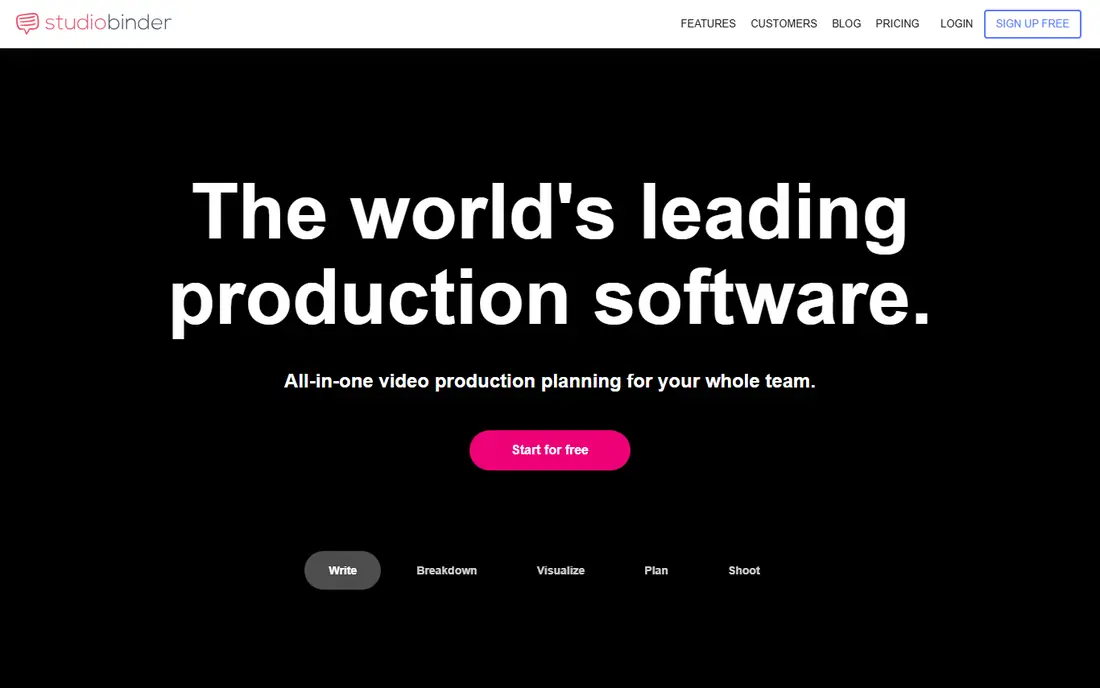
StudioBinder is the most complete cloud hub for independent producers who want prep and production in one login. You import a script, break it down, build a stripboard schedule, create shot lists and storyboards, then generate call sheets that pull from the same data and track confirmations. That connection is the point: when a scene moves, the call sheet reflects it without retyping. The free plan covers one project, which is enough to learn the workflow and run a short. Paid plans add projects, users and storage, though prices have shifted across sources in 2026, so confirm the current rate on the vendor site before budgeting. The script editor is also less refined than a dedicated screenwriting app, so some writers draft elsewhere and import. For a producer running the whole job, StudioBinder remains the broadest cloud choice here.
- Script breakdown, schedules, shot lists, storyboards and call sheets in one place
- Call sheet confirmations by email
- Free plan with one project to learn on
- Paid pricing has changed often, so confirm the current plan
- Script editor is less polished than dedicated writing tools

Celtx has grown from a screenwriting tool into a full pre-production and production suite, which suits teams that want to stay in one product from first draft to shoot day. Writers draft in the editor, producers break down the script, build schedules, track budgets and send call sheets, all from the same project data. That continuity reduces the export and import errors that plague multi-tool workflows. The catch is plan structure. The free plan includes one project and the editor, Writer tiers focus on writing, and the full production toolset is included from the Team plan, with add-on pricing on lower tiers that is not always published clearly. Budget for the Team level if production tools are the reason you are buying. For writer-producer teams that want one home for the whole job, Celtx is a strong, familiar choice.
- Writing, breakdown, scheduling, budgeting and call sheets in one suite
- Free plan with one project and the editor
- Team plan includes full production tools
- Production tools are an add-on on Writer tiers
- Pricing details for add-ons are less clear upfront
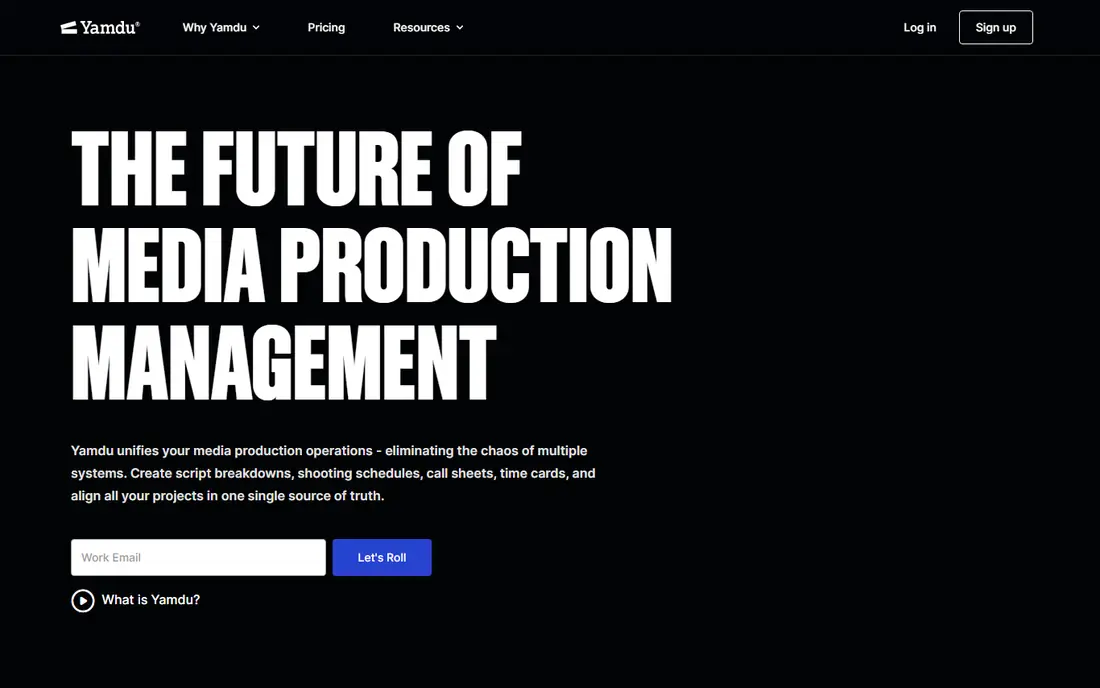
Yamdu is built for productions that need the full prep stack handled properly, not just a schedule. Script breakdowns, shooting schedules, call sheets, day-out-of-days, time cards and budgeting live in one system, with crew who only receive call sheets counted as unlimited external contacts. That last detail matters on a large shoot, where paying a seat for every crew member who just needs a call sheet would waste money. Flex starts at 45 dollars a month for one user and one project, with extra users and projects priced separately, while Core covers up to 20 users with unlimited projects. The absence of a free plan means you learn Yamdu on a 14-day trial, so run a real script through it during that window. For mid-size and larger productions that need disciplined prep, Yamdu is one of the most complete options here.
- Breakdowns, schedules, call sheets, time cards and budgeting together
- Unlimited external call sheet contacts on every plan
- Strong fit for film, TV and commercials
- No free plan, only a trial
- Per-user and per-project costs add up on the Flex plan
Movie Magic Scheduling is the scheduling standard that many studios, bond companies and experienced assistant directors expect to see. If a production partner asks for a Movie Magic file, no cloud alternative fully replaces it, and that file compatibility alone justifies the purchase for many professional jobs. The stripboard, calendar and day-out-of-days tools are mature, and the workflow reflects decades of real production use. The limit is scope and price structure. Movie Magic Scheduling covers scheduling, while Movie Magic Budgeting is a separate product, so a full prep stack costs more than the scheduling price alone. The interface also feels like desktop software with a long history, rather than a modern cloud app. For professional productions where file compatibility matters, buy it. For an indie short, a cloud all-in-one tool will cover more ground for less money.
- Industry-standard scheduling files studios recognise
- Stripboard, calendar and day-out-of-days included
- Budgeting available as a companion product
- Scheduling only, budgeting is a separate purchase
- Desktop heritage shows in the interface
Gorilla Scheduling, from Jungle Software, is the budget-friendly desktop alternative for producers who need a proper stripboard without paying the full Movie Magic stack price. It imports breakdown data, builds schedules and calendars, and exports in formats that professional workflows recognise, including Movie Magic compatible files. For an assistant director or producer working on a desktop, that compatibility at a lower price is the appeal. The trade is breadth. Call sheets and budgeting are separate products, so the headline scheduling price does not buy the whole production system. The interface is also functional rather than polished, which matters less on a working schedule and more if you present it to clients. Gorilla suits producers who know scheduling, want desktop control, and prefer to buy only the modules they need.
- Lower-cost desktop scheduling with Movie Magic compatible exports
- Breakdown import and stripboard tools
- Combo pack adds budgeting
- Call sheets and budgeting are sold separately
- Interface is functional rather than modern
Filmustage speeds up the slowest part of prep: breaking a script into elements. Its AI-assisted breakdown tags categories across scenes, then lets you build a stripboard, schedule, budget, call sheets and shot lists from the same data, with export to Movie Magic formats where a partner needs them. For a small team with a tight prep window, cutting breakdown time from days to hours changes what is possible. AI tagging is a starting point, not a finished breakdown. You still need a human to review elements, fix misreads and confirm anything that affects budget or safety, especially stunts, effects and locations. Pricing includes a free tier, with paid Director's Cut plans above it, so confirm the current rate for your project size. If breakdown speed is your bottleneck, Filmustage is the most interesting new tool on this list.
- AI-assisted breakdown of script elements
- Stripboard, schedule, budget and call sheets in one product
- Movie Magic export support
- AI tagging still needs human review
- Higher tiers cost more than simpler breakdown tools
Scenechronize, from Entertainment Partners, is production management software built for studio and network-scale work. It handles scripts, breakdowns, schedules and production documents with controlled distribution, so the right version reaches the right department without a stray draft circulating. That control matters on a large production, where a wrong script revision can cost a shooting day. The barrier is access. Scenechronize is quote-based, with no free plan, and it is sized for professional productions rather than indie filmmakers. A small team will find the sales process and the feature depth heavier than needed. If you work on studio or network productions and need disciplined document control, Scenechronize belongs on the shortlist. If you shoot shorts, start with StudioBinder or Celtx instead.
- Production management built for studio and network workflows
- Script, breakdown and schedule tools with controlled distribution
- Used on larger professional productions
- No free plan and quote-based pricing
- Overkill for an indie short or a student film
Shot Lister does one job well: building and managing shot lists. Directors and cinematographers can plan coverage, order shots, add notes and share the list with crew, without opening a full production suite for a focused task. On set, that simplicity is a virtue, since a shot list tool that takes ten taps to update will not get updated when the light changes. The limit is obvious from the name. Shot Lister does not run your schedule, budget or call sheets, so it pairs with a main production tool rather than replacing one. Pricing is modest and a trial is available, which makes it an easy add-on for a director-led workflow. If your main tool's shot list feels clumsy, Shot Lister is a practical fix, not a reason to switch your whole system.
- Focused shot list building for directors and DPs
- Simple to learn and fast on set
- Exports and sharing for crew use
- Narrow scope, not a full production system
- Needs a main tool for scheduling and budgets
How we picked these
We compared official pricing pages, breakdown, scheduling, budgeting and call sheet features for production tools that are live in October 2026 and that producers actually use on real shoots. We kept a mix of cloud all-in-one tools, industry-standard desktop products and focused helpers, because no single tool fits a student short and a studio feature equally well. We noted where pricing is quote-based or has changed recently, so you can confirm before budgeting.
Choosing the right production setup
Start with the deliverable your partners expect. If a studio, network or bond company will ask for Movie Magic files, plan your workflow around that requirement from day one, even if you draft and break down elsewhere. If you run an indie production with no such requirement, a cloud all-in-one tool that keeps script, schedule and call sheets connected will save more time than a desktop specialist. Test prep with a real script, not a demo project. Import a script you know, break down ten scenes, move a shooting day, and generate a call sheet, then check whether the call sheet, stripboard and day-out-of-days all agree. That single test exposes most workflow problems, including revision handling, which is where productions lose time. Also check mobile access, since call sheets and schedules live on phones on set, and a tool that only works well on a desktop will frustrate crew. Finally, count seats honestly. Some tools charge per user, others give free access to crew who only receive call sheets, and the difference can double your bill on a large shoot. List who needs to edit, who only needs to view, and who only needs a call sheet, then price each shortlist option for that exact crew. A tool that looks dear for two users can be the cheapest option for forty.
Frequently asked questions
What is the best film production management software for indie filmmakers?
StudioBinder or Celtx usually fit indie work best, since they cover script, breakdown, schedule and call sheets in one cloud tool with a free starting plan. Yamdu suits larger indie features with more crew. Movie Magic remains the choice when a studio partner requires its files.
Do I need Movie Magic if I use StudioBinder or Celtx?
Not always. Cloud tools cover most indie and commercial work on their own. You need Movie Magic when a studio, network, bond company or experienced assistant director specifically asks for its files, or when your scheduling workflow is built around it. Some cloud tools export to Movie Magic formats, which can bridge the gap.
Can production software replace a production manager?
No. Software organises the plan, but a production manager still makes the calls on schedule, budget, safety and crew. The software saves retyping and keeps documents consistent, which gives the production manager more time for decisions that software cannot make.
How do call sheets work in these tools?
Call sheets pull cast, crew, scenes, locations and timings from the schedule and breakdown, then send by email or link to the crew. Most tools track confirmations, so you can see who has acknowledged the call. Always confirm critical calls directly for safety and transport, since an email alone is not enough for a complex shoot day.
Is cloud or desktop production software better?
Cloud tools suit distributed teams, mobile crew access and connected documents. Desktop tools suit producers who want local control and industry-standard files, and who work in established studio workflows. Many professionals use both: cloud for collaboration, desktop where file compatibility is required.
What should I test during a free trial?
Import a real script, break down several scenes, build a schedule, move a day, and generate a call sheet. Check that all documents agree after the change, test mobile viewing, and confirm export formats your partners need. A trial that only clicks through demo data will not reveal revision or crew-access problems.
Sources
See where you really rank - block by block
ProMapRanker scans Google Maps across a grid of your service area. Simple monthly plans from $19, white-label on every plan.
Start freeKeep reading
 what’s the best risk software for enterprises
What Is the Best Risk Software for Enterprises in 2026
We compared what’s the best risk software for enterprises on risk registers, controls, third-party risk, and reporting, with pricing notes for large teams.
Read → what's the best pam software for enterprises
What is the Best PAM Software for Enterprises in 2026
Find what's the best pam software for enterprises, with vaulting, session recording, just in time access and pricing compared for large enterprise IT teams.
Read → what’s the best grc software
What Is the Best GRC Software in 2026
We compared what’s the best grc software on risk, compliance, audit and vendor risk, so teams can pick a platform that fits their frameworks and budget.
Read →