 ProMapRanker
Best File Transfer Software in 2026

Key takeaways
- WeTransfer is our pick for simple, no-account sends that clients already recognize.
- SwissTransfer and TransferNow suit free large sends, with SwissTransfer offering up to 50 GB free.
- Send Anywhere suits direct device-to-device transfers across phones and computers.
- Dropbox, Google Drive, and Tresorit Send suit senders who also need storage, sync, or stronger encryption.
- Always check link expiry, password options, and file size limits before you send client or sensitive files.
Quick comparison
| Pick | Great for | Pricing starts at | Free tier | |
|---|---|---|---|---|
 WeTransfer | Simple client sends | See website | Yes | Visit |
 Dropbox Transfer | Sharing alongside storage | See website | Yes | Visit |
 Google Drive | Everyday sharing and storage | See website | Yes | Visit |
 Send Anywhere | Direct cross-device sends | $5.99 per month | Yes | Visit |
 Smash | Large files with no size cap on paid plans | See website | Yes | Visit |
 Filemail | Large files with password options | See website | Yes | Visit |
 TransferNow | Free sends with password protection | See website | Yes | Visit |
 SwissTransfer | Free large sends up to 50 GB | Free | Yes | Visit |
 Tresorit Send | Encrypted sends without registration | Free | Yes | Visit |
The best file transfer software
We compared free size limits, link expiry, password protection, and whether a tool also stores files. Our pick for most people is WeTransfer for simplicity, with SwissTransfer as our pick for large free sends.

WeTransfer remains the easiest tool to explain to a client. Upload files, enter an email or copy a link, and send. The recipient needs no account to download, which removes the most common friction in client sharing. That simplicity is why many freelancers still start here.
Free limits apply, so check the current free size and expiry before you send a large project. Paid plans add larger transfers, longer storage, password protection, and branding. For quick client sends, WeTransfer is still the default choice.
- Very simple link sharing
- No account needed for free sends
- Clients recognize the brand and format
- Free sends have size and expiry limits
- Paid plans needed for larger transfers and longer storage
- Fewer automation features than enterprise tools
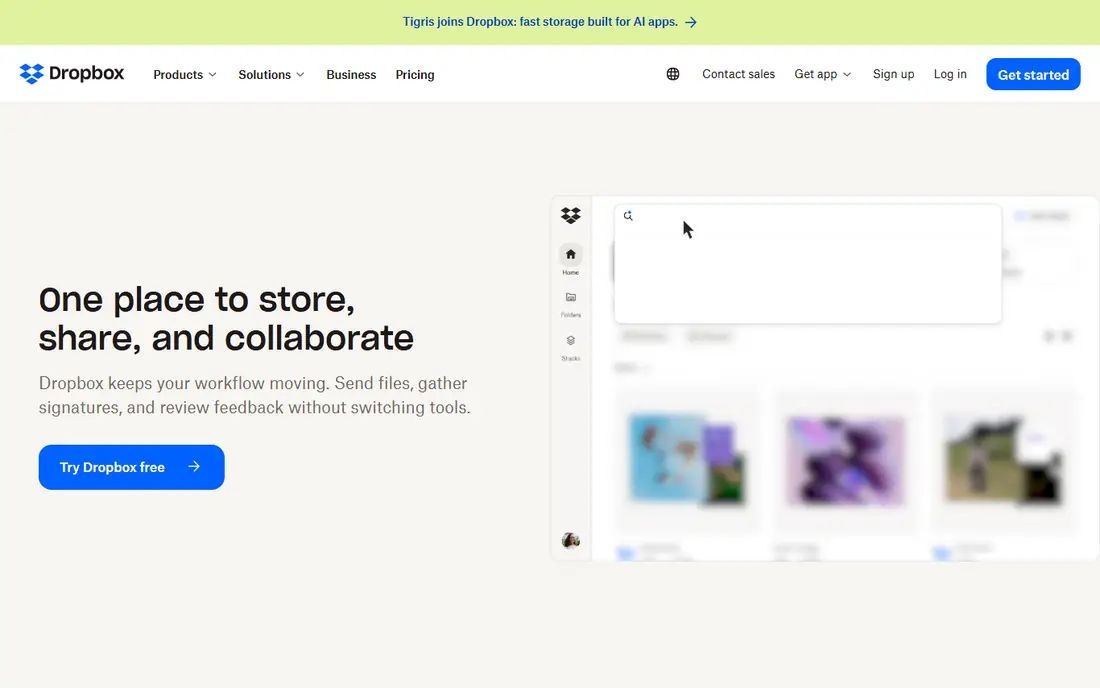
Dropbox Transfer suits people who already store files in Dropbox. You can send a copy of a file without giving access to your full folder, and you can set expiry and password options on paid plans. That separation between sharing and storage helps when you send final files to clients.
If you do not use Dropbox, a dedicated transfer tool may be simpler and cheaper. Transfer size also depends on plan, so check your limit before you send video or design files. For Dropbox users, Transfer is a natural addition.
- Works with Dropbox storage and sync
- Link expiry and password options on paid plans
- Familiar sharing flow
- Transfer size depends on your Dropbox plan
- Free transfer limits are small
- Best value only if you already use Dropbox

Google Drive is less a one-time transfer tool and more a storage and sharing system, but many people use it that way. You can share a file or folder with a link, set viewer or editor access, and let recipients preview without downloading. That works well for ongoing client work and team files.
Check sharing settings before you send sensitive files, since link access can be broader than intended. Storage limits also apply, with 15 GB free across Google services. For everyday sharing inside a Google workflow, Drive is hard to beat.
- 15 GB free storage shared across Google services
- Strong collaboration and preview tools
- Wide familiarity
- Sharing settings need care to avoid open links
- Large video files count against storage
- Transfer is really sharing, not a one-time send
Send Anywhere suits people who move files between their own devices or to a known recipient. Its key-code and link flows let you send across phones, tablets, and computers without a cloud storage step. That direct approach can be faster for large files on a good connection.
For client sends, WeTransfer may feel more polished, since recipients already know its format. Send Anywhere wins for cross-platform personal transfers and for senders who want a simple, direct route. Check the current free limit in the app before a very large send.
- Direct device-to-device transfers
- Works across Windows, Mac, Linux, iOS, and Android
- Free sends up to 10 GB in many cases
- Recipient needs the app or link flow for direct sends
- Paid plan needed for larger or ad-free use
- Interface is plainer than WeTransfer
Smash suits creatives who send very large files, such as video projects and photo shoots. Paid plans remove the size cap that limits most rivals, which helps when a single file exceeds other tools' limits. Preview options also help recipients check files before downloading.
Free sends are smaller, so check the current free limit before you rely on it for a large project. Paid plans vary, so compare the plan that matches your typical file size. For huge files, Smash is one of the few tools that does not force you to split the send.
- No file size limit on paid plans
- Free tier for smaller sends
- Preview and customization options
- Free tier has a 2 GB limit in published guides
- Large free sends enter an upload queue
- Paid pricing varies by currency and plan
Filemail is a balanced choice for senders who want free large sends plus control. You can send up to 5 GB free without an account, add a password, and set expiry. Desktop apps help with large uploads that would be awkward in a browser tab.
Free files do expire, so tell recipients to download promptly. Paid plans add larger storage, longer availability, and business features. For client work where password protection matters, Filemail is a practical option.
- Free sends up to 5 GB without registration
- Password and expiry options
- Desktop and mobile apps
- Paid plans needed for larger storage and permanent links
- Free files expire after a set period
- Business features sit on higher plans
TransferNow suits senders who want a free, controlled send without creating an account. You can protect a transfer with a password, which many free tools do not offer, and the flow is clear for first-time recipients. That mix of free access and control is rare.
The seven-day expiry on free files means recipients must act quickly. Paid tiers add longer storage, larger transfers, and team features. For a free send that still needs a password, TransferNow is a strong pick.
- Free sending up to 5 GB with no sign-up
- Password protection on free sends
- Clear paid tiers for larger work
- Free files expire after seven days
- Stored-file and custom domain features need paid plans
- Enterprise features need a quote
SwissTransfer stands out on free size alone. Sending up to 50 GB free without an account covers most video and design projects that break other free tools. The link flow is simple, and recipients need no account to download.
It is not a storage system, so do not treat it as a backup. Files expire after the stated period, and long-term client archives still belong in Drive, Dropbox, or a similar store. For a large free send, SwissTransfer is the first tool we would try.
- Free transfers up to 50 GB without an account
- Simple link flow
- 30-day availability in published guides
- Paid branding and history features are separate
- No long-term storage model like Drive or Dropbox
- Check current limits before a critical send
Tresorit Send suits sensitive files where encryption matters more than brand familiarity. Files are encrypted end to end, so the service cannot read them by design, and you can send up to 5 GB free without an account. Password and expiry controls add further protection.
Recipients may find the flow less familiar than WeTransfer, so include clear instructions in your message. For legal, medical, or financial files, that extra care is worth it. Use Tresorit Send when privacy is the priority, not just convenience.
- End-to-end encrypted sends
- Free sending up to 5 GB without registration
- Password and expiry controls
- Paid Tresorit plans are separate for storage
- Recipient flow is less familiar than WeTransfer
- Check current free limits before sending
How we picked these
We compared official product pages, pricing pages, and published 2026 transfer guides. A tool made this list only if it could send files in October 2026 through a current web or app product, with a clear free or paid route. We separated one-time transfer tools from storage systems, since they solve different problems.
We did not invent size limits or prices. Where published guides disagreed on a price, we wrote See website and pointed readers to the vendor page. Check the limit that matters for your file before you start an upload, since a failed large upload wastes more time than a quick check.
How to choose file transfer software
Start with file size and recipient. A 200 MB PDF needs a different tool than a 40 GB video project, and a client who needs no account needs a different flow than a teammate who shares a Drive folder. Match the tool to those two facts first, then check security.
Check size, expiry, and password options
Confirm the free or paid size limit, how long the link lasts, and whether you can add a password. Tell the recipient the expiry date in your message, so they download before the link dies. For sensitive files, use password protection and send the password through a separate channel.
Keep a copy until delivery is confirmed
Do not delete your only copy when you send a link. Keep the file until the recipient confirms a complete download, especially for large video or design files. A failed download is easy to fix if you still hold the original, and costly if you do not.
Use storage for archives, transfer for sends
Transfer links expire, while storage folders persist. Send final files by transfer, then archive them in Drive, Dropbox, or your backup system. That split keeps client sharing simple and long-term records safe, without paying for transfer storage you do not need.
Frequently asked questions
What is the best free file transfer service?
SwissTransfer suits large free sends up to 50 GB, while WeTransfer suits simple client sends and TransferNow suits free sends with password protection. The best free service depends on file size and whether you need a password.
What is the best file transfer app for large files?
Smash suits very large files on paid plans with no size cap, while SwissTransfer suits large free sends and Filemail suits large sends with password options. Check the current limit for your plan before you start a huge upload.
Is WeTransfer free?
Yes, WeTransfer offers a free tier for smaller sends without an account. Paid plans add larger transfers, longer storage, password protection, and branding. Check the current free size limit on the WeTransfer site before you send.
How do I send files securely?
Use an encrypted tool such as Tresorit Send for sensitive files, add a password where offered, and set a short expiry. Send the password through a separate message, and confirm the recipient downloaded the file before you delete your copy.
What is the best file transfer software for business?
Dropbox Transfer and Google Drive suit businesses that already use those storage systems, while Filemail, TransferNow, and enterprise tools suit teams that need control, branding, and audit features. Compare link expiry, password options, and admin controls during a trial.
Do transfer links expire?
Yes, most transfer links expire after a set period, such as seven or thirty days depending on the tool and plan. Storage links in Drive or Dropbox last longer, but transfer links are meant for delivery, not archiving.
Sources
See where you really rank - block by block
ProMapRanker scans Google Maps across a grid of your service area. Simple monthly plans from $19, white-label on every plan.
Start freeKeep reading
 zscaler alternatives
Best Zscaler Alternatives in 2026
Looking for zscaler alternatives? We compare 9 SASE and zero trust platforms on architecture, data protection, pricing, and fit for your network and team.
Read → zapier alternatives free
Best Zapier Alternatives Free in 2026
Nine automation tools for zapier alternatives free in 2026, all with genuinely free tiers, plus free plan limits, starting prices and upgrade paths explained.
Read → which platform is best for online reputation
Which Platform Is Best for Online Reputation in 2026
Wondering which platform is best for online reputation? We compare 8 review, listing, and response tools for small and multi-location businesses and agencies.
Read →