 ProMapRanker
Best File Sharing Collaboration Apps in 2026


Google Workspace teams and real time editing · Pricing starts at: See website
Key takeaways
- Google Drive and OneDrive suit teams already inside Google or Microsoft tools.
- Dropbox suits teams that move large files and need simple sharing.
- Box and Egnyte suit regulated teams that need governance and audit trails.
- Nextcloud suits teams that want to host files on their own servers.
- Encryption focused tools suit client work where privacy matters most.
Quick comparison
| Pick | Great for | Pricing starts at | Free tier | |
|---|---|---|---|---|
| Google Drive | Google Workspace teams and real time editing | See website | Yes | Visit |
 Dropbox | Simple large file sharing | $9.99 per month | Yes | Visit |
 Microsoft OneDrive | Microsoft 365 teams and Office editing | See website | Yes | Visit |
 Box | Regulated teams and governance | $5 per user per month | Yes | Visit |
 Nextcloud | Self hosted file sharing and control | See website | Yes | Visit |
 Tresorit | Encrypted sharing for sensitive client work | See website | No | Visit |
 Sync.com | Private sharing with client side encryption | See website | Yes | Visit |
 pCloud | Lifetime storage and media sharing | See website | Yes | Visit |
 Egnyte | Hybrid cloud and governance for larger teams | See website | No | Visit |
The best file sharing collaboration apps
File sharing apps now do more than store files. The best ones let a team edit the same document, comment in place, control who can view or download a file, and recover an older version when a change goes wrong. The right pick depends on which office tools your team already uses, how strict your security needs are, and whether you need to host files yourself.
We compared official pricing pages, storage limits, sharing controls and editing features for tools that are live in October 2026. We gave weight to real time collaboration, permission controls, version history, device apps and admin controls, and we noted where a tool is mainly storage rather than a full collaboration workspace.
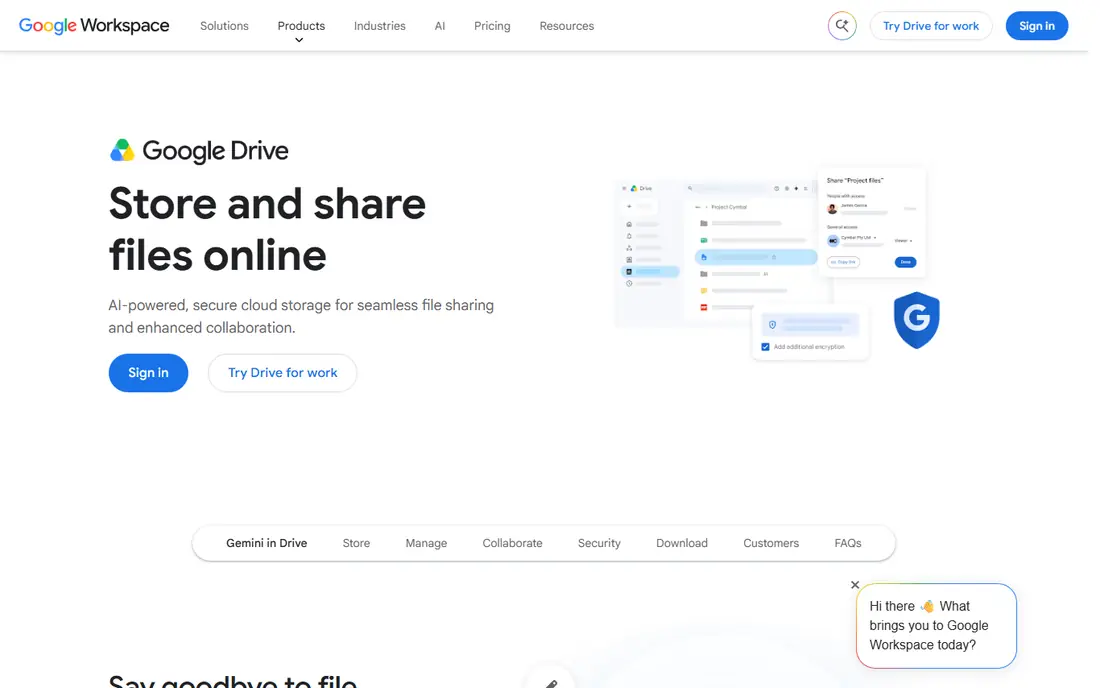
Google Drive suits teams that already use Gmail, Docs and Sheets. Editing happens in the browser, comments and suggestions sit beside the file, and sharing controls let you set view, comment or edit access per person or group.
The catch is recovery and encryption limits. Deleted files leave trash after a set window, and full end to end encryption is not on every plan, so teams with strict privacy needs should check plan details before storing sensitive files.
- Real time Docs, Sheets and Slides editing
- 15 GB free shared storage on personal accounts
- Strong search and sharing controls
- Trash recovery window is limited
- End to end encryption is limited to higher plans
- Linux sync app is limited

Dropbox suits teams and freelancers who move large files and want sharing to just work. Links, folders and device sync are simple to explain to clients, and version history helps when a file is overwritten by mistake.
The catch is the small free plan and per user business pricing. A team that grows will pay per seat, and teams that need deep document editing may still need Google or Microsoft tools beside it.
- Fast sync across devices
- Simple link sharing
- File recovery and version history on paid plans
- Free plan is only 2 GB
- Business pricing is per user
- Document editing is less deep than Google or Microsoft suites
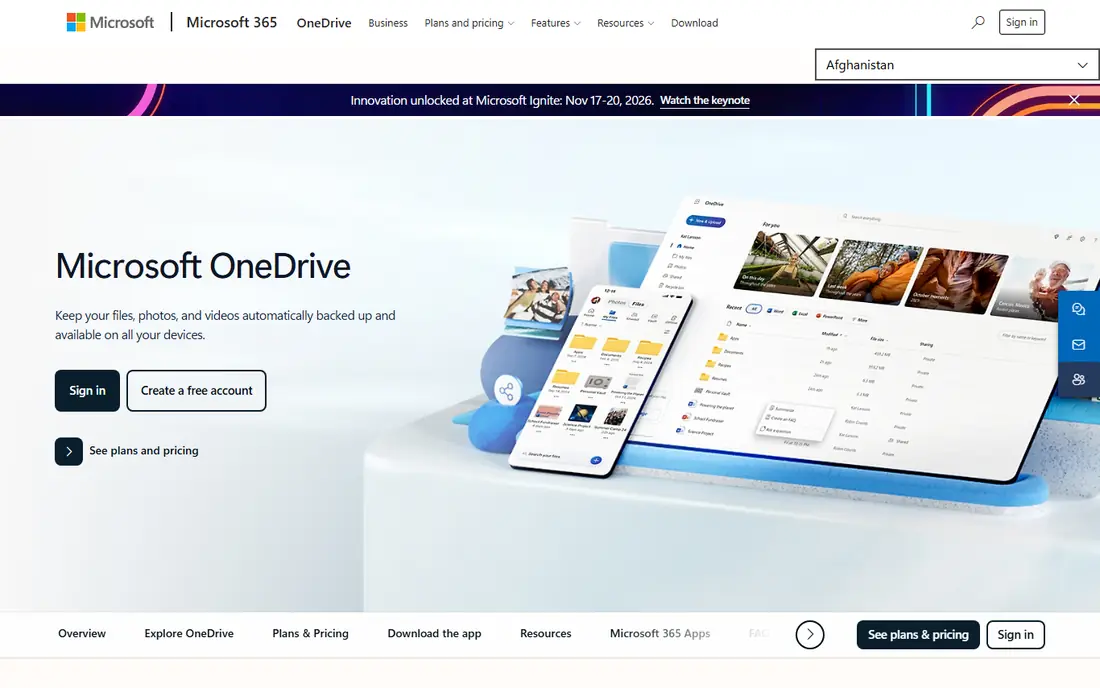
Microsoft OneDrive suits teams that live in Word, Excel and Outlook. Files open in desktop Office apps, co authoring works in the browser, and Personal Vault adds a protected area for sensitive files.
The catch is plan complexity. The best storage and app bundle comes with Microsoft 365, and sharing settings across OneDrive and SharePoint can confuse teams that have not set clear rules.
- Deep Word, Excel and PowerPoint integration
- Personal Vault for sensitive files
- Strong version history
- Free plan is only 5 GB
- Best value needs a Microsoft 365 plan
- Sharing settings can confuse new users
Box suits larger and regulated teams that need control over who sees, downloads and edits files. Governance, retention and audit tools help with compliance work, and workflow automation can route approvals without extra tools.
The catch is scale and setup. Minimum user counts and a heavier admin setup make Box a weaker fit for a two person team that just needs simple sharing, even though its controls are strong.
- Strong governance and compliance controls
- Workflow automation
- Detailed admin and audit tools
- Business plans need a minimum user count
- Setup can be heavy
- Entry plans limit some advanced features
Nextcloud suits teams that want data control and are willing to run their own server. It covers files, sharing, chat and document editing, and it can run on premises or on a server you rent, which helps with data rules.
The catch is maintenance. Updates, backups and security patches are your job, so a team without IT support should use a hosted provider or buy enterprise support rather than running it alone.
- Run files on your own servers
- File, chat and office apps in one platform
- No vendor lock in for storage
- You handle updates, backups and security
- Enterprise support is paid
- Setup needs technical skill
Tresorit suits law, finance and health adjacent teams that share sensitive client files. End to end encryption and secure rooms give clients a clear, controlled place to upload and download files, with access logs to back it up.
The catch is breadth. It is a secure sharing tool first, not a full office suite, so teams that need heavy document co authoring will still need separate editing tools beside it.
- End to end encryption by design
- Secure rooms for client sharing
- Audit and access controls
- No free plan
- Storage limits are lower than general tools
- Collaboration editing is narrower
Sync.com suits small teams and freelancers who want private storage without a complex setup. Client side encryption means files are protected before they reach the server, and sharing links are simple to use with clients.
The catch is editing depth. Document collaboration is basic compared with Google and Microsoft suites, so teams that co author daily may need another tool for editing.
- Client side encryption for stored files
- Simple sharing links
- Good privacy stance for teams
- Free plan is only 5 GB
- Advanced team controls need higher plans
- Document editing is basic
pCloud suits individuals and small teams who prefer a one time lifetime purchase over a monthly bill. Media playback, sharing links and device apps cover most everyday file work without a subscription.
The catch is the upfront cost and thinner team features. Lifetime plans suit stable storage needs, while growing teams that need admin controls and deep collaboration may find business suites a better fit.
- Lifetime purchase option
- Up to 10 GB free
- Media playback and sharing tools
- Lifetime plans are a large upfront cost
- Business collaboration features are thinner
- Crypto folder is a paid add on
Egnyte suits larger teams that need both cloud sharing and on premises file control. Governance, audit and permission tools help manage content across offices, and large file support suits design and media teams.
The catch is entry cost and complexity. Pricing is often quoted, there is no free plan, and smaller teams may find simpler tools faster to adopt and cheaper to run.
- Hybrid cloud and on premises options
- Governance and audit tools
- Large file handling
- No free plan
- Pricing is quote based for many teams
- Setup suits larger organisations better
How we picked these
We compared official feature pages, pricing pages and documentation, and we checked storage limits and sharing controls from vendor pages. We gave weight to editing, permissions, recovery and admin tools, and we noted where pricing is per user or quoted. We did not claim hands-on testing of every plan, and we excluded tools that are storage only with no collaboration features.
How to choose a file sharing app
Match the app to your office suite
If your team lives in Docs and Sheets, Google Drive will feel natural. If your team lives in Word and Excel, OneDrive and SharePoint will feel natural. Switching suites just for storage creates friction, since editing, comments and permissions work best inside the suite your team already knows.
Check sharing controls before you share widely
Look for link expiry, password protected links, view only access, download blocks and audit logs. These controls matter more than raw storage size once client files or staff records are involved. Also check how long deleted files can be recovered, since recovery windows differ a lot between tools.
Plan for storage growth and admin work
Check pooled versus per user storage, minimum user counts and guest access rules. A low entry price can rise fast when a team grows, and self hosted tools need someone to handle updates and backups. Trial with a real project folder, real permissions and a real recovery test before you move a whole team.
Frequently asked questions
What is the best file sharing app for teams?
Google Drive suits Google based teams, OneDrive suits Microsoft based teams, and Dropbox suits teams that need simple large file sharing across many platforms. The best choice follows your existing office tools.
Is Google Drive better than Dropbox for collaboration?
Google Drive is stronger for real time document editing inside Docs, Sheets and Slides. Dropbox is stronger for simple file sync and large file delivery, with its own document tools as a second layer.
Which file sharing app is most secure for client work?
Box, Egnyte and Tresorit offer stronger governance, audit and encryption controls for client work, while Sync.com and Proton style encryption tools suit teams that want client side encryption. Always check the exact encryption model before sharing sensitive files.
Can I host my own file sharing app?
Yes. Nextcloud is the main self hosted option in this list, and it lets a team run files, sharing and collaboration apps on its own servers, with paid enterprise support as an option.
How much storage do I need for a small team?
Most small teams manage well with pooled storage in the range of a few hundred gigabytes to a few terabytes, depending on video and design files. Check per user versus pooled limits, since pooled storage is more flexible when one team member holds large files.
Sources
See where you really rank - block by block
ProMapRanker scans Google Maps across a grid of your service area. Simple monthly plans from $19, white-label on every plan.
Start freeKeep reading
 zscaler alternatives
Best Zscaler Alternatives in 2026
Looking for zscaler alternatives? We compare 9 SASE and zero trust platforms on architecture, data protection, pricing, and fit for your network and team.
Read → zapier alternatives free
Best Zapier Alternatives Free in 2026
Nine automation tools for zapier alternatives free in 2026, all with genuinely free tiers, plus free plan limits, starting prices and upgrade paths explained.
Read → which platform is best for online reputation
Which Platform Is Best for Online Reputation in 2026
Wondering which platform is best for online reputation? We compare 8 review, listing, and response tools for small and multi-location businesses and agencies.
Read →