 ProMapRanker
Best File Encryption Software (2026)


Windows shops needing built-in encryption · Pricing starts at: Included with Windows
Direct answer
For Windows shops needing built-in encryption, BitLocker is where this list starts. If your case is different, 7-Zip suits encrypting files to share by email and Tresorit suits compliance-heavy teams (GDPR, HIPAA). All 8 tools are compared below on price, free plan and limits.
Key takeaways
- Top of the list is BitLocker, which targets Windows shops needing built-in encryption.
- NordLocker fits encrypted cloud vault with simple sharing.
- Tresorit and NordLocker: pricing is by quote only, so plan time for a sales conversation.
- Free access is easy to find: 7 of the 8 tools have a free plan, for example BitLocker, 7-Zip, Tresorit and Cryptomator.
Quick comparison
| Pick | Great for | Pricing starts at | Free tier | |
|---|---|---|---|---|
| BitLocker | Windows shops needing built-in encryption | Included with Windows | Yes | Visit |
 7-Zip | Encrypting files to share by email | Free | Yes | Visit |
 Tresorit | Compliance-heavy teams (GDPR, HIPAA) | See website | Yes | Visit |
 Cryptomator | Encrypting files in Dropbox, Drive, or OneDrive | Free | Yes | Visit |
 DiskCryptor | Free Windows full-disk encryption alternative | Free | Yes | Visit |
 VeraCrypt | Free full-disk and container encryption | Free | Yes | Visit |
 WinZip | Teams that already zip and share files daily | $34.95 | Free trial (21 days) | Visit |
 NordLocker | Encrypted cloud vault with simple sharing | See website | Yes | Visit |
8 options for file encryption software in detail
Choosing file encryption software usually comes down to price, fit and limits. This ProMapRanker guide sets 8 tools side by side on those three points, with the facts kept short and checkable.
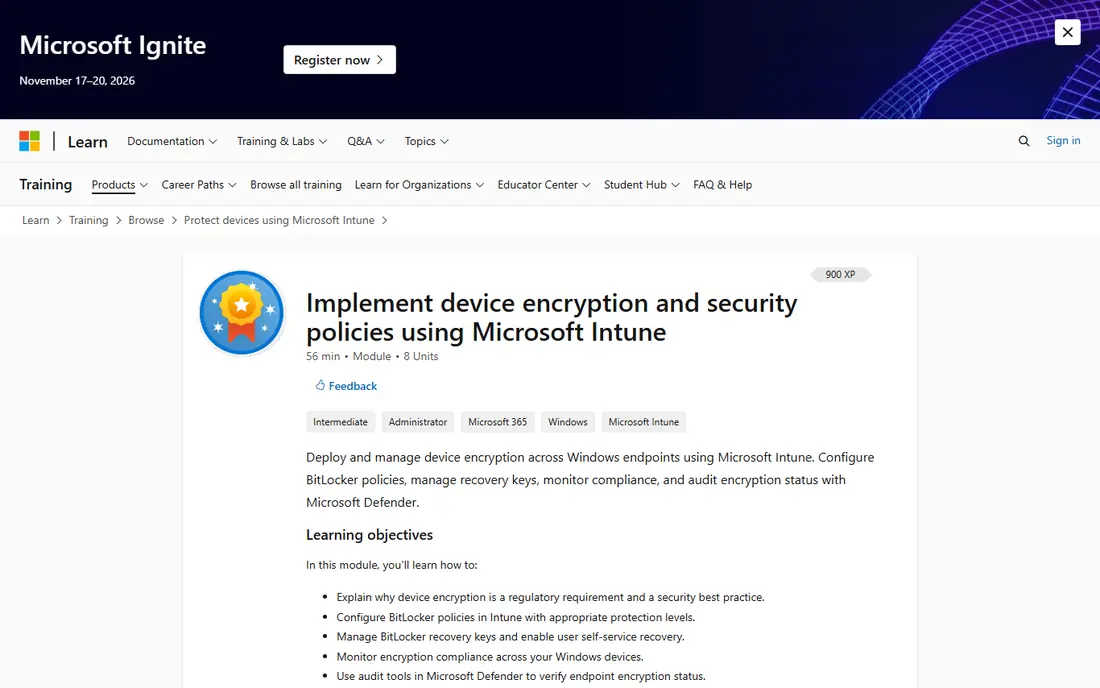
BitLocker is aimed squarely at Windows shops needing built-in encryption. BitLocker encrypts whole volumes with AES, ties into the TPM chip for hardware-backed protection, and extends to USB drives through BitLocker To Go.
Where it is weaker: Windows-only.
More specifically, for domain-joined machines, IT can enforce encryption policies and escrow recovery keys in Active Directory. In daily use, if your team runs Windows Pro, you already own an encryption tool. BitLocker starts at: Included with Windows. BitLocker has a free plan.
- TPM chip integration for pre-boot protection
- Built into Windows Pro, Enterprise
- Recovery keys must be managed or a forgotten password means lost data
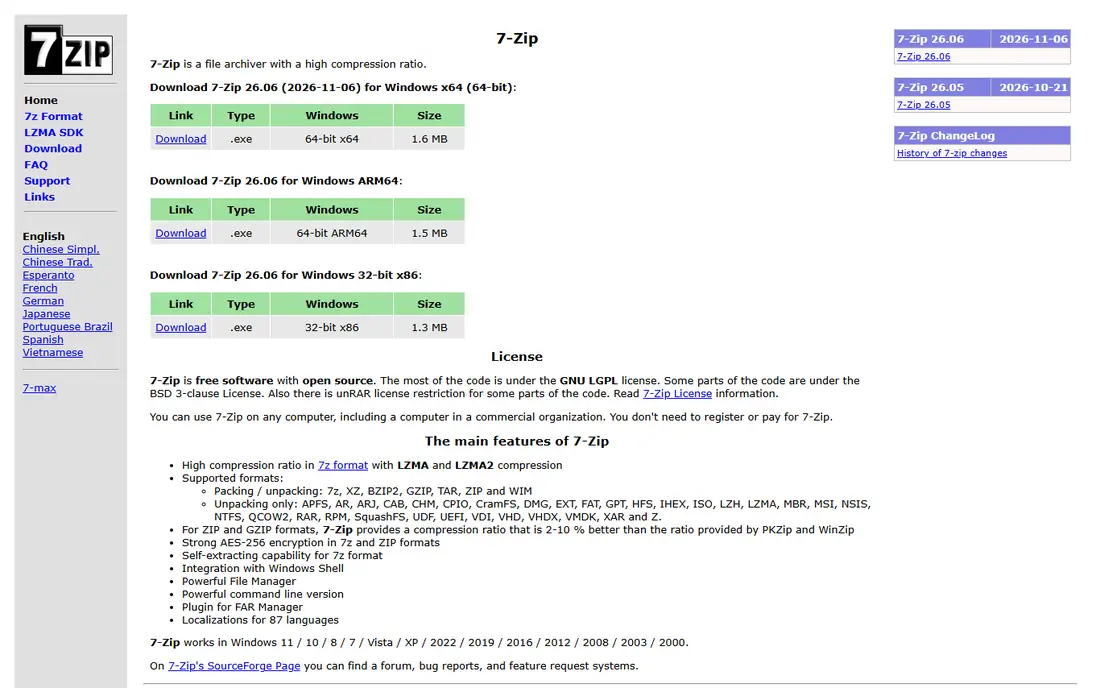
7-Zip was built for encrypting files to share by email. 7-Zip is the quiet workhorse of file encryption. Worth adding: there is no vault, no syncing, no way to revoke access after you send the file.
Drawbacks to consider: Archive-based only; Spartan interface.
But for the typical small-business task of emailing a sensitive spreadsheet or contract, an encrypted zip remains the simplest steady method. As for the details, right-click any file, add it to an archive, set a password. You get AES-256 encryption in a zip file anyone can open with the password. This is point-to-point encryption, not a system. Worth adding: every office should have it installed regardless of what else they buy. Entry price for 7-Zip: Free. You can start on 7-Zip without paying.
- AES-256 encryption on zip and 7z archives
- Tiny footprint that runs on any old machine
- No live or transparent encryption
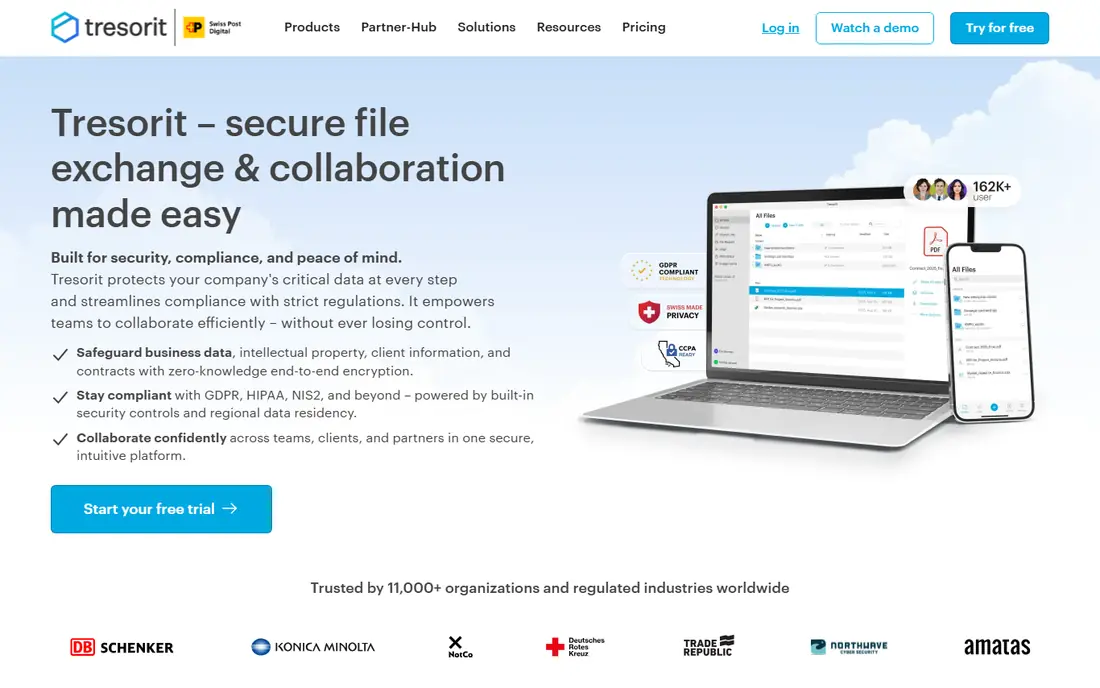
Tresorit serves compliance-heavy teams (GDPR, HIPAA). Business plans need a minimum of three users. On top of that, compliance certifications include GDPR, HIPAA, NIS2, CCPA, and FINRA, and you can choose where your data physically resides.
That positioning comes at a premium over Dropbox or OneDrive, and the free Basic plan is only handy for evaluation. For general file sharing, less expensive choices will do. Tresorit does not show a starting price in this comparison, so check the vendor site for current pricing. You can start on Tresorit without paying.
Downsides: No live document collaboration.
- FINRA compliance
- Data residency choice across 12 global locations
- Pricier than mainstream cloud storage
Cryptomator is built with encrypting files in Dropbox, Drive, or OneDrive in mind. The tradeoff is scope: Cryptomator encrypts, it does not share, sync, or handle.
More specifically, the provider only ever sees scrambled data. Worth adding: you build a vault inside Dropbox, Google Drive, OneDrive, or iCloud, and Cryptomator encrypts file contents and filenames with AES-256 on your device. Entry price for Cryptomator: Free. Cryptomator offers a free plan.
Downsides: One more layer for staff to understand.
- No account or registration required
- Brings encryption on top of any cloud storage
- Mobile apps cost a small additional fee
DiskCryptor is aimed squarely at free Windows full-disk encryption alternative. DiskCryptor is the open-source answer to BitLocker for Windows purists. It encrypts whole partitions including the system drive, with pre-boot authentication and support for AES, Twofish, and Serpent.
Strengths: Serpent in XTS mode.
There is no company behind it, no support contract, and no macOS or Linux version. Also, a community fork has kept it alive and updated it for modern Windows versions with UEFI and GPT boot support. It exists for a specific audience: people who want full-disk encryption but do not trust or cannot use BitLocker. What you pay to start with DiskCryptor: Free. DiskCryptor includes a free tier. Limits to weigh: Documentation is thin.
- Supports AES, Twofish
- Updated for Windows 10 and 11 with UEFI support
- Windows-only
Think of VeraCrypt for free full-disk and container encryption. VeraCrypt is the free, open-source heavyweight of disk encryption. It encrypts whole drives, partitions, or file containers with AES-256.
Its hidden-volume feature provides you plausible deniability if someone forces you to reveal a password. The main limit is usability. The interface looks like it belongs to another decade, and there is no admin console for managing a team's machines. For a 20-person company with no IT staff, the lack of central management will hurt. VeraCrypt starts at: Free. You can start on VeraCrypt without paying.
Limits to weigh: Setup mistakes can lock you out of your own data.
- Free and open source with audited code
- Runs on Windows, macOS, Linux
- Dated interface that intimidates beginners
WinZip targets teams that already zip and share files daily. The honest comparison is with 7-Zip, which encrypts zips at no cost. In practice, the vendor lists a $34.95 price with a 21-day free trial.
Points against: 7-Zip includes the basics at no cost.
An Enterprise edition brings FIPS 140-2 compliance and centralized IT deployment. If you are starting from scratch, try the free tools first. For everyday use, staff already know how to zip a file; WinZip brings AES-256 encryption, secure sharing, and cloud connections to that workflow. Starting cost for WinZip: $34.95. Free plan details: Free trial (21 days).
- 100,000+ firms use it for file security
- AES-256 zip encryption in a familiar workflow
- Newer versions push subscriptions
NordLocker is aimed squarely at encrypted cloud vault with simple sharing. Files are encrypted on your device before they touch the cloud, using AES-256 and xChaCha20 under a zero-knowledge design, so NordLocker itself cannot read them. On top of that, local encrypted lockers were retired in 2025, so NordLocker is now a cloud-first product.
The main drawbacks: No native Linux app.
That is fine for teams that want encrypted storage and sharing across devices, but less handy if you wanted pure on-device encryption. More specifically, premium plans scale to 2 TB. NordLocker shows no starting price here, so confirm the cost on the vendor site. A free plan is available with NordLocker.
- Zero-knowledge architecture with AES-256 and xChaCha20
- Ample free plan with 3 GB of encrypted cloud storage
- Serious storage needs a premium plan
How we compared the tools
The comparison looks at four things: starting price, free access, how well the feature set matches file encryption software, and the main limit of each tool. Prices and plan limits come from vendor pages and can change, so confirm them on the vendor site before you buy. Position on the page reflects fit for a typical buyer first, with price clarity and free access breaking ties. Treat it as a guide, not a ruling.
Before you commit
- Ask Tresorit and NordLocker for a written quote, since no starting price is shown.
- Look at free plan limits closely: BitLocker, 7-Zip, Tresorit and others have one, and the caps decide whether it is usable for real work.
- Run a trial of WinZip with real work before paying for a year; your own workflow is the best test.
- Before choosing BitLocker, weigh its main limit: not available on Windows Home edition.
- Total up the real monthly cost of WinZip, including add-ons, extra users and usage-based fees.
- A short pilot of BitLocker with your real workflow tells you more than a feature table.
Frequently asked questions
Do these tools publish their prices?
Not all of them. Tresorit and NordLocker publish no starting price, so expect a quote request for those. The rest, BitLocker included, show a starting price, though seats and billing terms still change the final cost.
Can I try these options before paying?
Often, yes. BitLocker, 7-Zip, Tresorit and others have a free plan and WinZip offers a free trial. Use your own data and a real task during the test, and check what the free tier or trial limits before you rely on it.
Is BitLocker the right pick for everyone comparing file encryption software?
No single tool suits every team. BitLocker comes first because it fits Windows shops needing built-in encryption, while 7-Zip suits encrypting files to share by email and Tresorit suits compliance-heavy teams (GDPR, HIPAA). Match the tool to your own size, budget and workflow before deciding.
What is the best free file encryption software?
Start with BitLocker if you need Windows shops needing built-in encryption. 7-Zip is the better match for encrypting files to share by email, and Tresorit for compliance-heavy teams (GDPR, HIPAA). The best choice depends on budget, team size and workflow.
Which options for file encryption software have a free plan?
On this list, 7 of 8 tools include a free plan, among them BitLocker, 7-Zip, Tresorit and Cryptomator. Caps on seats, usage or features are common, so test the free plan against your real workload. One other tool offers a trial instead.
Does encryption slow down my computer?
You may notice it during very large file transfers or on machines more than a decade old. File-level encryption of individual documents has no meaningful speed cost.
Sources
See where you really rank - block by block
ProMapRanker scans Google Maps across a grid of your service area. Simple monthly plans from $19, white-label on every plan.
Start freeKeep reading
 zscaler alternatives
Best Zscaler Alternatives in 2026
Looking for zscaler alternatives? We compare 9 SASE and zero trust platforms on architecture, data protection, pricing, and fit for your network and team.
Read → zapier alternatives free
Best Zapier Alternatives Free in 2026
Nine automation tools for zapier alternatives free in 2026, all with genuinely free tiers, plus free plan limits, starting prices and upgrade paths explained.
Read → which platform is best for online reputation
Which Platform Is Best for Online Reputation in 2026
Wondering which platform is best for online reputation? We compare 8 review, listing, and response tools for small and multi-location businesses and agencies.
Read →