 ProMapRanker
Best Field Service Management Software for Small Business in 2026

Key takeaways
- Small businesses should buy for the crew they have now, not the crew they hope to have in three years, since per user pricing punishes overbuying.
- Jobber, Housecall Pro and ServiceM8 are the clearest small team starts, with published prices and fast setup.
- Zoho FSM's free tier is worth testing if you already use Zoho apps or have seasonal job volume.
- Flat price tools such as Service Fusion only beat per user tools once your crew is large enough for the maths to work.
Quick comparison
| Pick | Great for | Pricing starts at | Free tier | |
|---|---|---|---|---|
 Jobber | Small crews wanting simple pricing | $29 per month | Free trial (14 days) | Visit |
 Housecall Pro | Growing home service firms | $59 per month | Free trial (14 days) | Visit |
 ServiceM8 | Solo operators on a budget | Free | Yes | Visit |
 Zoho FSM | Zoho users and seasonal teams | Free | Yes | Visit |
 Workiz | Phone led small teams | See website | Free trial | Visit |
 Kickserv | Small teams wanting core features | $60 per month | Yes | Visit |
 FieldPulse | Trades teams needing custom stages | See website | No | Visit |
 Service Fusion | Larger small teams avoiding seat fees | $208 per month | No | Visit |
 Tradify | Trades teams wanting job tracking | $47 per month | Free trial (14 days) | Visit |
The best field service management software for small business
This list is aimed at small businesses, not large contractors. That means teams of one to about fifteen people, in trades such as plumbing, HVAC, electrical, cleaning, pest control, lawn care and appliance repair. We favoured tools a small owner can set up without an implementation team, with clear pricing and a mobile app technicians will actually use.
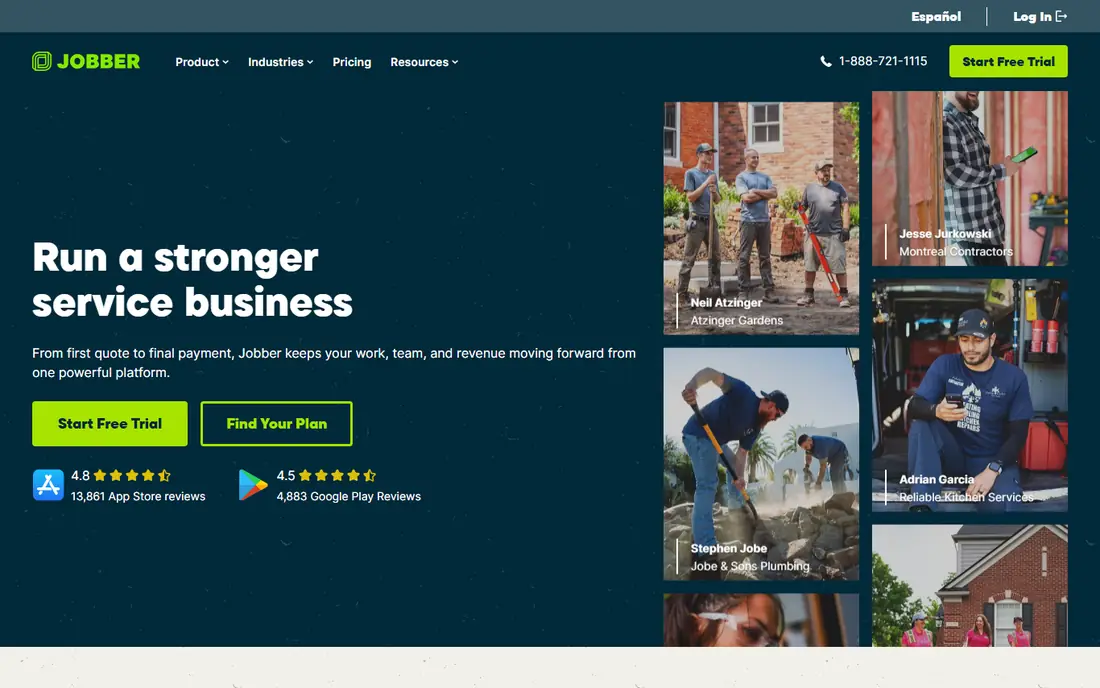
Jobber is our pick for most small businesses because it balances price, simplicity and completeness. A small owner can schedule jobs, send quotes, invoice customers and take online payments from one system, without hiring an admin to run it. The client hub lets customers approve quotes and pay, which reduces chasing and phone calls.
The limits are known and manageable at small scale. Marketing is basic, and reporting improves only on higher tiers. If your main problem is disorganised jobs and slow invoicing, Jobber solves it. If your main problem is lead generation, you will need a separate marketing tool alongside it.
- Clear tier pricing
- Fast setup
- Quoting, scheduling, invoicing and client hub in one tool
- Basic marketing tools
- Reporting is thinner on lower tiers
- Limited dispatch depth for larger teams
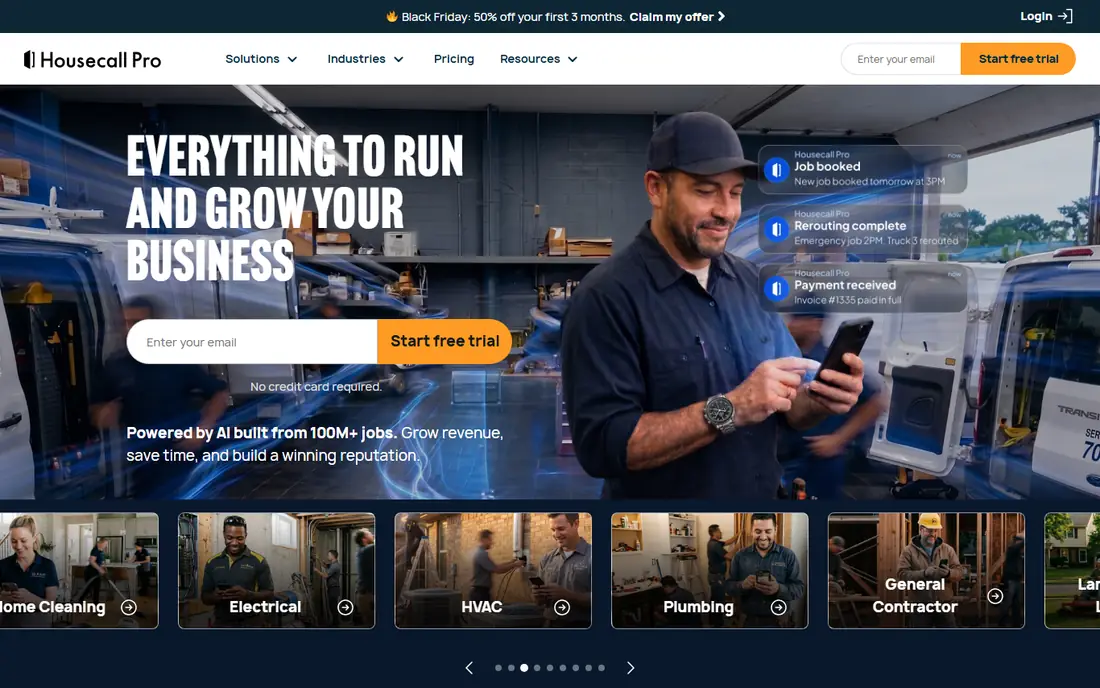
Housecall Pro fits a small firm that is growing from a few jobs a week to a full schedule. Automated texts keep customers informed, review requests after each job build a rating, and online booking fills gaps in the diary without extra office work. That growth toolkit is why many home service firms move from Jobber to Housecall Pro as they add staff.
Price it for your team size, not the entry tier. A one user plan is cheap, but a five or eight user plan costs far more, and add ons for marketing or payments add further cost. For a team of three to eight, the value is often clear. For a team of one, Jobber or ServiceM8 may be cheaper.
- Automated customer texts and review requests
- Online booking
- Dispatch with drag and drop scheduling
- Cost grows with users and add ons
- Offline mobile access is limited on some plans
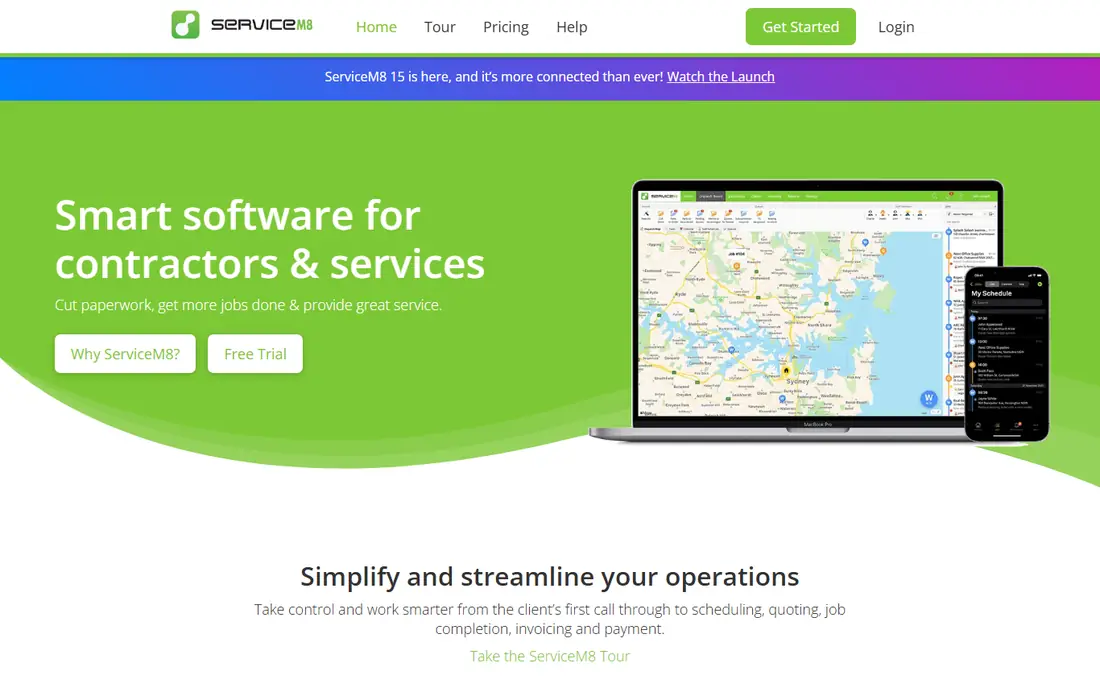
ServiceM8 is the lowest risk start for a solo operator. The free plan lets you run real jobs, quotes and invoices for a limited monthly volume, so you can learn the system before you pay. Paid plans keep unlimited users, which means an office helper or a second technician does not trigger a seat fee.
Job volume is the cost driver, so a busy solo operator may move up tiers faster than expected. Check your monthly job count against the tier limits before you commit. For a steady, modest volume, ServiceM8 is hard to beat on price and mobile usability.
- Free plan for one user
- Unlimited users on paid plans
- Strong mobile app for field staff
- Paid pricing follows job volume
- Some features are iOS only
Zoho FSM, short for Zoho Field Service Management, suits a small team already using Zoho CRM, Books or Invoice. The free tier covers up to 20 users and a limited number of appointments, which is generous for a seasonal business that needs a system in busy months and a lighter load in quiet months. Scheduling, dispatch and job tracking are structured, if less trade specific than rivals.
The trade off is setup time. Zoho tools reward configuration, but they can feel generic until you shape workflows, forms and notifications to your trade. If you already live in Zoho, that effort pays off. If you use no Zoho apps, Jobber or Housecall Pro will feel faster to adopt.
- Free tier for up to 20 users and limited appointments
- Structured scheduling and dispatch
- Works with other Zoho apps
- Setup needs configuration
- Appointment limits on free and lower tiers
- Less trade specific depth than Jobber
Workiz fits a small team where most jobs start with a phone call. The system keeps calls, texts and dispatch together, so an office worker can answer, book and assign without switching apps. AI answering can take calls when the office is busy, and follow up tools chase quotes that would otherwise go cold.
Pricing is now quoted, which makes a direct price comparison harder. Ask for a quote that includes phone numbers, AI answering and any service plan features you need, and test call handling with your real job types. For a phone heavy trade such as locksmithing or garage door repair, that call focus can justify the extra step.
- Phone, text and dispatch in one view
- AI answering for missed calls
- Follow up and review tools
- Quote based pricing
- AI features are paid add ons
- Service plans need higher tiers
Kickserv is a no fuss choice for a small team that wants the core job cycle done well. Scheduling, dispatch, estimates, invoices and payments are all present, and tiers are priced by user count in a way that is easy to forecast. The free plan lets a very small team test the basics before paying.
It will not match Housecall Pro on marketing or ServiceTitan on depth, but a small business does not always need those layers. If your jobs are straightforward, your customers are local and your main need is a reliable diary plus fast invoicing, Kickserv is a solid, affordable fit.
- Clear user based tiers
- Core scheduling, dispatch, invoicing and payments
- Free plan for testing
- Advanced dispatch mapping needs higher tiers
- Marketing tools are limited
FieldPulse suits a small trades team that has outgrown a generic calendar and wants job stages that match how it actually works. A job can move from estimate to scheduled to en route to complete, with a customer update at each stage. That clarity reduces where is my technician calls and helps an office spot stalled jobs.
The cost is a custom quote by seat type, so you need to count office and field seats separately. For a team of five to fifteen with complex job stages, that tailored setup can be worth it. For a team of one or two with simple jobs, a published price tool will be faster and cheaper.
- Custom job stages with customer updates
- GPS tracking
- Estimates, invoices and QuickBooks sync
- Custom quote by seat type
- Add ons raise the total
- Setup takes longer than Jobber
Service Fusion is included here as the flat price option for a small business that is growing. At $208 per month, it costs more than Jobber or Housecall Pro for a tiny team, but it can cost less once you have ten or more users, since per user tools charge for each seat. Unlimited users also mean you can add office staff, part time help and seasonal technicians without a new seat fee.
The catch is add ons and the lack of a free trial. GPS tracking, inventory, job costing and portal features cost extra, so get a written total before you sign. Use the demo with your real jobs to test dispatch, invoicing and QuickBooks sync, since you cannot test it free first.
- Unlimited users on every plan
- Strong dispatch grid
- QuickBooks integration
- Higher entry price than small team rivals
- Key features are paid add ons
- No free trial
Tradify is built for trades, with job tracking, scheduling, quoting and invoicing in a format that fits plumbers, electricians, builders and similar firms. The mobile app lets technicians see job details, record time and materials, and update job status from site. That field focus helps a small team keep job records accurate without extra paperwork.
Per user pricing means the total grows with team size, so price your full crew, not just the first user. Marketing tools are lighter than Housecall Pro, so a firm that relies heavily on review requests and campaigns may need a separate tool. For job tracking and invoicing, Tradify is a clean, trade focused choice.
- Job tracking, scheduling and quoting for trades
- Invoicing and payments
- Mobile app for field staff
- Per user pricing
- Less marketing depth than Housecall Pro
- Smaller integration range than larger rivals
How we picked these
We compared official pricing, setup time and mobile apps for tools live in October 2026, with a focus on teams of one to fifteen people. We kept only tools a small owner can adopt without a long implementation project, and we noted where pricing is per user, flat, free or quoted. We favoured tools with scheduling, dispatch, quoting, invoicing and payments in one system, since a small business cannot afford to stitch together five separate tools.
How a small business should choose
Start with your job count and team size, not a feature list. Count jobs per month, count users who need the system, and count how many of those jobs need quoting, recurring visits or parts tracking. That maths will tell you whether a free plan, a per user plan or a flat price plan is cheapest for you.
Next, test the mobile app with a technician, not just in the office. A tool that looks good on a desktop can fail in the field if job details are hard to read, if photos upload slowly or if the app needs constant signal. Finally, check accounting sync and payment fees. A tool that saves an hour a week on invoicing but adds high payment fees or double entry may cost more than it saves.
Frequently asked questions
What is field service management software?
Field service management software runs the daily work of a service business: booking jobs, dispatching technicians, quoting, invoicing and taking payments. It replaces spreadsheets, paper diaries and separate invoicing tools with one record for each job, from first call to final payment.
How much should a small business pay for field service software?
Small teams can start free with ServiceM8 or Zoho FSM, or from $29 to $60 per month with Jobber, Tradify or Kickserv. Costs rise with users, job volume and add ons, so a team of ten may pay several hundred dollars per month on per user plans, while a flat price plan may cost less at that size.
Is Jobber or Housecall Pro better for a small business?
Jobber is simpler and cheaper for a very small crew, while Housecall Pro adds stronger marketing, review requests and customer messaging for a growing firm. If your main need is scheduling and invoicing, start with Jobber. If your main need is growth and repeat work, Housecall Pro may justify the higher price.
Can I use field service software on my phone?
Yes, all tools on this list have mobile apps for technicians, with job details, scheduling and status updates. Check offline behaviour and photo upload speed in a trial, since field conditions differ from office Wi-Fi.
Do I need to change my accounting software to use these tools?
No, most tools sync with QuickBooks or Xero, and some work with Zoho Books. Check sync direction and what data transfers, since some tools sync invoices only, while others sync customers, items and payments as well.
Sources
See where you really rank - block by block
ProMapRanker scans Google Maps across a grid of your service area. Simple monthly plans from $19, white-label on every plan.
Start freeKeep reading
 zoro.to alternatives
Best Zoro.to Alternatives in 2026
We compare the best zoro.to alternatives in 2026, listing only legal licensed anime streaming services, from Crunchyroll to free options for fans today.
Read → zip alternatives
Best Zip Alternatives in 2026
We compare the best zip alternatives for buy now, pay later in 2026, covering pay-in-4 plans, fees, spending limits, and credit reporting options today.
Read → yesware alternatives
Best Yesware Alternatives in 2026
Compare the best yesware alternatives for sales email tracking, templates, and sequences, with current pricing and honest tradeoffs for small sales teams.
Read →