 ProMapRanker
Best Field Service Management Software in 2026

Key takeaways
- Jobber and Housecall Pro suit small to mid-size teams that need scheduling, quoting, and invoicing in one place.
- ServiceTitan fits larger fleets with dedicated office staff, but its quote-only pricing puts it out of reach for many small shops.
- Service Fusion and Workiz are worth a close look when per-user pricing or phone-led booking drives your costs.
- A free trial is not enough on its own, so test the mobile app with a real technician before you commit.
- Add payment processing fees and add-ons to the monthly price before comparing plans.
Quick comparison
| Pick | Great for | Pricing starts at | Free tier | |
|---|---|---|---|---|
 Jobber Jobber | Small to mid-size service teams | $29 per month | Free trial | Visit |
 Housecall Pro Housecall Pro | Residential booking and customer texts | $59 per month | Free trial | Visit |
 ServiceTitan ServiceTitan | Large fleets and franchises | See website | No | Visit |
 Workiz Workiz | Phone-led shops | $65 per month | Free trial | Visit |
 Service Fusion Service Fusion | Flat pricing with unlimited users | $192 per month | Free trial | Visit |
 FieldEdge FieldEdge | HVAC and plumbing specialists | See website | No | Visit |
 ServiceM8 ServiceM8 | High-volume dispatch | $29 per month | Yes | Visit |
 Kickserv Kickserv | Budget-conscious starters | $60 per month | Free trial | Visit |
The best field service management software
Field service software covers the full job cycle, from the first booking and dispatch to the quote, invoice, and payment. The best choice depends less on the feature list and more on crew size, trade, and how customers reach you.
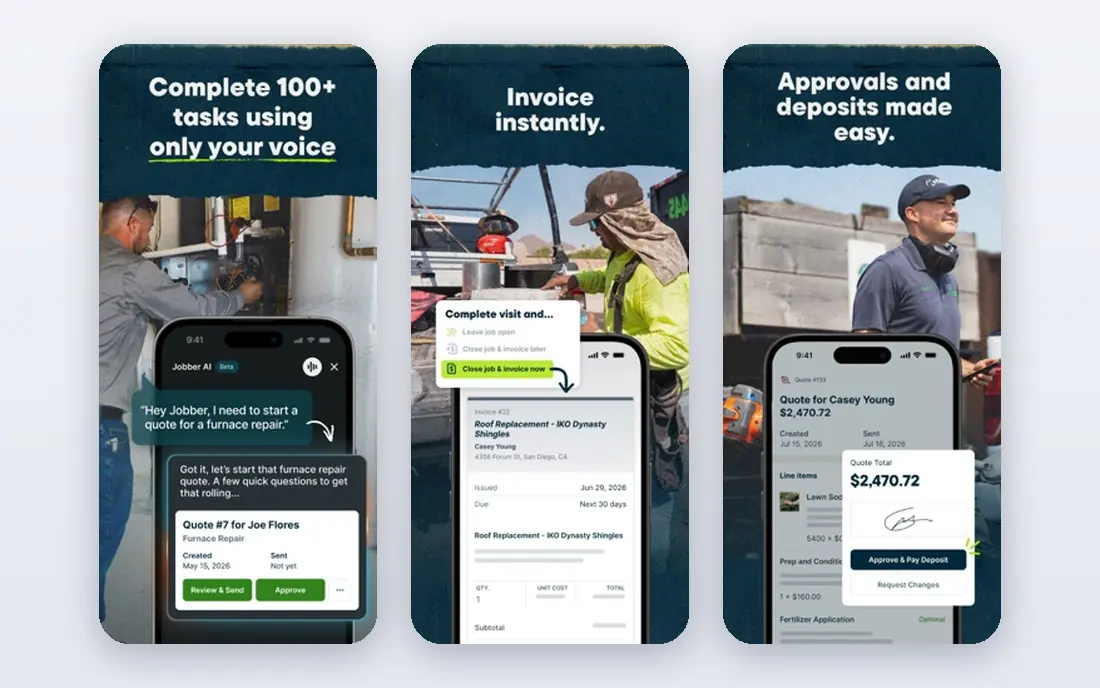
Jobber is our pick for most small service businesses because it covers the basics well without a long setup. Scheduling, quoting, invoicing, and client communication sit in one dashboard, and technicians can see jobs, notes, and photos on a phone in the field. That simplicity helps teams adopt it fast.
The main limit is pricing by user. A solo operator pays little, but a growing crew should price the plan for the team size it will reach in six months, not just today. Check which features, such as online booking or automated reminders, are included on the tier you choose.
- Clear scheduling and quoting
- Strong mobile app for technicians
- Useful client reminders
- Costs rise with users
- Some advanced features sit on higher plans
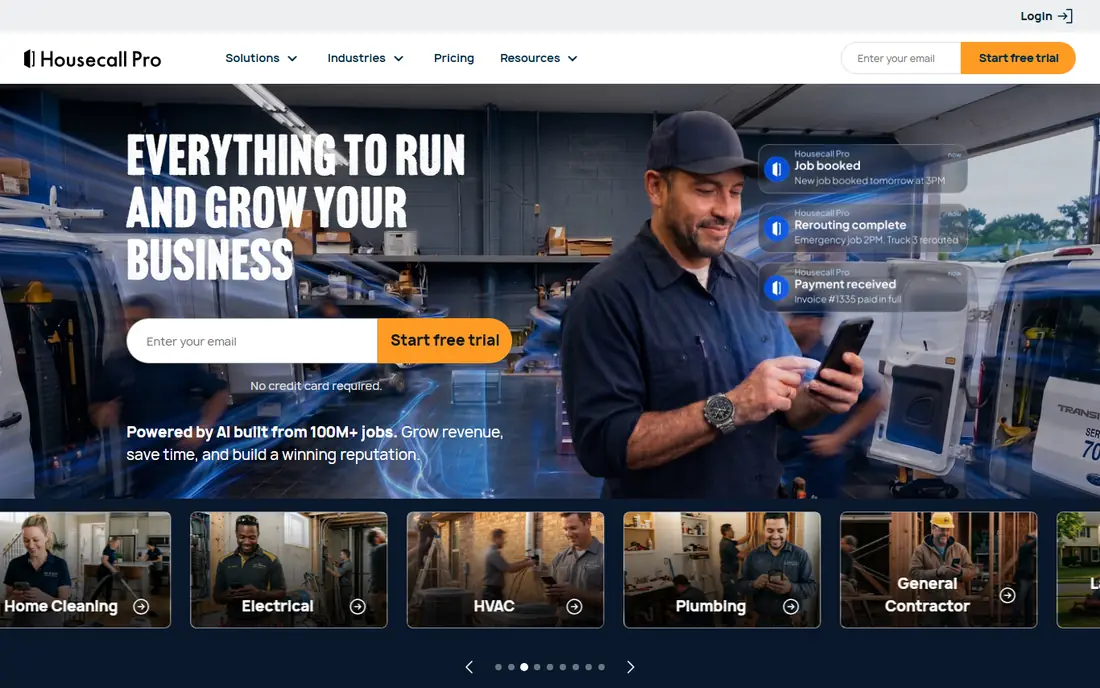
Housecall Pro suits residential businesses where homeowners book online and expect clear texts about arrival times. The customer-facing side feels polished, and automated reminders cut down on no-shows and phone calls to the office. Setup is fast for a small team.
It costs more at entry level, so solo operators should compare the total for their user count. If most work comes from repeat residential customers, the booking and messaging tools can justify the price. If work is mostly commercial or project-based, another tool may fit better.
- Polished online booking
- Automated customer messages
- Easy setup for residential work
- Higher entry price than Jobber
- Some tools, such as call tracking, cost extra
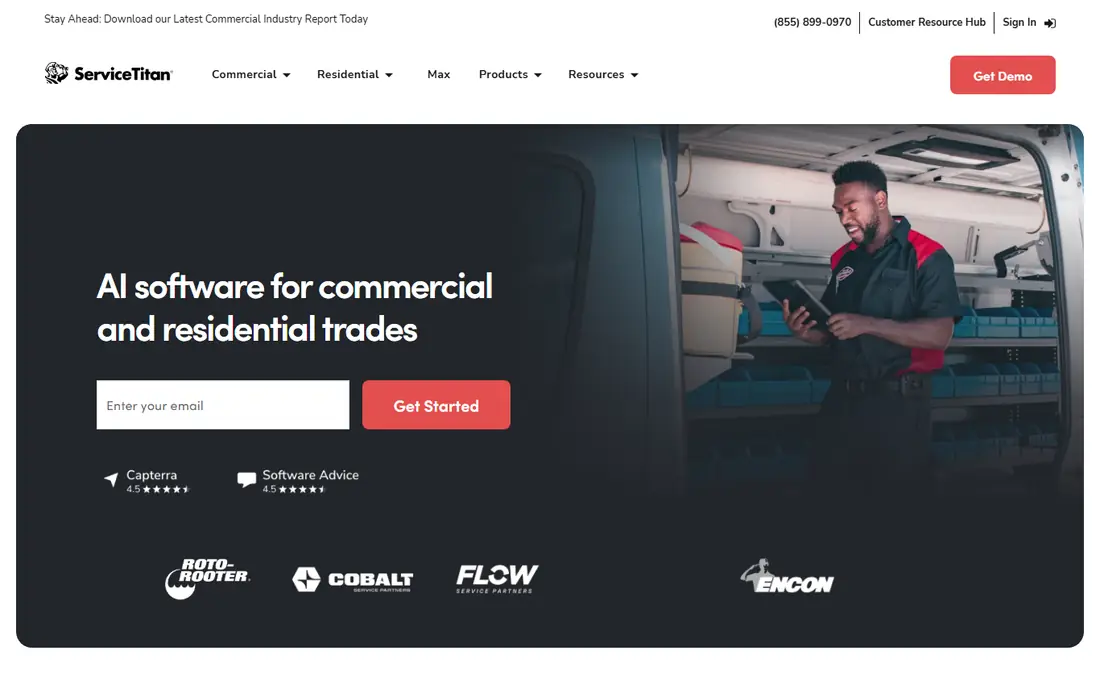
ServiceTitan is built for larger operations with office staff to run it. Dispatch, pricebook management, marketing tracking, and detailed reporting go deeper than most rivals, which helps a multi-truck business see which jobs and technicians make money. Franchises and large fleets get the most from that depth.
The trade-off is scale and cost. Pricing is quoted per technician and is typically far higher than small-business tools, and onboarding takes time. Small shops should only shortlist it when they have the staff and volume to use the reporting, not just the scheduling.
- Deep dispatch, reporting, and technician scorecards
- Strong for multi-location operations
- Quote-only pricing
- Long onboarding
- More than most small shops need
Workiz earns its place when missed calls cost jobs. The phone system and call tracking sit inside the dispatch board, so office staff can see which calls turned into bookings and which ones slipped away. That matters for trades where customers still phone first.
It is less of a fit for multi-week projects with change orders and staged billing. For same-day and short jobs, though, the call-first design is a real advantage. Ask for a full quote that includes the phone features you need, since add-ons change the total.
- Built-in phone system and call tracking
- Clear dispatch board
- Good for locksmith and appliance work
- Pricing varies by plan and add-ons
- Less suited to long project work
Service Fusion suits mid-size shops that hate per-user bills. Every tier includes unlimited users, so adding office staff or technicians does not raise the subscription each time. Job costing is stronger than on several small-business tools, which helps owners track parts, labour, and margins per job.
The entry price is high for a one-person business. It makes sense once a crew reaches a size where per-user pricing on other platforms would pass the same total. Test job costing with a real completed job during the trial, not just a demo job.
- Unlimited users on every tier
- Stronger job costing
- Flat monthly price
- Higher entry price for a solo operator
- Mobile app is less polished than some rivals
FieldEdge is designed around HVAC, plumbing, and electrical work, rather than generic field service. Flat-rate pricebooks, dispatch, and QuickBooks sync fit shops that price by the job and track parts closely. That trade focus saves setup time for those trades.
Pricing is quoted, so get a written figure for your user count before comparing it with published prices elsewhere. Smaller generalist businesses may find a simpler tool cheaper and faster to adopt.
- Trade-specific workflows for HVAC and plumbing
- Strong QuickBooks integration
- Flat-rate pricing tools
- Quote-based pricing
- Annual-style commitment can suit larger shops better
ServiceM8 is a good option for high-volume dispatch, especially for businesses that want unlimited users without a per-seat bill. The free tier helps very small operations start, and paid plans scale by job volume rather than headcount. That model suits firms with many small jobs and a larger casual team.
The interface is functional rather than polished, and some tools arrive as add-ons. Run a busy week through it during a trial, including invoicing and payment, before judging it on a quiet demo day.
- Free tier for low volume
- Per-job pricing option
- Unlimited users on paid plans
- Some features need add-ons
- Interface takes time to learn
Kickserv is a straightforward, budget-friendly choice for starters who want the core job cycle covered without enterprise extras. Scheduling, estimates, invoices, and customer history work in one place, and the pricing stays easy to understand. That clarity helps owners who do not want to renegotiate as they add a second or third technician.
It is not the best pick for teams that need deep marketing automation or a large app marketplace. For a small shop that mainly needs reliable dispatch and billing, Kickserv does the job at a fair price.
- Simple pricing
- Long track record
- Covers scheduling, invoicing, and customer records
- Fewer advanced marketing tools
- Smaller integration list than larger rivals
How we picked these
We compared official pricing pages, trial terms, and feature pages, plus 2026 cost guides and trade reviews. We included tools that cover scheduling, dispatch, quoting, and invoicing for field teams, and we kept a mix of small-business tools and larger fleet platforms. Where a vendor does not publish a price, we say so rather than repeating a third-party estimate as a fact.
What to check before you buy
Start with crew size and job type. A solo cleaner, a five-truck HVAC firm, and a twenty-truck franchise need different tools, even though all three do field work. Count office users as well as technicians, since per-user pricing often applies to both.
Next, test the technician app in real conditions. A clean office demo does not show how the app behaves with weak signal, gloves, or a job that changes on site. Give one technician a full day of real jobs on the trial, including photos, notes, and on-site payment.
Also check integrations and payment costs. QuickBooks or Xero sync, online booking, and card processing each affect daily work and monthly cost. Ask for the processing rate, the monthly fee, and any add-on charges in writing, then compare totals, not headline prices.
Finally, look at exit terms. Check contract length, data export, and what happens to customer history if you leave. A tool that locks history behind a high export fee can cost more in the long run than a slightly pricier plan with open export.
Frequently asked questions
What is the best field service management software for small business?
Jobber and Housecall Pro lead for small teams, with Jobber offering the lower entry price and Housecall Pro offering stronger residential booking. Choose Jobber for a broad mix of trades, and Housecall Pro when most customers book online and expect automated texts.
Which field service management software is best for large teams?
ServiceTitan suits large fleets and franchises with dedicated office staff, thanks to deep dispatch and reporting. Service Fusion is a strong mid-size alternative when flat pricing with unlimited users matters more than enterprise reporting depth.
What is the best field service scheduling software for phone-led shops?
Workiz fits phone-led shops best, since its phone system and call tracking sit inside the dispatch board. That helps owners see missed calls, book jobs from calls, and follow up without switching tools.
Is there free field service management software?
ServiceM8 offers a free tier for low volume, and most other tools on this list offer a free trial rather than a permanent free plan. Free tiers usually limit jobs or features, so check those limits against a normal week before relying on them.
How much does field service management software cost?
Small-business plans in this guide start around $29 to $65 per month, mid-size flat plans start higher, and large fleet platforms are quote-only. Add payment processing, extra users, and add-ons to get a true monthly total.
Do these tools work with QuickBooks?
Most tools on this list integrate with QuickBooks, and several also support Xero. Check whether the sync covers invoices, payments, and customer records on your plan, since basic sync and full two-way sync are not the same thing.
Sources
See where you really rank - block by block
ProMapRanker scans Google Maps across a grid of your service area. Simple monthly plans from $19, white-label on every plan.
Start freeKeep reading
 zendesk alternatives
Best Zendesk Alternatives in 2026
Compare the best Zendesk alternatives in 2026, from budget help desks to AI-first support tools, with current pricing, free plans, and honest trade-offs.
Read → wordpress alternatives
Best WordPress Alternatives in 2026
Looking for the best WordPress alternatives? We compare 8 free and paid options for blogs, business sites, stores, and developer-led projects in 2026.
Read → which real estate company has the best training
Best Real Estate Company Training in 2026
Compare which real estate company has the best training, from Keller Williams and eXp to Compass and Coldwell Banker, by program, mentor, and fit in 2026.
Read →