 ProMapRanker
Best Field Sales App in 2026


Large teams needing deep CRM control · Pricing starts at: $25 per month
Key takeaways
- Badger Maps suits reps who plan routes first, while SPOTIO and SalesRabbit suit managers who need visit proof and team activity data.
- A general CRM such as Salesforce, HubSpot, Zoho CRM, Pipedrive, or Close works best when the main job is pipeline, quotes, and follow-up rather than door-to-door canvassing.
- Published starting prices in this guide range from free CRM tiers to $58 per user per month for Badger Maps, so multiply the seat price by team size before deciding.
- Offline mobile access, check-ins, and CRM sync matter more in daily field work than extra dashboard charts that no rep opens on the road.
- We found no single winner for every field team, because routing, canvassing, and account management are different jobs even when one vendor tries to cover all three.
Quick comparison
| Pick | Great for | Pricing starts at | Free tier | |
|---|---|---|---|---|
| Salesforce | Large teams needing deep CRM control | $25 per month | Free trial | Visit |
 HubSpot | Growing teams starting with a free CRM | Free | Yes | Visit |
 Zoho CRM | Budget teams wanting full CRM features | $14 per month | Yes | Visit |
 Pipedrive | Pipeline-focused sales teams | $14 per month | Free trial | Visit |
 SPOTIO | Field teams needing activity visibility | See website | No | Visit |
 Badger Maps | Reps planning multi-stop routes | $58 per month | Free trial | Visit |
 SalesRabbit | Door-to-door canvassing teams | $49 per month | Yes | Visit |
 Close | Call-heavy outbound teams | $9 per month | Free trial | Visit |
The best field sales apps for reps who work outside the office
Field sales work breaks into two patterns. Some reps drive a planned route between existing accounts, and some knock on doors to find new buyers. The apps below cover both patterns, plus general CRM tools that keep the pipeline clean after the visit. We compared mobile apps, route tools, visit logging, and CRM sync, and we kept only tools that are still sold and supported in October 2026.
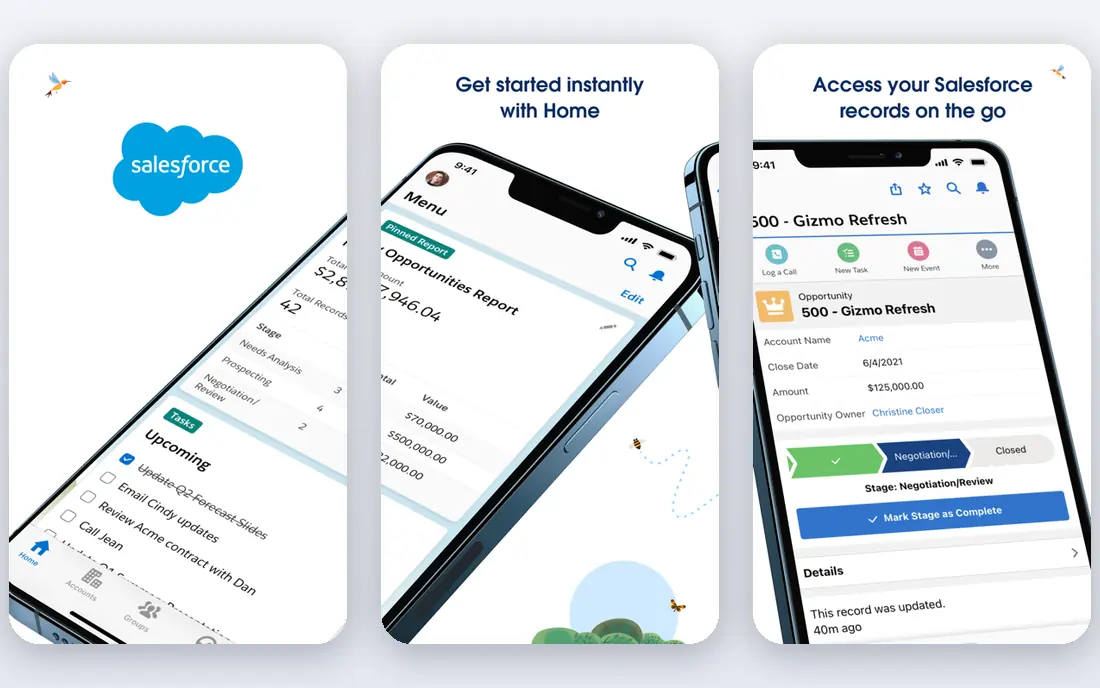
Salesforce fits field teams that already run the business on Salesforce and need one record for accounts, contacts, opportunities, and visits. The mobile app gives reps access to records, tasks, and maps tools through related products, and managers can build reports on pipeline, activity, and territory coverage without exporting data to a spreadsheet. For a large team with an admin, that control is hard to match, and the integration options cover most email, calendar, and phone tools a field team already uses. The honest catch is effort and price. A small team can feel lost in setup choices, and the $25 per month starting tier is only the entry point. Mapping, advanced reporting, and some mobile tracking features sit in higher tiers or separate products, so the total bill needs a careful check. Choose Salesforce when the CRM is the system of record and the field app must feed it cleanly, not when the only need is a route for the day.
- Deep customization and reporting
- Strong mobile CRM app
- Large integration library
- Setup takes time and skill
- Costs rise fast with add-ons and higher tiers
HubSpot fits a growing field team that wants to start without a long setup project. Reps can log calls, emails, meetings, and notes from a phone, and the contact and deal records stay in one place for the office team. The free tier covers basic CRM work, which helps a small team test its process before paying, and the paid Starter tier adds more automation and reporting as the team grows. The trade-off is scale. HubSpot pricing climbs as seats and hubs are added, and a team that needs territory rules, complex forecasting, or deep route planning will need other tools beside it. It is still a strong pick for teams that sell by appointment, visit accounts on a schedule, and need reliable follow-up. It is a weaker pick for a pure canvassing crew that needs door-level tracking as its main job.
- Usable free CRM tier
- Clean mobile app
- Email and calendar tools built in
- Paid Sales Hub tiers get expensive
- Advanced field reporting needs higher plans
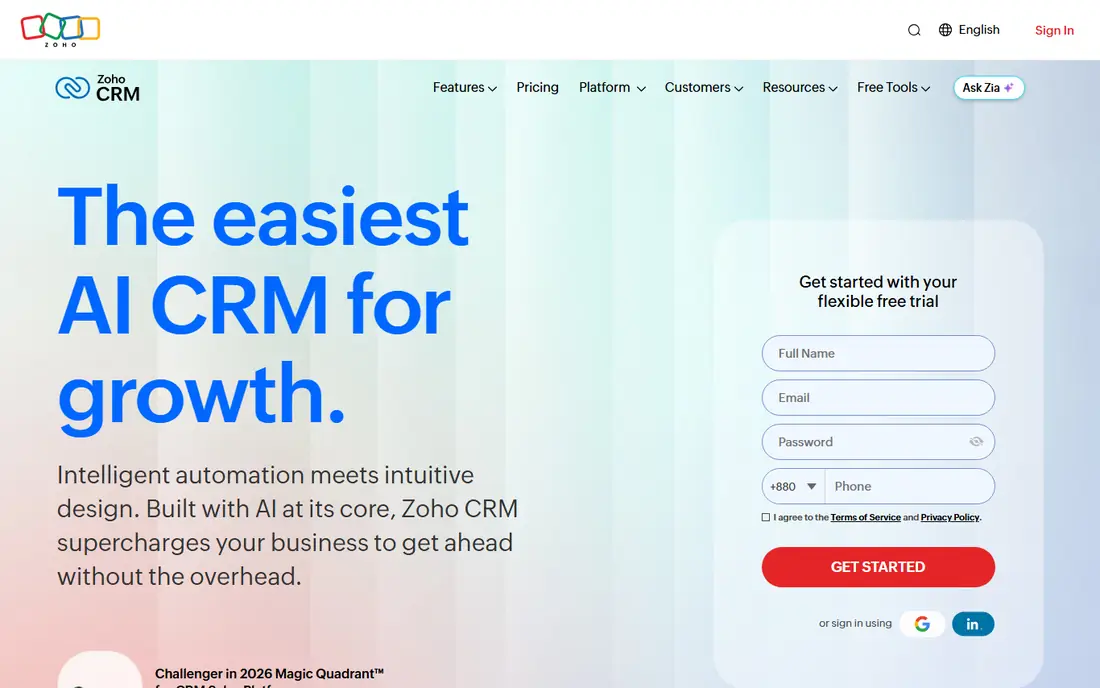
Zoho CRM fits a cost-conscious field team that wants pipelines, workflows, and reporting without paying enterprise prices. The free tier for up to three users lets a tiny team run contacts, deals, and tasks, and the $14 per month Standard tier adds more automation and views. Reps can update records from a phone after a visit, and managers can see stage changes and follow-up tasks in one view. The catch is polish and learning time. The settings cover a lot, and a new admin may need a few days to shape the layout for field use. Teams already using Zoho Books, Zoho Mail, or other Zoho apps get extra value from the shared data. Teams that want the simplest possible mobile app may prefer Pipedrive or Close, but on value per dollar, Zoho CRM is hard to beat for a small field operation.
- Low entry price for a full CRM
- Free tier for up to three users
- Wide Zoho app links
- Interface feels busy at first
- Mobile experience is less polished than some rivals
Pipedrive fits reps who think in deals and next steps. The pipeline view shows where each opportunity sits, what is due next, and which deals have gone quiet. That clarity helps a field rep who visits several accounts in a day, because the phone app makes it easy to move a deal, add a note, and set the follow-up before driving to the next stop. Setup is quicker than Salesforce, and most teams can shape stages and fields without outside help. The limit is depth. Pipedrive is not a full field execution platform, so route optimization and door-to-door canvassing need a separate tool if those jobs are central. The $14 per month Lite tier is a fair entry point, but teams that want strong automation, email sync depth, or team reporting should price the higher tiers. Pick Pipedrive when pipeline discipline is the main gap, and pair it with a mapping tool when routes matter too.
- Clear visual pipeline
- Fast to set up
- Good mobile app for deal updates
- No free plan
- Reporting and automation improve only on higher tiers
SPOTIO fits managers who need to know where reps went, which accounts were visited, and how activity links to results. It covers territory management, route planning, check-ins, and performance views in one place, which cuts the need to stitch a map tool, a tracker, and a CRM report together. The two-way sync with Salesforce and HubSpot helps keep the CRM current, and the mobile app is built for reps who log visits in the field rather than at a desk at night. The catch is buying friction. SPOTIO does not publish a starting price on its site, so a team must request a demo and a quote, and that step alone rules it out for a solo rep who wants to start today. It also works best with a team of several reps, where manager visibility pays for the platform. For a larger field operation that needs accountability and territory control, it belongs on the shortlist. For a single rep, Badger Maps or a CRM app will usually be enough.
- Territory, routing, and activity tracking in one platform
- Manager dashboards
- CRM sync with Salesforce and HubSpot
- No published starting price
- No free trial noted in recent vendor material
- Best for teams, not solo reps
Badger Maps fits outside reps who live in the car and need the shortest sensible route between accounts. It plots customers on a map, builds an optimized route, and lets reps check in, add notes, and update records as they go. The CRM links with Salesforce, HubSpot, and other systems help the office see the same account data, and the lead tools help a rep fill gaps in a route with nearby prospects. For a rep with 20 or more stops in a week, the time saved on driving and planning is the main return. The catch is cost structure. The $58 per user per month Business plan, billed annually, is the entry point in recent pricing material, and modules for territory alignment, lead routing, and insights are priced separately. A rep who only needs a simple route a few times a week may find a cheaper map tool or a CRM app sufficient. Badger Maps earns its price when route density is high, the territory is large, and driving time is a real cost.
- Strong route optimization for many stops
- CRM sync
- Lead generation and filtering on the map
- Price is high for a solo rep
- Add-on modules raise the total
- Record limits apply on the base plan
SalesRabbit fits door-to-door teams that knock streets, track doors, and compete on activity. It covers canvassing areas, lead capture, route planning, rep location, and gamification through its Amplify tools, which helps managers run contests and coaching from live activity. The free Lite tier gives a single user a basic start, while the Team and Pro tiers add routes, analytics, custom fields, and integrations for a full crew. The honest catch is total cost. The Pro tier is listed at $49 per user per month when billed annually, and add-ons such as DataGrid AI, digital contracts, and weather tools are priced separately. That can lift the bill well above the base price for a team that wants the full set. SalesRabbit still makes sense when canvassing is the core motion and the team needs area control, not just a CRM. A B2B account team will usually get more from Badger Maps or SPOTIO.
- Built for canvassing, areas, and leaderboards
- Route and location tools
- Free Lite tier for a single user
- Add-ons are priced separately
- Paid tiers have team minimums in some listings
- Setup can feel heavy for a tiny team
Close fits field teams that mix visits with a high volume of calls and follow-ups. The CRM has calling, email, and SMS built in, so a rep can work a lead list, log a call, send a follow-up, and book the next visit without switching apps. The activity timeline keeps every touch in order, which helps a manager see why a deal moved or stalled. For an outbound team that treats the phone as a second field tool, that speed matters. The catch is scope. Close is not a route planner and not a canvassing platform, so a team that needs map-based territory work will need another tool. The $9 per month Solo tier covers one user, and team tiers start higher, so price the team plan that fits the headcount. Pick Close when call volume and follow-up speed are the bottleneck, and pair it with a mapping tool when driving routes are also central.
- Built-in calling, email, and SMS
- Fast lead workflow
- Clean activity timeline
- Solo tier is limited to one user
- Mapping and canvassing are not the focus
- Higher tiers rise sharply
How we picked these
We compared official feature pages, pricing pages, and app store listings, plus public reviews that describe daily field use. We kept tools that are still sold in October 2026, that offer a mobile app or a mobile-friendly workflow, and that fit at least one clear field job: routing, canvassing, visit logging, or pipeline management. Prices shown are starting prices from vendor or recent pricing material, and we used See website where a vendor does not publish a clear starting price.
How to choose the right field sales app for your team
Start with the job that hurts most. If reps waste hours driving, a route tool such as Badger Maps will pay back first. If managers cannot prove visits happened, SPOTIO or SalesRabbit will close that gap. If deals stall after the visit, a CRM such as HubSpot, Pipedrive, or Close will help more than another map. Write down that one job before a demo, and judge every tool on it.
Check mobile use in the real field
Ask for a trial on a real route, not just a desk demo. Test check-ins, notes, photos, and offline use in areas with weak signal. Check how long it takes to log a visit, because a tool that adds two minutes per stop will be skipped by reps by week two.
Price the full team, not one seat
Multiply the seat price by every rep and manager who will log in, then add mapping modules, calling minutes, and CRM tiers that the field workflow needs. Confirm contract length, user minimums, and export options before signing, so the team can leave with its account and visit history if the tool stops fitting.
Frequently asked questions
What is the best field sales app for a solo rep?
A solo rep usually does best with Badger Maps for routes or a CRM such as Pipedrive, HubSpot, or Zoho CRM for pipeline and follow-up. Solo reps should avoid team platforms that need a demo, a quote, and a minimum seat count, because that buying effort outweighs the benefit for one user. Start with a free tier or a trial, run it on real routes for two weeks, and only pay when the daily workflow is clearly faster.
What is the best field sales software for door-to-door teams?
SalesRabbit is the strongest fit in this list for door-to-door work, because it is built around canvassing areas, door status, and team activity. SPOTIO also fits larger field teams that need territory control and visit proof. A general CRM alone is usually not enough for canvassing, because it lacks area assignment and door-level tracking that a canvassing crew uses every day.
What are the best sales rep apps for route planning?
Badger Maps is the clearest route-first pick, with multi-stop optimization and map filtering. SPOTIO also covers routing, but its strength is team activity and territory management rather than route planning alone, so route-heavy solo reps may prefer Badger Maps.
What is the best software for field sales if we already use Salesforce or HubSpot?
If the team already uses Salesforce, a Salesforce-native workflow or a tool with two-way Salesforce sync, such as SPOTIO, Badger Maps keeps records clean. If the team uses HubSpot, HubSpot itself covers much of the CRM work, and Badger Maps can add the route layer. Avoid a field tool with only one-way sync, because visit data will drift from the CRM over time.
Does a field sales app work offline?
Many field apps offer some offline logging, but the details differ by tool and plan. Most CRM mobile apps let reps view recent records and add notes when signal is weak, then sync later. Test offline use on a real route before buying, and check what happens to photos, check-ins, and new records created while offline.
Sources
See where you really rank - block by block
ProMapRanker scans Google Maps across a grid of your service area. Simple monthly plans from $19, white-label on every plan.
Start freeKeep reading
 zscaler alternatives
Best Zscaler Alternatives in 2026
Looking for zscaler alternatives? We compare 9 SASE and zero trust platforms on architecture, data protection, pricing, and fit for your network and team.
Read → zapier alternatives free
Best Zapier Alternatives Free in 2026
Nine automation tools for zapier alternatives free in 2026, all with genuinely free tiers, plus free plan limits, starting prices and upgrade paths explained.
Read → which platform is best for online reputation
Which Platform Is Best for Online Reputation in 2026
Wondering which platform is best for online reputation? We compare 8 review, listing, and response tools for small and multi-location businesses and agencies.
Read →