 ProMapRanker
Best Field Force Management Software in 2026

Key takeaways
- Jobber and ServiceM8 suit small crews that want fast setup and clear pricing, while ServiceTitan and Salesforce Field Service suit large operations with complex dispatch needs.
- Housecall Pro balances booking, dispatch, payments and reviews for growing home service businesses.
- Skedulo and FieldEdge suit mid market and enterprise scheduling, but both are quote based, so budget time for a demo and written quote.
- GPS tracking raises privacy questions, so tell staff what is tracked and when, put it in writing, and check state rules before enabling always on location.
Quick comparison
| Pick | Great for | Pricing starts at | Free tier | |
|---|---|---|---|---|
 Jobber | Small crews needing fast setup | $29 per month | Free trial | Visit |
 Housecall Pro | Growing home service businesses | $59 per month | Free trial | Visit |
 ServiceTitan | Large trade operations at scale | See website | No | Visit |
 Salesforce Field Service | Enterprises already on Salesforce | $175 per user per month | No | Visit |
 Skedulo | Mid market workforce scheduling | See website | No | Visit |
 ServiceM8 | Solo operators starting free | Free | Yes | Visit |
 Workiz | Home service teams needing dispatch and payments | See website | Free trial | Visit |
 FieldEdge | Mid market contractors with flat rate needs | See website | No | Visit |
The best field force management software
We compared official pricing pages, product documentation and public reviews for field force and field service tools that are still sold in October 2026. The list runs from free solo tools to enterprise dispatch platforms.
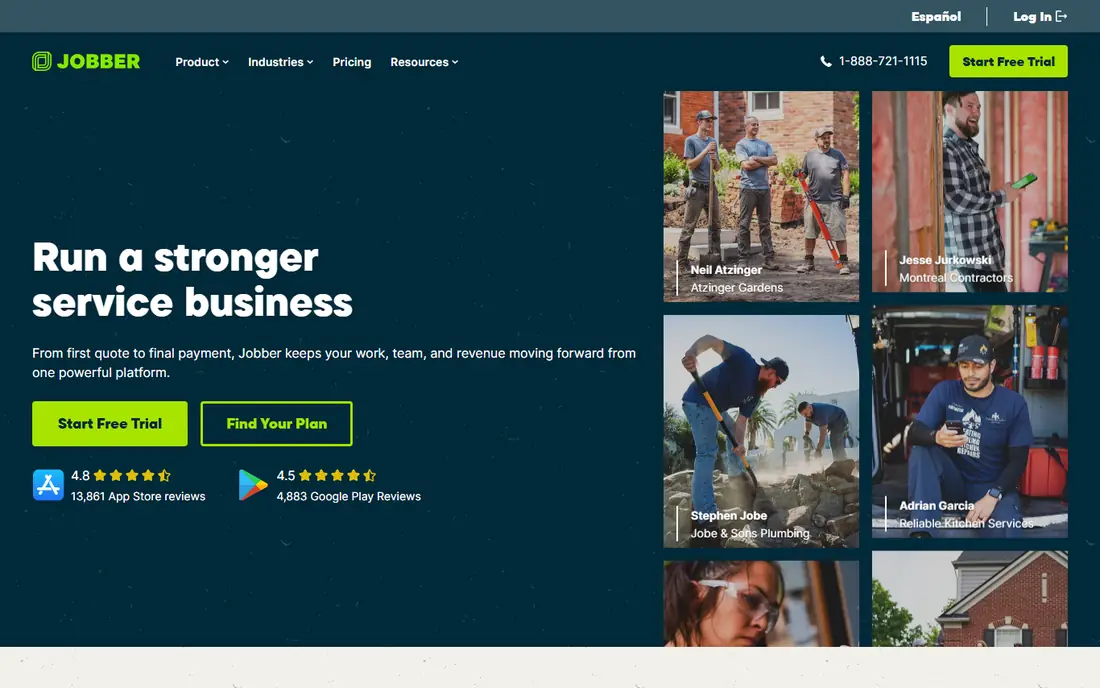
Jobber is the tool many owner operators start with because it gets a crew dispatching quickly. Scheduling, quotes, invoices and client records sit together, and most teams can send their first quote the same day they sign up. That speed matters when the alternative is juggling a calendar, a spreadsheet and a separate invoicing tool.
The limits appear as teams grow. Marketing features are basic, reporting on lower tiers is thin, and dispatch for a large multi crew operation is less deep than ServiceTitan or Salesforce. For a crew of one to fifteen, Jobber offers a clear price and a setup that does not need a project manager.
- Fast self serve setup
- Scheduling, quoting and invoicing in one place
- QuickBooks and Xero integrations
- Marketing tools are basic
- Reporting is limited on lower tiers
- Dispatch depth suits smaller teams best
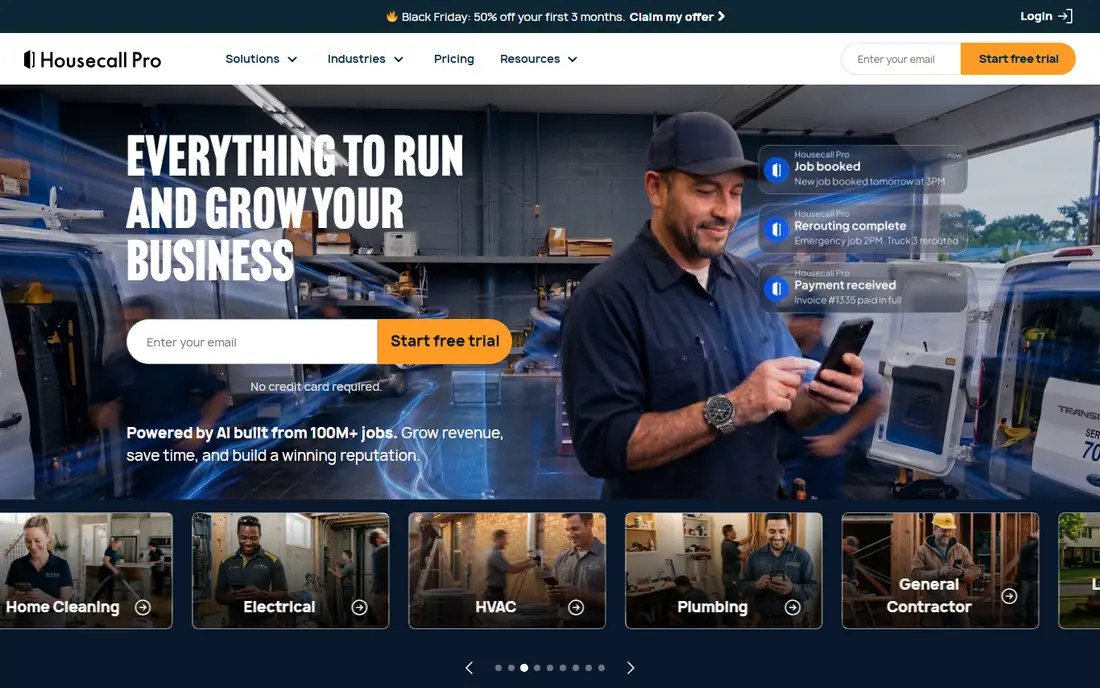
Housecall Pro suits a home service business moving past the solo stage. Customers can book online, office staff can dispatch jobs, technicians can take payments on site, and review requests can follow completed work. That full loop, from booking to payment to review, is why growing cleaning, plumbing, HVAC and similar firms pick it.
Cost is the watch point. The starting price is only the entry point, and larger teams plus add ons can lift the monthly bill well above the headline figure. Housecall Pro is best for firms that will actually use booking, payments and marketing together, not just scheduling alone.
- Online booking, dispatch, payments and review requests in one system
- Strong mobile app for technicians
- Marketing tools for growth
- Price rises with team size and add ons
- Some advanced reporting sits on higher tiers
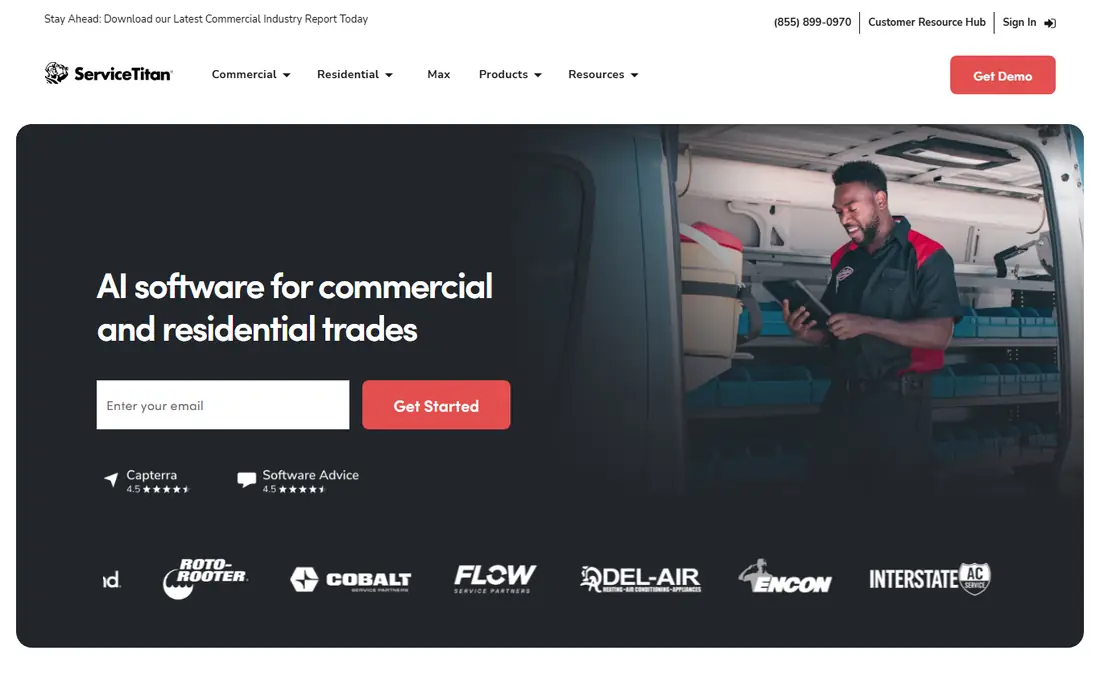
ServiceTitan is built for large residential and commercial contractors that need dispatch depth, not just a shared calendar. Its dispatch board, call tracking, marketing suite, pricebook and margin reporting give managers a detailed view of technician performance and job profitability. For a company running many trucks across locations, that depth is the reason to pay more.
Price and rollout are the honest barriers. ServiceTitan does not publish pricing, charges per technician, and implementations commonly run several weeks with vendor onboarding. Small crews should start with Jobber or Housecall Pro and only move to ServiceTitan when scale and reporting needs justify the cost and project time.
- Deep dispatch, call tracking and reporting for large contractors
- Marketing suite and pricebook tools
- Built for scale across locations
- Pricing is quote based and per technician
- Implementation can take weeks and may carry an onboarding fee
Salesforce Field Service makes sense when the business already runs on Salesforce. Dispatch, scheduling and technician work connect directly to customer records, cases and sales data, so office and field teams share one customer view. AI assisted scheduling can also help large dispatch teams balance skills, location and job priority.
Outside Salesforce, the case weakens. The per user price is high, configuration needs Salesforce skills, and a small crew will find the platform heavier than it needs. Shortlist Salesforce Field Service for enterprises already committed to Salesforce that need field operations inside that same system.
- Deep CRM integration with Salesforce
- AI assisted scheduling and optimisation
- Mobile technician app for enterprise teams
- High per user price
- Needs Salesforce expertise to configure and maintain well
Skedulo focuses on the scheduling problem for mobile workforces. It handles rosters, dispatch, availability and field worker apps for teams where the right person, with the right skill, must reach the right location at the right time. Healthcare, utilities and other roster heavy sectors often value that scheduling depth over invoicing features.
The trade off is scope and price clarity. Skedulo is quote based, and complex scheduling rules need careful configuration with vendor help. Teams that mainly need simple job scheduling and invoicing may find Jobber simpler, while roster heavy operations will value Skedulo scheduling controls.
- Strong scheduling for mobile workforces
- Dispatch and mobile app for field staff
- Suited to healthcare, utilities and similar sectors
- Pricing is quote based
- Setup and configuration need vendor help for complex rosters
ServiceM8 is the lowest risk way for a solo operator to try field service software. A free plan covers one user and a limited number of jobs each month, with scheduling, quoting and invoicing included, so a new business can run real jobs before paying. Accounting integrations also keep invoices tidy for bookkeeping.
Growth is where the free plan ends. Job limits and user limits mean a hiring crew will need a paid tier, and large dispatch operations will outgrow ServiceM8 depth. For a solo operator or a very small team testing whether field software helps, ServiceM8 is a practical starting point.
- Free plan for one user and a limited job count
- Scheduling, quoting and invoicing included
- Accounting integrations with Xero and QuickBooks
- Free plan job limits mean growing teams must upgrade
- Depth for large dispatch teams is limited
Workiz covers the core home service loop in one place. Office teams can schedule and dispatch, technicians can update jobs from the field, and customers can book, pay and receive updates without a patchwork of tools. That joined up flow suits appliance repair, locksmith, cleaning and similar firms that live on booked jobs.
Pricing is less transparent than Jobber, so teams should confirm the plan, user count and payment terms before comparing totals. Workiz fits home service teams that want dispatch plus payments and communication together, and are happy to confirm pricing through a trial or demo.
- Dispatch, scheduling, invoicing and payments in one system
- Online booking and customer communication tools
- Suited to home service firms
- Pricing details need a quote or trial to confirm
- Advanced reporting depth varies by plan
FieldEdge sits between small crew tools and ServiceTitan scale. It offers dispatch, scheduling, flat rate pricing and QuickBooks integration for mid market contractors, with a mobile app that keeps technicians connected to job details, parts and customer history. Flat rate pricebook support is a particular draw for HVAC, plumbing and electrical firms.
Quote based pricing and a vendor assisted rollout are the costs of that middle ground. Teams should budget implementation time and ask for a written quote that covers users, pricebook setup and support. FieldEdge suits mid size contractors that have outgrown a simple scheduler but do not yet need ServiceTitan scale.
- Dispatch and flat rate pricebook features for contractors
- QuickBooks integration
- Mobile app for technicians in the field
- Pricing is quote based
- Implementation takes vendor help and time for larger teams
How we picked these
We compared official pricing pages, product documentation and public reviews, and kept field force and field service tools that are still sold in October 2026. We covered solo, small, mid market and enterprise sizes, and we left out discontinued tools and general project software without dispatch and field technician features. Where pricing is quote based, we say so rather than repeating a secondary estimate as a vendor price.
Choosing the right field software for your crew
Match the tool to crew size first, then to job type. A solo operator needs fast setup and low cost, a ten truck home service firm needs booking, payments and reviews, and a large contractor needs dispatch depth and reporting. Test the mobile app where your technicians actually work, including basements and rural sites, and check which functions work offline before you commit.
Location tracking needs a clear policy. Tell staff what is tracked, when tracking starts and stops, and whether personal phones or company devices are used, and put that policy in writing. Rules vary by state, and several states require employee notice or consent, so check local rules before enabling always on location tracking. A tool that tracks well but damages trust will cost more than it saves.
Frequently asked questions
What is field force management software?
It is software that schedules, dispatches and tracks field workers, manages jobs, quotes and invoices, and gives technicians a mobile app for job details, photos and payments. It replaces separate calendars, spreadsheets and paper job sheets for field teams.
How much does field force management software cost?
Small crew tools start around $29 per month, with some free solo plans available, while mid market tools are often quote based. Enterprise platforms such as Salesforce Field Service start at $175 per user per month, and ServiceTitan charges per technician on a custom quote.
Does field service software replace QuickBooks?
No. Most tools in this list integrate with QuickBooks or Xero and sync invoices and payments, but accounting stays in the accounting system. Keep bookkeeping where it is and let the field tool feed it clean job and payment data.
Do field apps work offline?
Many mature apps offer some offline use, since field sites often lack signal. Viewing the schedule usually works offline, but payment processing and photo uploads often wait until connection returns, so test your exact offline needs during a trial.
Can I track technician locations legally?
Most platforms offer GPS tracking, but legality depends on state rules, device ownership and employee notice or consent. Tell your team what is tracked and when, put it in writing, and check state rules before enabling always on tracking.
Sources
See where you really rank - block by block
ProMapRanker scans Google Maps across a grid of your service area. Simple monthly plans from $19, white-label on every plan.
Start freeKeep reading
 what’s the best risk software for enterprises
What Is the Best Risk Software for Enterprises in 2026
We compared what’s the best risk software for enterprises on risk registers, controls, third-party risk, and reporting, with pricing notes for large teams.
Read → what's the best pam software for enterprises
What is the Best PAM Software for Enterprises in 2026
Find what's the best pam software for enterprises, with vaulting, session recording, just in time access and pricing compared for large enterprise IT teams.
Read → what’s the best grc software
What Is the Best GRC Software in 2026
We compared what’s the best grc software on risk, compliance, audit and vendor risk, so teams can pick a platform that fits their frameworks and budget.
Read →