 ProMapRanker
Best Fashion Design Software in 2026


Technical flats and tech packs · Pricing starts at: $22.99 per month
Key takeaways
- Adobe Illustrator remains the standard for technical flats and tech packs, while CLO 3D and Browzwear lead for 3D garment simulation.
- Most designers need two tools, not one: a vector tool for flats and a 3D or pattern tool for fit and prototyping.
- CLO 3D at 50 dollars a month for individuals is the clearest priced 3D option, while Browzwear and Optitex price larger teams by quote.
- Beginners should start with Procreate for sketching or Tailornova for browser based 3D, then move to pattern tools when fit work matters.
- Check file compatibility with your factory or client before you buy, because a beautiful 3D file that cannot be graded or exported is of limited use.
Quick comparison
| Pick | Great for | Pricing starts at | Free tier | |
|---|---|---|---|---|
| Adobe Illustrator | Technical flats and tech packs | $22.99 per month | Free trial | Visit |
 CLO 3D | 3D garment drape and fit | $50 per month | Free trial | Visit |
 Browzwear VStitcher | Brand 3D product development | $75 per month | Free trial | Visit |
 Marvelous Designer | 3D drape for characters and fashion | $39 per month | Free trial | Visit |
 Optitex | Pattern making and 3D prototyping | See website | Free trial | Visit |
 TUKAcad | Pattern making and grading | $19 per month | Free trial | Visit |
 Procreate | Fashion sketching on iPad | $12.99 one-time | No | Visit |
 Tailornova | Browser based beginner 3D | See website | Yes | Visit |
The best fashion design software
We compared official pricing pages, feature pages, and product documentation, and we focused on what each tool actually produces: flats, patterns, graded markers, or 3D samples.
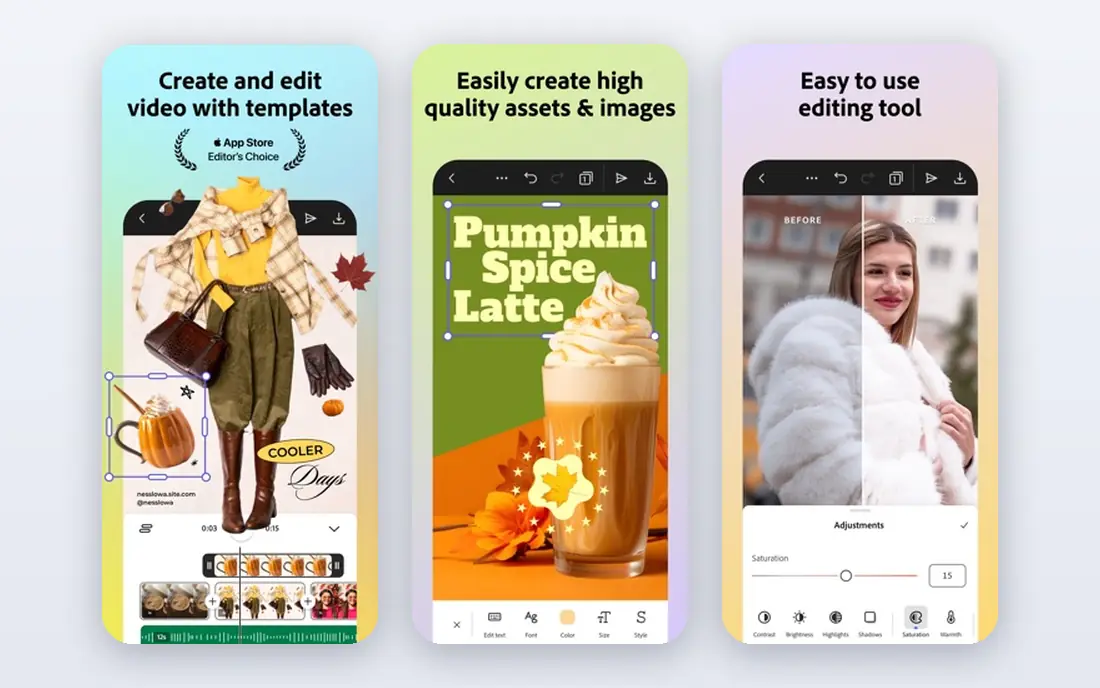
Illustrator is the tool factories and tech designers expect for flats. You can draw clean front and back views, add stitch lines and callouts, and build tech pack pages that a factory can read without guessing. Its vector tools also handle prints, colorways, and branding art in the same file set.
It is not a pattern tool, and it will not drape a garment or grade sizes for you. Think of Illustrator as the communication layer of fashion design: it shows what a garment should look like, while pattern and 3D tools handle how it is built and how it fits.
- Industry standard vector files
- Precise flats and spec drawings
- Strong print and color tools
- Not a pattern CAD tool
- Subscription cost adds up over time
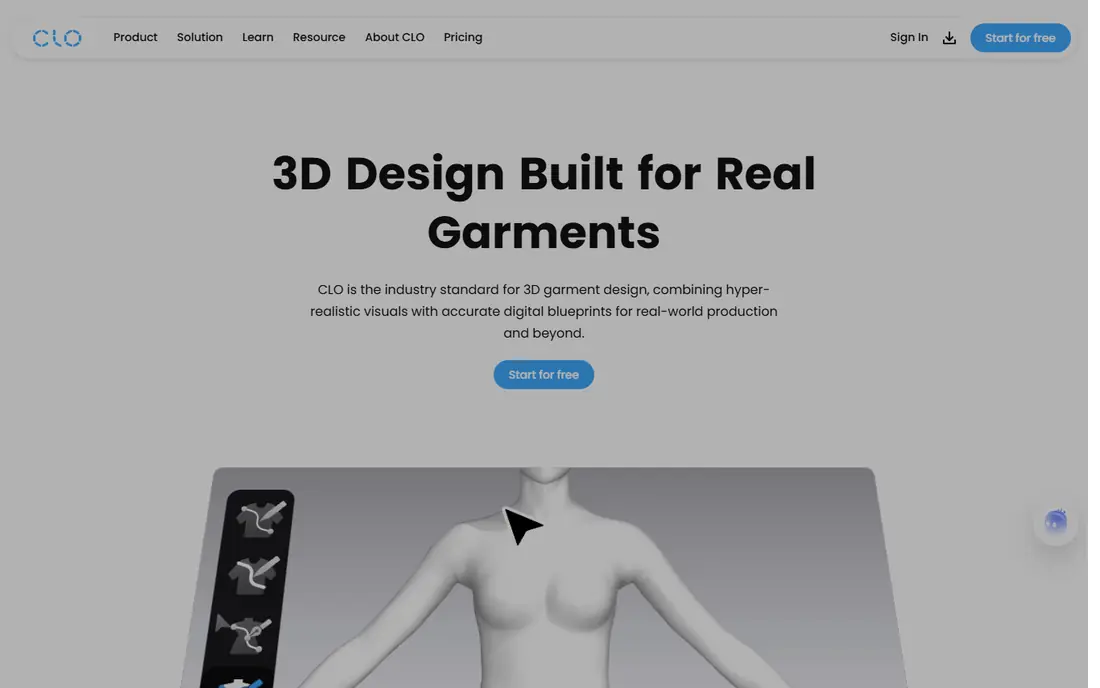
CLO 3D lets you draw a 2D pattern, sew it on screen, and watch it drape on an avatar with fabric behavior that changes by material. That loop cuts physical samples for many styles, because you can check fit, length, and silhouette before cutting cloth. Freelancers benefit from published individual pricing at 50 dollars a month, or 450 dollars a year, which is rare in this category.
The software rewards pattern knowledge. If you cannot draft a basic pattern, the 3D view will still look wrong, just faster. A capable graphics computer also matters, because complex garments can slow a weak machine.
- Physics based fabric drape
- 2D pattern plus 3D in one workspace
- Clear individual pricing
- Needs a capable computer
- Learning curve for pattern beginners
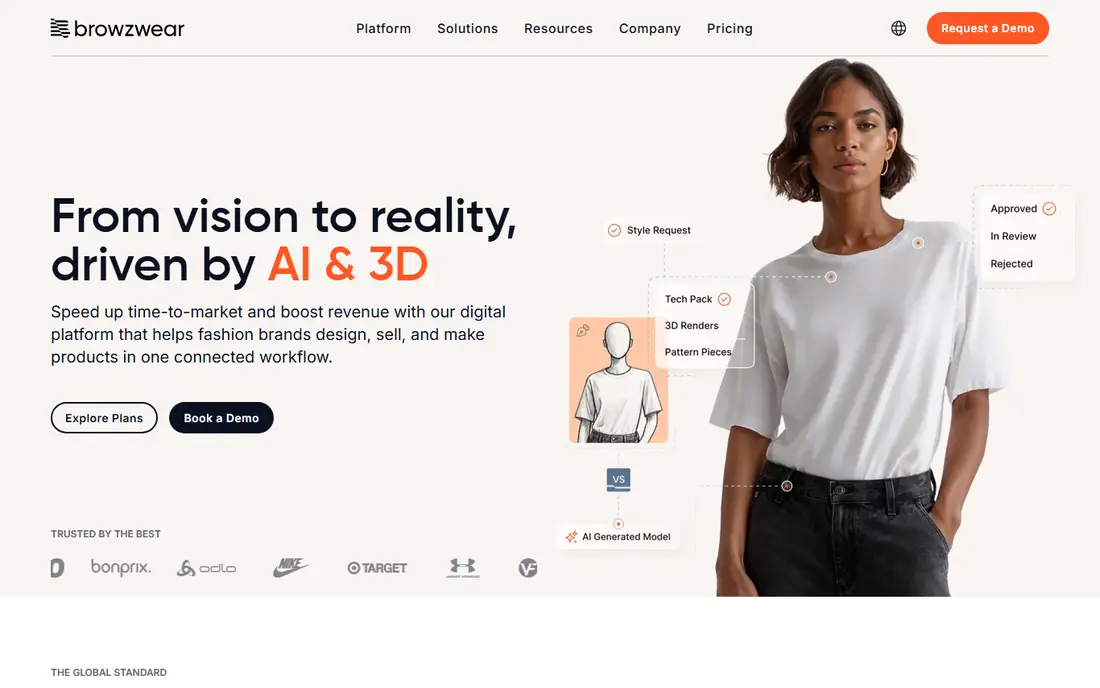
Browzwear suits brands that need 3D to feed production, not just to make pretty renders. VStitcher works from true patterns, so a 3D sample can move toward a graded, manufacturable garment rather than staying a visual mockup. Team plans add shared collections and review tools that help buyers, designers, and suppliers look at the same style.
Freelancer pricing starts at 75 dollars a month, or 750 dollars a year, which is higher than CLO 3D for a solo user. If you work alone and mainly need drape checks, CLO 3D may be better value. If you work in a brand team, Browzwear earns its place on fit and workflow.
- Pattern led 3D workflow
- Strong fit and grading tools
- Shared collection tools for teams
- Higher entry price for freelancers
- Full team features need higher tiers
Marvelous Designer shares simulation technology with CLO 3D, but it aims at look and drape rather than factory production. It excels at realistic wrinkles, layered garments, and character clothing for games, film, and digital fashion. The personal plan at 39 dollars a month makes it accessible for individual artists.
Do not buy it as a replacement for pattern CAD. It will not grade a full size range or produce a factory marker in the way TUKAcad or Optitex will. Use it when the final output is an image, a character, or a digital garment, and pair it with a pattern tool when production matters.
- Strong drape and wrinkle detail
- Popular for games and digital fashion
- Personal plan is clear priced
- Not a factory pattern or marker tool
- Grading and production tools are limited
Optitex is a professional pattern system with 3D prototyping built in, and it suits studios that already think in patterns, markers, and production specs. Its grading and marker tools handle the unglamorous work that turns a sample into a full size range, which matters as soon as you move beyond one off designs.
Pricing is by quote, so budget planning needs a sales conversation and a clear list of modules. Solo designers may find the setup heavier than CLO 3D or Tailornova, but for a production focused studio, Optitex covers the full path from pattern to sample.
- Professional pattern and grading tools
- 3D prototyping in the same system
- Long industry history
- Quote based pricing
- Heavier setup for solo designers
TUKAcad is the most affordable professional pattern option in this list, at 19 dollars a month for a subscription. It handles pattern drafting, grading, and markers, which are the core jobs for a technical designer or small manufacturer. That price makes it a realistic step up from drawing patterns by hand or in a general vector tool.
It does not include 3D drape in the base TUKAcad product, so pair it with CLO 3D or Browzwear if you need visual fit checks. If your work is mainly patterns and production, TUKAcad alone may be enough, and the low price leaves room in the budget for Illustrator for flats.
- Low entry price for professional pattern tools
- Automatic grading
- Cloud based access
- No 3D garment simulation in the base tool
- Interface takes time to learn
Procreate is the best sketching tool here for designers who think on paper first. On an iPad with Apple Pencil, you can sketch croquis, explore silhouettes, and build presentation boards quickly, with brushes that suit fabric rendering and illustration. The one time price of 12.99 dollars, with no subscription, makes it easy to justify alongside a paid CAD tool.
It will not draft patterns, grade sizes, or build a tech pack to factory standard. Use Procreate for ideas and presentation, then move the chosen design into Illustrator for flats and into a pattern tool for construction.
- One time purchase, no subscription
- Excellent Apple Pencil sketching
- Large brush library
- IPad only
- Not a pattern or tech pack tool
Tailornova suits beginners who want to try 3D fashion design without installing heavy software or paying a monthly fee at first. It runs in a browser, lets you build patterns and see them on a fit model, and gives a gentle introduction to how pattern shape changes fit. That low barrier makes it useful for students and hobby designers.
Serious production work will outgrow it. Pattern depth, grading, and factory exports are thinner than in professional tools, so treat Tailornova as a learning step or a quick visualization tool, not as a full production system.
- Runs in a browser, no install
- True to life fit model
- Good for learning 3D pattern basics
- Less depth than CLO 3D or Browzwear
- Production export options are limited
How we picked these
We compared official pricing pages, feature pages, and product documentation, and we checked that each tool is still sold and supported in October 2026. We favored tools with a clear job, such as flats, patterns, or 3D drape, over general drawing apps, and we noted where pricing is by quote so readers are not misled by a missing price. We did not claim hands on testing of sample production.
Building a toolset that fits your stage
Start by naming the output you must deliver. A freelance illustrator needs Illustrator and Procreate. A technical designer needs Illustrator plus TUKAcad or Optitex. A brand moving to 3D needs CLO 3D or Browzwear, plus Illustrator for flats. Buying every tool at once wastes money and learning time.
Check compatibility before you commit
Ask your factory, client, or school which file types they accept, and test a trial export with your own design, not only a demo file. Pattern files, grading rules, and fabric libraries do not always move cleanly between systems, and a trial import will reveal problems early. Also check hardware needs for 3D tools, because a slow computer can make a good tool feel unusable.
Budget for learning, not only for licenses
Pattern and 3D tools take weeks to learn well, even with tutorials. Factor in course time, trial months, and the cost of a second tool for flats or presentation. A cheaper tool you master beats an expensive tool you only half use, especially when deadlines are tight.
Frequently asked questions
What is the best fashion design software for beginners?
Procreate is best for sketching, and Tailornova is best for trying browser based 3D without a large cost. For pattern work, TUKAcad offers professional tools at a low monthly price.
What is the best 3D fashion design software?
CLO 3D is the most widely used 3D fashion tool for freelancers and small studios, while Browzwear suits brand teams that need production focused workflows. Marvelous Designer leads for games and digital fashion.
Can 3D software replace physical samples?
Partly. Simple styles can go to production with fewer physical samples, and some brands report large sample reductions, but complex fits and new fabrics still need physical checks. Treat 3D as a way to cut samples, not to remove them entirely.
What software do designers use for technical flats?
Adobe Illustrator is the industry standard for technical flats, spec drawings, and print design. CorelDRAW is a capable alternative for designers who prefer a different vector tool.
Do I need both Illustrator and a 3D tool?
Most working designers do. Illustrator handles flats and tech packs, while CLO 3D or Browzwear handles drape and fit. One tool rarely covers both jobs well.
Is there free fashion design software?
Tailornova offers a free tier, and open source pattern tools exist, though they are thinner than paid tools. Free trials from CLO 3D, Browzwear, and others are useful for testing before you pay.
Sources
See where you really rank - block by block
ProMapRanker scans Google Maps across a grid of your service area. Simple monthly plans from $19, white-label on every plan.
Start freeKeep reading
 zoro.to alternatives
Best Zoro.to Alternatives in 2026
We compare the best zoro.to alternatives in 2026, listing only legal licensed anime streaming services, from Crunchyroll to free options for fans today.
Read → zip alternatives
Best Zip Alternatives in 2026
We compare the best zip alternatives for buy now, pay later in 2026, covering pay-in-4 plans, fees, spending limits, and credit reporting options today.
Read → yesware alternatives
Best Yesware Alternatives in 2026
Compare the best yesware alternatives for sales email tracking, templates, and sequences, with current pricing and honest tradeoffs for small sales teams.
Read →