 ProMapRanker
Best Farm Accounting Software in 2026


Farm bookkeeping and enterprise cost tracking · Pricing starts at: See website
Key takeaways
- The best accounting software for farmers depends on whether you need farm specific records, such as Schedule F, enterprises, crops, and livestock, or general bookkeeping only.
- FarmBooks, Traction Ag, EasyFarm, and The Farmer's Office are built for farm records, while QuickBooks, Xero, FreshBooks, and Wave are general tools that need farm tagging.
- Cloud tools suit farms with reliable internet and an accountant who works online, while desktop tools suit farms that want offline access.
- Free tools can work for a small or part time farm, but check limits on users, invoices, and reports before you rely on them at tax time.
- Confirm Schedule F output, payroll needs, and accountant access before you move a full year of records into a new tool.
Quick comparison
| Pick | Great for | Pricing starts at | Free tier | |
|---|---|---|---|---|
| FarmBooks | Farm bookkeeping and enterprise cost tracking | See website | No | Visit |
 Traction Ag | Schedule F accounting with farm operations | See website | No | Visit |
 QuickBooks Online | Full accounting with wide accountant support | See website | No | Visit |
 Xero | Clean cloud accounting with unlimited users | See website | No | Visit |
 FreshBooks | Simple invoicing and expense tracking | See website | No | Visit |
 Wave | Free bookkeeping for small farms | Free | Yes | Visit |
 EasyFarm | Multi enterprise crop and livestock records | See website | No | Visit |
 The Farmer's Office | Advanced crop cost accounting and payroll | See website | No | Visit |
 CenterPoint Accounting for Agriculture | Farm accounting with payroll and inventory | See website | No | Visit |
The best farm accounting software
We compared tools on Schedule F support, enterprise and inventory tracking, invoicing, payroll, bank feeds, accountant access, and offline or cloud access. The nine tools below all serve farm accounting today, though they split into farm specific systems and general accounting platforms.
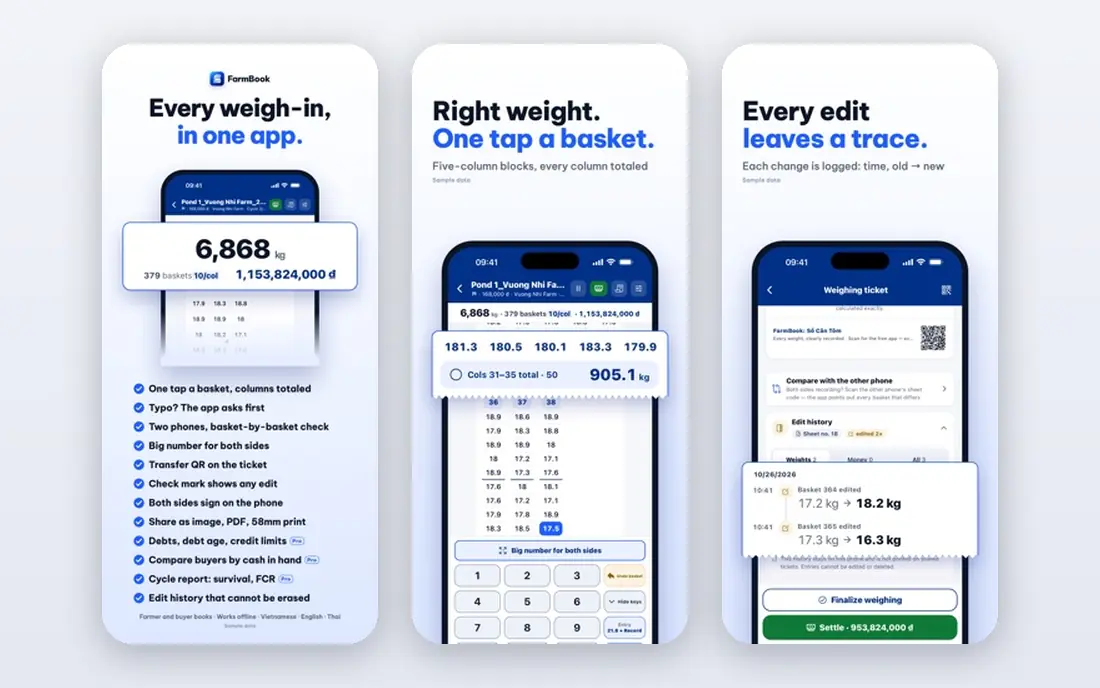
FarmBooks suits small to mid size farms that want a tool built around farm records from the start. Its chart of accounts, enterprise tracking, and reporting reflect how farms actually record income and costs, which can save time at tax time. Payroll, invoicing, check writing, and inventory tools sit in the same program, so a farm office does not need several separate apps.
The honest limit is access. FarmBooks is a desktop program, so it does not offer the same anywhere access or accountant collaboration as a cloud tool. Farms with reliable internet and an accountant who works online may prefer a cloud option. For a farm office that values offline reliability and farm specific reports, FarmBooks remains a strong pick.
- Built for farm chart of accounts and Schedule F style reporting
- Enterprise cost tracking
- Payroll, invoicing, and inventory tools
- Desktop focus rather than full cloud access
- Interface feels dated next to modern cloud tools
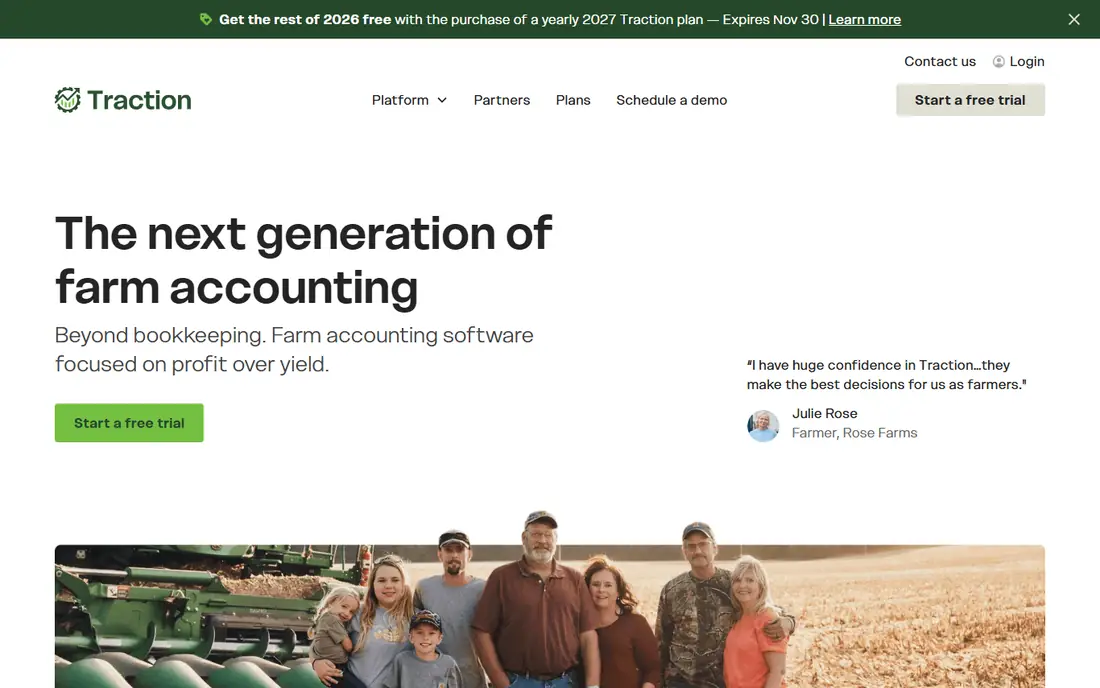
Traction Ag suits farms that want accounting and field records in one cloud system. It is built around Schedule F categories, so income and costs can be coded in a way that maps cleanly to tax reporting. Field activity, inventory, and operation records sit near the financial data, which helps when you need to explain a cost or check a field margin.
The trade-off is scope. A very small farm that only needs invoices and a profit report may find Traction Ag more detailed than needed. Larger farms with several enterprises, fields, and team members will get more value from that depth. Check whether your accountant can access Traction Ag reports easily, and confirm the plan that fits your acreage and user count.
- Schedule F focused accounting
- Field and operation records alongside finances
- Cloud access for farm teams
- Less useful for farms that only need general bookkeeping
- Pricing should be confirmed for your farm size
QuickBooks Online
Great for: Full accounting with wide accountant support

QuickBooks Online is the safest choice when your accountant already uses it, because sharing records and reports is simple. Bank feeds, invoicing, expense tracking, and payroll add-ons cover most farm office needs, and class or location tracking can separate enterprises, crops, or farms. Its reporting depth suits farms that also run a side business, such as direct sales or custom work.
The catch is that QuickBooks is not built for farms. Schedule F reporting needs manual tagging and a careful chart of accounts, and crop or livestock inventory needs workarounds or add-ons. If your accountant is comfortable with that setup, QuickBooks works well. If you want farm reports out of the box, a farm specific tool will save setup time.
- Widely used by accountants
- Bank feeds, invoicing, and reporting in one place
- Class tracking can tag farm enterprises
- No native Schedule F report, so farm tagging needs care
- Costs rise with higher plans and payroll add-ons
Xero suits tech comfortable farms that want clean cloud accounting and room for several users without a per user fee. Bank feeds, invoicing, expense claims, and reporting are clear and easy to use, and the app marketplace adds farm budgeting and inventory tools where needed. Multiple team members, a bookkeeper, and an accountant can work in the same file without extra seat costs.
The limit is farm depth. Like QuickBooks, Xero needs tagging or an add-on for Schedule F style reporting and for detailed crop or livestock records. Pairing Xero with a farm add-on can close that gap, but it adds cost and setup. For a farm that values a clean interface and unlimited users, Xero is still a strong general choice.
- Unlimited users on paid plans
- Clean bank feeds and invoicing
- Wide app marketplace for farm add-ons
- No native Schedule F report
- Farm inventory and budgeting often need an add-on such as Figured
FreshBooks suits a small farm or farm side business that mainly needs invoices, expenses, and client payments. Its invoicing is quick, payment reminders are clear, and expense capture from a phone works well for market sales and custom work. A part time farmer who sells direct and wants simple records will find FreshBooks easy to keep up with.
The honest limit is farm accounting depth. FreshBooks does not offer enterprise tracking, detailed inventory, or Schedule F reporting, and it is lighter on double entry accounting than QuickBooks or Xero. Use it when invoicing is the main job. Move to a farm specific or full accounting tool when tax reporting and enterprise costs become the main need.
- Simple invoicing and expense capture
- Client friendly payment options
- Clear profit reports for small operations
- Not built for farm enterprises, inventory, or Schedule F
- Double entry depth is lighter than QuickBooks or Xero
Wave is the best free farm accounting software option for a small or part time farm that wants to move from paper to digital records without a monthly fee. Accounting, invoicing, and receipt capture are free, and bank connections help keep records current. For a farm with modest transactions, Wave can produce the profit reports a tax preparer needs, provided the chart of accounts is set up with care.
The catch is limits. Payroll, payment processing, and some advanced features cost extra, and Wave needs manual tagging for farm enterprises and Schedule F categories. Larger farms with inventory, payroll, and many enterprises will outgrow Wave. As a free starting point, though, it is hard to beat, and it lets a farm test digital bookkeeping before paying for a farm specific tool.
- Free accounting, invoicing, and receipt capture
- Simple bank connections
- Low risk way to start digital records
- Payroll and some payment features cost extra
- Farm specific reporting needs manual tagging
EasyFarm suits farms that want detailed crop, field, and livestock records without learning full double entry accounting. Its single entry approach means you enter a transaction once, and the program handles the rest, producing farm reports that reflect enterprises and fields. That simplicity helps farms that have kept paper records and want a clear digital step forward.
The limit is access and design. EasyFarm is a desktop tool with a dated interface, so it does not offer the same cloud collaboration as Traction Ag or QuickBooks. Farms that need several users online, or an accountant working remotely, may prefer a cloud system. For a single farm office that values farm reports and simple entry, EasyFarm remains a practical choice.
- Single entry input with farm reports built in
- Crop, field, and livestock tracking
- Long history serving farm producers
- Desktop focus and dated interface
- Cloud collaboration is limited next to modern tools
The Farmer's Office suits larger crop farms that need detailed cost accounting by field, crop, and enterprise, plus payroll for seasonal labour. Its reports help a farm manager see which fields and crops actually made money, rather than only seeing a whole farm profit figure. Payroll and labour tracking in the same system saves time during busy seasons.
The honest limit is complexity. A small farm with one enterprise may find the depth more than it needs, and setup takes care to get field and cost codes right. For a farm that already tracks costs by field on paper, that setup pays off. For a simple operation, FarmBooks or Wave will be faster to start.
- Detailed crop cost accounting
- Payroll and labour tracking
- Enterprise and field level reports
- Depth can feel complex for a small farm
- Pricing should be confirmed for your operation size
CenterPoint Accounting for Agriculture
Great for: Farm accounting with payroll and inventory
CenterPoint Accounting for Agriculture suits farms and agribusinesses that need payroll, inventory, and fixed asset tracking alongside core accounting. Its farm focus shows in its chart of accounts and reporting, and multi company support helps operations that run several entities. Red Wing Software has a long history in agricultural accounting, which gives confidence for tax time reporting.
The trade-off is buying effort. Pricing is by quote, so you need a call to compare it with a published price tool. Its interface is also more traditional than cloud tools such as Xero or QuickBooks. For a farm that needs payroll depth and multi company records, CenterPoint is worth that call. For a simple single farm, a published price cloud tool may be quicker to adopt.
- Farm focused accounting from Red Wing Software
- Payroll, inventory, and fixed asset tools
- Multi company support
- Pricing is by quote, so comparison takes a sales call
- Interface is more traditional than cloud rivals
How we picked these
We compared official vendor pages, farm specific features, Schedule F support, payroll and inventory tools, cloud or desktop access, and accountant compatibility, and we checked public reviews for patterns in setup effort and tax time use. We gave weight to farm specific reporting, enterprise tracking, and realistic pricing, and we left out general tools with no farm use case and farm tools that are no longer sold. Where pricing had changed across sources or was by quote, we wrote See website rather than publishing a stale figure.
What to check before you choose farm software
Start with tax reporting, because that is where a wrong choice costs the most time. Ask whether the tool produces Schedule F style reports, how income and costs are coded, and whether your accountant can access the file directly. A tool that needs a full manual rebuild at tax time will erase the time it saved during the year.
Enterprises, inventory, and payroll
Decide how much detail you need by enterprise, field, crop, or livestock group, and whether inventory and payroll must sit in the same system. A farm that sells grain, raises cattle, and runs custom work needs separate enterprise views, while a single enterprise farm may not. Check payroll needs early, including seasonal labour, because payroll add-ons and state rules vary by tool.
Cloud, desktop, and support
Check internet reliability at the farm office and in the field, since cloud tools need a connection for full use. Desktop tools work offline but make accountant collaboration harder. Ask about data backup, export options, and support hours during planting and harvest, when a software problem hurts most. Choose a tool your team will actually use every week, not only at tax time.
Frequently asked questions
What is the best accounting software for farmers?
FarmBooks and Traction Ag lead for farm specific records, while QuickBooks Online leads for accountant compatibility. The best choice depends on your need for Schedule F reporting, enterprise tracking, and cloud access. List your must have reports before you compare prices.
What is the best free farm accounting software?
Wave is the strongest free option for a small or part time farm, with free accounting, invoicing, and receipt capture. It needs manual tagging for farm categories, and payroll costs extra. For a larger farm, a paid farm specific tool usually saves more time at tax time than Wave saves in fees.
Does QuickBooks work for farm accounting?
Yes, with careful setup. QuickBooks Online handles bank feeds, invoicing, payroll add-ons, and reporting well, and class tracking can separate farm enterprises. It does not offer a native Schedule F report, so your chart of accounts and tagging need to be set up for farm tax categories from the start.
What is Schedule F, and why does it matter for farm software?
Schedule F is the US tax form for profit or loss from farming, and it groups farm income and costs in specific categories. Farm software that supports Schedule F coding can produce reports that map to that form, which saves time for you and your tax preparer. General tools can work, but they need manual coding to reach the same result.
Should I choose cloud or desktop farm software?
Cloud software suits farms with reliable internet and an accountant who works online, since records and reports are easy to share. Desktop software suits farms that want offline access and a single office file. Check backup and export options either way, so your records are safe if you change tools later.
Can farm software track crops and livestock?
Farm specific tools such as FarmBooks, Traction Ag, EasyFarm, and The Farmer's Office track crops, fields, enterprises, and livestock in more depth than general tools. General tools can track inventory at a basic level, but detailed field and livestock records usually need a farm add-on or a farm specific system. Match the tool to the records you actually keep.
Sources
See where you really rank - block by block
ProMapRanker scans Google Maps across a grid of your service area. Simple monthly plans from $19, white-label on every plan.
Start freeKeep reading
 zoho inventory alternatives
6 Alternatives to Zoho Inventory, Compared on Price and Fit
Zoho Inventory alternatives: 6 tools compared on price, free plans and fit. Katana leads the list for manufacturers. Fit and flaws are laid out for each entry.
Read → zoho crm alternatives
Best Zoho CRM Alternatives (2026)
Need Zoho CRM alternatives? We compare 7 tools on cost, free access and who each suits. Every pick gets a straight assessment. Built for quick decisions.
Read → zelle alternatives
Best Zelle Alternatives in 2026
Compare the best Zelle alternatives for sending money to friends, paying sellers and moving funds abroad, with honest notes on fees, speed and safety in 2026.
Read →