 ProMapRanker
Best FAQ Software in 2026: 9 Tools Compared


Large support teams with tickets and a help center · Pricing starts at: $19 per agent per month
Key takeaways
- Zendesk and Freshdesk suit teams that need a help center tied to tickets, while Helpjuice and Document360 suit teams that only need strong documentation.
- Zoho Desk and Help Scout offer the lowest-cost starting points, and both include a free plan for small teams.
- Intercom is the strongest choice when answers must live inside a product messenger, but its AI outcomes are billed separately from seats.
- A good FAQ tool is judged by search quality, editing ease, and analytics, not by how many templates it ships with.
- Start with your 20 most asked questions, publish those well, and expand from real search terms and ticket data.
Quick comparison
| Pick | Great for | Pricing starts at | Free tier | |
|---|---|---|---|---|
| Zendesk | Large support teams with tickets and a help center | $19 per agent per month | No | Visit |
 Freshdesk | Budget teams that want FAQs plus ticketing | $19 per agent per month | Free trial | Visit |
 Helpjuice | Branded, multilingual help centers | $249 per month | Free trial | Visit |
 Document360 | Versioned technical and product documentation | See website | Free trial | Visit |
 Intercom | In-product help and AI-powered answers | $29 per seat per month | Free trial | Visit |
 Help Scout | Email-first small teams | $25 per user per month | Yes | Visit |
 Zoho Desk | Low-cost teams already using Zoho | $7 per user per month | Yes | Visit |
 Guru | Internal knowledge for support agents | See website | Free trial | Visit |
 HelpDocs | Standalone knowledge bases without a suite | $129 per month | Free trial | Visit |
The best FAQ software
A FAQ page that nobody can search is just a long page. The tools below help visitors find an answer, help staff update it without a developer, and show which questions still send people to support.
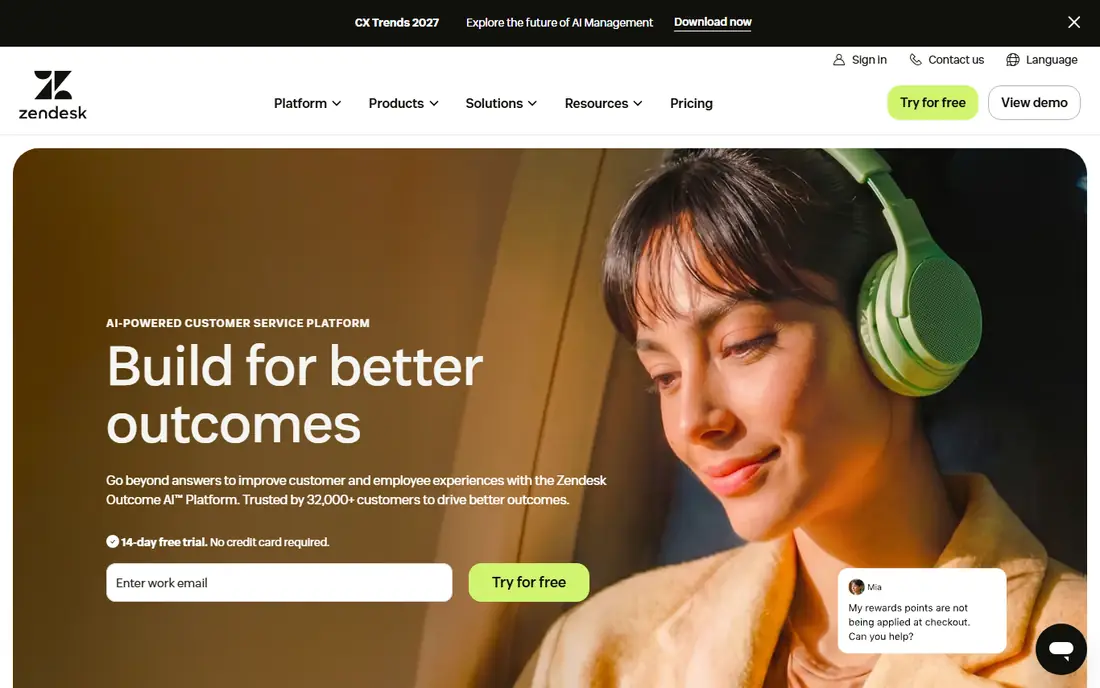
Zendesk works best when a FAQ is one part of a larger support operation. Articles live in the same system as tickets, so a support manager can see which articles deflect contacts and which ones leave readers stuck. Permissions, approval workflows, and multilingual content are built for teams with many authors and many readers.
The catch is cost and complexity. The entry Support Team plan starts at $19 per agent per month on annual billing, and the Suite plans that add messaging and live chat cost more. Small teams that only need a help center can feel they are paying for a contact center they do not use. Set up the help center first, prove it cuts repeat tickets, and only then add channels.
- Help center tied to ticketing and reporting
- Strong search and permissions
- Large integration catalog
- No free plan
- AI resolution costs add up on top of seats
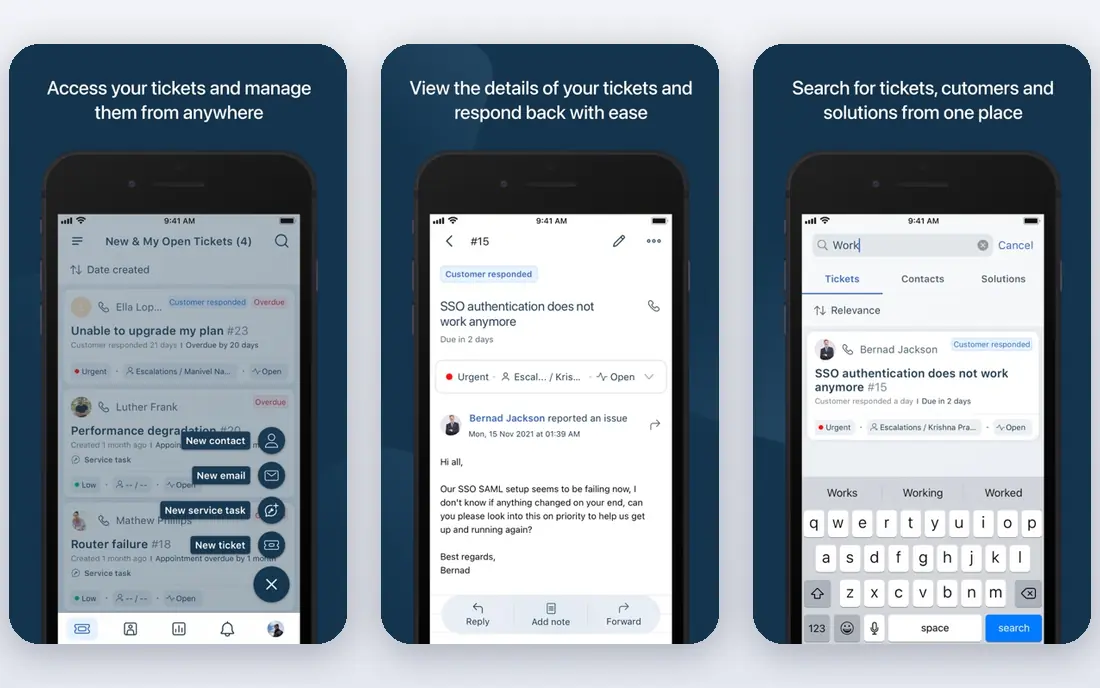
Freshdesk is the practical pick for a small support team that wants a public FAQ and a ticket queue in one product. You can write articles, organize them into categories, and link them from ticket replies. The interface is plain in a good way, and new agents learn it fast.
We would not choose Freshdesk for a documentation-only project, because you still pay per agent even if most readers never contact you. The Growth plan starts at $19 per agent per month on annual billing, with a 14-day trial to test it. If your FAQ will be maintained by two or three people and read by thousands, a flat-priced knowledge base may cost less.
- Lower cost than Zendesk at comparable tiers
- Knowledge base included
- Simple setup
- No permanent free plan in current pricing
- AI features sit on higher plans
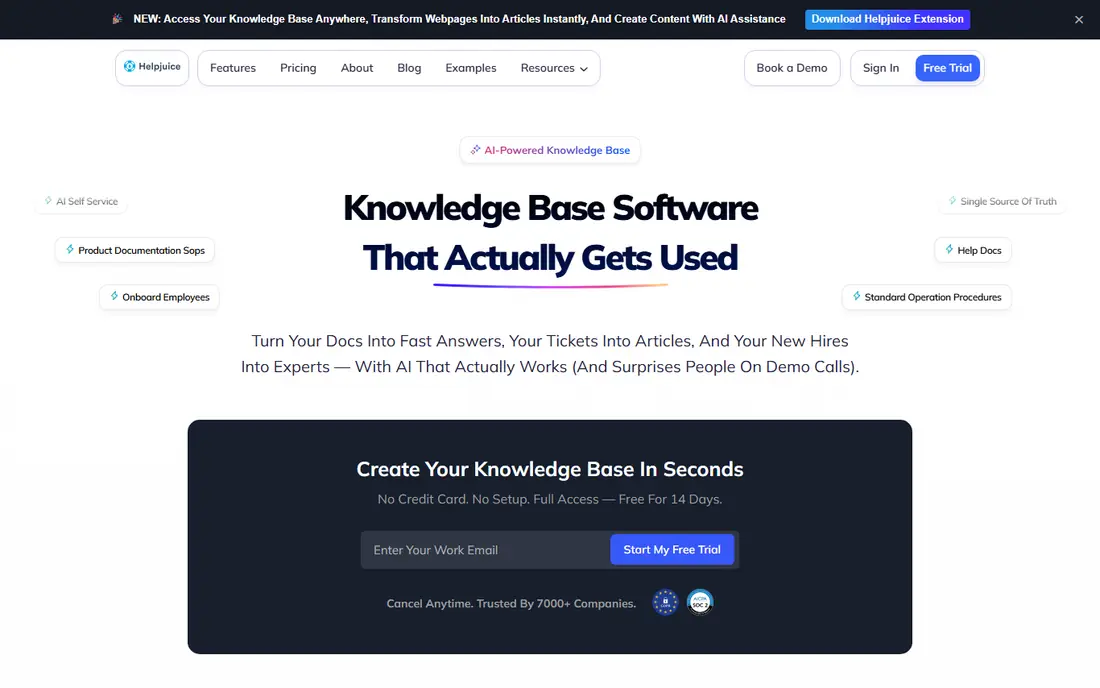
Helpjuice is built for companies that care how the help center looks and reads. It offers custom theming, multiple languages, and analytics that show which articles get read and which get rated poorly. Readers do not need a paid seat, so a public FAQ can serve a large audience without a per-reader bill.
The price is the honest barrier. At $249 per month, it is hard to justify for a startup with 30 articles and a handful of weekly visitors. It makes sense once the help center is a visible part of the brand, or once you support customers in several languages and need one system to keep translations in step.
- Custom design and multiple languages
- Readers are free
- Analytics on article use
- High flat price for very small teams
- Fewer ticketing features than a full help desk
Document360 fits teams that treat documentation like software. Articles can be versioned, reviewed, and published alongside API references, which matters when a product changes every month and old instructions must stay available for older versions. Search is built to handle large libraries, not just a dozen pages.
That structure can feel heavy for a basic FAQ. If you only need answers to common questions, the setup work and the quote-based pricing may slow you down. Ask for a quote early, test the editor with a real article, and check how hard it is for a non-technical author to publish a correction.
- Version control and API documentation support
- Strong search
- Review workflows
- No published starting price
- More structure than a simple FAQ needs
Intercom is different because the FAQ meets the customer where they already are, inside the product or on the website, through the messenger. Articles can be surfaced by the Fin AI agent, which answers from your own help content and hands over to a person when it cannot. That can cut routine questions sharply for product-led companies.
Budget carefully, because there are two bills. Seats start at $29 per seat per month on annual billing, and Fin outcomes are charged per resolved conversation. A team with high chat volume should model both lines before committing, and should keep articles current, because the AI agent is only as good as the content it reads.
- Help center inside the messenger
- Fin AI agent answers from your articles
- Strong engagement data
- Seats and AI outcomes are billed separately
- Costs rise with usage
Help Scout is our pick for most small teams that mainly answer by email. Docs, its help center product, is clean and easy to edit, and the shared inbox keeps replies personal rather than ticket-like. The free plan covers up to 5 users with one inbox, which is enough for many early-stage teams to get started.
The limits show up at scale. Teams that need complex routing, phone support, or many inboxes will outgrow it or pay for add-ons. The Standard plan starts at $25 per user per month, and AI Answers are billed per resolution with a cap you can set. That cap is worth setting on day one.
- Free plan for up to 5 users
- Simple shared inbox and Docs
- AI Answers with a spending cap
- Less suited to phone-heavy or WhatsApp-first support
- Extra inboxes cost more
Zoho Desk is the cheapest credible route to a FAQ tied to support tickets. The free plan covers 3 users, and the Express plan starts at $7 per user per month on annual billing. If your business already runs Zoho CRM or Zoho Books, the shared customer record is a real advantage, not just a logo on an integrations page.
The trade is polish. The interface packs in many options, and the most useful AI help appears on Professional and above. Teams outside the Zoho world should still test it, but they should compare the time it takes to set up categories, articles, and ticket rules against a simpler tool.
- Free plan for 3 users
- Lowest entry price here
- Deep Zoho integrations
- Best AI features sit on higher plans
- Interface feels busy to new users
Guru answers a different question: how do agents find the right answer fast, while they are already working in Slack, a CRM, or a help desk? Its browser extension and integrations surface verified cards without forcing an agent to open another tab. Verification reminders ask owners to confirm or update cards, which fights the stale-article problem.
We would not pick Guru as a first public FAQ tool, because its strength is internal knowledge, not a polished customer-facing help center. Use it when agents keep giving different answers, or when product details change often and old answers cause mistakes. Confirm pricing on a demo, since plans are quote-led.
- Knowledge surfaced inside other tools
- Verification reminders keep articles current
- Good for agent training
- Pricing is not published on a simple public grid
- Public help centers are not its main job
HelpDocs is for teams that want a knowledge base and nothing else. You pay a flat $129 per month, readers are free, and the editor stays out of the way. That model is easy to budget, and it avoids paying per agent for people who only write occasionally.
The gap is support workflow. There is no ticket queue to catch the questions the FAQ misses, so you will pair it with email or another inbox. For a documentation site, a partner portal, or a product help center with a separate support tool, that split is fine. For a team that wants one inbox and one FAQ, a suite fits better.
- Flat monthly price
- Readers are free
- Simple editor and search
- No ticketing built in
- Price is high for a tiny FAQ
How we picked these
We compared official feature pages, pricing pages, and public help documentation for tools that publish a real FAQ or knowledge base product in October 2026. We kept tools that let visitors search articles, let non-developers edit and publish, and show basic reading or feedback data. We left out generic website builders and wiki tools that lack help-center search, categories, and article feedback. Prices shown are starting list prices from vendor pages or, where a vendor does not publish a price, marked as See website.
What to check before you buy FAQ software
A FAQ tool fails in quiet ways. Articles go stale, search returns the wrong page, and nobody owns updates. Check these points with a real set of questions before you pay.
Search and structure
Test search with the words customers actually use, including misspellings and product nicknames. Good search should return the right article in the top three results. Categories should match how customers think, not how your org chart is drawn. If you need more than about 50 articles, check versioning and bulk editing too.
Editing and ownership
Ask who will write and who will approve. A simple editor, suggested articles, and a review date on each page matter more than fancy templates. Assign one owner per category and a review date for every article. A tool with verification reminders, like Guru, helps, but a calendar reminder works too.
Measurement and deflection
Look for article views, search terms with no results, and feedback buttons. Those three reports tell you what to write next and what to fix. If a question keeps reaching support, add it to the FAQ and link it from ticket replies. Re-check the numbers monthly, and retire articles that nobody reads.
Cost at your size
Count authors, not readers, for per-seat tools, and count total articles and languages for flat-priced tools. A free plan is useful for a trial, but check what happens when you add a second inbox, a new language, or AI answers. The cheapest first year is not always the cheapest third year.
Frequently asked questions
What is the best FAQ software for a small business?
Help Scout and Zoho Desk are strong low-cost starts, because both offer a free plan and include a help center alongside support tools. A team that only needs a public FAQ, with no tickets, should also look at HelpDocs for flat pricing. Pick based on how many authors you have and whether you need tickets in the same product.
What is the best software for FAQs on a website?
Any tool here can publish articles to a website, but Helpjuice and Document360 give the most control over design, structure, and search for a public site. Intercom suits a site where visitors already chat with you, because answers appear inside the messenger. Test the published help center on a phone before you decide, since most visitors read on mobile.
Do I need FAQ tools if I already have a help desk?
If your help desk includes a knowledge base, you may not need a separate FAQ tool. Zendesk, Freshdesk, Help Scout, and Zoho Desk all include one. A separate tool makes sense when the help center needs its own design, languages, or versioning, or when readers far outnumber support agents.
How many FAQ articles should I start with?
Start with 20 to 30 articles that cover the questions support already answers every week, such as pricing, setup, billing, returns, and account access. Add articles from failed search terms and repeat tickets, not from guesses about what customers might ask. A short, accurate FAQ beats a long one full of filler.
Can FAQ software reduce support tickets?
Yes, when articles answer the real question and are easy to find from the product, the website, and ticket replies. Track repeat questions before and after launch, and link the top articles from your contact page. If ticket volume does not fall, the problem is usually search quality or stale content, not a lack of articles.
Sources
- https://www.zendesk.com/pricing/
- https://www.freshdesk.com/pricing/
- https://www.helpjuice.com/pricing/
- https://www.document360.com/pricing/
- https://www.intercom.com/pricing
- https://www.helpscout.com/pricing/
- https://www.zoho.com/desk/pricing.html
- https://www.getguru.com/pricing/
- https://www.helpdocs.io/pricing/
See where you really rank - block by block
ProMapRanker scans Google Maps across a grid of your service area. Simple monthly plans from $19, white-label on every plan.
Start freeKeep reading
 zscaler alternatives
Best Zscaler Alternatives in 2026
Looking for zscaler alternatives? We compare 9 SASE and zero trust platforms on architecture, data protection, pricing, and fit for your network and team.
Read → zapier alternatives free
Best Zapier Alternatives Free in 2026
Nine automation tools for zapier alternatives free in 2026, all with genuinely free tiers, plus free plan limits, starting prices and upgrade paths explained.
Read → which platform is best for online reputation
Which Platform Is Best for Online Reputation in 2026
Wondering which platform is best for online reputation? We compare 8 review, listing, and response tools for small and multi-location businesses and agencies.
Read →