 ProMapRanker
Best Face Photo Editing Apps Free in 2026

Key takeaways
- Snapseed is the best fully free editor here, with no subscription and no watermark on exports.
- AirBrush offers the closest free match to Facetune for basic retouching, with paid extras for advanced tools.
- Facetune offers the deepest manual face controls, but most features need a paid plan.
- YouCam Makeup suits virtual makeup and styling, with a free tier for everyday edits.
- Only edit your own photos, or photos you have permission to edit, and avoid tools that alter other people without consent.
Quick comparison
| Pick | Great for | Pricing starts at | Free tier | |
|---|---|---|---|---|
 Snapseed | Fully free photo editing | Free | Yes | Visit |
 AirBrush | Free face retouching | Free | Yes | Visit |
 Facetune | Manual face control | $7.99 per month | Free trial | Visit |
 YouCam Makeup | Virtual makeup and styling | Free | Yes | Visit |
 PicsArt | Creative face edits | Free | Yes | Visit |
 Adobe Lightroom | Pro-level photo editing | $11.99 per month | Free trial | Visit |
 FaceApp | AI face transforms | Free | Yes | Visit |
 Remini | Photo restoration | Free | Yes | Visit |
 PhotoDirector | All-round mobile editing | Free | Yes | Visit |
The best face photo editing apps free
Face editing apps cover a wide range, from light skin retouching to virtual makeup, AI transforms, and full photo editing. This guide lists only legitimate editors for your own photos. Do not use any tool to edit photos of other people without their clear permission, and do not use tools that claim to undress or alter people non-consensually. Those tools are excluded here.
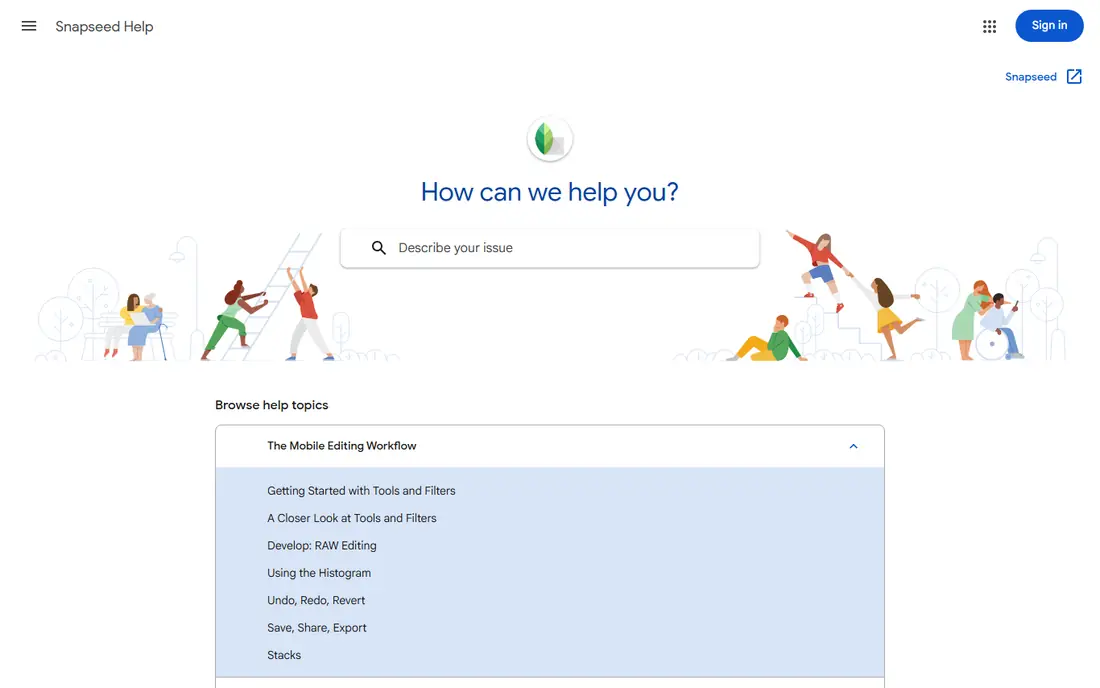
Snapseed is Google's free photo editor for iOS and Android, and it is the best fully free option in this list. It includes tuning, curves, selective adjustments, healing, perspective, and portrait tools, including a Face Pose feature for headshots. There is no subscription, no watermark, and no paywall on the core editor, which sets it apart from most face apps.
Snapseed is not a virtual makeup app. Users who want makeup try-ons or hairstyle previews should pair it with YouCam Makeup or Facetune. For clean, natural edits to your own portraits, including skin smoothing, light, and color, Snapseed covers most needs without cost.
- Completely free with no subscription
- Selective editing and healing tools
- RAW support
- No virtual makeup tools
- Interface takes time to learn for new editors
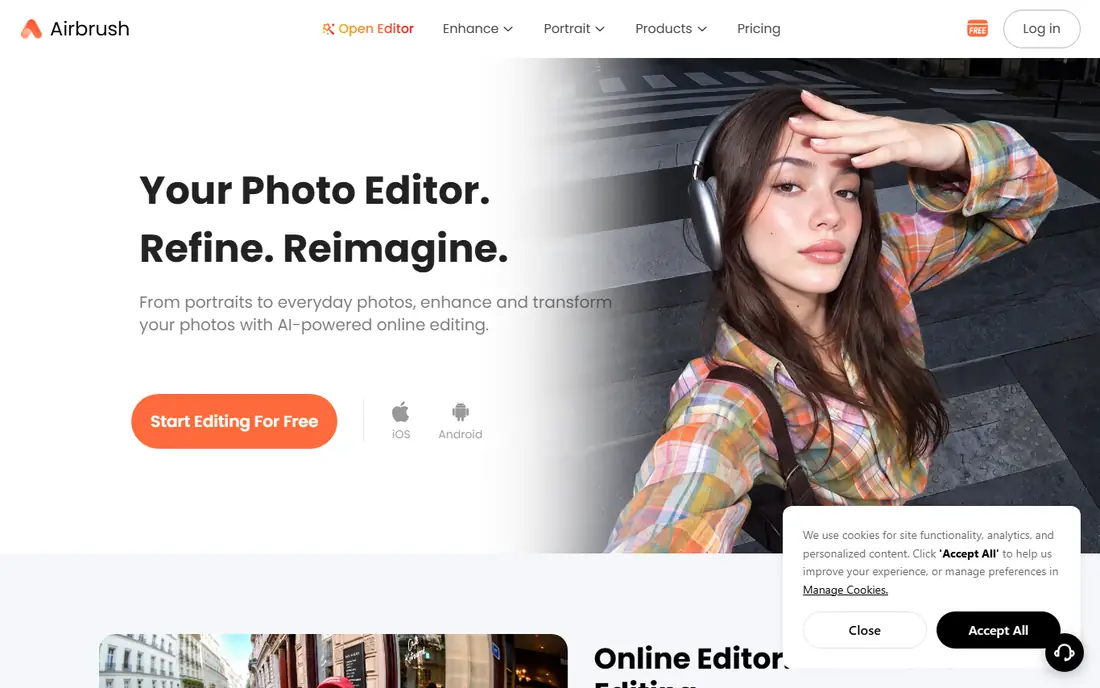
AirBrush is the closest free match to Facetune for everyday retouching. The free tier covers smoothing, blemish removal, teeth whitening, reshaping, and basic makeup, which covers the edits most people make to selfies. Sliders give more control than one-tap filters, without the learning curve of a full editor.
Advanced tools, filters, and some AI features sit behind a paid plan, and free users will see upgrade prompts. For occasional portraits, the free tier is enough. For frequent editing with the full toolset, compare the paid plan with Facetune before subscribing.
- Free tier covers core retouching
- Simple sliders for skin and features
- Makeup and filters included
- Advanced features need a paid plan
- Ads and prompts for upgrades in the free tier
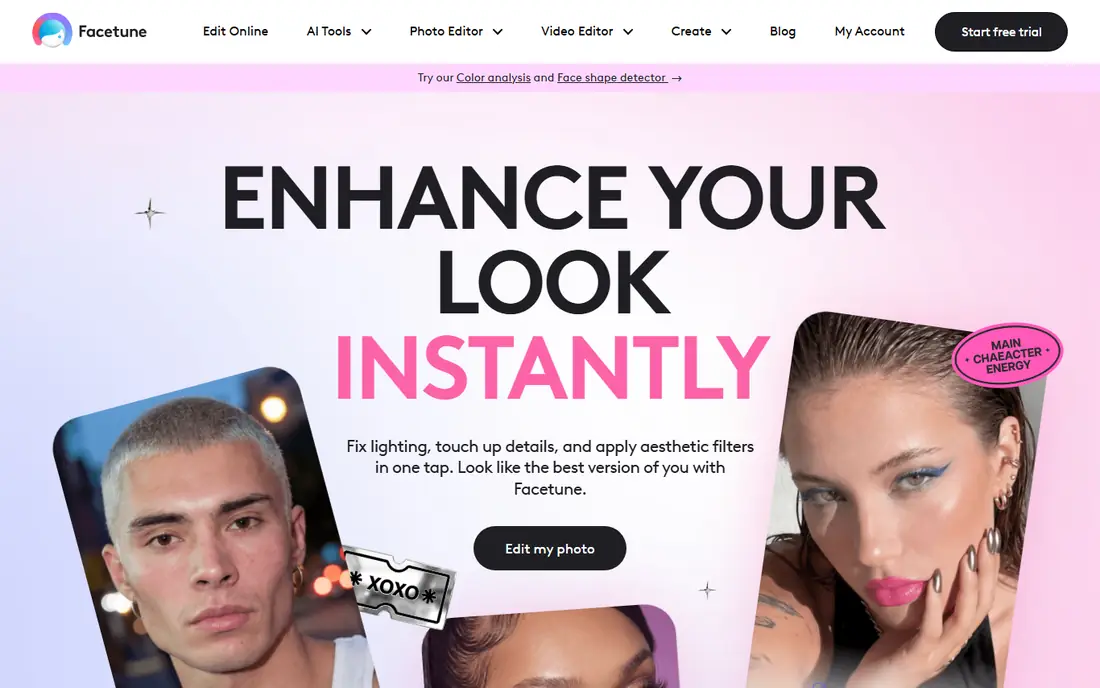
Facetune, by Lightricks, is the portrait specialist in this list. Smooth, Reshape, Whiten, and detail tools let editors adjust skin, eyes, teeth, and features with manual sliders, rather than relying on a single auto pass. The same tools work on video, which helps creators who need a consistent look across photos and reels. AI headshots and studio lighting tools add options for professional profiles.
Most of that depth needs Facetune Premium, listed at $7.99 per month or $35.99 per year in independent guides, with a 7-day trial of Premium offered on download. The control also brings a risk: heavy smoothing and reshaping reads as edited at once. Use light settings for natural results, and only edit your own photos.
- Detailed manual sliders for face and features
- Video retouching
- AI headshots and studio tools
- Most features need Facetune Premium
- Easy to over-edit at full strength
YouCam Makeup, by Perfect Corp, suits users who want to try makeup, hairstyles, and colors before buying or posting. The app applies virtual makeup in real time, previews hair colors and styles, and includes skin retouching and filters. The free tier covers everyday edits, which makes it easy to test.
The full makeup catalog and advanced AI features need a paid plan, with prices shown in the app store listing. Results also depend on photo quality: even lighting and a clear face give the most natural preview. For styling and makeup try-ons on your own photos, YouCam Makeup is the strongest pick here.
- Virtual makeup try-on
- Hairstyle and color previews
- Free tier for everyday edits
- Best makeup features need a paid plan
- Results vary by lighting and photo quality
PicsArt is a creative editor first, with face retouching as one part of a wider toolkit. Users can retouch a portrait, add filters, stickers, and text, build collages, and design social posts in the same app. That breadth suits creators who want one app for both portraits and posts.
Face precision is lower than Facetune, with fewer manual sliders for detailed reshaping. Many effects and the full AI toolset need a paid plan. For creative edits and social content, PicsArt is a strong free starting point, while Facetune or Snapseed suit cleaner, more natural portraits.
- Large sticker, filter, and effect range
- Collage and design tools
- Free tier for basic edits
- Face tools are less precise than Facetune
- Premium features need a paid plan
Adobe Lightroom is the professional editor in this list, with precise controls for light, color, detail, and lens correction. Healing, masking, and selective edits let photographers clean up skin, backgrounds, and distractions without the plastic look of heavy auto retouching. The mobile app syncs with desktop, which helps photographers who edit across devices.
Lightroom is not a one-tap face app. Face edits take more steps than in AirBrush or Facetune, and full features need a subscription, with the Lightroom plan listed at $11.99 per month in independent guides. For photographers who want natural, high-quality portraits, Lightroom is worth the learning time.
- Precise light, color, and detail controls
- Healing and masking tools
- Sync across devices
- Face-specific tools are less direct than Facetune
- Subscription needed for full features
FaceApp is known for AI transforms: age changes, smile edits, hairstyle previews, and gender-style filters, applied to your own photos with one tap. The free tier covers basic transforms, which suits casual users who want a fun edit or a quick preview. The interface is simple, with no sliders to learn.
The paid plan opens the full transform range, and results are stylized rather than natural. FaceApp is not the best tool for subtle retouching, where Snapseed or AirBrush give cleaner results. Use it for fun transforms on your own photos, with care about how edited images are shared.
- AI age, smile, and hairstyle transforms
- Simple one-tap edits
- Free tier for basic transforms
- Best transforms need a paid plan
- Results are stylized, not natural retouching
Remini suits a different job: restoring old, blurry, or low-resolution portraits. The AI enhances detail, sharpens faces, and cleans up scans, which can bring an old family photo back to usable quality. The free tier lets users test the enhancement before paying, with limits on the number of free enhancements.
Enhancement can look artificial on some photos, especially when the source is very low quality. Results also vary by face angle and lighting. For restoring your own old photos, Remini is a useful specialist, while Snapseed or Lightroom suit everyday editing of new photos.
- AI enhancement for old and low-resolution photos
- Face detail recovery
- Simple workflow
- Free tier has limits and ads
- Enhancement can look artificial on some photos
PhotoDirector, by CyberLink, combines AI tools with manual editing for iOS, Android, and the web. Portrait tools cover skin, face shape, and background, while the wider editor covers light, color, and creative effects. The free tier covers basic edits, which makes it easy to test the workflow.
The full AI feature set needs a paid plan, and the interface carries many options that new users may find busy. For users who want one app for portraits, scenery, and creative edits, PhotoDirector is a flexible free starting point, with Snapseed as the cleaner free alternative for natural portraits.
- AI tools plus manual editing
- Portrait and background tools
- Free tier for basic edits
- Full AI features need a paid plan
- Interface carries many options for new users
How we picked these
We compared official app pages, app store listings, and independent photo app guides current in October 2026. We required a live app, a genuinely free tier or free trial that covers face editing, and a legitimate use for your own photos. We excluded any tool that offers undressing or non-consensual alteration. We did not claim hands-on testing. Prices are app store or vendor list prices where stated, and they vary by region.
What to check before you choose
Start with the edit you actually make most often. For natural retouching, pick Snapseed or AirBrush. For manual control, pick Facetune. For makeup and styling, pick YouCam Makeup. For restoration, pick Remini. For full photo control, pick Lightroom. One app rarely covers every job well, so two free apps often beat one paid plan.
Check the free tier in the app itself, not just the store page. Many apps offer a free download, but lock the best face tools behind a subscription. Check export quality, watermark rules, and whether the free tier saves at full resolution. Check privacy too: face photos are sensitive, so confirm what the app stores, whether uploads are used for training, and how to delete your data.
Consent and natural results
Only edit photos of yourself, or photos you have clear permission to edit. Do not edit photos of other people to change how they look without their consent, and do not share edited photos of others as if they were unedited. For natural results, use light settings, keep skin texture visible, and compare the edit with the original before posting. Heavy smoothing and reshaping may look striking at first, but they often read as edited and can distort how you look in real life.
Frequently asked questions
What is the best completely free face editing app?
Snapseed is the best completely free option here, with no subscription and no watermark on the core editor. AirBrush and YouCam Makeup also offer useful free tiers, with paid extras for advanced tools.
Is Facetune free?
Facetune is free to download, with a 7-day trial of Premium in independent guides. Most face tools need Facetune Premium, listed at $7.99 per month or $35.99 per year, so check the current price in the app store before subscribing.
Can I edit photos of other people with these apps?
Only with their clear permission. These apps are listed here for editing your own photos. Do not use face editing tools to alter photos of others without consent, and avoid any tool that offers non-consensual alteration.
Which app is best for natural-looking edits?
Snapseed and Adobe Lightroom give the most natural results, since they focus on light, color, and selective edits rather than heavy auto retouching. Use light settings in any app, and keep skin texture visible.
Do free tiers add watermarks?
Snapseed does not add a watermark. Other free tiers may add watermarks, limit export resolution, or show ads. Check the export screen before paying, and test one export at full resolution.
Sources
See where you really rank - block by block
ProMapRanker scans Google Maps across a grid of your service area. Simple monthly plans from $19, white-label on every plan.
Start freeKeep reading
 zoro.to alternatives
Best Zoro.to Alternatives in 2026
We compare the best zoro.to alternatives in 2026, listing only legal licensed anime streaming services, from Crunchyroll to free options for fans today.
Read → zip alternatives
Best Zip Alternatives in 2026
We compare the best zip alternatives for buy now, pay later in 2026, covering pay-in-4 plans, fees, spending limits, and credit reporting options today.
Read → yesware alternatives
Best Yesware Alternatives in 2026
Compare the best yesware alternatives for sales email tracking, templates, and sequences, with current pricing and honest tradeoffs for small sales teams.
Read →