 ProMapRanker
Best Face Editing App in 2026


Detailed retouching and reshaping · Pricing starts at: $25 per month
Key takeaways
- Facetune and FaceApp lead for detailed retouching and reshaping, while YouCam Makeup and Perfect365 lead for virtual makeup looks.
- BeautyPlus, Lensa, and Remini suit quick portrait cleanup, with Remini strongest for old or blurry photos.
- Snapseed is the best free option for careful, natural edits, though its face tools are simpler than specialist apps.
- Edit only your own photos, or photos of others with their clear consent, and keep edits honest when a photo is used as identification or evidence.
Quick comparison
| Pick | Great for | Pricing starts at | Free tier | |
|---|---|---|---|---|
| Facetune | Detailed retouching and reshaping | $25 per month | Free trial | Visit |
 FaceApp | One-tap face transforms | See website | Yes | Visit |
 YouCam Makeup | Virtual makeup try-on | See website | Yes | Visit |
 BeautyPlus | Quick portrait cleanup | $10 per month | Yes | Visit |
 Perfect365 | Makeup looks and tutorials | $4.99 per month | Yes | Visit |
 Lensa | Stylised portraits and avatars | $29.99 per year | Free trial | Visit |
 Remini | Restoring old and blurry faces | $9.99 per month | Yes | Visit |
 Snapseed | Free natural editing | Free | Yes | Visit |
The best face editing app
We compared apps on retouching control, filter quality, makeup tools, export quality, and pricing, using official app pages and app store listings. All of the apps below are legitimate editing and filter tools for photos you own or have permission to edit. None of them should be used to create misleading images of other people, and we did not include tools made for undressing or non-consensual edits.
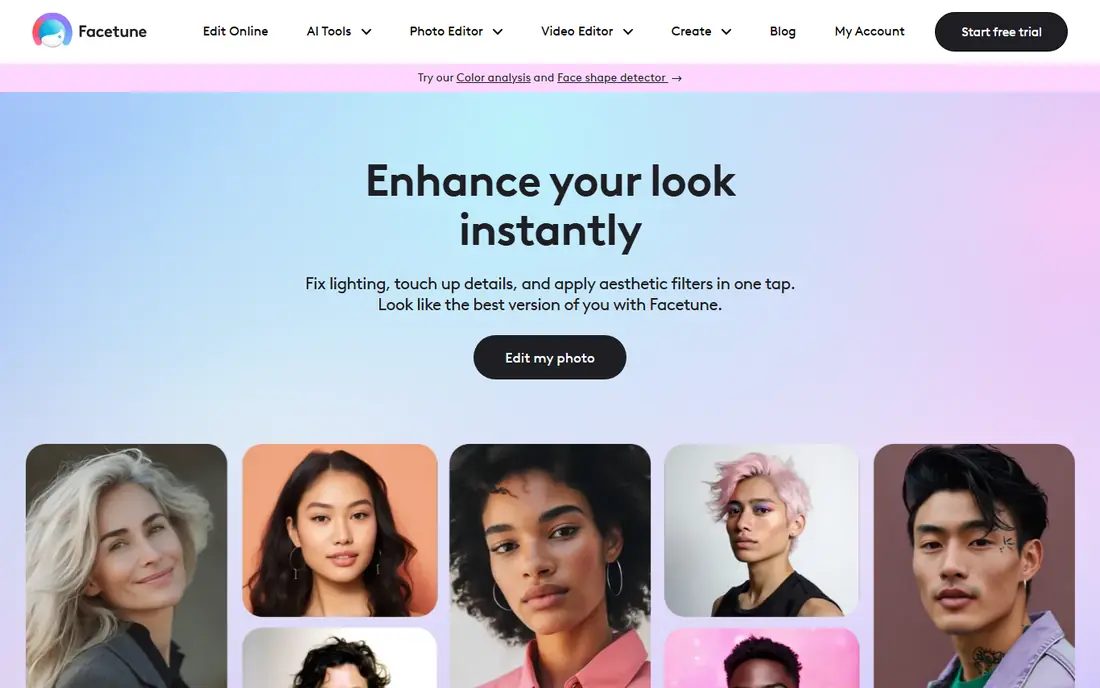
Facetune is the most complete retouching app on this list. Its tools cover smoothing, whitening, reshaping, hair colour, and background edits, with sliders that let you keep changes subtle rather than all-or-nothing. For creators and small business owners who post portraits often, that control saves time compared with switching between several apps.
The main risk is not technical but visual: heavy reshaping quickly looks unnatural, and viewers notice. Use a light hand, check the result at full size, and remember that a 7-day trial renews into a paid plan unless you cancel in time, so set a reminder if you only want to test it.
- Fine control over skin, eyes, and hair
- Photo and video editing in one app
- AI headshot tools
- Subscription cost adds up
- Free trial requires care with renewal dates
- Easy to over-edit
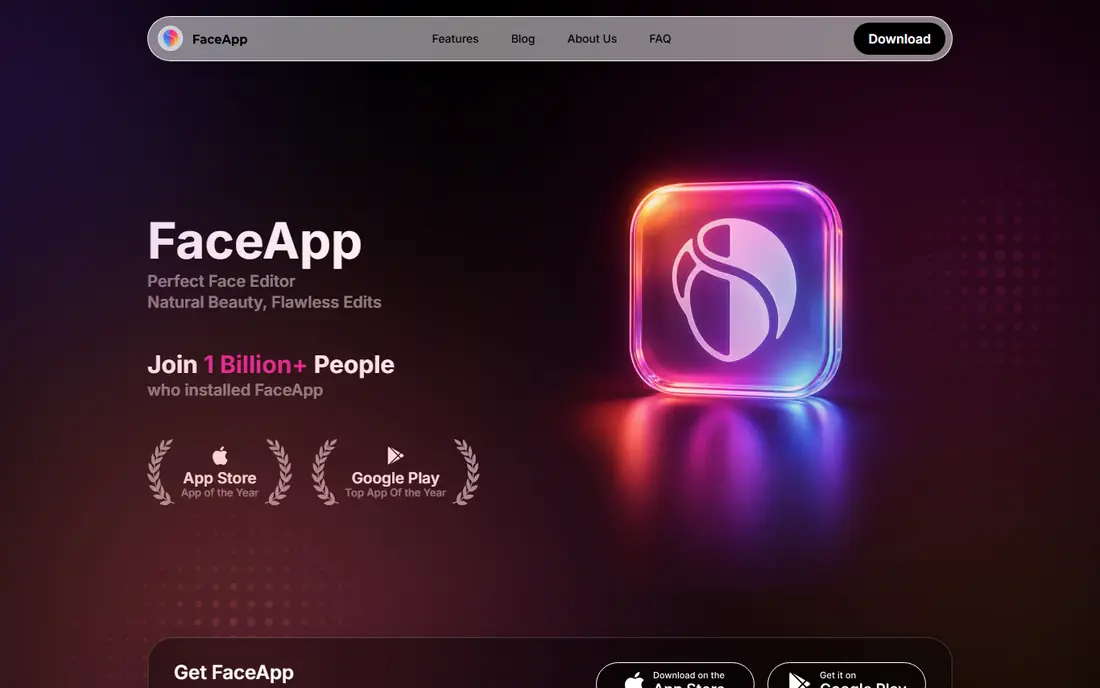
FaceApp is built around quick face filters rather than manual editing. You pick a photo, apply a style or age effect, and share the result, which makes it a good fit for casual users who do not want to learn sliders and layers. Its filters are strongest on clear, front-facing portraits with good light.
Because the app processes photos on its servers, read its privacy policy and photo handling terms before uploading sensitive images, and avoid editing photos of other people without their permission. For a free test, stick to the free filters first and only subscribe if you use the paid styles often.
- Fast age, smile, and style filters
- Simple interface
- Fun for social sharing
- Many filters sit behind a subscription
- Results vary with photo quality
- Check privacy settings before uploading
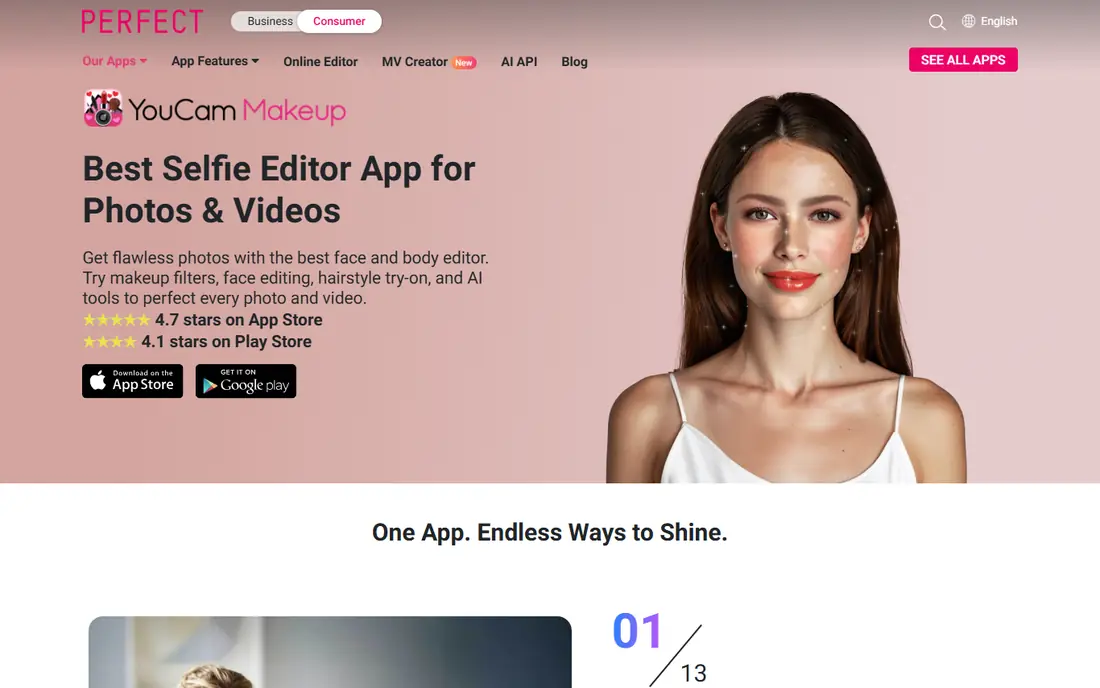
YouCam Makeup stands out for trying looks before you buy products. Its live camera shows lipstick, blush, eyeshadow, and hair colour on your own face in real time, which helps when you are choosing between shades or testing a bold look for an event. Saved looks and step guides make it useful for people who are still learning makeup, not only for photo edits.
The free version covers the basics, while the wider palettes and advanced retouch tools sit behind a paid plan. In poor light, colours can shift, so check a look in daylight before relying on it for a purchase decision, and confirm the current price in the app store before subscribing.
- Large makeup and hair colour library
- Live camera try-on
- Skin retouch tools included
- Premium looks require a subscription
- Some effects look less natural in low light
- App can feel busy
BeautyPlus is a fast middle ground between a simple filter app and a full retoucher. Its auto tools clean skin, brighten eyes, and whiten teeth in a few taps, and batch editing helps when you have a set of portraits from one shoot. That speed suits social posting and small business profiles where you need a consistent look across many photos.
The style leans polished rather than natural, so dial back skin smoothing if you want a realistic result. The free plan is useful for testing, but the stronger enhancement and batch features are paid, with pricing from about $10 per month on the vendor comparison pages we checked.
- Fast skin and eye cleanup
- Batch editing for portraits
- Filters and makeup in one app
- Paid features are central to the best tools
- Exports can carry limits on the free plan
- Style leans glossy
Perfect365 focuses on makeup rather than general photo editing. You can apply complete looks created by makeup artists, adjust individual elements such as lipstick or blush, and follow guides that show how to recreate a look in real life. That teaching angle sets it apart from apps that only offer filters.
The trade-off is the free experience, which includes ads and limits on high-resolution saves. The monthly subscription is listed at $4.99, which is low compared with several rivals, but check the current app store price in your region, since subscription prices vary and can change.
- Makeup looks from professional artists
- Try-on and step guides
- Low monthly entry price
- Ads and upsells on the free plan
- High-resolution saves can require payment
- Some looks suit only certain lighting
Lensa is best known for its stylised portraits and Magic Avatars, which turn a set of selfies into illustrated or themed versions of yourself. Beyond that feature, it offers retouching, background blur, and filters that work well for profile photos and social posts. The annual plan, listed at $29.99 per year with a 7-day trial, is the better value than paying monthly if you use it often.
Avatar packs are a separate purchase, starting at $7.99 for a pack of 50 images in older listings, so budget for that if avatars are the main reason you install it. Use your own photos only, and check the result before sharing, since stylised output can change facial features more than a normal retouch.
- Strong stylised portrait styles
- Magic Avatars from selfies
- Simple retouch tools
- Avatar packs cost extra
- Yearly price is the main value route
- Results vary by input photo
Remini fills a different need from the rest of this list. Instead of adding makeup or reshaping, it sharpens and restores faces in old, low-quality, or compressed photos, which makes it useful for family archives and scanned prints. The one-tap workflow means you do not need editing skill to get a usable result from a faded portrait.
Be careful with very damaged photos. Restoration software can guess at missing detail, so the result may look plausible without being accurate, and it should not be used as a record of what a person actually looked like. For casual family sharing that limit rarely matters, but keep the original file unchanged alongside the restored copy.
- Strong restoration for old, faded, and blurry portraits
- Simple one-tap workflow
- Batch options on paid plans
- Restoration can invent detail on very damaged photos
- Free use is limited
- Subscription needed for regular use
Snapseed is the free pick for people who want natural edits without a subscription. It offers tuning, selective adjustments, healing, and portrait tools that adjust face lighting and pose, all without ads or in-app purchases. For a headshot that needs light, colour, and small cleanup rather than a full makeover, it is often enough on its own.
It has no standalone homepage, so its official support page is the correct reference, and we have used that here rather than any lookalike site. The trade-off is scope: if you want virtual makeup or heavy reshaping, pair Snapseed with one of the specialist apps above, and use Snapseed for the final natural finish.
- Completely free with no subscription
- Precise selective edits
- Portrait tools for face position and light
- Face tools are simpler than specialist apps
- No virtual makeup library
- Interface takes a little learning
How we picked these
We compared official app pages, app store listings, and pricing pages for face editing and filter apps live in October 2026. We kept only legitimate editing, filter, and makeup tools, and we left out any tool framed for undressing, stalking, or editing other people without consent. Where a price could not be confirmed on the vendor page at the time of writing, we wrote See website rather than guessing.
What to check before you choose
Start with the job. For a quick social post, a one-tap app such as FaceApp or BeautyPlus is enough. For a professional profile photo, Facetune or Snapseed gives more control over the final look. For trying makeup, YouCam Makeup or Perfect365 will save you more time than a general retoucher.
Check three practical points before you pay: whether the app stores your photos on its servers, whether exports carry a watermark on the free plan, and when a trial renews. Also export at the highest resolution available for profile or print use, since a low-resolution save cannot be fixed later.
Frequently asked questions
What is the best face editing app for free?
Snapseed is the strongest free option, with precise edits and no subscription. FaceApp and BeautyPlus also offer useful free filters, though their best tools are paid.
What is the best face filter app free for selfies?
FaceApp and BeautyPlus are good free starting points for selfie filters. Snapseed suits users who prefer a natural look over heavy filters.
What is the best face editor app for makeup?
YouCam Makeup leads for live try-on and shade choice, while Perfect365 leads for complete artist looks and step guides.
Can I use these apps to edit photos of other people?
Only with their clear consent. Edit your own photos by default, and do not create misleading or intimate images of other people.
Which app is best for old photos?
Remini is the best pick here for restoring old, faded, or blurry portraits, though you should keep the original file, since restoration can guess at missing detail.
Do face editing apps change photo quality?
They can, especially on low-resolution saves or heavy smoothing. Export at the highest resolution available, and keep an unedited copy of any photo that matters.
Sources
See where you really rank - block by block
ProMapRanker scans Google Maps across a grid of your service area. Simple monthly plans from $19, white-label on every plan.
Start freeKeep reading
 zoho inventory alternatives
6 Alternatives to Zoho Inventory, Compared on Price and Fit
Zoho Inventory alternatives: 6 tools compared on price, free plans and fit. Katana leads the list for manufacturers. Fit and flaws are laid out for each entry.
Read → zoho crm alternatives
Best Zoho CRM Alternatives (2026)
Need Zoho CRM alternatives? We compare 7 tools on cost, free access and who each suits. Every pick gets a straight assessment. Built for quick decisions.
Read → zelle alternatives
Best Zelle Alternatives in 2026
Compare the best Zelle alternatives for sending money to friends, paying sellers and moving funds abroad, with honest notes on fees, speed and safety in 2026.
Read →