 ProMapRanker
Best Expense Tracker Apps in 2026

Key takeaways
- Free plans from Rocket Money, Empower and Goodbudget cover basic tracking well, so many readers do not need to pay at first.
- YNAB suits strict budgeting, while Monarch Money suits households that want one shared view.
- Bank linking saves time, but manual entry can suit readers who prefer privacy and control.
- Paid plans differ mainly in reports, forecasting and account limits, so check those limits before you subscribe.
Quick comparison
| Pick | Great for | Pricing starts at | Free tier | |
|---|---|---|---|---|
 YNAB YNAB | Strict zero-based budgeting | $14.99 per month | Free trial (34 days) | Visit |
 Monarch Money Monarch Money | Households sharing one dashboard | $14.99 per month | Free trial (7 days) | Visit |
 Rocket Money Rocket Money | Finding subscriptions and tracking spending | $7 per month | Yes | Visit |
 Copilot Copilot | iPhone users who want smart categorization | $95 per year | Free trial | Visit |
 PocketGuard PocketGuard | Seeing what is safe to spend | Free | Yes | Visit |
 Empower Empower | Free net worth and spending views | Free | Yes | Visit |
 Goodbudget Goodbudget | Envelope budgeting without bank linking | $80 per year | Yes | Visit |
 EveryDollar EveryDollar | Simple zero-based budgeting for beginners | Free | Yes | Visit |
The best Expense Tracker Apps in 2026
We compared personal expense trackers that help you see where money goes, set limits and stay on top of bills. The best expense tracking app for you depends on how much automation you want, and how much you are willing to pay for it.
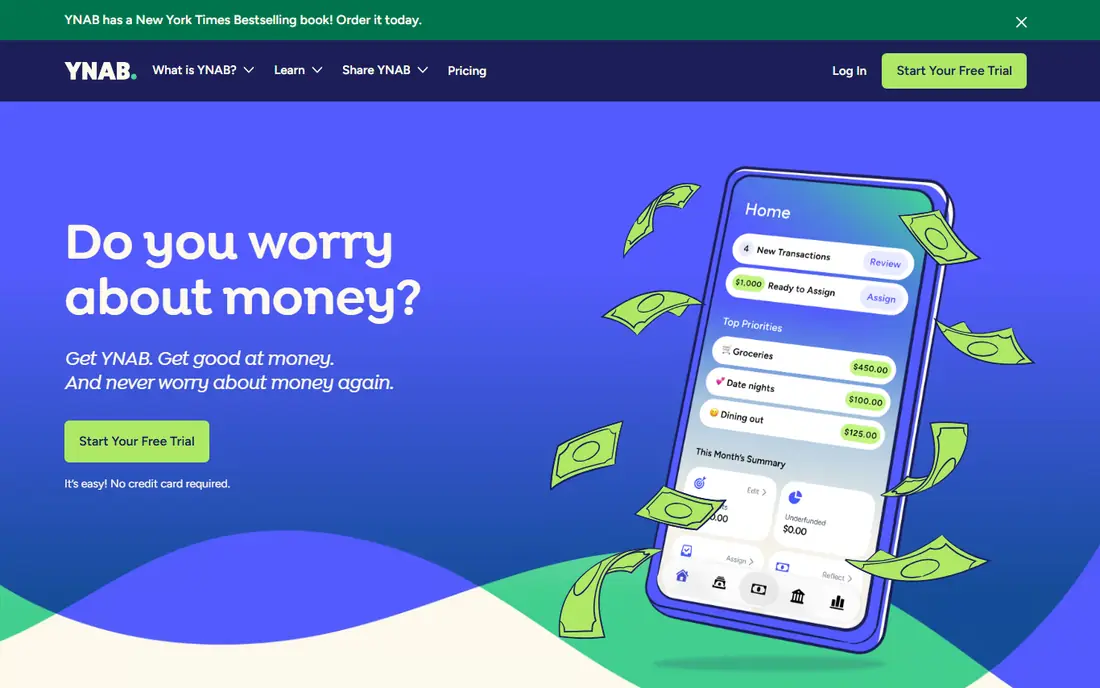
For many readers, YNAB is the first name worth trying, because it focuses on one job and does it clearly. It is best for strict zero-based budgeting. YNAB gives every dollar a job before you spend it, which helps people who want a clear plan rather than a simple spending list. In daily use, that strength is what most people notice first, and it helps explain why this option keeps appearing in current roundups and vendor documentation.
The honest catch is that it takes time to learn, and there is no permanent free plan, so new users should use the trial fully before paying. That trade-off does not make it a poor choice, but it does mean you should weigh it against how you plan to use it. Try the free option first if one is offered, and check whether the paid limits match how often you will actually use it. If it fits your routine and budget, it can serve you well for a long time.
- Clear budgeting method
- Strong reports
- Helpful learning resources
- No free plan
- Learning curve for new users
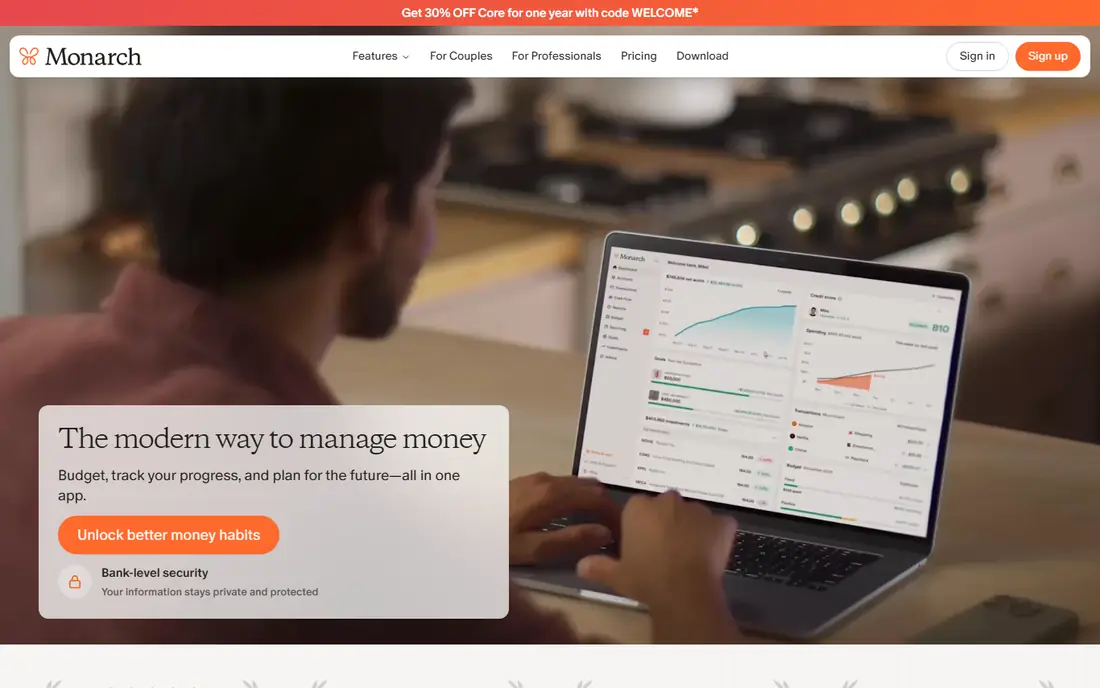
If you want a calmer starting point, Monarch Money deserves a close look, since it keeps the setup short and the daily routine simple. It is best for households sharing one dashboard. Monarch Money brings accounts, budgets and goals into one shared view that couples and families can review together. In daily use, that strength is what most people notice first, and it helps explain why this option keeps appearing in current roundups and vendor documentation.
The weakness is the lack of a lasting free tier, so it only makes sense if you will use the shared dashboard often. That trade-off does not make it a poor choice, but it does mean you should weigh it against how you plan to use it. Before you pay, compare the plan limits with your real weekly use, not with the longest feature list. If it fits your routine and budget, it can serve you well for a long time.
- Shared accounts and goals
- Clean dashboard
- Strong transaction review
- No permanent free plan
- Annual cost adds up
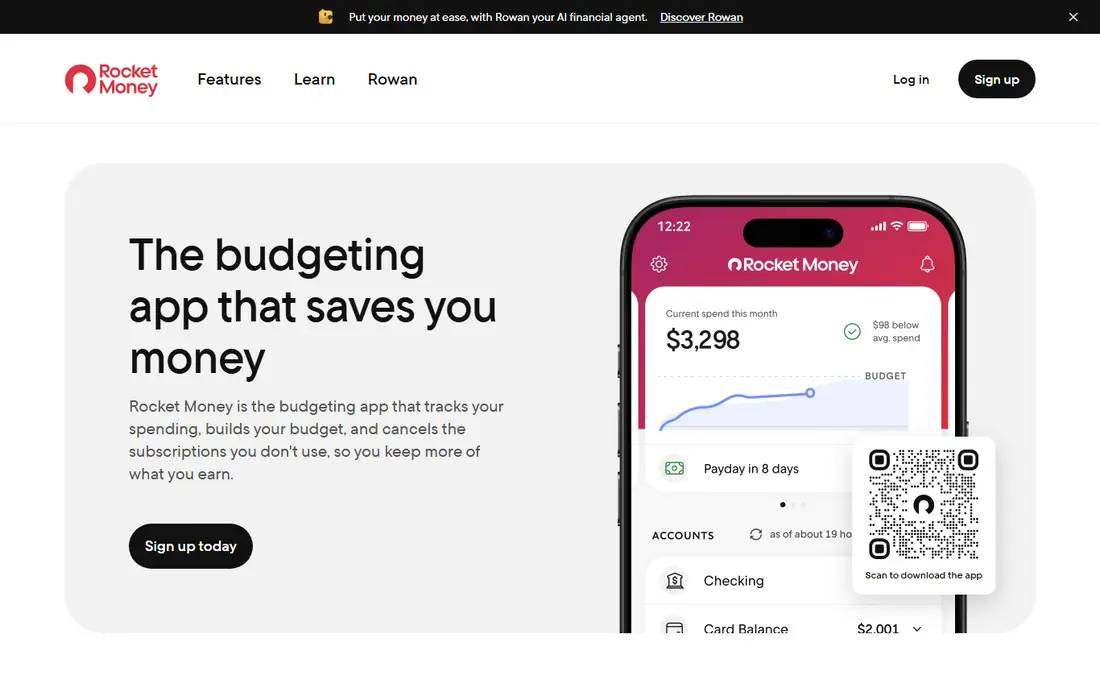
We put Rocket Money on this list for readers who need a practical option rather than a long feature list. It is best for finding subscriptions and tracking spending. Rocket Money scans linked accounts and flags recurring charges, which makes it easy to spot subscriptions you forgot about. In daily use, that strength is what most people notice first, and it helps explain why this option keeps appearing in current roundups and vendor documentation.
The free tier watches and reports, while cancelling and negotiating usually require Premium, so factor that in if that is your main goal. That trade-off does not make it a poor choice, but it does mean you should weigh it against how you plan to use it. It is worth a short trial period, because the right fit usually shows up in the first week of daily use. If it fits your routine and budget, it can serve you well for a long time.
- Useful free tier
- Subscription detection
- Spending categories
- Cancellation and negotiation tools need Premium
- Premium price varies
Copilot stands out for a different reason than the leaders above it, and that difference may matter more to you than raw size. It is best for iphone users who want smart categorization. Copilot focuses on clear, well-organized spending views for iPhone and Mac users, with categories that need little manual fixing. In daily use, that strength is what most people notice first, and it helps explain why this option keeps appearing in current roundups and vendor documentation.
The limit is platform coverage, since Android users cannot use it in the same way, so check your devices before you commit. That trade-off does not make it a poor choice, but it does mean you should weigh it against how you plan to use it. Check the current pricing page before you subscribe, since plans and limits change during the year. If it fits your routine and budget, it can serve you well for a long time.
- Smart categorization
- Clean design
- Detailed spending views
- Apple devices only
- No permanent free plan
A good shortlist should include PocketGuard, because it serves a specific kind of user very well. It is best for seeing what is safe to spend. PocketGuard reduces the question to one useful number, the amount left after bills and goals, which helps people who find full budgets tiring. In daily use, that strength is what most people notice first, and it helps explain why this option keeps appearing in current roundups and vendor documentation.
The trade-off is depth, since its reports and planning tools are simpler than those of Monarch Money or YNAB. That trade-off does not make it a poor choice, but it does mean you should weigh it against how you plan to use it. Try the free option first if one is offered, and check whether the paid limits match how often you will actually use it. If it fits your routine and budget, it can serve you well for a long time.
- Simple safe-to-spend figure
- Account linking
- Budget tracking
- Advanced features need a paid plan
- Reports are less detailed than rivals
Empower is the quieter choice here, and quiet can be a strength when you want fewer distractions. It is best for free net worth and spending views. Empower gives a free, broad view of accounts, spending and investments in one place, which suits readers who want tracking without a subscription. In daily use, that strength is what most people notice first, and it helps explain why this option keeps appearing in current roundups and vendor documentation.
Its budgeting side is lighter than dedicated budgeting apps, so people who want strict monthly plans may need another tool alongside it. That trade-off does not make it a poor choice, but it does mean you should weigh it against how you plan to use it. Before you pay, compare the plan limits with your real weekly use, not with the longest feature list. If it fits your routine and budget, it can serve you well for a long time.
- Free account linking
- Net worth view
- Investment overview
- Budgeting tools are basic
- Some features push toward advisory services
If the bigger names feel like too much, Goodbudget offers a smaller, more focused way to get the same job done. It is best for envelope budgeting without bank linking. Goodbudget uses digital envelopes, so you set aside money for rent, food and other categories before you spend it. In daily use, that strength is what most people notice first, and it helps explain why this option keeps appearing in current roundups and vendor documentation.
Manual entry is the cost of that privacy, since you enter transactions yourself unless you choose a paid sync option where offered. That trade-off does not make it a poor choice, but it does mean you should weigh it against how you plan to use it. It is worth a short trial period, because the right fit usually shows up in the first week of daily use. If it fits your routine and budget, it can serve you well for a long time.
- Envelope method
- Works without bank linking
- Shared envelopes
- Manual entry takes time
- Design is plain compared with newer apps
We included EveryDollar because it answers a need the other picks do not cover as directly. It is best for simple zero-based budgeting for beginners. EveryDollar keeps the monthly budget simple, which helps beginners who felt lost in more detailed apps. In daily use, that strength is what most people notice first, and it helps explain why this option keeps appearing in current roundups and vendor documentation.
The free plan is limited, and bank connection sits on the paid tier, so manual entry is the norm unless you upgrade. That trade-off does not make it a poor choice, but it does mean you should weigh it against how you plan to use it. Check the current pricing page before you subscribe, since plans and limits change during the year. If it fits your routine and budget, it can serve you well for a long time.
- Simple setup
- Zero-based planning
- Clear monthly budget view
- Bank connection and deeper reports need a paid plan
How we picked these
We compared official feature pages, pricing pages and app store listings, and we checked that each product is still offered in October 2026 and fits the topic. We left out products that were discontinued, that only partly covered the job, or whose pricing we could not state honestly. Where we could not verify a price, we wrote See website rather than guessing. We did not claim hands-on testing that did not happen, and we weighed free tiers, paid limits and honest weaknesses alongside strengths.
What to check before you choose
Start with how you want to track. If you link banks, check which banks are supported and how often transactions sync. If you prefer manual entry, choose an app whose entry screen is fast, because a slow screen is the main reason people stop tracking.
Next, look at the free tier honestly. A free plan that covers your main job is better than a paid plan with features you will never open. Check account limits, history limits and whether reports are included.
Finally, think about sharing. Couples, roommates and small households need shared access and clear permissions. Solo users can save money by choosing a simpler app and skipping household features.
Frequently asked questions
What is the best expense tracker app for most people?
For most people, a free or low-cost tracker with bank linking and clear categories is enough. YNAB suits strict planners, while Rocket Money or Empower suit readers who mainly want awareness of spending.
What is the best free expense tracker app?
Rocket Money, Empower, Goodbudget and EveryDollar all offer free tiers that cover basic tracking. The best free choice depends on whether you want bank linking, envelope budgeting or a simple monthly plan.
What is the best app for tracking spending without bank linking?
Goodbudget is a strong choice here, because its envelope method works well with manual entry. It takes more effort, but it keeps your bank login out of the app.
Is a best spending tracker app the same as a budgeting app?
Not quite. A spending tracker shows where money went, while a budgeting app also sets limits in advance. Some apps do both, but the emphasis matters, so choose based on the job you need most.
What is the best expense manager app for households?
Monarch Money is a strong household pick, because it offers a shared dashboard, shared goals and joint account views. Check the trial first to confirm both people find it easy to use.
Sources
See where you really rank - block by block
ProMapRanker scans Google Maps across a grid of your service area. Simple monthly plans from $19, white-label on every plan.
Start freeKeep reading
 youtube alternatives
Best YouTube Alternatives in 2026
Looking for youtube alternatives in 2026? We compare Vimeo, Dailymotion, Twitch, Rumble, and more on price, audience, monetization, control and privacy.
Read → what's the best ai tool for photo editing
What Is the Best AI Tool for Photo Editing in 2026
What is the best AI tool for photo editing? We compare ten tools for 2026, from Photoshop and Lightroom to Luminar, Topaz, Canva and mobile editors today.
Read → twitter alternatives
Best Twitter Alternatives in 2026
Compare the best twitter alternatives for 2026, from Bluesky, Threads, and Mastodon to Reddit, Tumblr, and Micro.blog, with free plans and audience notes.
Read →