 ProMapRanker
Best Expense Reporting Software for Small Business in 2026

Key takeaways
- Ramp and Brex give small teams a free starting point, but only if the business qualifies for their corporate card, so card approval is the first check, not price.
- Expensify and Zoho Expense suit teams that want to keep their existing bank and cards, with receipt capture and approvals as the core job.
- Navan is the pick when travel booking and expenses belong in one workflow, while SAP Concur fits larger, policy heavy organisations better than tiny teams.
- The cheapest plan is rarely the cheapest setup: platform fees, card fees and per user charges on paid tiers change the total fast.
- This article is general information only, not tax or accounting advice, so check deduction and record keeping rules with your own accountant.
Quick comparison
| Pick | Great for | Pricing starts at | Free tier | |
|---|---|---|---|---|
 Ramp | Cards plus expenses free | Free | Yes | Visit |
 Brex | Startups wanting cards and banking | Free | Yes | Visit |
 Expensify | Keeping existing cards | $5 per user per month | Yes | Visit |
 Zoho Expense | Budget teams and Zoho users | Free | Yes | Visit |
 Navan | Travel plus expenses together | $15 per user per month | Yes | Visit |
 Sage Expense Management | Existing card workflows | $11.99 per user per month | Free trial | Visit |
 BILL Spend and Expense | Free cards with budgets | Free | Yes | Visit |
 SAP Concur | Complex policy organisations | See website | No | Visit |
The best expense reporting software for small business
We compared official pricing pages and product documentation for eight expense tools, focusing on how small teams submit, approve and reimburse spending without a finance department to run it.
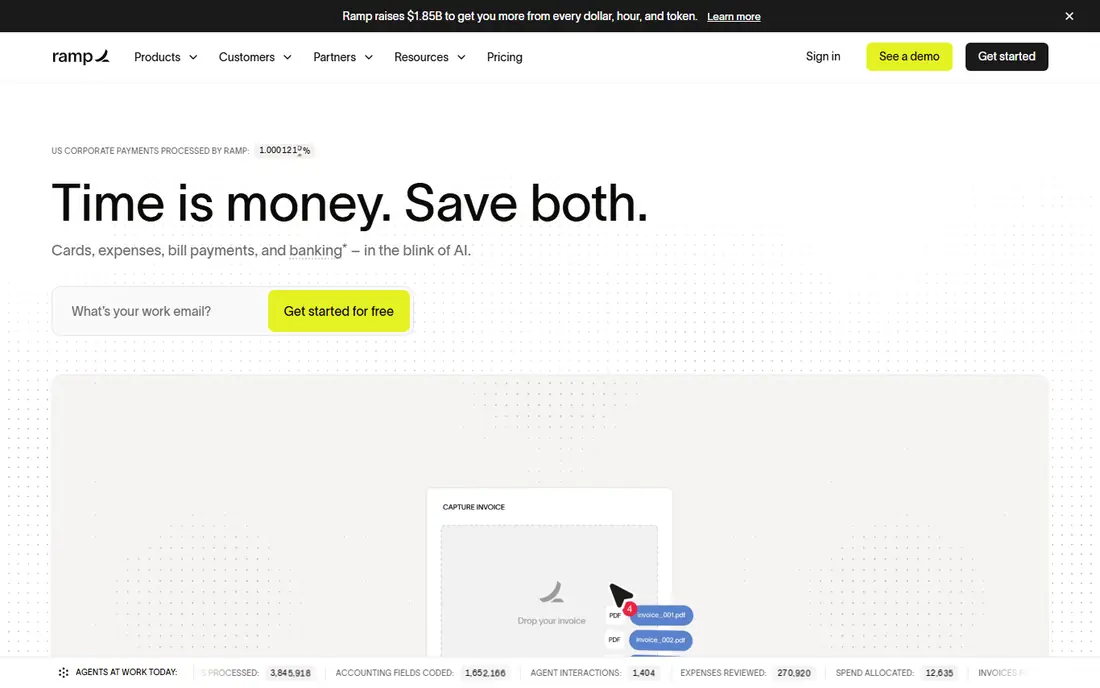
Ramp is the strongest free starting point in this list for a US team that can qualify for its card. The free tier includes unlimited corporate cards, expense management, bill pay and travel booking, and receipts are matched automatically so staff spend less time chasing paperwork. Policies are enforced when money is spent, not after the fact, which cuts the usual month end surprises.
The catch is qualification. Ramp underwrites the card on business cash flow rather than a personal guarantee, so very early companies with thin balances may be declined. Deeper accounting integrations and multi entity work sit on Ramp Plus at $15 per user per month plus a platform fee, so price that tier if your accounting setup is more than basic.
- Free tier covers cards, expenses, bill pay and travel
- Automatic receipt matching
- Spending policies enforced at purchase
- Card approval depends on business bank balance and cash flow
- Advanced integrations need Ramp Plus
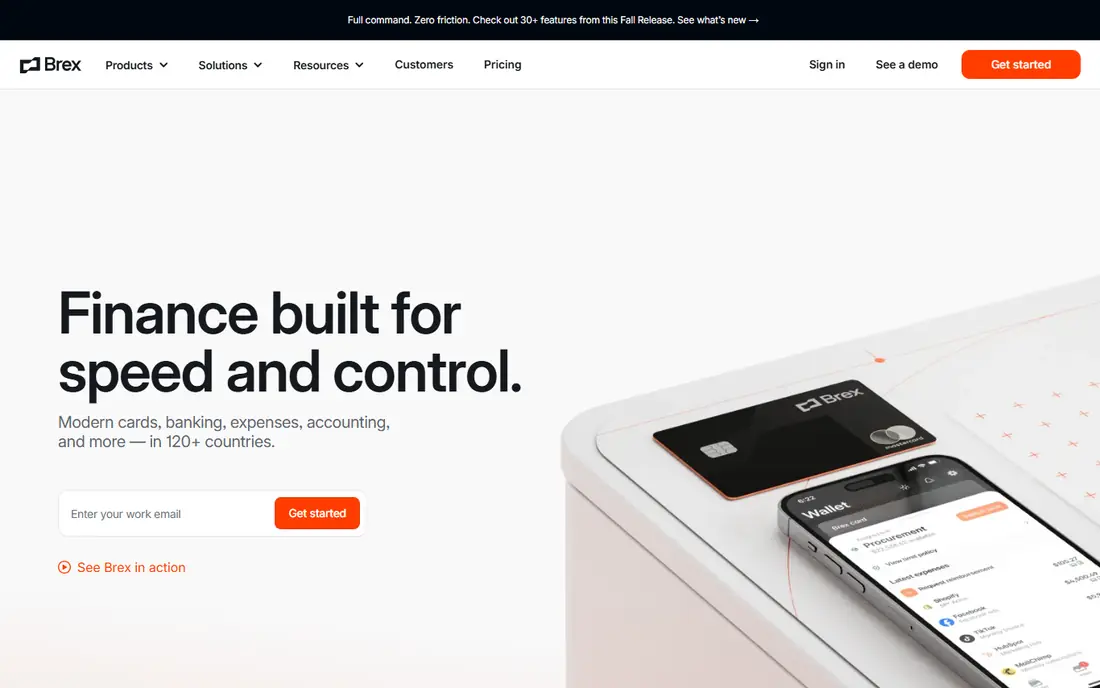
Brex suits funded startups and growing teams that want cards, travel and expenses in one place. The Essentials tier is free, and Premium at $12 per user per month adds advanced controls and integrations for teams that need them. Travel booking sits naturally beside expenses, so a trip, a hotel bill and the expense report stop living in three systems.
Like Ramp, Brex is built around its own card, so it is a poor fit if your team must keep a bank card programme or a procurement card you cannot replace. Check card eligibility and any account requirements before you move spending over, and confirm which accounting integrations sit on the free tier for your setup.
- Free Essentials tier with cards and expenses
- Strong travel booking
- Premium adds deeper controls at a clear price
- Card based model does not suit teams that must keep existing cards
- Some features need Premium
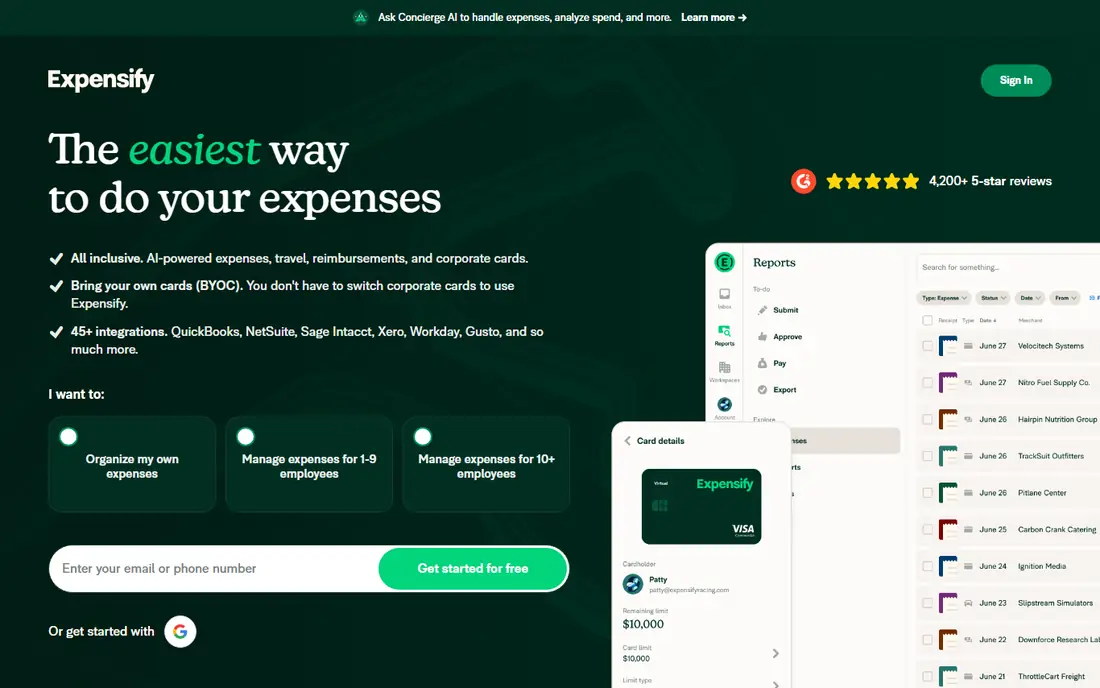
Expensify is the classic choice for teams that do not want to change banks or cards. Staff photograph receipts, the app scans them, and reports flow through approvals to reimbursement or accounting sync without a new card programme. Collect starts at $5 per member per month, with Control at $9 for deeper policy and accounting controls.
The honest drawback is that per member pricing adds up as a team grows, and the free tier is aimed at individuals rather than whole teams. If your main pain is receipt chaos and slow reimbursements, rather than card control, Expensify keeps the change small and the workflow familiar.
- Works with cards you already have
- Strong receipt scanning and report flow
- Free tier for individuals
- Paid plans are per member, so costs grow with headcount
- Card programme features are separate from classic reporting
Zoho Expense is the budget pick, and it is a natural fit if you already run Zoho Books. The free plan covers up to 3 users, and paid plans start low, which makes it easy for a tiny team to go paperless without a card change or a big subscription. Receipt scanning, approvals and mileage tracking cover the daily expense jobs well.
The free plan limits will bite a growing team, with caps on users and scans, and teams that need card based spending controls will find Ramp or Brex stronger. For a small team inside the Zoho family, though, the low cost and simple sync are hard to argue with.
- Free plan for up to 3 users
- Low paid starting price
- Clean sync with Zoho Books
- Free plan caps users and scans
- Advanced features need higher tiers
- Card controls are thinner than Ramp or Brex
Navan makes sense when travel is a large share of company spending. Booking a flight or hotel inside Navan means the expense is already captured, policy checked and ready for approval, instead of being pasted into a separate report later. That single flow saves time for teams with frequent travellers and cuts the usual lost receipt problem on trips.
If your team rarely travels, much of Navan's strength goes unused, and a simpler tool like Zoho Expense or Expensify may cost less. Check the current free user terms for your company size, since the free entry tier has limits, and price the expense plan for your actual traveller count.
- Travel booking and expenses in one system
- First monthly expensing users can be free for smaller companies
- Strong policy controls
- Full value depends on using Navan for travel too
- Pricing varies by plan and user count
Sage Expense Management, formerly Fyle, is built for teams that want modern expense tracking without changing their cards. Expenses are captured in real time, approvals and accounting sync run from the same flow, and Sage accounting users get a natural fit. Plans start at $11.99 per active user per month on the Growth tier in recent vendor comparisons, with a higher Business tier above it.
The price is the trade-off. There is no permanent free plan, only a trial, and the entry cost sits above the cheapest rivals. Choose it when keeping your existing cards matters more than a free tier, and when your accounting already sits with Sage.
- Works without switching cards
- Real time expense tracking
- Strong fit for Sage accounting users
- No free plan, trial only
- Entry price is above Zoho Expense and Expensify Collect
BILL Spend and Expense, formerly Divvy, gives small teams free employee cards with budgets built in. Managers set limits by team or category, staff spend within them, and receipts and approvals flow back into the same system that many teams already use for bill pay. That combination suits a finance lead who wants control without a new subscription.
The limit is the same as with Ramp and Brex: it works best when you adopt the BILL card, not when you must keep an existing card programme. Teams that only need receipt reporting, without cards, may find Expensify or Zoho Expense simpler. For BILL users, though, the free card tier is a strong addition.
- Free card product with budgets and controls
- Fits teams already using BILL for payables
- Simple approval flow
- Built around the BILL card
- Deeper spend features need paid BILL products
- Accounting sync depth varies
SAP Concur is the enterprise end of this list, and it belongs here as a warning as much as a recommendation. Its travel and expense controls handle complex policies, multi entity approvals and deep ERP integrations that small business tools cannot match, which is why large organisations still choose it despite the cost and setup time.
For a small business, that depth is usually a drawback. Pricing is quoted, implementation takes longer, and staff face a heavier system for a simple receipt. Only shortlist Concur if your policies, locations or ERP needs already outgrow the simpler tools above, and get a written quote that includes implementation before you compare totals.
- Deep travel and expense policy controls
- Broad enterprise integrations
- Long track record with large organisations
- Quote based pricing with no published starting price
- Heavier setup than small business tools
- Overkill for tiny teams
How we picked these
We compared official pricing pages, product documentation and recent vendor comparisons for each tool, and checked that every product is still sold in October 2026. We favoured tools that a small team can actually run, with clear receipt capture, approvals and accounting sync, and we included one enterprise option so readers can see where small business tools stop. Prices are starting prices as published in October 2026, and anything we could not verify is marked See website.
How to choose expense software without overpaying
Start with the card question, since it splits this list in half. If you can adopt a new corporate card, Ramp, Brex and BILL give you free tiers with controls built in. If you must keep existing cards, shortlist Expensify, Zoho Expense and Sage Expense Management instead, and judge them on receipt scanning, approval speed and accounting sync.
Count the real monthly cost
Add per user fees, platform fees and any card or payment fees, then multiply by your actual user count, not your headcount wish list. A free tier with a platform fee on the paid tier, or a $5 plan for 30 people, can cost more than a flat plan for a small team. Also check whether inactive users are billed, since some tools charge per active user and others per seat.
Test the receipt to reimbursement flow
Run a real expense through the trial, from photo to approval to accounting sync, with the people who will actually use it. Check how the app handles mileage, multi currency spending and split receipts, and how long reimbursement takes in practice. A tool that looks tidy in a demo but fails on a crumpled taxi receipt will not survive contact with a real team.
Keep records tidy for tax time
Expense software helps you store receipts and categorise spending, but it does not decide what is deductible or how long to keep records. This article is general information only, not tax or accounting advice. Agree categories and approval rules with your accountant before you roll the tool out, and export reports regularly so your records do not live only inside one vendor.
Frequently asked questions
What is the cheapest expense reporting software for a small business?
Ramp, Brex, BILL Spend and Expense and Zoho Expense all offer free tiers, but the cheapest fit depends on whether you can use their card and how many users you have. Zoho Expense is the cheapest paid route for teams that keep existing cards.
Do I need a corporate card to use expense software?
No. Expensify, Zoho Expense and Sage Expense Management work with cards you already have and focus on receipts, approvals and reimbursements. Card based tools like Ramp and Brex add spending controls at purchase, but they require adopting their card.
How does expense reporting software handle receipts?
Most tools let staff photograph a receipt, scan the amount, date and vendor automatically, and attach it to an expense or report. Automatic matching then links card transactions to receipts, which cuts manual entry and missing receipt chases at month end.
Can expense software sync with QuickBooks or Xero?
Yes, most tools in this list sync with QuickBooks, Xero or Zoho Books, though the depth of the sync varies by plan. Check whether your plan includes the integration you need, and test one sync in the trial before you commit the whole team.
Is expense software tax advice?
No. These tools record and organise spending, but tax treatment, deduction rules and record keeping periods depend on your business and location. Check decisions with a qualified accountant, especially for travel, meals and home office costs.
Sources
See where you really rank - block by block
ProMapRanker scans Google Maps across a grid of your service area. Simple monthly plans from $19, white-label on every plan.
Start freeKeep reading
 worlds best local seo company
8 Worlds Best Local SEO Companies for Map Pack Growth in 2026
Compare the worlds best local seo company options for Google Business Profile work, citations, reviews, and multi-location rankings and reporting in 2026.
Read → world's best web hosting company
World's Best Web Hosting Company in 2026
Searching for the world's best web hosting company? We compared 10 hosts on price, renewal rates, speed, and support to help you choose well today in 2026.
Read → who's got the best nanny tax services
Who's Got the Best Nanny Tax Services in 2026
We answer who's got the best nanny tax services, comparing full filing, back taxes, software, and pricing so families can handle nanny taxes correctly.
Read →