 ProMapRanker
Best Expense Reporting Dashboard Software in 2026


Expense reporting without new cards · Pricing starts at: $5 per user per month
Key takeaways
- Ramp and Brex offer a free core platform funded by card use, while Expensify and Zoho Expense charge per user without requiring a card switch.
- A good dashboard should show spend by person, category, project and policy exception, not just a total for the month.
- Zoho Expense is the budget pick in recent listings, while SAP Concur suits large firms with complex travel and approval rules.
- This is general information only, not tax or accounting advice, and expense policy decisions should be confirmed with a qualified professional.
Quick comparison
| Pick | Great for | Pricing starts at | Free tier | |
|---|---|---|---|---|
| Expensify | Expense reporting without new cards | $5 per user per month | Yes | Visit |
 Ramp | Free card-first spend platform | Free | Yes | Visit |
 Brex | Startups and global teams | Free | Yes | Visit |
 Navan | Travel plus expense in one app | See website | Yes | Visit |
 Zoho Expense | Small teams on a budget | $3 per user per month | Yes | Visit |
 BILL Spend and Expense | Teams already using BILL | Free | Yes | Visit |
 SAP Concur | Large firms with complex rules | See website | No | Visit |
 Rydoo | Simple mobile expense reports | $9 per user per month | Free trial | Visit |
The best expense reporting dashboard software
We compared official feature pages, pricing pages and public reviews to find tools whose dashboards give finance teams a clear view of receipts, approvals, cards and policy exceptions. This is general information only, not tax or accounting advice, and companies should confirm deductible treatment, reimbursement rules and record-keeping duties with a qualified professional.
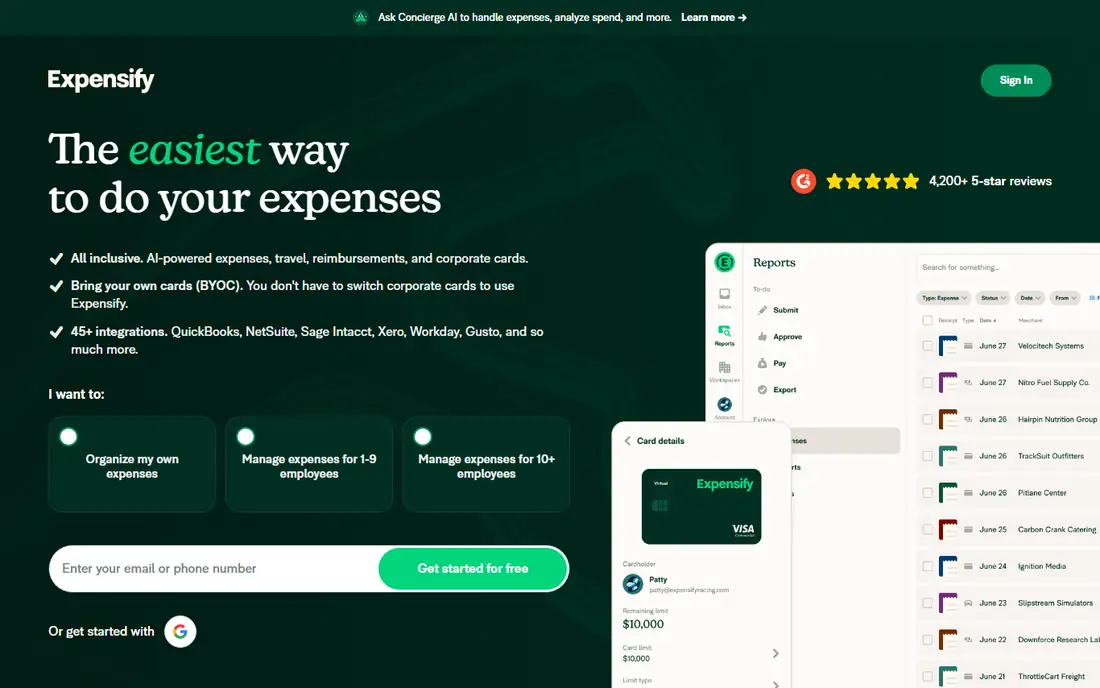
Expensify remains the classic expense reporting tool, and its dashboard strength is clarity for employees and approvers alike. Receipts can be scanned from a phone, expenses are matched to cards and reports, and managers can approve, reject or request more detail from one view. The Collect plan starts at $5 per member per month in recent listings, and a free plan covers basic use, which makes it easy for a small team to start without changing banks or cards.
The catch is that richer controls, such as advanced approvals, custom policies and deeper accounting automation, require higher plans. A growing firm should test the dashboard at its real headcount, including inactive users and seasonal staff, since per-user pricing can rise faster than expected. For teams that want expense reporting without a new corporate card programme, Expensify is still a strong default.
- Classic expense reporting
- Receipt scanning
- Works with existing cards
- Advanced controls sit on higher plans
- Per-user pricing adds up at scale
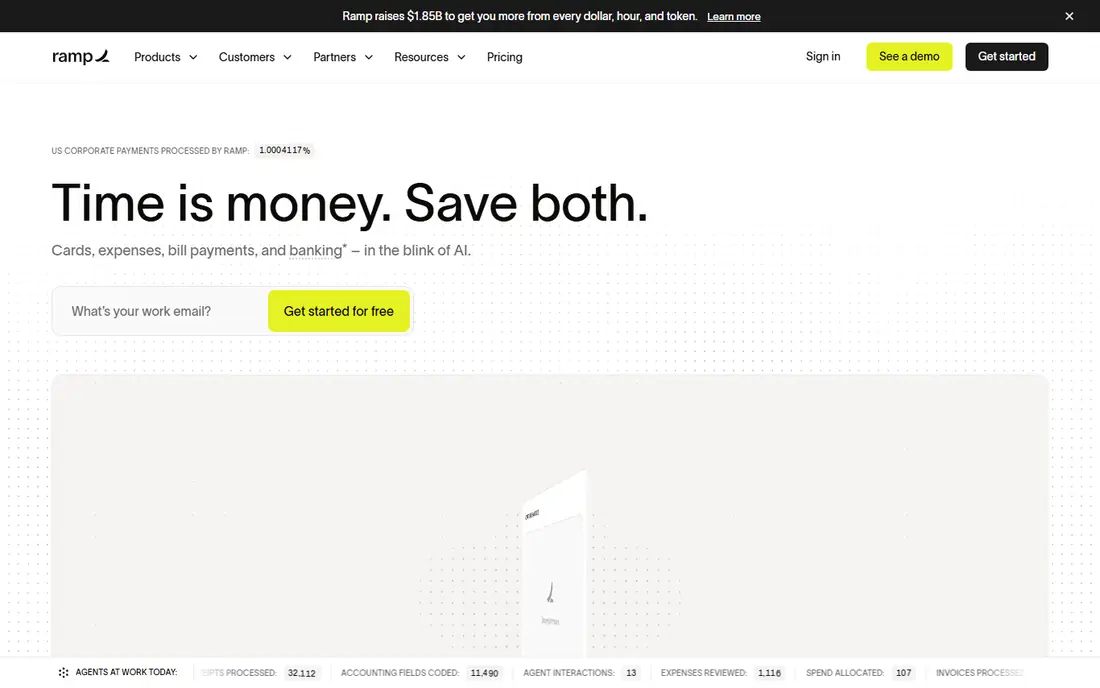
Ramp combines corporate cards, expense management, approvals and accounting automation in one platform, and its dashboard is a central reason teams choose it. Finance staff can see spend by employee, department, vendor and category in real time, set limits by card and flag out-of-policy spend before month end. The core platform is free, with Ramp Plus at $15 per user per month in recent listings for advanced controls.
The free model works because Ramp earns from card use, so a team that does not want Ramp cards will get less value from the platform. Card approval depends on the business profile, and some advanced features are reserved for paid plans. For a team willing to adopt Ramp cards, the dashboard and automation offer a large saving over a subscription-only tool.
- Free core platform
- Cards, approvals and accounting in one place
- Strong dashboard
- Free model depends on card use
- Advanced features need Ramp Plus
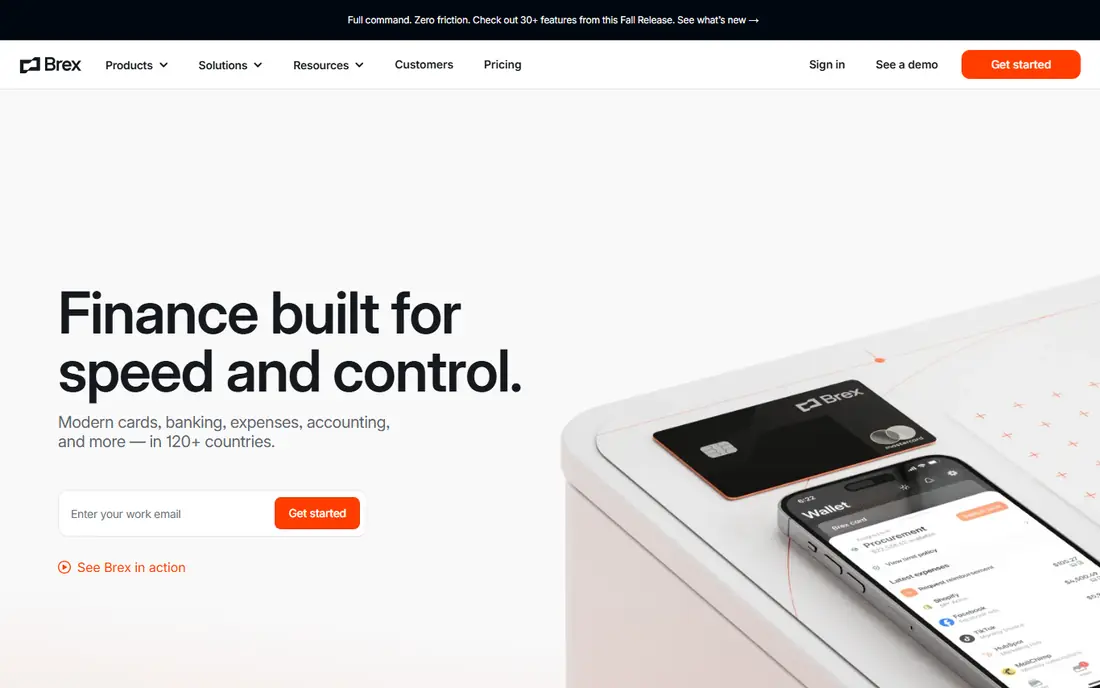
Brex offers cards, expense management and travel tools in one platform, with a dashboard that shows spend, budgets and policy exceptions across teams and locations. The core platform is free, and Brex Premium is listed at $12 per user per month for advanced controls, which makes it a direct rival to Ramp for startups and global teams. Receipt capture, approvals and accounting integrations sit alongside card controls, so finance teams can act on spend without waiting for month-end reports.
Brex is card-first, so its value drops for a firm that wants to keep another card programme. Global features are a strength, but a US-only small business may not need them, and should compare the dashboard and approval workflow with Ramp and Expensify on equal terms. Check card eligibility and credit terms early, since those decide whether the free tier is actually available to your firm.
- Free core platform
- Global card and spend tools
- Clean expense dashboard
- Card approval required
- Premium controls cost $12 per user per month in recent listings
Navan, formerly TripActions, combines travel booking with expense management, which gives its dashboard a wider view than a pure expense tool. Trips, bookings, receipts and card spend can be seen together, and policy controls can guide travellers to approved options before money is spent. Recent listings note a free allowance for a small number of expensing users at smaller firms, with paid plans from $15 per user per month for wider use.
Navan is less compelling for a firm with little travel, where a simpler expense tool will cost less and do the same reporting job. Travel features also add setup work, including travel policy and traveller profiles, so a buyer should test the full trip-to-expense path. For teams that fly often, though, the combined dashboard can cut reconciliation time and policy breaches.
- Travel booking plus expense capture
- Policy controls
- Useful for frequent travellers
- Pricing varies by plan
- Best value for firms with regular travel
Zoho Expense is the budget pick in this list, with pricing from $3 per user per month in recent listings and a free plan for up to 3 users. Its dashboard covers expense reports, approvals, mileage, per diem and policy checks, with receipt scanning from a phone and integrations for Zoho Books and other accounting tools. For a small team that needs clean reports without a card programme, Zoho Expense covers the essentials at a low price.
The limit is scanning volume and scale. Autoscan is capped on lower plans, so a team with many receipts may need a higher plan or manual entry for extra items. Zoho Expense also lacks the card-first automation of Ramp and Brex, which matters less for a small firm with few cardholders. Check the scan limit and user count against real monthly volume before choosing the cheapest plan.
- Low starting price
- Free plan for up to 3 users
- Receipt scanning and approvals
- Autoscan limits on lower plans
- Fewer card-first features than Ramp or Brex
BILL Spend and Expense gives teams cards, expense capture and approvals linked to BILL accounts payable, and its dashboard shows spend alongside bills and payments. The core spend tier is free in recent listings, which makes it attractive for firms already using BILL for invoices and payments. Card controls, budgets and receipt capture help finance teams keep spend visible without a separate expense system.
The catch is ecosystem fit. A firm that does not use BILL for accounts payable may find Expensify or Zoho Expense simpler for pure expense reporting, while a BILL user gains from the shared dashboard and vendor data. Check card eligibility, accounting integrations and whether expense approvals match your existing BILL workflow before adding it as a standalone tool.
- Free core spend tier
- Links to BILL accounts payable
- Card and expense controls
- Best value inside the BILL system
- Standalone expense depth varies
SAP Concur is the enterprise standard for travel and expense, with a dashboard built for complex approval chains, travel policy, audit rules and global reporting. Large firms use it to enforce policy across many countries, currencies and business units, and to integrate expense data with ERP and payroll systems. The reporting depth, including spend by cost centre, project and policy exception, is stronger than in small-business tools.
Concur prices by quote and implementation is a multi-month project for large firms, so it is not a sensible pick for a small team. The interface also feels heavier than Ramp or Expensify, and staff training matters for adoption. A large firm should judge Concur on policy control, audit trail and ERP integration, and should budget for implementation and change management alongside the licence.
- Deep travel and expense policy controls
- Global scale
- Broad accounting integrations
- Quote-based pricing
- Implementation is a larger project
Rydoo focuses on simple, mobile-first expense reporting, with receipt scanning, mileage, approvals and accounting integrations in a clean app. Pricing starts at $9 per user per month in recent listings, which sits between Zoho Expense and Expensify for a small team. The dashboard gives managers a clear view of submitted, approved and reimbursed reports, without the complexity of a card or travel platform.
Rydoo lacks the card-first automation of Ramp and Brex and the travel depth of Navan or Concur, so firms that need those features should look elsewhere. For a team that mainly needs fast mobile reports and a clear approval trail, that simplicity is an advantage, not a gap. Test receipt scanning accuracy and accounting export with real reports during the free trial before committing.
- Mobile-first reporting
- Receipt scanning
- Clear approval workflow
- Less card and travel depth than rivals
- Pricing rises with team size
How we picked these
We compared official feature pages, pricing pages and public reviews, and we kept only tools that are live in October 2026 and that offer a real expense reporting dashboard, not just a receipt scanner. We favoured tools with clear pricing or free tiers where possible, and we noted card-first versus subscription models, since that choice drives total cost more than any single feature.
What to check before you buy
Start with the dashboard itself, not the marketing page. Test spend by person, category, project and policy exception, and check how quickly a manager can spot an out-of-policy item and how easily an employee can fix it. Also test receipt scanning on crumpled, faded and foreign-language receipts, since real expenses rarely look like demo images.
Then check the full cost and the accounting link. Confirm per-user pricing, card eligibility, transaction fees and whether approvals, budgets and exports are included or paid extras. Confirm how expenses post to your accounting system, how reimbursements are handled and how long records are kept for tax and audit purposes. A trial with a full month of real expenses will show whether the dashboard saves finance time or just moves the work.
Frequently asked questions
What is expense reporting dashboard software?
Expense reporting dashboard software collects receipts, card spend and reimbursement requests, then shows finance teams spend by person, category, project and policy status. It replaces spreadsheets and email approvals with a shared view of who spent what and what still needs approval.
Are Ramp and Brex really free?
Yes, their core platforms are free in recent listings, because they earn from card use rather than software fees. Advanced controls sit on paid plans, and card approval depends on the business, so confirm eligibility before relying on the free tier.
Do we need corporate cards to use expense software?
No, Expensify, Zoho Expense, Rydoo and SAP Concur work with existing cards or pure reimbursements. Card-first tools such as Ramp, Brex, BILL and Navan issue cards as part of the product, which is a benefit only if you want to change card programmes.
How much does expense software cost per user?
Free tiers run at $0 for Ramp, Brex and BILL, while paid plans range from about $3 per user per month for Zoho Expense to $5 for Expensify Collect and $12 to $15 for premium card-platform tiers. SAP Concur prices by quote for larger firms.
Is this article tax or accounting advice?
No, this article is general information only. Expense deductibility, reimbursement rules and record-keeping duties vary by business and jurisdiction, so confirm important decisions with a qualified tax or accounting professional.
Sources
See where you really rank - block by block
ProMapRanker scans Google Maps across a grid of your service area. Simple monthly plans from $19, white-label on every plan.
Start freeKeep reading
 what’s the best risk software for enterprises
What Is the Best Risk Software for Enterprises in 2026
We compared what’s the best risk software for enterprises on risk registers, controls, third-party risk, and reporting, with pricing notes for large teams.
Read → what's the best pam software for enterprises
What is the Best PAM Software for Enterprises in 2026
Find what's the best pam software for enterprises, with vaulting, session recording, just in time access and pricing compared for large enterprise IT teams.
Read → what’s the best grc software
What Is the Best GRC Software in 2026
We compared what’s the best grc software on risk, compliance, audit and vendor risk, so teams can pick a platform that fits their frameworks and budget.
Read →