 ProMapRanker
Best Expense Management Software for SMB in 2026

Key takeaways
- Ramp and Brex offer free core platforms funded by card use, while Expensify and Zoho Expense suit teams keeping existing cards.
- Receipt capture, approvals, and accounting sync matter more than a long list of extra features.
- Card-first tools require using their cards, which may not suit every small business.
- This article gives general information only and is not financial advice.
Quick comparison
| Pick | Great for | Pricing starts at | Free tier | |
|---|---|---|---|---|
 Ramp | Card-first spend control | Free | Yes | Visit |
 Brex | Free spend management for startups | Free | Yes | Visit |
 Expensify | Teams keeping existing cards | $5 per month | Yes | Visit |
 Zoho Expense | Budget teams and Zoho users | $3 per month | Yes | Visit |
 Navan | Travel plus expenses in one flow | $15 per month | Yes | Visit |
 BILL Spend & Expense | Budget control with BILL cards | Free | Yes | Visit |
 Airbase | Mid-market procure-to-pay control | See website | No | Visit |
 Sage Expense Management | Card feeds without switching cards | $14.99 per month | Free trial | Visit |
The best expense management software for SMB
Small businesses need expense software that captures receipts, applies approvals, and syncs with accounting without a large finance team. We compared official pricing pages and feature documentation for tools that serve small and mid-size teams in 2026.
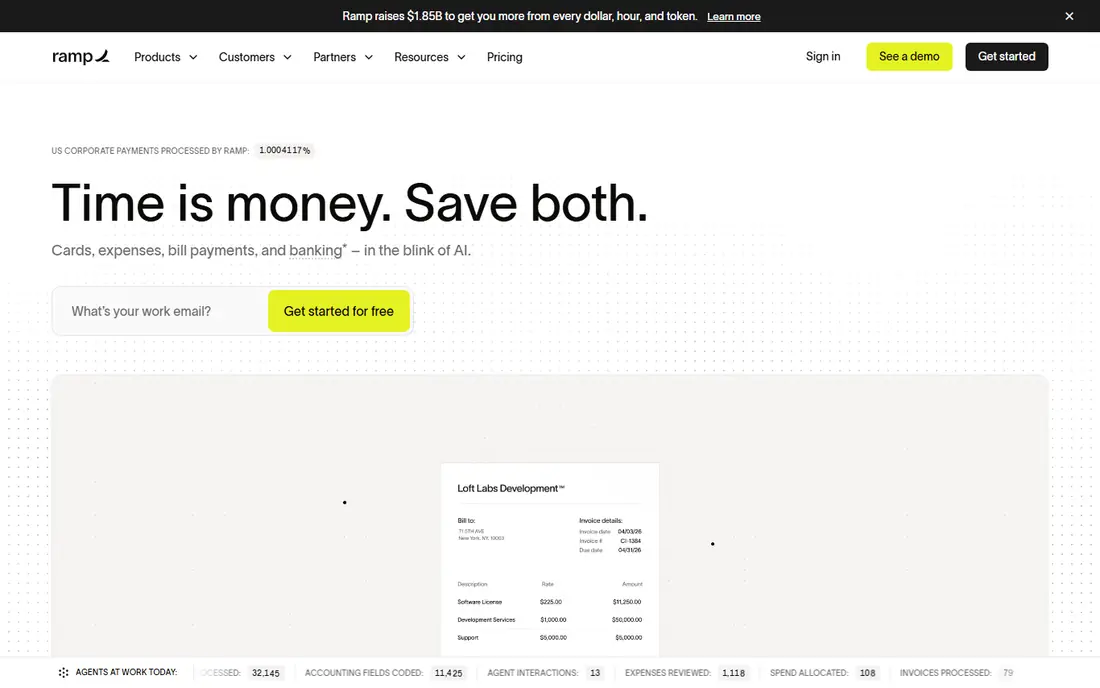
Ramp combines corporate cards, expense management, and bill pay in one platform, with a free core tier funded by card use. Teams can set spend limits, capture receipts, and approve expenses in real time, with accounting integrations for QuickBooks, Xero, and similar systems. That mix suits startups and growing companies that want control before money is spent.
The model depends on using Ramp cards, so teams that want to keep existing bank cards may find less value. Paid tiers add per-user costs for advanced controls, so check what the free tier covers for your approval and reporting needs.
- Free core platform
- Corporate cards with controls
- Bill pay tools
- Requires Ramp cards for full value
- Paid tiers add per-user costs
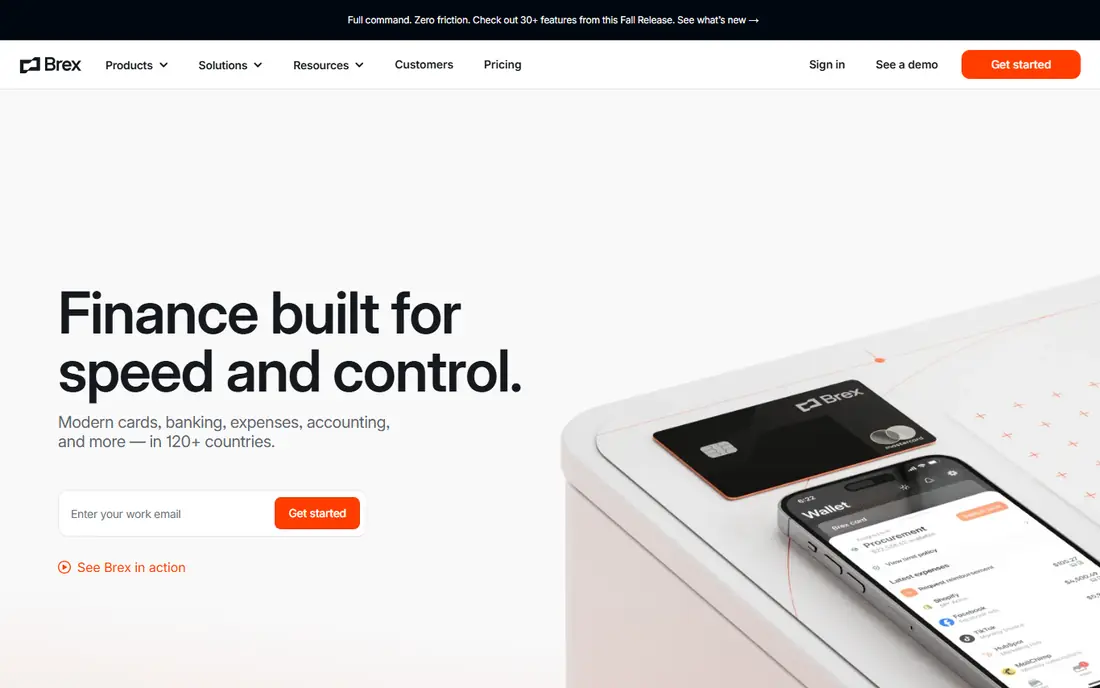
Brex offers cards, expense management, and bill pay, with a free Essentials tier for startups and small teams. Spend controls, receipt capture, and accounting sync help finance teams see spending as it happens, rather than at month end. Multi-currency features also help teams paying vendors or staff outside the US.
Premium features cost extra per user, and card eligibility and terms apply, so not every business will qualify for the same limits. Teams should confirm card terms and accounting integrations before moving all spending onto the platform.
- Free Essentials tier
- Cards and bill pay
- Multi-currency support
- Premium features cost extra
- Eligibility and card terms apply
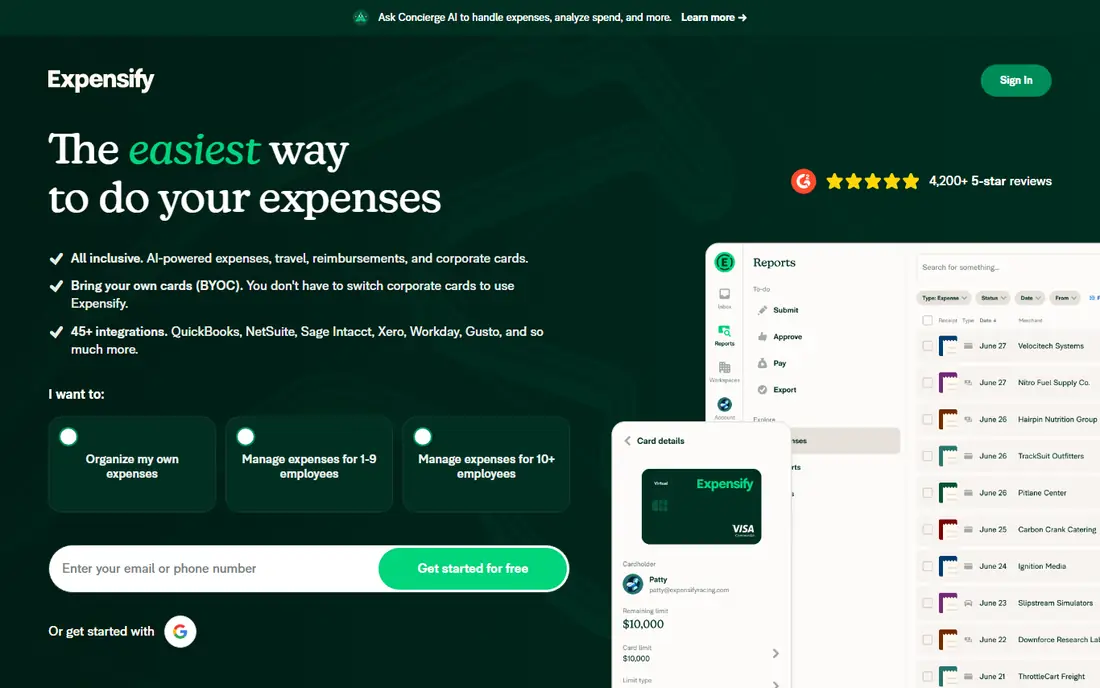
Expensify remains a practical choice for teams that do not want to switch cards. It scans receipts, matches transactions, handles approvals, and syncs with accounting systems, with an optional Expensify Card for teams that want one. That flexibility suits small businesses with existing banking relationships.
Pricing is per member on paid plans, so costs rise with team size, and some advanced automation sits on higher tiers. Still, for straightforward expense reporting, it is one of the easiest tools for staff to adopt.
- Strong receipt scanning
- Works with existing cards
- Wide accounting integrations
- Per-member pricing can rise
- Advanced features sit on higher plans
Zoho Expense is the budget pick in this list, with a free plan for up to three users and paid plans starting at a low per-user price. It covers receipt scanning, mileage, approvals, and accounting integrations, including Zoho Books, QuickBooks, and Xero. Small teams get a complete expense workflow without card-first requirements.
The limits are depth and card control. Higher plans open up multi-country features and advanced policies, and teams that want native corporate cards may prefer Ramp or Brex. For cost-conscious teams, though, the value is clear.
- Low starting price
- Free plan for small teams
- Card feeds and approvals
- Advanced features need higher plans
- Card options are less central
Navan combines travel booking with expense management, so trips, receipts, and reimbursements sit in one flow. Staff can book travel, capture receipts on the move, and submit expenses without switching systems, while finance teams keep policy controls and reporting. That pairing suits small businesses where travel is a regular cost.
Expense pricing applies per user on paid plans, and the travel features may be more than a purely office-based team needs. Teams with little travel should compare Navan with simpler expense-only tools before paying for the combined platform.
- Travel booking plus expenses
- Receipt capture
- Accounting integrations
- Expense plan pricing applies per user
- Travel focus may exceed small needs
BILL Spend & Expense, formerly Divvy, offers free spend software when teams use BILL cards, with budgets, approvals, and accounting sync. Managers can set budgets before spending happens, rather than reviewing expenses after the fact. That control helps small businesses that struggle with month-end surprises.
As with other card-first tools, full value depends on using the provider cards. Travel booking is also thinner than Navan, so teams that travel often may need a separate booking tool alongside it.
- Free software with BILL cards
- Budget controls
- Accounting sync
- Requires BILL cards for full value
- Fewer travel features than Navan
Airbase covers procurement, cards, expenses, and bill pay in one system, with approval workflows that suit mid-market finance teams. It helps companies control requests, purchase orders, and reimbursements together, rather than in separate tools. Accounting integrations keep approved spending in sync with the books.
Pricing is quote-based, and the breadth may exceed what a small team needs. It fits growing companies that already feel the limits of expense-only software and want procurement controls in the same platform.
- Procurement plus expenses
- Approval workflows
- Accounting integrations
- Quote-based pricing
- More than most small teams need
Sage Expense Management, formerly Fyle, lets teams capture receipts and manage expenses while keeping their existing corporate cards. Card feeds, approvals, and accounting integrations reduce manual entry without forcing a card switch. Sage users also gain links to Sage accounting products.
The starting price is higher than Zoho Expense or Expensify Collect, and there is a free trial rather than a permanent free plan. It suits teams that value card flexibility and Sage integration enough to pay the higher entry price.
- Works with existing cards
- Receipt capture
- Sage accounting links
- Higher starting price than Zoho Expense
- No permanent free plan
How we picked these
We compared official pricing pages, feature pages, and public documentation for expense tools that serve small and mid-size businesses. We looked for receipt capture, approvals, card options, accounting sync, and a price a buyer can check or a clear quote process. We left out enterprise-only tools with no small-team path, and tools whose pricing could not be confirmed.
Choosing the right expense tool for a small business
Start with cards. Card-first tools give the strongest pre-spend control, but only if your team is willing to use those cards. If you want to keep existing cards, Expensify, Zoho Expense, or Sage Expense Management will fit better.
Next, check approvals and accounting sync. A tool that matches receipts automatically and posts cleanly to your accounting system will save more time than one with extra dashboards. Finally, test the mobile app with real staff, since receipt capture only works if people actually use it on the day they spend.
Also test the approval flow with a real expense before rolling the tool out to the whole team. Submit a receipt, check that the manager sees it promptly, and confirm that the approved expense posts correctly to your accounting system. A small pilot with two or three staff members will reveal mobile problems, category confusion, and policy gaps far faster than a company-wide launch.
Finally, set a simple policy and write it down. State which receipts are required, what counts as an allowable expense, and how quickly reimbursements are paid. Clear rules reduce questions for finance staff and help employees submit clean expenses the first time, which is where most of the time saving comes from.
One more check matters: receipt requirements for different spend types. Mileage, meals, travel, and subscriptions often need different proof, and a tool that treats them all the same will create extra work. Set category rules early, test them with a few real submissions, and confirm that finance staff can correct a miscoded expense without deleting the original record. That audit trail matters at year end.
Frequently asked questions
What is expense management software?
It captures receipts, tracks spending, applies approval rules, and syncs expenses with accounting software. Many tools also issue corporate cards or connect to existing card feeds to reduce manual entry.
Is there free expense management software for small business?
Yes. Ramp, Brex, and BILL Spend & Expense offer free core tiers, and Zoho Expense offers a free plan for small teams. Free tiers usually require using provider cards or cap users and features, so check the limits.
Do I have to switch corporate cards?
Not always. Expensify, Zoho Expense, and Sage Expense Management work with existing cards through feeds or imports. Ramp, Brex, and BILL give full value when you use their cards.
How much does expense software cost?
Entry prices here range from free to $15 per user per month, with some tools priced by quote. Per-user fees, card terms, and paid tiers for advanced controls affect the total, so price the setup you will actually use.
Is this financial advice?
No. This article gives general information only and is not financial advice. Tax treatment, card eligibility, and accounting rules vary by business, so check with a qualified adviser for decisions that affect your finances.
Sources
See where you really rank - block by block
ProMapRanker scans Google Maps across a grid of your service area. Simple monthly plans from $19, white-label on every plan.
Start freeKeep reading
 what’s the best risk software for enterprises
What Is the Best Risk Software for Enterprises in 2026
We compared what’s the best risk software for enterprises on risk registers, controls, third-party risk, and reporting, with pricing notes for large teams.
Read → what's the best pam software for enterprises
What is the Best PAM Software for Enterprises in 2026
Find what's the best pam software for enterprises, with vaulting, session recording, just in time access and pricing compared for large enterprise IT teams.
Read → what’s the best grc software
What Is the Best GRC Software in 2026
We compared what’s the best grc software on risk, compliance, audit and vendor risk, so teams can pick a platform that fits their frameworks and budget.
Read →