 ProMapRanker
Best Expense Management Software for Businesses in 2026

Key takeaways
- Ramp and Brex lead on free starting tiers for companies that are happy to use their corporate cards for spending.
- Expensify is the strongest pick for companies that want to keep their existing cards and still automate receipts and reimbursements.
- Navan is the natural choice when travel booking and expenses need to live in one flow, with policy checks at booking time.
- Zoho Expense and BILL Spend and Expense suit budget-focused small teams, while SAP Concur and Airbase suit larger firms with complex controls.
- Card-first tools only work if your team will use the card, so check card eligibility and accounting integrations before you switch.
Quick comparison
| Pick | Great for | Pricing starts at | Free tier | |
|---|---|---|---|---|
 Ramp | Card-first spend control | Free | Yes | Visit |
 Brex | Startups and global spend | Free | Yes | Visit |
 Expensify | Keeping existing corporate cards | $5 per user per month | Yes | Visit |
 Navan | Travel plus expenses in one place | $15 per user per month | Yes | Visit |
 Zoho Expense | Budget teams and Zoho users | See website | Yes | Visit |
 SAP Concur | Large enterprises with complex policies | See website | No | Visit |
 BILL Spend and Expense | Small teams with budget cards | Free | Yes | Visit |
 Airbase | Mid-market procure-to-pay control | See website | Free trial | Visit |
The best expense management software for businesses
Expense software should do three jobs well: capture spending without chasing receipts, enforce policy before money is spent, and send clean data to accounting. The tools below take different routes to that goal. Some issue their own cards, some work with cards you already have, and some pair expenses with travel or procurement. We compared official pricing and feature pages, plus public roundups, to put this list together.
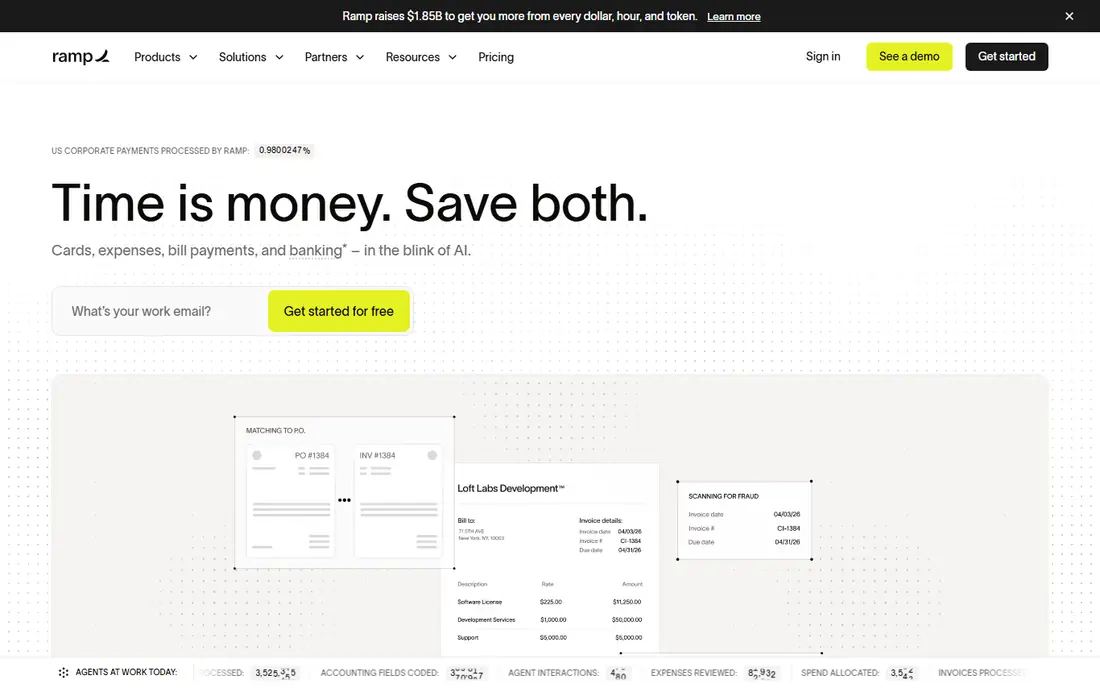
Ramp is our pick for many growing companies because it controls spending at the card, not after the fact. Managers set limits by employee, team, or category, and transactions are matched to receipts and accounting codes as they happen. That design cuts the end-of-month chase for missing receipts, which is where most expense systems fail in practice.
The free tier covers cards, expense management, and bill pay for companies that qualify, which makes Ramp easy to test without a budget fight. The catch is commitment to the card program. If your team will not switch cards, or if your bank setup blocks it, much of the value disappears. Paid Plus adds deeper controls and automation for larger teams.
- Corporate cards with real-time controls
- Receipt matching and accounting sync
- Free tier for qualifying companies
- Value depends on using Ramp cards
- Advanced features sit on the paid Plus plan
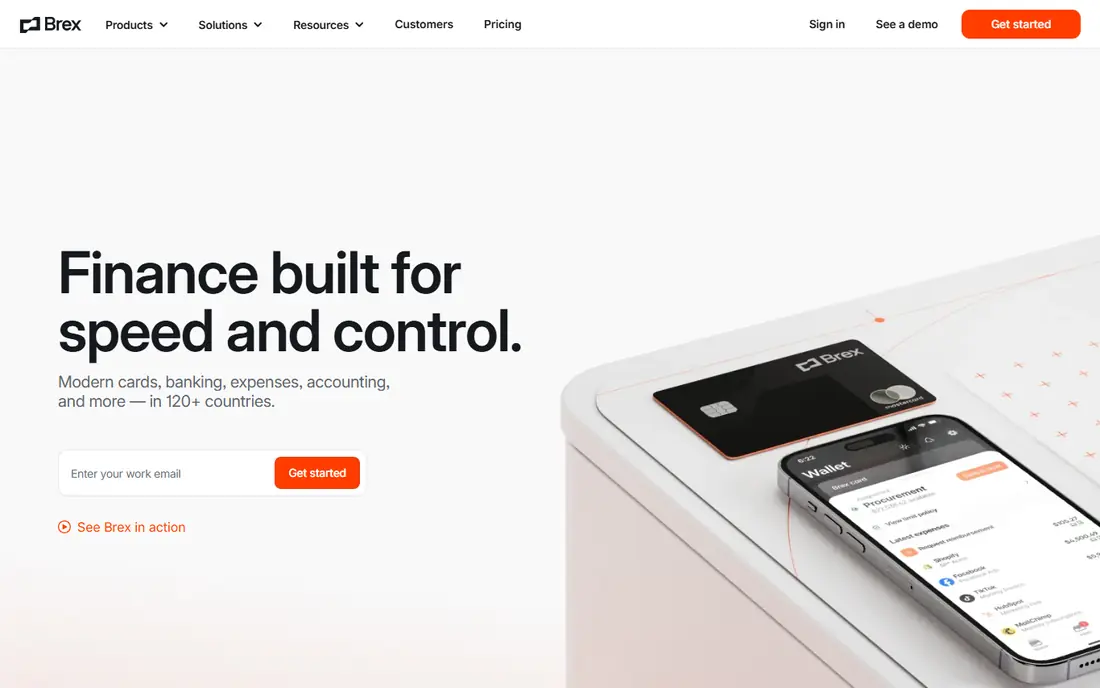
Brex is a strong rival to Ramp, especially for startups and companies with staff in more than one country. The free Essentials tier includes corporate cards and spend management, while Premium adds deeper controls, travel features, and more automation. Multi-country card issuance is a real advantage for distributed teams that otherwise juggle local cards and currencies.
As with Ramp, the model works best when spending runs through Brex cards. Companies that want to keep an existing card program will find less value here than with Expensify. Check eligibility, card limits, and accounting sync for your setup before you move a whole team over.
- Free Essentials tier with cards and spend management
- Multi-country card issuance
- Integrations with major accounting tools
- Premium features cost $12 per user per month
- Card-based model suits card users best
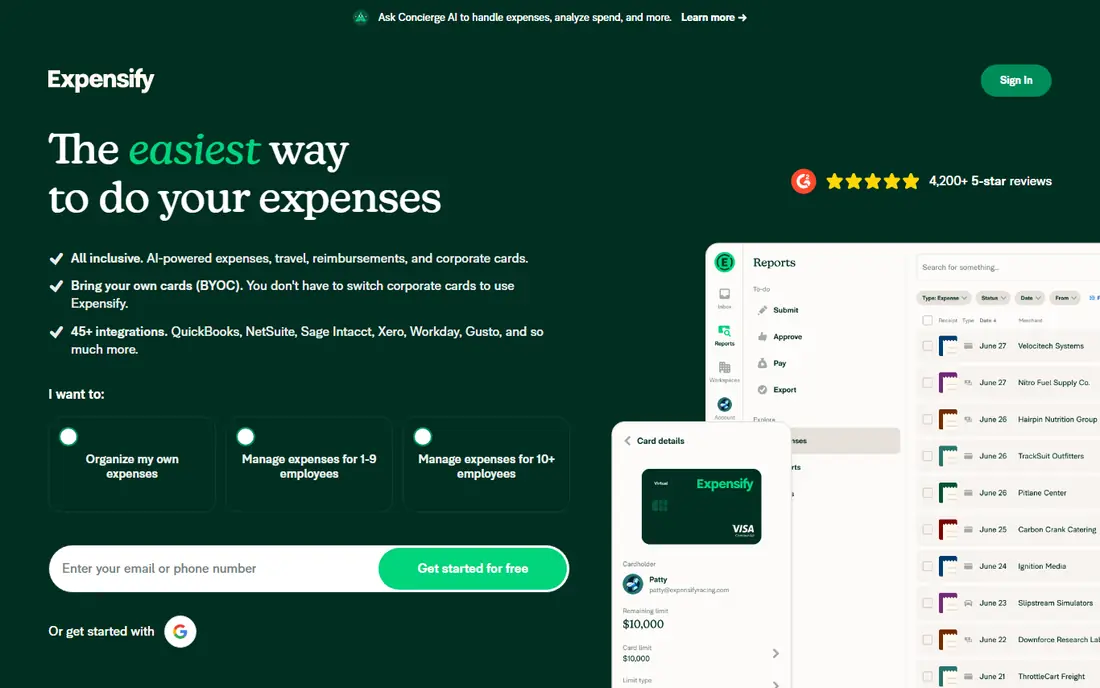
Expensify is the classic expense tool, and its strength is flexibility. Unlike card-first rivals, it does not require you to switch card programs. Staff photograph receipts with SmartScan, expenses flow through approvals, and reimbursements and accounting sync follow. That makes it a good fit for companies with an existing bank or card relationship they do not want to break.
The Collect plan starts at $5 per user per month, which is fair for small and mid-size teams, but larger firms with complex policies may need a higher plan for deeper controls. If your main pain is receipt chasing and reimbursements, rather than pre-spend card control, Expensify remains the simplest answer.
- Works with cards you already have
- SmartScan receipt capture
- Strong reimbursement and approval workflows
- Advanced controls cost more on higher plans
- Per-user pricing adds up for large teams
Navan, formerly TripActions, is the pick when travel is a large share of spending. Staff book flights and hotels inside policy, and expenses from those trips flow into the same system, which reduces duplicate entry and out-of-policy bookings. For a team that travels often, that single flow saves more time than a standalone expense tool.
Pricing needs care. Travel booking itself is free in the basic sense, while the expense plan starts at $15 per user per month, with the first 5 expensing users free for companies with up to 300 employees. If your team rarely travels, a cheaper expense-only tool will serve you better.
- Travel booking and expenses in one flow
- Policy checks at booking
- First 5 expensing users free for smaller companies
- Expense plan pricing applies after the free users
- Travel focus may be more than a non-travel team needs
Zoho Expense is the budget pick for small teams, and it is an easy pick for companies already using Zoho Books or other Zoho apps. Receipts can be captured by photo or email, approvals follow clear rules, and expenses sync to accounting without manual re-entry. The free version covers small teams, which makes it a low-risk way to replace spreadsheets.
The limit is cards. Zoho Expense does not issue its own corporate cards, so it suits teams that reimburse staff or use existing cards, rather than teams wanting pre-spend card controls. If you already live in Zoho, though, the sync alone may justify the choice.
- Free version for small teams
- Receipt capture and approvals
- Tight sync with Zoho Books and other Zoho apps
- No native corporate card program
- Advanced features require paid plans
SAP Concur is built for large companies with complex travel and expense rules, multiple entities, and audit needs. It handles policy enforcement, approvals, and reporting at a scale that small-team tools do not attempt, and it fits naturally alongside SAP ERP systems. For a multinational firm, that depth is the point.
For a small business, it is usually too much. Pricing is quote-based, setup takes real work, and staff may find the interface heavier than a modern card-first tool. Choose Concur when compliance, audit trails, and global policy control matter more than speed of setup.
- Deep travel and expense policy controls
- Strong fit for SAP ERP users
- Handles multi-entity and global needs
- Quote-based pricing
- Implementation and setup can be heavy for small teams
BILL Spend and Expense, formerly Divvy, suits small teams that want budget discipline without a large bill. Cards are tied to budgets, so spending stops when a budget is used up, and managers see spending in real time. Accounting integrations with QuickBooks, Xero, and NetSuite keep month-end work light.
The model depends on BILL cards, so it is not the pick for a team that wants to keep another card program. Travel features are also thinner than at Navan. For a small finance team that wants free, budget-first spending control, BILL is a strong shortlist option.
- Free plan with BILL corporate cards
- Budgets that decline spending at zero
- Accounting integrations
- Requires BILL cards for the full model
- Less travel depth than Navan
Airbase goes wider than expenses alone, covering corporate cards, bill payments, and purchase orders in one approval flow. That breadth suits mid-market finance teams that want to control spending before it happens, not just record it after. Purchase requests, approvals, and accounting codes sit in the same system, which reduces work for finance at month end.
The trade-off is scope and setup. Airbase is quote-priced and takes more implementation than a simple receipt app, so it suits teams with a finance owner who can run the rollout. If your main problem is receipts alone, a simpler tool will be faster to adopt.
- Spend control across cards, bills, and purchase orders
- Approval workflows
- Accounting and ERP integrations
- Quote-based pricing
- More setup than a simple expense app
How we picked these
We compared official pricing and feature pages, plus public roundups, and kept only tools that operate in the US now, in October 2026, and that handle business expenses end to end. We favored a mix of card-first tools, card-flexible tools, travel-paired tools, and enterprise options, so readers at different sizes can find a fit. Where pricing was quote-based or varied between sources, we wrote See website rather than guess a figure.
What to check before you buy
Match the tool to how your team actually spends, not to the feature list that looks longest.
Decide on cards first
If your team will use a new corporate card, card-first tools such as Ramp, Brex, and BILL give the strongest pre-spend control. If you must keep existing cards, shortlist Expensify and Zoho Expense instead, and test their receipt and approval flows with real staff.
Test accounting sync with a real month
Run a small pilot with your actual chart of accounts, approval rules, and reimbursement timing. A tool that syncs cleanly to QuickBooks, Xero, or NetSuite will save more time than any dashboard feature, and a poor sync will create work every month.
Check policy, approvals, and audit needs
List your approval chains, spending limits, and audit requirements before you buy. Large firms need the depth of SAP Concur or Airbase, while small teams do better with a simple tool staff will actually use for every receipt.
Frequently asked questions
What is the best expense management software for small businesses?
For many small teams, Ramp or Brex work well when the team will use their cards, since both offer free starting tiers. Zoho Expense is a good budget pick for teams that reimburse staff or use existing cards, and Expensify suits teams that want flexible receipt and approval workflows.
How much does expense management software cost?
Costs range from free tiers at Ramp, Brex, and BILL to $5 per user per month at Expensify and $15 per user per month at Navan for expenses, with enterprise tools such as SAP Concur priced by quote. Always check what is included in the entry plan, since advanced controls often sit on higher plans.
Do I need corporate cards to use expense software?
No, but the best tool depends on your answer. Card-first tools give stronger pre-spend control when spending runs through their cards, while Expensify and Zoho Expense work with existing cards or reimbursements. Pick the model your team will actually follow.
Can expense software replace spreadsheets?
Yes, for most teams. Modern tools capture receipts by photo, apply policy rules, route approvals, and sync to accounting, which removes the manual copying and chasing that make spreadsheets slow and error-prone at month end.
What is the difference between Ramp and Brex?
Both offer free card-based spend management, but Ramp leans toward finance-led automation and accounting sync, while Brex leans toward startup and global card needs. The better pick depends on card eligibility, country coverage, and which accounting tool you use.
Is expense software safe for company money?
Reputable tools use bank-grade security, card controls, and audit trails, but safety also depends on your setup. Set spending limits, require approvals for larger amounts, review transactions regularly, and check the vendor security page before you connect bank or accounting data.
Sources
- https://ramp.com
- https://www.brex.com
- https://www.expensify.com
- https://navan.com
- https://www.zoho.com/expense/
- https://www.concur.com
- https://www.bill.com
- https://www.airbase.com
- https://rankite.com/blog/best-corporate-expense-tracking-software
- https://rankite.com/blog/best-expense-management-software-for-small-business
See where you really rank - block by block
ProMapRanker scans Google Maps across a grid of your service area. Simple monthly plans from $19, white-label on every plan.
Start freeKeep reading
 outreach alternatives
Outreach Alternatives in 2026
Compare outreach alternatives for 2026, from Salesloft and Apollo to HubSpot and Lemlist, with pricing, channels, features, limits, and honest trade-offs.
Read → best web conference tools
Best Web Conference Tools in 2026
Compare the best web conference tools for meetings, webinars and team calls, with current pricing, free plans and honest limits for each option here today.
Read → best voice cloning tools
Best Voice Cloning Tools in 2026
Compare the best voice cloning tools in 2026, from ElevenLabs and Descript to Resemble and Cartesia, with consent rules, pricing, licenses, and limits.
Read →