 ProMapRanker
Best Event Planning Apps in 2026

Key takeaways
- Eventbrite is the easiest starting point for public, ticketed events, while Cvent and Bizzabo suit large, complex programs with bigger budgets.
- Whova stands out for attendee networking and conference apps, and Social Tables stands out for room layouts and seating plans.
- Planning Pod fits planners who manage many private events and need checklists, budgets, and timelines in one place.
- Ticket fees, per-registrant charges, and quote-only pricing make the real total very different from the headline price, so ask for a full quote before you commit.
- For a small party or community event, a simple tool with a free plan beats an enterprise platform you will only use once.
Quick comparison
| Pick | Great for | Pricing starts at | Free tier | |
|---|---|---|---|---|
 Eventbrite | public ticketed events | Free | Yes | Visit |
 Whova | conference attendee engagement | See website | No | Visit |
 Cvent | large enterprise events | See website | No | Visit |
 Bizzabo | branded corporate conferences | See website | No | Visit |
 Social Tables | layouts and seating | See website | Free trial | Visit |
 Planning Pod | private event planning workflow | See website | Free trial | Visit |
 Eventzilla | simple low-cost registration | See website | Yes | Visit |
 Ticket Tailor | ticket sales without monthly fees | See website | No | Visit |
 Accelevents | hybrid and virtual events | See website | No | Visit |
The best event planning apps
We compared registration, ticketing, attendee apps, layouts, and pricing models, and we kept only tools that are actively sold for event planning in 2026. The best event planning app for you depends less on the longest feature list and more on your event size, your ticket model, and how much setup help you want.
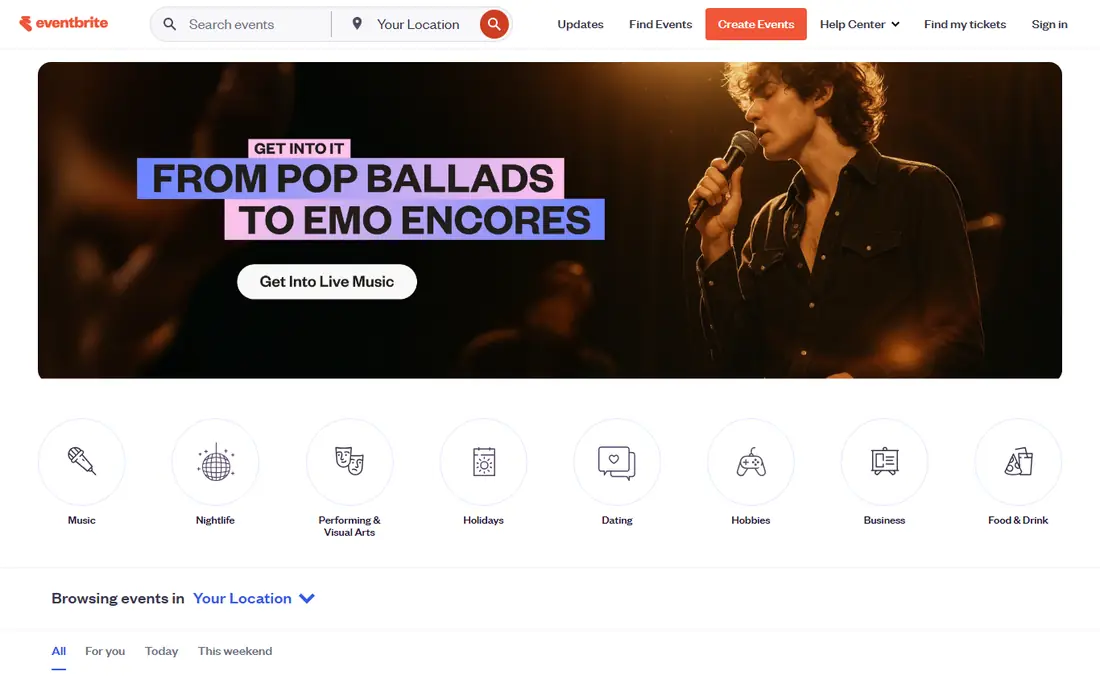
Eventbrite is our pick for most people running a first public event. You can create a page, set ticket types, and start selling without a sales call or a long setup process. The public marketplace also helps people find local workshops, classes, and community events they would not otherwise hear about.
The catch is the fee model. Free events are free to list, but paid events carry a per-ticket fee on top of payment processing, so a large paid audience can get expensive. Eventbrite also works best for straightforward ticketing, and planners who need complex registration forms, multi-track agendas, or detailed sponsor packages will feel its limits sooner.
- Easy event setup
- Large public marketplace for discovery
- Built-in ticket sales and payments
- Per-ticket fees add up on paid events
- Customization is limited compared with enterprise tools
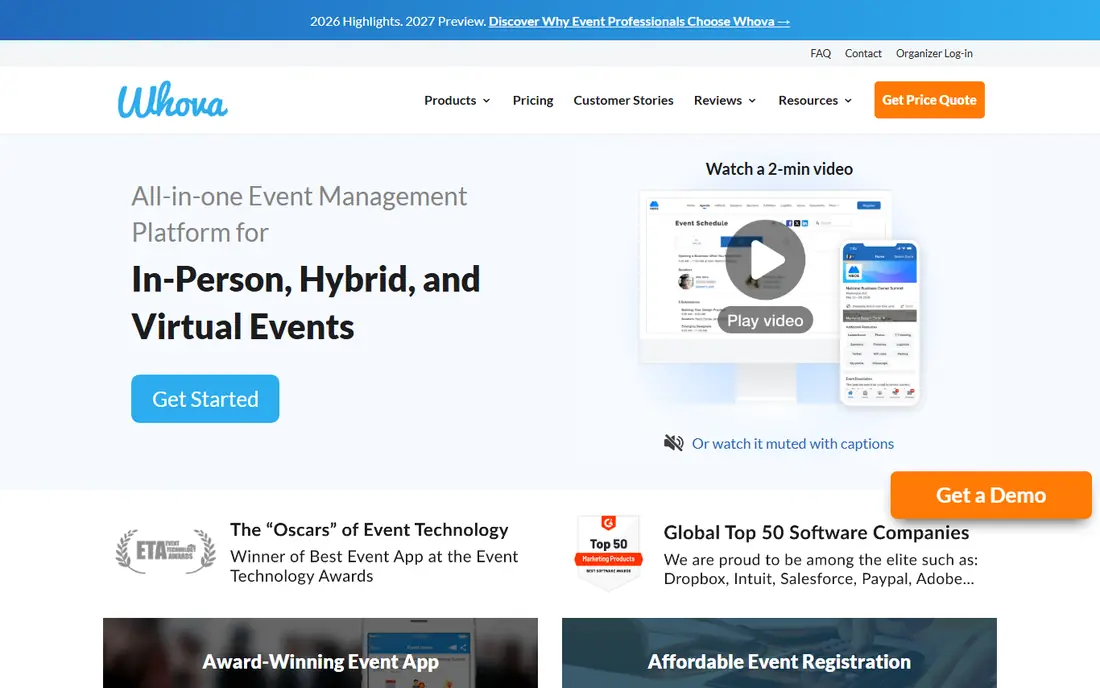
Whova suits conferences, trade shows, and association meetings where attendee interaction matters as much as registration. Its mobile app supports agendas, exhibitor listings, and attendee messaging, which helps people plan their day and meet the right contacts. Organizers get registration, ticket sales, and event marketing in one place instead of stitching several tools together.
Pricing is the main drawback. Whova prices by quote, with ticket fees also in play on some plans, so you cannot compare it cleanly with a flat monthly tool until you request a quote. Teams that need deep control over registration logic or attendee data exports should check those details during a demo before signing.
- Strong attendee app with networking features
- Registration and ticketing in the same system
- Agenda and speaker tools for conferences
- Quote-only pricing makes budgeting harder
- Backend customization can feel limited
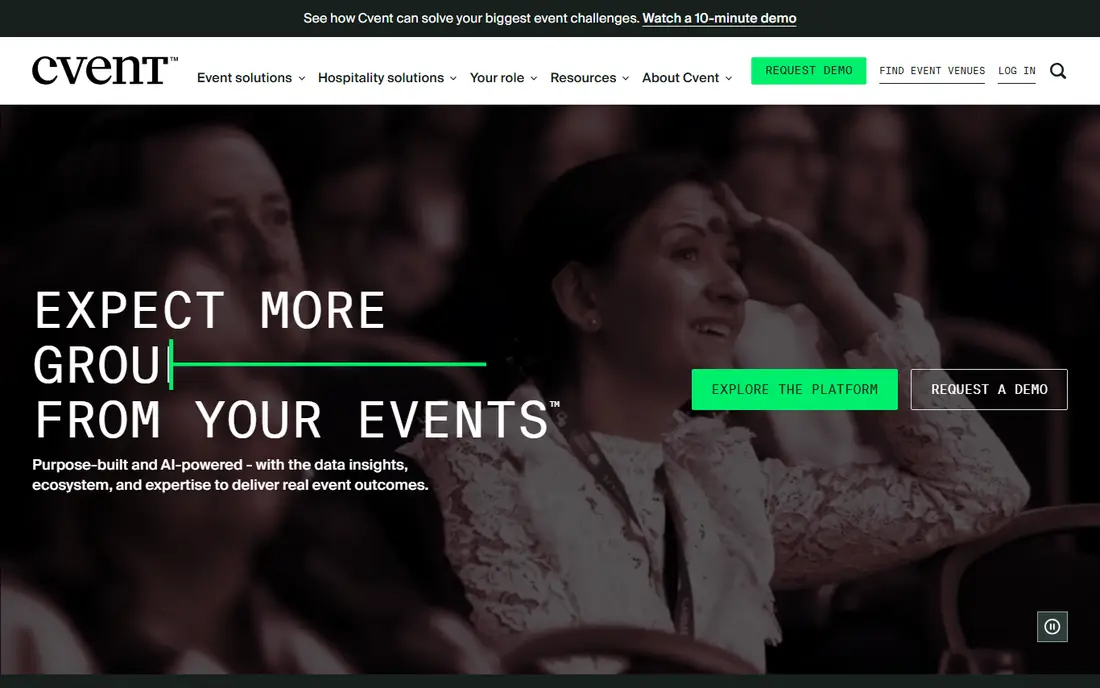
Cvent is built for organizations that run many events a year and need control over registration, venue sourcing, and reporting. Its venue sourcing network is a real advantage for planners who compare hotels and meeting spaces often, and its registration tools handle complex forms, approval flows, and multi-session programs well.
That power comes with cost and complexity. Cvent is quote-based and is priced for enterprise budgets, and small teams may spend more time learning the system than planning the event. If you run one event a year, a simpler tool will usually serve you better and cost far less.
- Deep registration and venue sourcing tools
- Strong reporting for large programs
- Wide range of add-on modules
- High cost and long setup
- More complex than small teams need
Bizzabo appeals to marketing teams that care about how an event looks and how it performs as a campaign. Branding, registration, and attendee engagement sit in one system, and the analytics help teams show which sessions and sponsors drew attention. It handles hybrid events well, which matters when part of the audience joins online.
The price is the barrier. Bizzabo is sold on annual, quote-based plans that put it out of reach for small organizers, and its strength is corporate conferences rather than weddings, parties, or small community gatherings. Teams with a clear annual event calendar will get more value from it than a team planning a single launch.
- Polished branded event pages and apps
- Built-in analytics for marketing teams
- Supports in-person, virtual, and hybrid formats
- Quote-only pricing at an enterprise level
- Less suited to small or one-off events
Planning Pod is designed for professional planners and venues that manage weddings, corporate parties, and private events. It combines timelines, task checklists, budgets, guest lists, and client collaboration, which keeps the planning work in one place instead of across email threads and spreadsheets. That focus makes it a good fit when the client relationship matters more than public ticket sales.
The trade-off is audience reach. Planning Pod does not offer the public discovery that Eventbrite does, so you still need your own marketing for ticketed public events. It is also a subscription tool, so occasional planners should weigh the monthly cost against how many events they actually run.
- Timelines, checklists, budgets, and client tools in one place
- Built for planners rather than ticket buyers
- Supports many event types
- No public ticket marketplace
- Pricing is subscription-based even for occasional use
Eventzilla is a practical choice for classes, workshops, fundraisers, and small conferences that need registration without enterprise complexity. Setup is quick, the registration forms cover the usual fields, and the per-registration option can keep costs down for smaller events. Organizers who want a simple page and a reliable payment flow will find it easy to use.
It does not try to match Whova on attendee networking or Cvent on enterprise reporting, and its event pages look plain next to Bizzabo. For a small event where the goal is to collect registrations and payments, that simplicity is a strength rather than a weakness.
- Straightforward registration setup
- Per-registration pricing option
- Free option for basic events
- Fewer advanced engagement features than conference platforms
- Design options are basic
Ticket Tailor suits organizers who sell tickets irregularly and do not want a monthly bill in quiet months. You pay based on tickets sold rather than a subscription, and you can brand the ticket page to match your event. The checkout is simple for buyers, which helps conversion for community shows, classes, and small festivals.
It is mainly a ticketing tool, not a full conference platform, so you will not get the attendee networking or complex agenda tools found in Whova or Bizzabo. If you need those features, pair it with a separate event app or choose a broader platform from the start.
- Pay-as-you-sell model with no monthly subscription
- Branded ticket pages
- Straightforward checkout for buyers
- No free plan for ongoing use
- Fewer conference and engagement features
Accelevents works well when your audience is split between a venue and a screen. It offers registration and ticketing plus a mobile app, live sessions, and networking features that help remote attendees feel part of the event. Organizers running conferences with both formats get a single system instead of one tool for the room and another for the stream.
Pricing varies by event size and features, and larger plans are quote-based, so budget carefully and confirm what is included. Smaller teams running a single in-person event may find Eventbrite or Eventzilla simpler, but hybrid organizers will value the combined approach here.
- Mobile event app for in-person and virtual attendees
- Registration, ticketing, and engagement in one system
- Supports hybrid formats
- Pricing is quote-based for larger events
- Setup takes more effort than a simple ticketing tool
How we picked these
We compared official feature pages, pricing pages, and app store listings for tools that are actively sold for event planning in October 2026. We favored tools that cover a clear planning job, from public ticketing to conference apps to room layouts, and we left out tools that were discontinued, repurposed, or too narrow to serve as an event planning app. Where a vendor does not publish a price, we wrote See website rather than repeating a third-party estimate as fact.
What to check before you choose
Start with your event format. A public ticketed show needs discovery and checkout first, a conference needs an attendee app and agenda tools, and a wedding or banquet needs layouts and guest management. Write down the one job the tool must do well on event day, then judge every option against that job before you look at extra features.
Next, model the full cost. Add ticket fees, per-registrant charges, payment processing, and any app or branding add-ons, and compare that total across your expected attendance. Ask quote-based vendors what happens if attendance grows, whether unused capacity carries over, and what support is included on event day. Finally, run a small test event or a trial before the real one, and check the attendee experience on a phone, since most guests will register and check in from mobile.
Frequently asked questions
What is the best event planning app for a small party?
For a small private party, Planning Pod or Social Tables fits better than a ticketing platform, since guest lists, timelines, and seating matter more than ticket sales. If the party is public and ticketed, Eventbrite is simpler and cheaper to start with.
What is the best event planning software for a conference?
Whova is a strong choice for conferences that need an attendee app and networking, while Cvent and Bizzabo suit larger corporate conferences with complex registration and reporting needs. The right pick depends on audience size and whether you need enterprise reporting.
What is the best app for event planning on a tight budget?
Eventbrite and Eventzilla are the budget-friendly starting points, since both offer a free option and you mainly pay when tickets or registrations come in. Ticket Tailor also avoids a monthly fee, which helps organizers who run events only a few times a year.
What is the best event planning platform for hybrid events?
Accelevents and Bizzabo both support in-person and virtual audiences in one system, with live sessions and attendee apps for remote guests. Check streaming quality, networking tools, and recording options during a trial before you commit.
Do I need a separate app for seating plans?
Not always, but Social Tables is worth it when room layout and assigned seating are central to the event, such as weddings and banquets. For a standing reception or a simple workshop, a guest list in your main planning tool is usually enough.
Sources
See where you really rank - block by block
ProMapRanker scans Google Maps across a grid of your service area. Simple monthly plans from $19, white-label on every plan.
Start freeKeep reading
 who is the best seo company
Who Is the Best SEO Company in 2026
Compare who is the best SEO company in the USA, from full service agencies to SEO only specialists, with fit and service notes Compare features, pricing,.
Read → top bi software
Top BI Software in 2026: 9 Tools Compared
Compare the top BI software in 2026, with dashboards, reporting, data links, sharing, pricing and free plans for small teams, analysts and large companies.
Read → spyfu alternatives
SpyFu Alternatives in 2026: 9 Tools Compared
Compare the best spyfu alternatives in 2026, from Semrush and Ahrefs to SE Ranking, Moz, and Mangools, for competitor and keyword research work. for teams
Read →
Social Tables
Great for: layouts and seating
Social Tables solves a specific planning headache: where everyone sits and how a room actually fits together. You can draw floor plans, place tables, assign seats, and share the plan with a venue or client for comment. For weddings, galas, and banquets, that visual planning saves a lot of back-and-forth compared with spreadsheets and emailed diagrams.
It is not a full ticketing platform, so most planners pair it with a registration or ticket tool. The free trial helps you test whether the layout tools fit your workflow, but regular users will need a paid plan. If seating and room design are not central to your event, this one is easy to skip.