 ProMapRanker
Best Event Apps for Conferences in 2026

Key takeaways
- Whova suits academic and association conferences that need community boards, networking, and agenda tools in one app.
- Cvent Attendee Hub fits large enterprise programs, but pricing is quote-based and the platform needs more setup.
- Bizzabo and EventMobi suit corporate and midsize conferences that want polished branding and strong onsite tools.
- Swapcard and Brella lead on networking, with Swapcard for trade shows and Brella for structured one-to-one meetings.
- Guidebook and vFairs give smaller and hybrid events lower-cost routes, with Guidebook for multi-event groups and vFairs for virtual halls.
Quick comparison
| Pick | Great for | Pricing starts at | Free tier | |
|---|---|---|---|---|
 Whova | Academic and association events | See website | No | Visit |
 Cvent Attendee Hub | Large enterprise events | See website | No | Visit |
 Bizzabo | Corporate conferences | $17,999 per year | No | Visit |
 EventMobi | Customizable conferences | See website | No | Visit |
 Swapcard | Trade shows and B2B events | $610 per year | No | Visit |
 Brella | One-to-one meetings | See website | No | Visit |
 Guidebook | Multi-event groups | See website | No | Visit |
 vFairs | Virtual and hybrid events | See website | No | Visit |
The best event apps for conferences
A good conference app puts the agenda, maps, speaker details, and networking in one place attendees can use on site, even when Wi-Fi is weak. The best apps also help organizers with check-in, session feedback, and sponsor visibility. These eight apps cover conferences from small academic meetings to large trade shows.
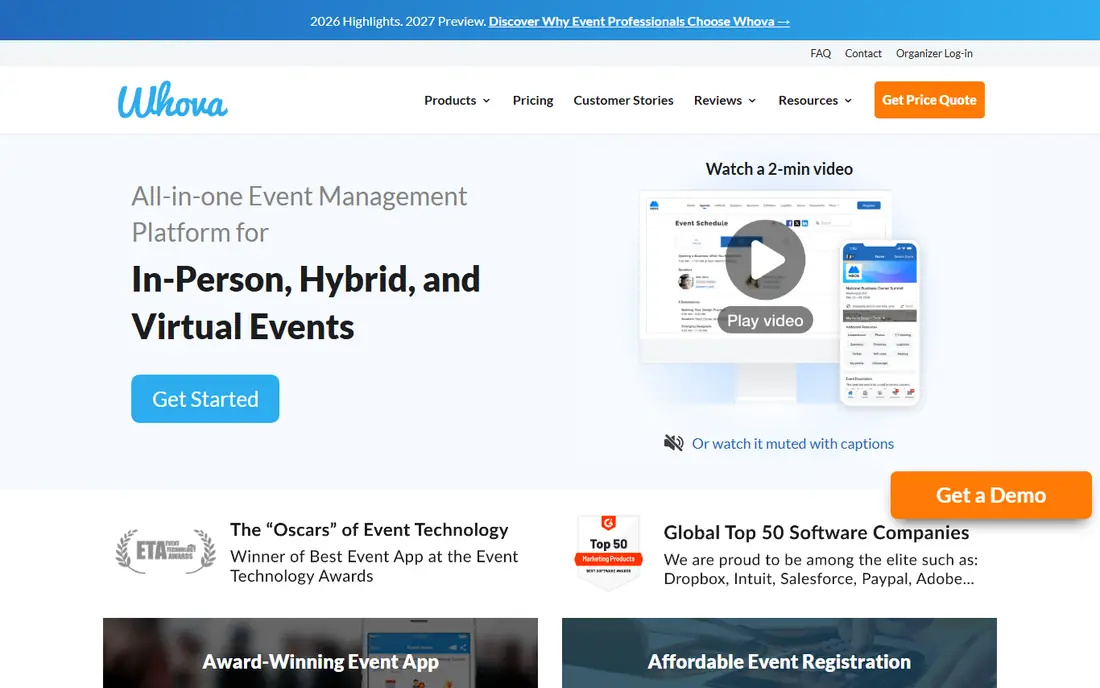
Whova is a familiar pick for academic conferences, association meetings, and community events. Attendees can browse the agenda, build a personal schedule, message other attendees, join community boards, and find exhibitors, all in one app. That community layer helps smaller conferences feel lively, since attendees can start conversations before they arrive on site.
Pricing is quote-based, which makes early budgeting harder than with published-price tools. Organizers also need time to load agendas, speaker bios, and maps, so plan setup weeks ahead, not days. For an association that runs the same event each year, Whova familiarity among returning attendees is a real benefit.
- Strong community boards and attendee networking
- Agenda, maps, and exhibitor tools
- Widely used by associations
- Quote-based pricing
- Web-based app in some views
- Setup needs organizer time for large agendas
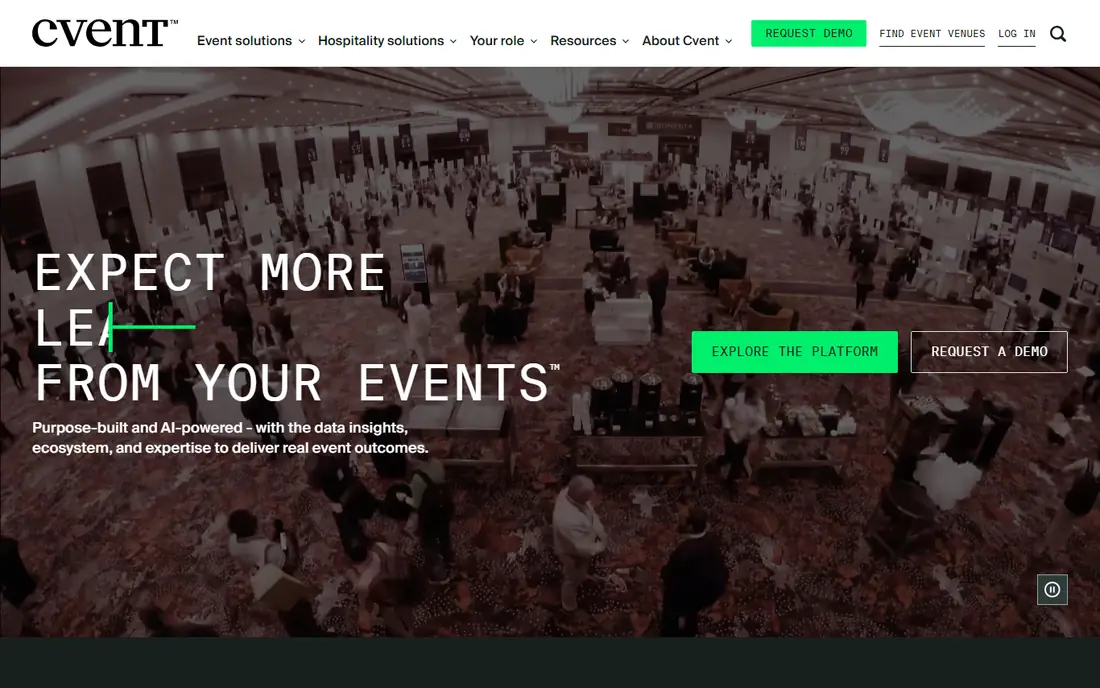
Cvent Attendee Hub is the app layer of a much larger event platform, covering registration, venue sourcing, marketing, and onsite management. For a large enterprise that runs many events a year, that depth helps, since attendee data, registration, and app content stay in one system. The native app covers agendas, networking, and session feedback at scale.
The trade-off is scope and cost. Pricing is quote-based and enterprise-scale, and setup needs a team that can manage registration logic, integrations, and app content. A small conference with one event a year will find Whova, Guidebook, or EventMobi simpler and cheaper.
- Deep registration, venue, and event management links
- Native attendee app
- Broad integrations
- Quote-based enterprise pricing
- Heavy setup for small teams
- More platform than a small event needs
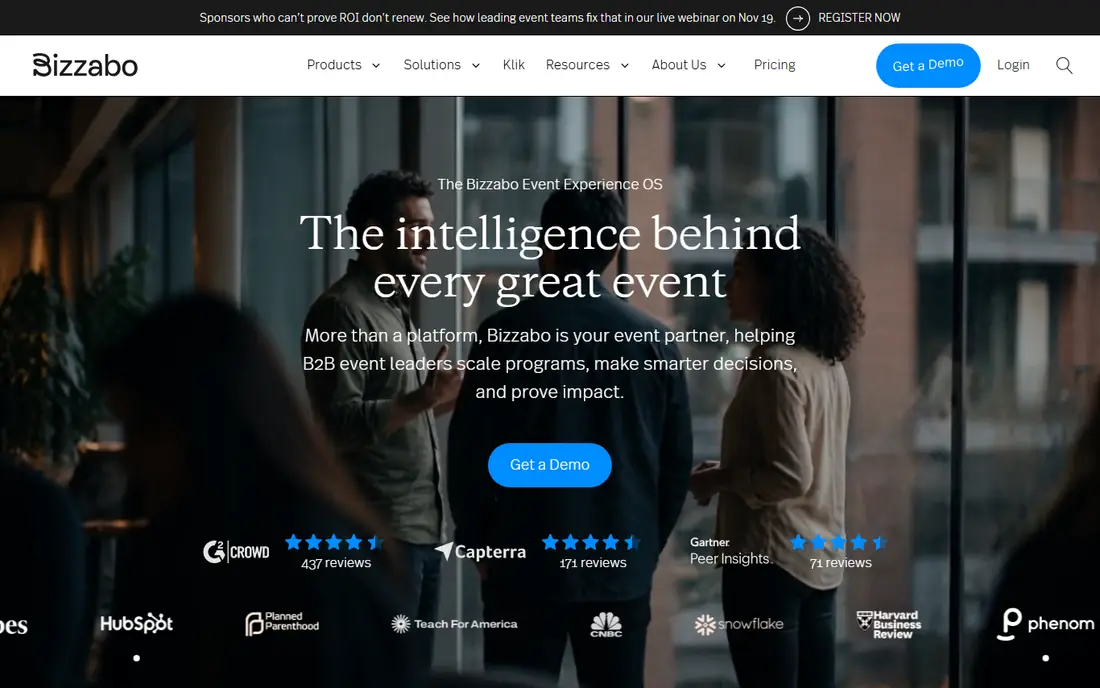
Bizzabo suits corporate marketing teams that want a polished brand experience from registration to onsite check-in. Its event websites, attendee app, and SmartBadge tools give sponsors and exhibitors clear visibility, and its HubSpot and CRM links help marketing teams track pipeline from events. The app itself is native and well designed, which helps attendee adoption.
The entry price is the barrier, at $17,999 per year for entry plans with a three-user minimum. That cost makes sense for a company running several corporate events a year, but not for a single small conference. If your budget is tighter, EventMobi or Guidebook will cover the core app needs for less.
- Polished event websites and apps
- Strong marketing and CRM links
- SmartBadge onsite tools
- High entry price
- Three-user minimum on entry plans
- Overkill for small events
EventMobi fits midsize to large conferences that want control over branding, layout, and workflows. Organizers can customize app pages, agenda views, and sponsor placements, and the platform supports both native and web-based access, with strong offline reliability for venues with weak Wi-Fi. Per-event plans suit one-off conferences, while annual plans suit repeat events.
Pricing is not fully published and varies by event size, duration, and add-ons, so get a written quote for your attendee count and event length. Customization also takes time, so a team without a dedicated app owner should keep the design simple and focus on agenda, maps, and networking.
- Highly customizable app and event pages
- Strong offline options
- Per-event and annual plans
- Pricing varies by event size and add-ons
- Customization needs organizer time
Swapcard leads for B2B trade shows and expos where networking and exhibitor leads matter most. Its AI matchmaking suggests relevant attendees and exhibitors, its lead capture tools help exhibitors follow up, and its app supports agendas, maps, and session content for large halls. Self-service plans from $610 per year give smaller trade shows a published entry point.
The fit is narrower for small academic or community conferences, where matchmaking matters less than agenda and community tools. If your event is exhibitor-led and networking drives value, Swapcard is a strong pick, but if it is session-led, Whova or EventMobi may fit better.
- AI matchmaking and lead capture
- Strong for exhibitors
- Self-service plans from $610 per year
- Best fit is trade shows, not small meetings
- Higher tiers needed for full event features
Brella is built around one thing: helping attendees book useful one-to-one meetings. Attendees set interests, the system suggests matches, and meetings get scheduled with clear times and locations, which suits investor events, B2B conferences, and trade shows where meetings are the main value. That focus makes Brella easy to explain to attendees and sponsors.
The limit is breadth. Brella is not a full registration or event management platform on its own, so many organizers pair it with another system for ticketing and agenda content. Pricing is quote-based, so ask what meeting volume, attendee count, and support are included in your quote.
- Structured one-to-one meeting scheduling
- Matchmaking for attendees
- Clear meeting agendas
- Quote-based pricing
- Less of a full event platform on its own
- Needs attendee profiles to work well
Guidebook suits universities, associations, and groups that run many events a year and need a reliable offline app. Attendees can download guides, agendas, and maps before they arrive, which helps in venues with poor Wi-Fi. Multi-event plans let an organization publish many guides under one account, which keeps costs predictable for repeat events.
Design options are simpler than the most polished corporate tools, and pricing is quote-based, so get a quote for your event count and attendee numbers. For a group that values reliability and repeat use over flashy branding, Guidebook is a practical pick.
- Native offline app
- Unlimited events on some plans
- Strong fit for universities and associations
- Quote-based pricing
- Design options are simpler than Bizzabo or EventMobi
vFairs fits conferences that need a virtual or hybrid layer, not just an onsite app. Virtual exhibitor booths, networking lounges, live sessions, and chat give remote attendees a real event to join, while hybrid tools link onsite and online audiences. That scope helps large conferences, trade shows, and expos that serve a global audience.
For a purely in-person conference, vFairs may be more platform than you need, and pricing is quote-based. If hybrid reach matters, or if you run virtual events alongside in-person ones, vFairs covers both in one system, which can save you from running two separate tools.
- Virtual halls, booths, and networking
- Hybrid support for in-person plus online attendees
- Scalable for large audiences
- Quote-based pricing
- Virtual-first design may be more than a purely in-person event needs
How we picked these
We compared official product pages, vendor pricing pages, and public event-app comparisons from 2026, and we kept only apps that are still sold and provide a dedicated attendee app for conferences. We weighed agenda tools, networking, check-in, offline access, exhibitor features, and pricing clarity, and we used See website where pricing was quote-based rather than guessing. We did not claim hands-on use, and we based our notes on vendor pages and public comparisons.
What to check before you buy
Start with attendee adoption, not feature count. An app with every feature fails when attendees do not download it, so ask vendors about download rates, onboarding emails, and onsite help. Pick an app whose core flow, agenda plus networking, is clear in under a minute for a first-time attendee.
Test offline access and check-in
Venues often have weak Wi-Fi, so test the app with Wi-Fi off and check whether agendas, maps, and personal schedules still load. Test check-in speed with a real badge printer or QR flow, and ask how the system handles a long queue at peak entry time. A slow check-in shapes the whole first impression of your event.
Match networking to your event type
Trade shows need exhibitor lead capture and matchmaking, academic events need community boards and session discussion, and B2B events need one-to-one meeting scheduling. A tool that excels at one networking style may be weak at another, so test the exact networking flow your attendees will use most.
Get a full quote in writing
Many event apps price by attendee count, event length, and add-ons, so a headline price can hide the real cost. Ask for a written quote that lists attendee limits, support hours, branding options, and renewal terms, and confirm what happens to your event content after the event ends.
Frequently asked questions
What are the best event apps for conferences?
For most conferences, Whova, EventMobi, and Guidebook are the best event apps for conferences, thanks to their agenda, networking, and offline tools. Cvent and Bizzabo suit larger enterprise programs, while Swapcard and Brella lead on trade show and meeting networking.
What are the best conference apps for networking?
Swapcard leads for trade show matchmaking and exhibitor leads, Brella leads for structured one-to-one meetings, and Whova leads for community boards and attendee messaging at academic and association events. The best pick depends on whether meetings, exhibitor leads, or community discussion matter most.
What are the best mobile event apps for conferences?
Whova, Bizzabo, EventMobi, and Guidebook all offer native mobile apps, with Guidebook and EventMobi standing out for offline access. Test the app on both iOS and Android with your own agenda before you commit, since design and offline behavior vary by platform.
How much does a conference app cost?
Costs vary widely. Swapcard self-service plans start at $610 per year, Bizzabo entry plans start at $17,999 per year, and Whova, Cvent, EventMobi, Brella, Guidebook, and vFairs are quote-based. Always get a quote for your attendee count and event length.
Do attendees need to download an app?
Most conference apps work best as a downloaded native app, though several also offer a web version. Promote the app in registration emails, onsite signage, and session slides, and offer a web fallback for attendees who cannot or will not download an app.
Can a conference app handle check-in and badging?
Yes, most apps here support QR check-in, and Bizzabo and Cvent add badge printing and onsite tools. Test check-in with your badge stock and printer before event day, and staff a help desk for attendees whose codes do not scan.
Sources
See where you really rank - block by block
ProMapRanker scans Google Maps across a grid of your service area. Simple monthly plans from $19, white-label on every plan.
Start freeKeep reading
 galaxy.ai alternatives with lifetime access
Best Galaxy.ai Alternatives With Lifetime Access in 2026
Looking for galaxy.ai alternatives with lifetime access? We compare 7 pay-once AI tools for chat, writing, images, video and SEO work in 2026, in detail.
Read → best workforce management software
Best Workforce Management Software in 2026
Compare the best workforce management software for scheduling, time tracking, and payroll, with prices, free plans, and picks by team size and industry.
Read → best wms software
Best WMS Software in 2026: 8 Systems Compared
Compare the best WMS software for warehouses of every size in 2026, from enterprise systems like SAP and Manhattan to mid-market options for growing brands.
Read →