 ProMapRanker
Best ERP Software for Construction Company in 2026


growing construction firms wanting true cloud ERP · Pricing starts at: See website
Key takeaways
- Acumatica Construction Edition and Sage Intacct Construction suit growing firms that want true cloud ERP without the weight of a legacy system.
- Sage 300 CRE and Trimble Vista suit established mid-size to large contractors with deep payroll, equipment, and job-cost needs.
- CMiC suits large contractors that want accounting, project controls, and procurement in one database, but it needs serious training time.
- Almost all construction ERP pricing is quote-based, so budget for implementation and training, not just the subscription.
Quick comparison
| Pick | Great for | Pricing starts at | Free tier | |
|---|---|---|---|---|
| Acumatica Construction Edition | growing construction firms wanting true cloud ERP | See website | No | Visit |
 Sage 300 CRE | established mid-size to large construction firms | See website | No | Visit |
 Trimble Vista | large contractors with complex payroll and equipment needs | See website | No | Visit |
 CMiC | large general and civil contractors | $100 per user per month | No | Visit |
 Jonas Construction | mid-size contractors wanting a usable ERP | See website | No | Visit |
 Foundation Software | contractors with union and prevailing wage payroll | See website | No | Visit |
 Sage Intacct Construction | multi-entity contractors and finance teams | See website | No | Visit |
 Dynamics 365 Business Central | Microsoft-based firms needing multi-company finance | $80 per user per month | Free trial | Visit |
The best ERP software for construction company teams
Construction ERP is different from general ERP. It must handle job costing, progress billing, retainage, change orders, subcontracts, and payroll rules that general accounting tools do not cover. These eight systems cover that work, from cloud-first platforms for growing firms to long-established systems for large contractors.
Acumatica Construction Edition
Great for: growing construction firms wanting true cloud ERP
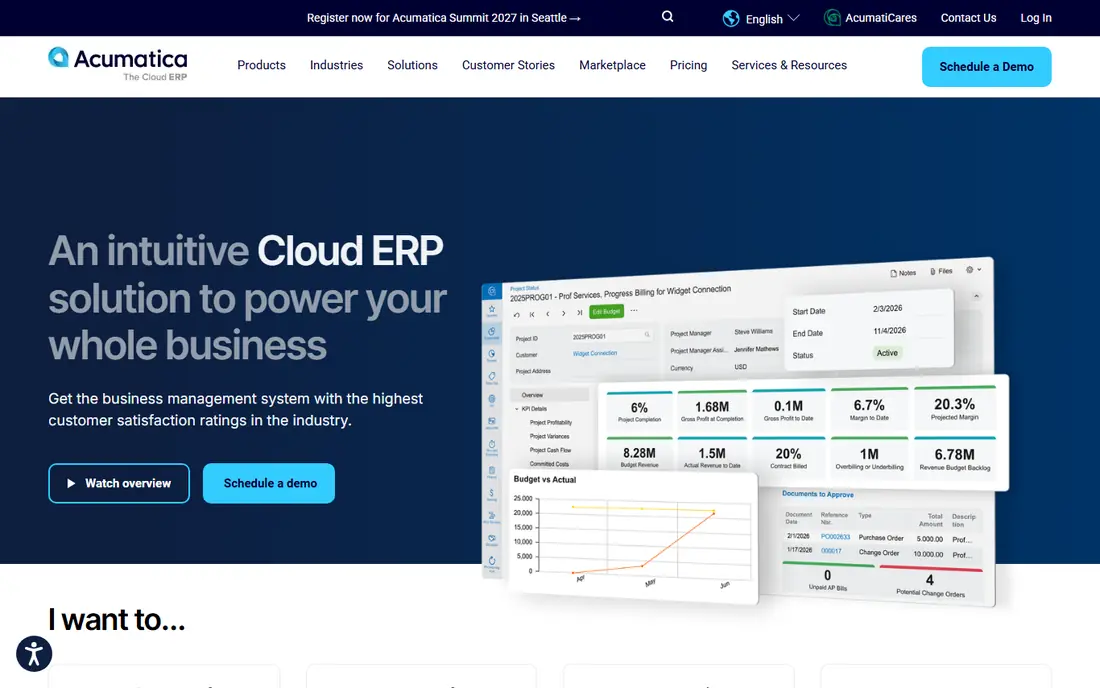
Acumatica Construction Edition suits a firm that has outgrown contractor-grade accounting but is not ready for a legacy ERP rollout. It combines general ledger, job costing, project management, payroll, and service management in a cloud system that scales as the company adds entities, currencies, and reporting needs. That growth path is the main reason to choose it over a simpler tool you will outgrow.
The catch is buying dynamics. Pricing is quote-based and annual, implementation is usually partner-led, and third-party data puts entry near 10,000 dollars per year before implementation. Users also note a learning curve. Choose Acumatica when your five-year plan includes real growth and multiple entities; choose a contractor accounting tool when the company will stay its current size.
- True cloud ERP
- Construction job costing and project management
- Multi-entity and multi-currency support
- Quote-based annual pricing
- Partner-led implementation
- Learning curve for new users
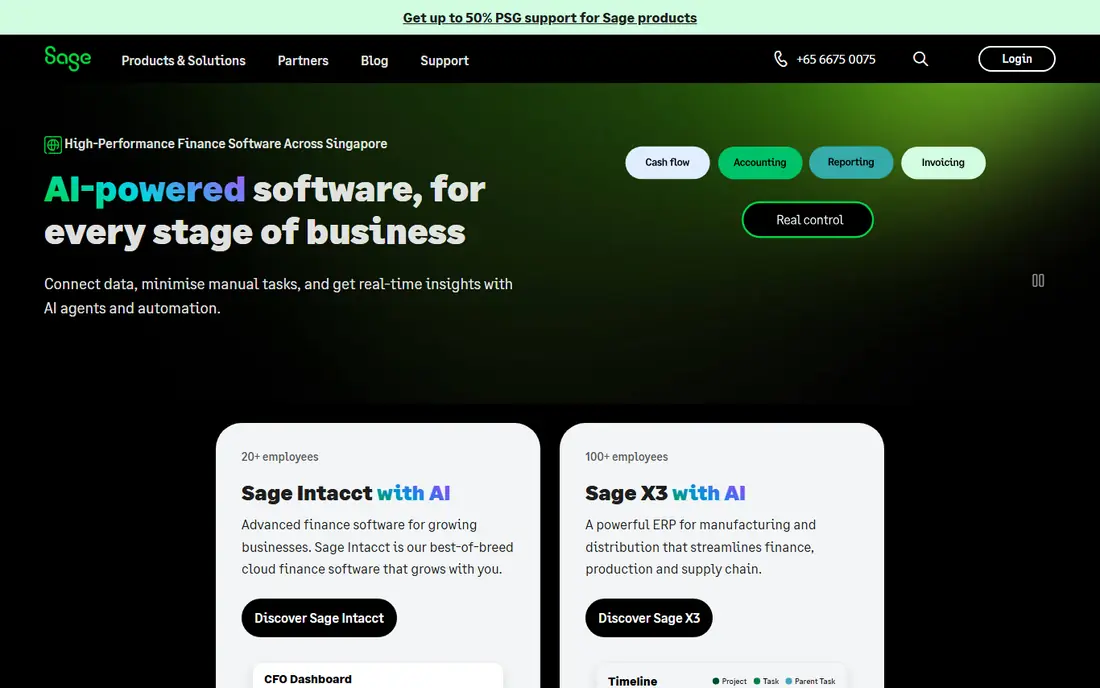
Sage 300 Construction and Real Estate, known as Sage 300 CRE, is a long-established construction ERP for firms that need a strong accounting engine with job costing, project management, and service management. It handles the full project lifecycle in one place, from estimate and contract through billing and closeout, with modules you can add as needs grow.
The honest downsides are age and complexity. Some users find the interface dated, customization can require additional resources, and integration with other systems can take work. Pricing is quote-based, with third-party figures around 6,600 dollars per year as a starting point. Sage 300 CRE fits an established firm that values depth and stability over a modern interface.
- Deep construction accounting
- Job costing and project management
- Payroll integration
- Interface feels dated to some users
- Customization can need extra help
- Implementation takes time
Trimble Vista
Great for: large contractors with complex payroll and equipment needs
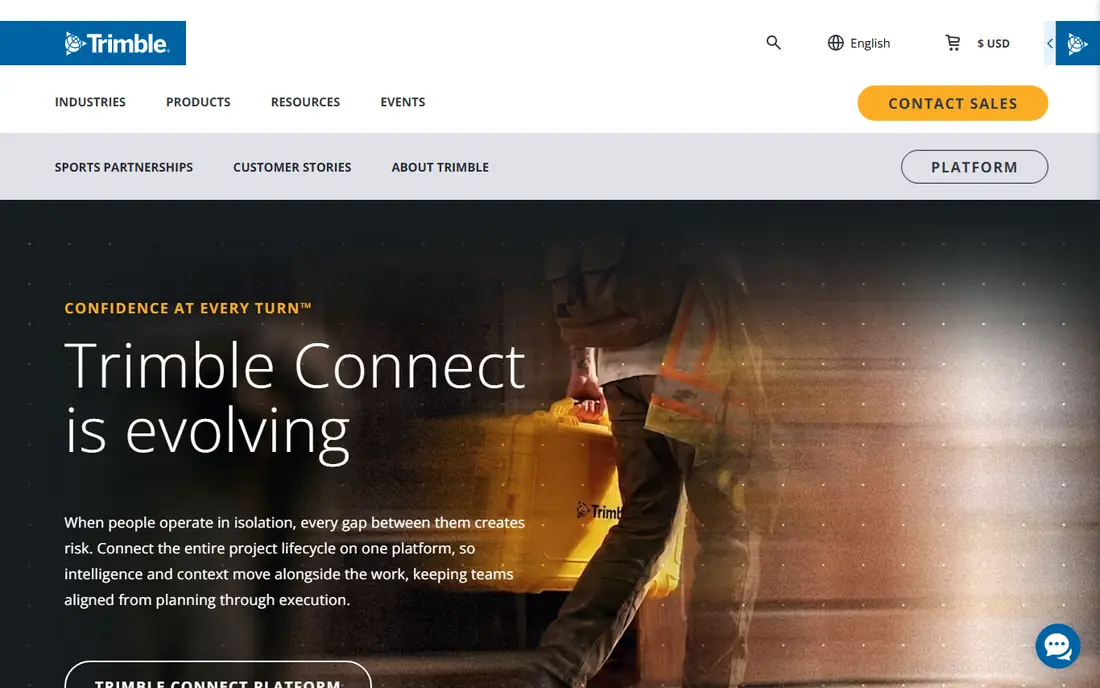
Vista by Viewpoint, now part of Trimble, is a long-established construction ERP with a large installed base among North American contractors. It covers job costing, financial management, HR, service management, and jobsite tracking, with payroll and equipment costing inside the ERP rather than through a connector. That depth matters for firms with union payroll, certified payroll, and large equipment fleets.
The trade-offs are cost, learning curve, and breadth. Pricing is quote-based and depends on modules, users, and deployment, and reviewers describe a steep learning curve and lengthy implementations. Field and project management often come through companion Trimble products such as ProjectSight. Vista suits a large contractor that can invest in training; smaller firms may find the licensing and IT overhead hard to justify.
- Fully integrated construction ERP
- Payroll and HR inside the system
- Equipment management
- Quote-based pricing
- Steep learning curve
- Project management often needs companion Trimble tools
CMiC is a full construction ERP for larger contractors that want accounting, project controls, and procurement in one database. Job costs, change orders, budgets, and subcontract data stay linked, so a change in one place shows up in financial and schedule views without rekeying. That single-database design is the main reason large firms choose it over a set of connected tools.
The cost is complexity and time. Users describe CMiC as powerful but hard to learn, and implementation timelines reported by third parties run 12 to 18 months for some firms. Pricing starts around 100 dollars per user per month in published comparisons, before implementation. Pick CMiC when you run multiple business units or many subcontractor bids and can invest in training; pick a simpler system when accounting alone is the priority.
- Single-database ERP
- Accounting, project controls, and procurement together
- Strong reporting
- Complex to learn
- Implementation can run 12 to 18 months in some reports
- Price rises with users
Jonas Construction Software serves mid-size contractors that want construction accounting, job costing, and project management without the heaviest enterprise rollout. Users who mention usability tend to rate it well, and the vendor updates the product frequently. It covers the core construction workflow: jobs, subcontracts, change orders, billing, and payroll data in one place.
The limits are pricing clarity and reporting. Pricing is quote-based, with third-party figures around 249 dollars per user per month, so you need a written quote for your user count and modules. Some users also say reporting could be deeper. Jonas is a good middle path: more construction depth than a general ERP, with a more approachable interface than the largest legacy systems.
- Construction accounting and project tools in one system
- Users praise usability
- Frequent updates
- Quote-based pricing
- Reporting depth is a common complaint
- Learning curve still applies
Foundation Software
Great for: contractors with union and prevailing wage payroll
Foundation Software, often called FOUNDATION, is a focused construction accounting platform that earns its place on payroll strength. It handles multi-state, multi-trade, and multi-union timecards without rekeying rates, plus job costing, progress billing, and retainage. For a contractor whose main pain is payroll compliance, that focus matters more than a long feature list.
The trade-off is scope. Foundation handles core accounting well, but firms that need deep project controls will lean on other tools for that work, and mobile capabilities are weaker than some rivals. Pricing is quote-based, with third-party figures starting around 500 dollars per month. Choose Foundation when construction accounting and payroll are the priority and the interface needs to be easy for daily users.
- Strong construction payroll
- Job costing and progress billing
- Simpler day-to-day accounting
- Quote-based pricing
- Deeper project controls need other tools
- Mobile experience is limited
Sage Intacct Construction
Great for: multi-entity contractors and finance teams
Sage Intacct Construction brings a cloud finance platform to construction firms that need multi-entity reporting, dimensions for location, department, and project, and real-time actual and committed costs. It supports AIA billing and work in progress tracking, which makes it a strong fit for contractors with several entities or complex reporting needs.
The catch is that Intacct is finance-first. Field project management is not its main strength, and implementation typically adds a large cost on top of the subscription, with partner estimates often starting in the tens of thousands of dollars per year for the subscription alone. If your pain is the monthly close across entities, Intacct is a strong pick. If your pain is field coordination, pair it with a project tool or shortlist a construction-first ERP instead.
- Cloud finance with dimensions
- Multi-entity consolidation
- AIA billing and work in progress tracking
- Quote-based pricing
- Implementation adds significant cost
- Finance-first, not field-first
Dynamics 365 Business Central
Great for: Microsoft-based firms needing multi-company finance
Dynamics 365 Business Central is a general cloud ERP that works for construction firms standardized on Microsoft 365. It supports multiple companies, multi-currency work, finance, sales, purchasing, inventory, and projects, with Copilot included on current plans. The Essentials plan lists at 80 dollars per user per month paid yearly, with a 30-day free trial.
The limit is construction depth out of the box. Job costing, AIA billing, and construction payroll usually come through partner extensions and setup, not as native construction modules. Advanced customization typically needs developers or a partner. Business Central suits a firm that wants one Microsoft system for finance and operations and is willing to build the construction layer with a partner, rather than a firm that wants construction workflows ready on day one.
- Multiple companies in one system
- Strong Microsoft 365 integration
- Essentials plan is clearly priced
- Construction features need partners and extensions
- Advanced customization needs developers
- Implementation takes time
How we picked these
We compared vendor feature pages, pricing pages, and public reviews for systems that handle construction job costing, billing, and payroll, not just general accounting. We kept systems with a real construction edition or a proven construction install base, and we used See website where pricing is quote-based or varies by modules and users. Systems that only offer project management without construction accounting were left out.
How to choose ERP for a construction company
Start with size and complexity, not with a feature list. A growing firm with several entities should shortlist Acumatica and Sage Intacct Construction. An established mid-size to large contractor with complex payroll should shortlist Sage 300 CRE, Vista, and Jonas. A large general contractor should shortlist CMiC and Vista, with time budgeted for training.
Next, map your must-have workflows before any demo: job costing by cost code, progress billing with retainage, change orders, subcontract compliance, certified payroll, and multi-entity consolidation if you need it. Ask each vendor to show those workflows with your data, not with a generic demo. Finally, get the full first-year cost in writing: subscription, implementation, training, data migration, and any partner extensions. In construction ERP, the implementation bill often matters more than the subscription price.
Frequently asked questions
What is the best ERP for construction companies?
Acumatica Construction Edition is a strong cloud pick for growing firms, while Sage 300 CRE and Trimble Vista are strong picks for established larger contractors. The best system depends on firm size, payroll complexity, and whether you need multi-entity finance.
What is the best ERP for a construction company on a budget?
Foundation Software and Jonas Construction are worth quoting first for mid-size firms, since they focus on construction accounting without the largest enterprise price tag. Still, get a full quote: implementation and training can change the ranking.
What is the top construction ERP software for large contractors?
CMiC and Trimble Vista lead for large contractors, thanks to deep job costing, payroll, equipment, and project controls in one system. Both need serious training time and a partner-led rollout.
Does construction ERP handle AIA billing and retainage?
Most systems here handle progress billing and retainage, and several support AIA-style billing documents. Confirm the exact billing format, retainage rules, and change order workflow in a demo with your own contract type.
How long does construction ERP implementation take?
It varies widely, from a few months for a focused cloud rollout to 12 to 18 months for a large single-database system. The timeline depends on entities, payroll rules, data migration, and how much process change the firm accepts.
Sources
See where you really rank - block by block
ProMapRanker scans Google Maps across a grid of your service area. Simple monthly plans from $19, white-label on every plan.
Start freeKeep reading
 zoho inventory alternatives
6 Alternatives to Zoho Inventory, Compared on Price and Fit
Zoho Inventory alternatives: 6 tools compared on price, free plans and fit. Katana leads the list for manufacturers. Fit and flaws are laid out for each entry.
Read → zoho crm alternatives
Best Zoho CRM Alternatives (2026)
Need Zoho CRM alternatives? We compare 7 tools on cost, free access and who each suits. Every pick gets a straight assessment. Built for quick decisions.
Read → zelle alternatives
Best Zelle Alternatives in 2026
Compare the best Zelle alternatives for sending money to friends, paying sellers and moving funds abroad, with honest notes on fees, speed and safety in 2026.
Read →