 ProMapRanker
Best ERP for Distribution Companies in 2026

Key takeaways
- Oracle NetSuite and Microsoft Dynamics 365 Business Central are the safest shortlist starting points for most mid-market distributors.
- Acumatica suits distributors with many users, because its pricing is based on usage rather than a per-user fee for every employee.
- Aptean Food and Beverage ERP is the stronger pick for food service distribution, with traceability, catch weight and recall tools built in.
- Most ERP pricing is quote only, so budget for implementation and training separately, not just the licence fee.
Quick comparison
| Pick | Great for | Pricing starts at | Free tier | |
|---|---|---|---|---|
 Oracle NetSuite | Multi entity distributors | See website | No | Visit |
 Microsoft Dynamics 365 Business Central | Microsoft 365 users | $80 per user per month | Free trial | Visit |
 Acumatica | Many user distributors | See website | No | Visit |
 SAP Business One | Growing SMB distributors | See website | No | Visit |
 Epicor Kinetic | Complex distribution | See website | No | Visit |
 Infor CloudSuite Distribution | Large distributors | See website | No | Visit |
 SYSPRO | Manufacturing distributors | See website | No | Visit |
 Odoo | Budget distributors | See website | Yes | Visit |
 Aptean Food and Beverage ERP | Food service distribution | See website | No | Visit |
The best ERP for distribution companies
We compared official vendor pages, partner pricing guides and current ERP comparisons for systems still sold and supported in October 2026. Distribution ERP is different from general accounting software: it must handle inventory across warehouses, lot and serial tracking, order promising, purchasing, warehouse picking and EDI with customers and suppliers. We kept only systems with real distribution depth, and we listed See website where a vendor quotes only after a scoping call.
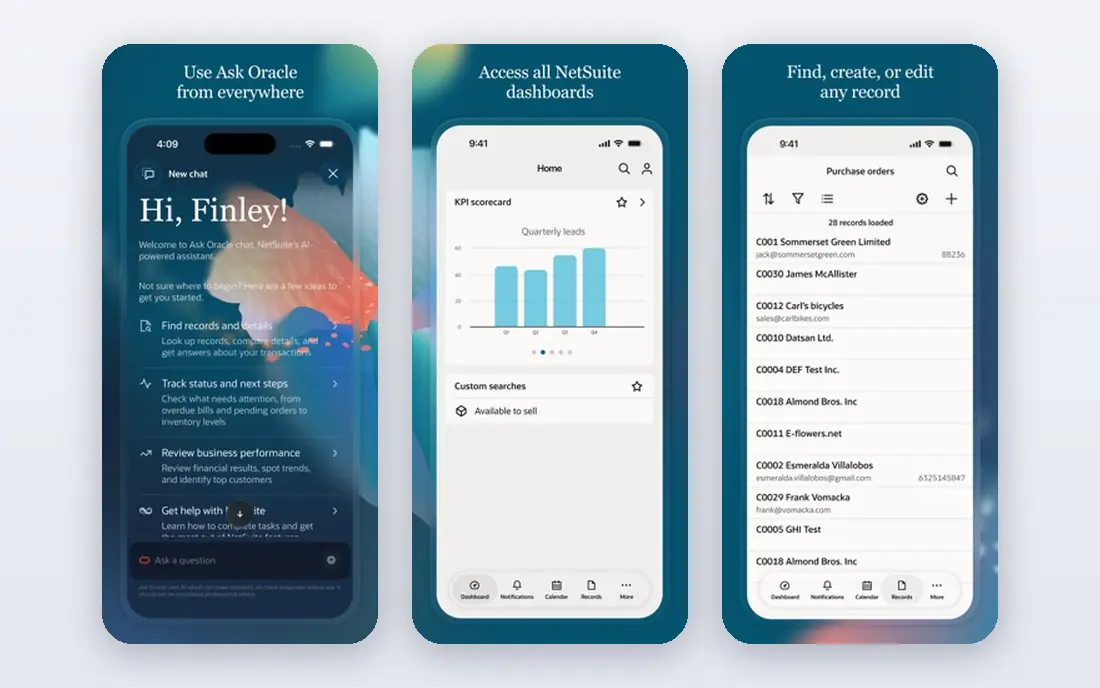
Oracle NetSuite is the cloud ERP most mid-market distributors evaluate first, and for good reason. It combines finance, inventory, order management, purchasing and warehouse management in one system, with multi-subsidiary and multi-currency support for distributors that operate across states or countries. Advanced inventory features, including lot and serial tracking, help distributors that need traceability without bolting on a separate system.
The drawbacks are cost and time. NetSuite does not publish a simple price, and third-party estimates vary widely by user count and modules. Implementation typically takes months, and it needs a partner or internal team that understands distribution workflows. For a growing distributor that plans to add warehouses, entities or channels, NetSuite is a strong long-term choice. For a small distributor with one warehouse and simple needs, it may be more system than you need.
- Unified finance, inventory and order management
- Strong multi subsidiary support
- Large partner network
- Quote only pricing
- Implementation can take months
- Costs rise with users and modules
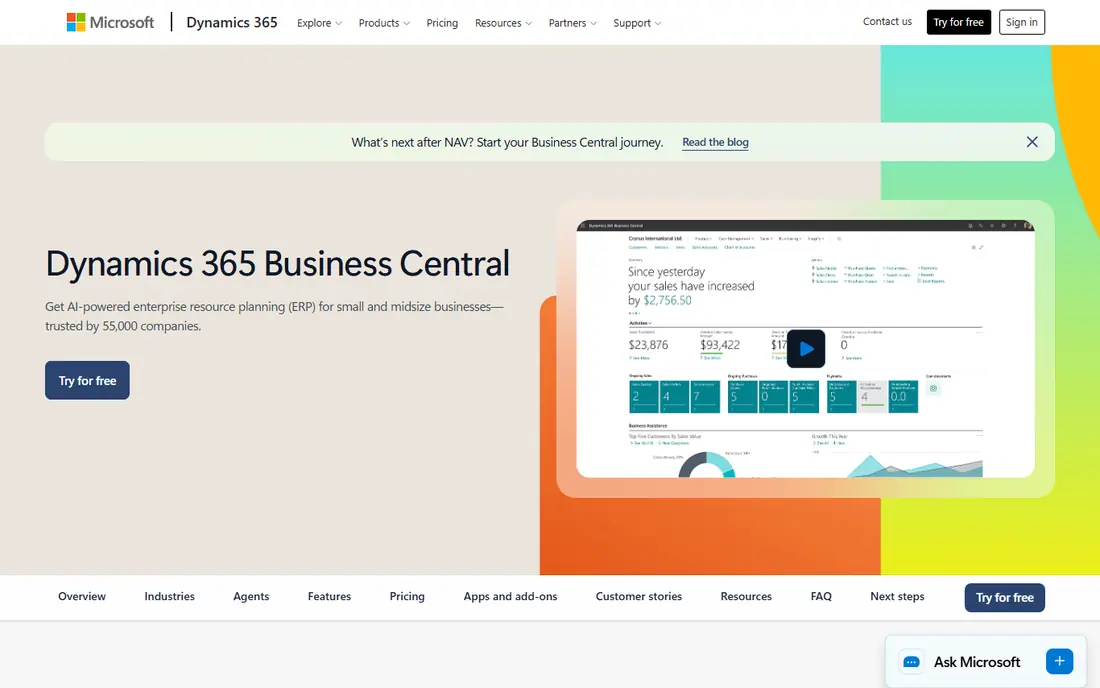
Business Central is Microsoft cloud ERP for small and mid-market companies, and it is the easiest system on this list to price at a basic level. Microsoft lists Essentials at $80 per user per month and Premium at $110 per user per month in recent pricing updates, with a Team Members tier at a lower price for light users. That published pricing helps distributors budget, even though partner implementation is still quoted separately. Integration with Microsoft 365, Teams and Power BI is a real advantage for teams already using those tools.
The main limit is depth. Essentials covers finance, inventory, sales and purchasing, but manufacturing and service management need Premium. Advanced warehouse management also needs careful configuration, and a partner is usually required for a full rollout. For a distributor already on Microsoft 365, Business Central is often the lowest-friction upgrade from QuickBooks or Sage 50. For a distributor with complex manufacturing, compare it with Epicor or SYSPRO before you commit.
- Published per-user pricing
- Deep Microsoft 365 and Power BI integration
- Strong partner network
- Manufacturing needs the Premium tier
- Partner-led setup adds cost
- Advanced warehouse features need configuration
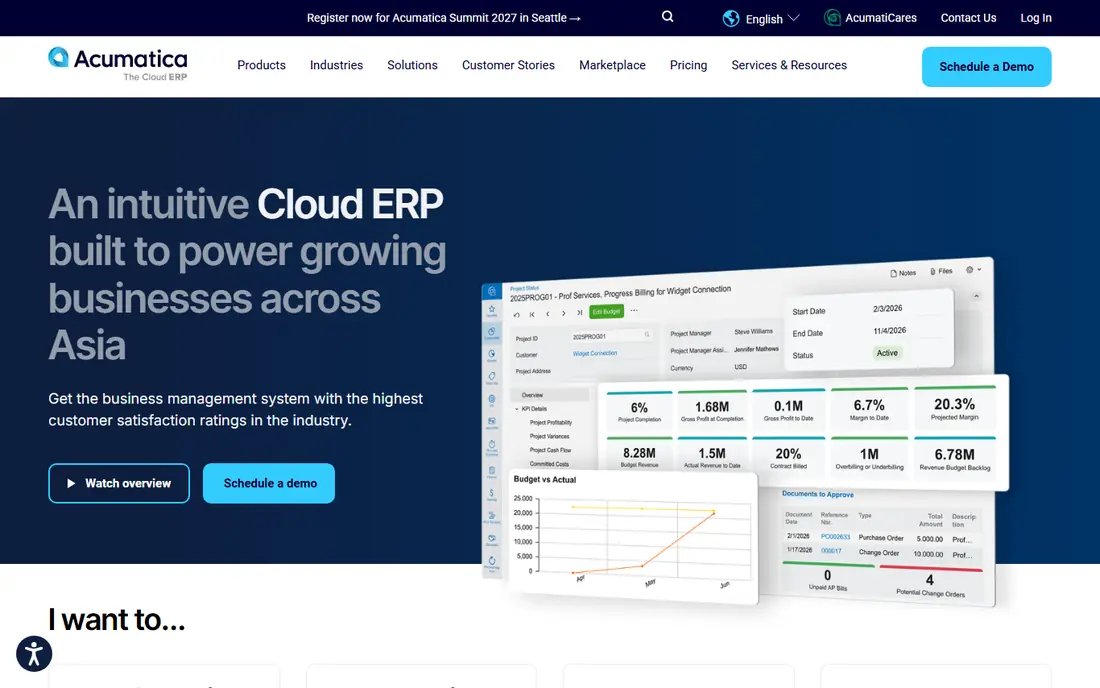
Acumatica suits distributors with many occasional users, such as warehouse staff, sales reps and customer service teams who all need system access. Instead of charging per user, Acumatica prices on resource usage, so adding a user does not automatically add a licence fee. Its distribution edition covers inventory, order management, purchasing, warehouse management and CRM, with a modern web interface that works well on tablets in a warehouse.
The trade-off is that usage-based pricing is harder to predict than a simple per-user fee. A distributor with high transaction volume may pay more than expected, and Acumatica still requires a partner for implementation. Pricing is quote only through resellers. If your user count is large but transaction volume is moderate, Acumatica can be good value. If your volume is very high, model the cost on your actual order count, not just your headcount.
- Unlimited users on usage based pricing
- Strong distribution and inventory tools
- Cloud only with modern interface
- Quote only pricing
- Spend tracks transaction volume
- Implementation needs a partner
SAP Business One is SAP system for small and mid-market companies, and it offers deeper finance, inventory and production tools than entry-level accounting software. Distributors use it for multi-warehouse inventory, batch and serial tracking, purchasing and sales, with add-ons for warehouse management and EDI. The partner ecosystem is large, so most regions have local implementation help.
The system can feel heavier than Business Central or Odoo, and implementation is partner-led with a quote-only price. That makes it a better fit for a distributor that has outgrown a simple system and wants SAP depth without moving to the much larger SAP S/4HANA platform. Small distributors with one warehouse may find Business One more complex than they need, so trial the interface with your own inventory data before you sign.
- Strong finance and inventory depth
- Good for growing SMBs
- Large partner ecosystem
- Quote only pricing
- Implementation can be heavy for small teams
- Interface feels older than cloud rivals
Epicor Kinetic, formerly Epicor ERP, is a strong choice for distributors that also manufacture, assemble or kitting products. It combines finance, inventory, supply chain, production and CRM in one system, with deep tools for bills of material, scheduling and shop floor control. Distributors that need to track components, work orders and finished goods in the same system will find Kinetic more complete than a pure distribution tool.
The cost is time and money. Epicor pricing is quote only, implementation can take many months, and the system works best with a dedicated internal administrator or a strong partner. That makes it a poor fit for a small distributor with simple needs. For a mid-market distributor with complex operations and a team to run the system, Kinetic is a serious contender alongside NetSuite and Infor.
- Deep manufacturing and distribution tools
- Strong for discrete and process operations
- Cloud and on-premise options
- Quote only pricing
- Implementation is long
- Best value needs a larger team to run it
Infor CloudSuite Distribution is purpose-built for distributors, with tools for inventory optimisation, warehouse management, order promising, pricing and rebates. Infor has a long history in distribution, and its industry focus shows in features such as complex pricing, vendor rebates and multi-warehouse planning. For large distributors with many branches, the depth is a real advantage.
The system is enterprise scale, with quote-only pricing and an implementation that needs a specialist partner. Smaller distributors may find the project size and cost hard to justify, especially when Business Central or Acumatica covers their needs. If you run a large distribution network with complex pricing and rebate rules, Infor deserves a place on your shortlist. If you run one or two warehouses, start with a smaller system first.
- Built for distribution
- Strong warehouse and supply chain tools
- Cloud platform with industry depth
- Quote only pricing
- Implementation is enterprise scale
- Smaller distributors may find it too large
SYSPRO has focused on manufacturing and distribution for decades, and that focus shows in its inventory, lot traceability, production and quoting tools. Distributors that make, assemble or repackage products will find SYSPRO more complete than a generic ERP, with configurable workflows for their specific operation. It offers both cloud and on-premise deployment, which suits companies with data or integration requirements that favour on-premise hosting.
The drawbacks are reporting and polish. Users report that custom reports can need IT support, and the interface feels older than Acumatica or Business Central in places. Pricing is through partners, with third-party sources citing about $199 per user per month as a starting point, but that figure is not a vendor quote, so we list See website here. For a manufacturing distributor that values depth over modern design, SYSPRO is worth evaluating.
- Focused on manufacturing and distribution since 1978
- Strong inventory and lot traceability
- Cloud and on-premise options
- Custom reporting can need IT help
- Interface feels dated in places
- Pricing is through partners
Odoo is the budget entry on this list, and it is a good fit for small distributors that have outgrown spreadsheets but cannot justify a large ERP project. The Community edition is open source and free to self-host, while Enterprise adds more apps, support and cloud hosting at a per-user price. Inventory, sales, purchasing, warehouse and accounting apps can be added as modules, so you pay for what you use.
The limit is depth and support. Odoo distribution features need configuration to match a real warehouse workflow, and complex needs such as advanced lot traceability or EDI may need a partner or a third-party app. Support quality also depends on whether you use Community, Enterprise or a partner. For a small distributor with a clear, simple workflow, Odoo is excellent value. For a complex multi-warehouse operation, compare it with Acumatica or Business Central before you commit.
- Open source Community edition
- Modular apps for inventory, sales and purchasing
- Low entry cost
- Distribution depth needs configuration
- Support depends on partner or community
- Advanced warehouse features are in Enterprise
Aptean Food and Beverage ERP is the specialist pick for food service distribution, which is why it closes this list even though the main keyword is general distribution. It is built on Microsoft Dynamics technology and adds food-specific tools that general ERPs lack: forward and backward lot traceability, catch weight at lot and item level, first-expired-first-out allocation, allergen and nutritional tracking, and recall management. For a distributor handling perishable goods, those tools are not extras, they are compliance requirements.
The food focus is also the limit. A general distributor that does not handle food will pay for features it does not need, and may prefer NetSuite or Business Central. Pricing is quote only, and implementation needs a partner who understands food safety and traceability. If you distribute food, Aptean should be on your shortlist alongside NetSuite and Infor. If you do not, treat it as a useful comparison point, not your first choice.
- Built for food and beverage
- End-to-end lot traceability
- Catch weight, allergen and recall tools
- Food focus may be too narrow for general distributors
- Quote only pricing
- Implementation needs a food industry partner
How we picked these
We compared official vendor pages, partner pricing guides and current ERP comparisons for systems still sold and supported in October 2026. We kept only systems with real distribution depth, including inventory, order management, purchasing and warehouse tools, rather than general accounting software with an inventory add-on. We favoured a mix of large cloud platforms, mid-market systems, a budget option and a food specialist, so distributors of different sizes can find a fit. We did not claim hands-on testing, and we listed See website where a vendor quotes only after scoping.
What to check before you buy distribution ERP
Start with your warehouse workflow, not the feature list. Map how an order moves from quote to pick, pack, ship and invoice, and note where lot tracking, serial numbers, catch weight or EDI are required. Bring that map to every demo, and ask the vendor to show your workflow, not a generic sales demo. A system that looks strong in a demo can fail on a real warehouse process, such as split shipments or partial picks.
Next, budget the full project, not just the licence. Implementation, data migration, training, integrations and first-year support often cost as much as the licence itself, and sometimes more. Ask for a written scope that lists warehouses, users, integrations and go-live dates, and ask what happens if the project runs over. Also check contract terms: user limits, transaction limits, storage limits and price rises on renewal. A low first-year price can hide a steep second-year increase.
Finally, plan for change. Distribution ERP projects fail more often from poor adoption than from missing features. Involve warehouse staff early, run a pilot in one warehouse before a full rollout, and keep your old system running in parallel until the new one proves itself on real orders. Choose a partner with distribution experience in your industry, not just general ERP experience, because warehouse and food traceability details matter.
Frequently asked questions
What is the best ERP for distribution companies?
Oracle NetSuite and Microsoft Dynamics 365 Business Central are the safest starting points for most mid-market distributors, with Acumatica as a strong alternative for companies with many users. The best system depends on your warehouse count, transaction volume and whether you also manufacture. Shortlist three systems and demo each with your own workflow.
What is the best food service distribution software?
Aptean Food and Beverage ERP is a strong pick for food service distribution, with lot traceability, catch weight, allergen tracking and recall management built in. NetSuite and Infor CloudSuite Distribution also handle food distribution, but they may need more configuration for food-specific compliance. Choose a system with traceability that matches your food safety requirements.
How much does distribution ERP cost?
Most distribution ERP pricing is quote only, because user count, modules, warehouses and implementation scope change the price. Microsoft Business Central is an exception, with published pricing from $80 per user per month for Essentials. Budget for implementation, training and integrations separately, and get a written quote before you commit.
How long does ERP implementation take?
Mid-market distribution ERP projects typically take several months, from scoping and data migration to training and go-live. Larger or more complex projects can take longer. A pilot in one warehouse, a clear scope and a partner with distribution experience all help keep the project on track.
Can a small distributor use ERP, or is it only for large companies?
Small distributors can use ERP, and Odoo and Business Central are good starting points at the smaller end. The key is to match the system to your workflow: a small distributor with one warehouse does not need the same depth as a large multi-branch distributor. Start with core inventory, sales and purchasing, and add modules as you grow.
Do I need a partner to implement distribution ERP?
In most cases, yes. NetSuite, Acumatica, SAP Business One, Epicor and Infor are all partner-led for a full rollout, and a good partner brings distribution experience that a general IT team may lack. Odoo Community can be self-implemented for simple workflows, but even there a partner helps with warehouse configuration and EDI.
Sources
- https://www.netsuite.com
- https://dynamics.microsoft.com/en-us/business-central/overview/
- https://www.acumatica.com
- https://www.sap.com/products/erp/business-one.html
- https://www.epicor.com/en-us/erp/kinetic/
- https://www.infor.com/products/cloudsuite-distribution
- https://www.syspro.com
- https://www.odoo.com
- https://www.aptean.com
See where you really rank - block by block
ProMapRanker scans Google Maps across a grid of your service area. Simple monthly plans from $19, white-label on every plan.
Start freeKeep reading
 zscaler alternatives
Best Zscaler Alternatives in 2026
Looking for zscaler alternatives? We compare 9 SASE and zero trust platforms on architecture, data protection, pricing, and fit for your network and team.
Read → zapier alternatives free
Best Zapier Alternatives Free in 2026
Nine automation tools for zapier alternatives free in 2026, all with genuinely free tiers, plus free plan limits, starting prices and upgrade paths explained.
Read → which platform is best for online reputation
Which Platform Is Best for Online Reputation in 2026
Wondering which platform is best for online reputation? We compare 8 review, listing, and response tools for small and multi-location businesses and agencies.
Read →