 ProMapRanker
Best Enterprise File Sharing Platforms in 2026

Key takeaways
- Box and Egnyte suit regulated or hybrid teams, while Microsoft and Google suit companies already invested in those suites.
- Dropbox Business wins on sync simplicity, while Tresorit and Nextcloud suit teams that prioritize privacy or self-hosting.
- Per-user pricing can grow fast when outside reviewers are added, so check guest access, storage and minimum user rules.
- Test sharing, permissions and audit logs with a real external partner before you migrate a whole company.
Quick comparison
| Pick | Great for | Pricing starts at | Free tier | |
|---|---|---|---|---|
 Box | Regulated-industry compliance | $15 per user per month | Yes | Visit |
 Dropbox Business | Cross-platform file sync | $15 per user per month | Free trial | Visit |
 Microsoft SharePoint and OneDrive | Microsoft 365 organizations | $6 per user per month | No | Visit |
 Google Drive | Google Workspace collaboration | $7 per user per month | No | Visit |
 Egnyte | Hybrid cloud and on-premises | $22 per user per month | No | Visit |
 Citrix ShareFile | Client portals and workflows | See website | Free trial | Visit |
 Tresorit | Zero-knowledge privacy | See website | Free trial | Visit |
 Nextcloud | Self-hosted data control | Free | Yes | Visit |
The best enterprise file sharing platforms
We compared enterprise file sharing platforms by security, permissions, external sharing, compliance support and price. The right platform depends on whether your main need is collaboration, compliance, privacy or control over where files live.

Box is built for secure content sharing, especially with people outside your company. It offers granular permissions, link controls, audit trails and compliance certifications that matter in regulated fields such as health care, finance and legal work. Integrations with Microsoft 365, Google Workspace and many business apps make it easier to use alongside existing tools.
The price and plan structure need care. The entry business plan is limited in users and storage, and advanced security add-ons such as KeySafe cost extra. Box is also a file platform first, not an intranet or wiki, so teams that need knowledge management will need another tool. For external sharing with strong governance, Box remains a leading choice.
- Strong governance and compliance certifications
- Granular external sharing controls
- Broad app integrations
- Business Starter limited to 10 users
- Advanced security features cost extra on some plans
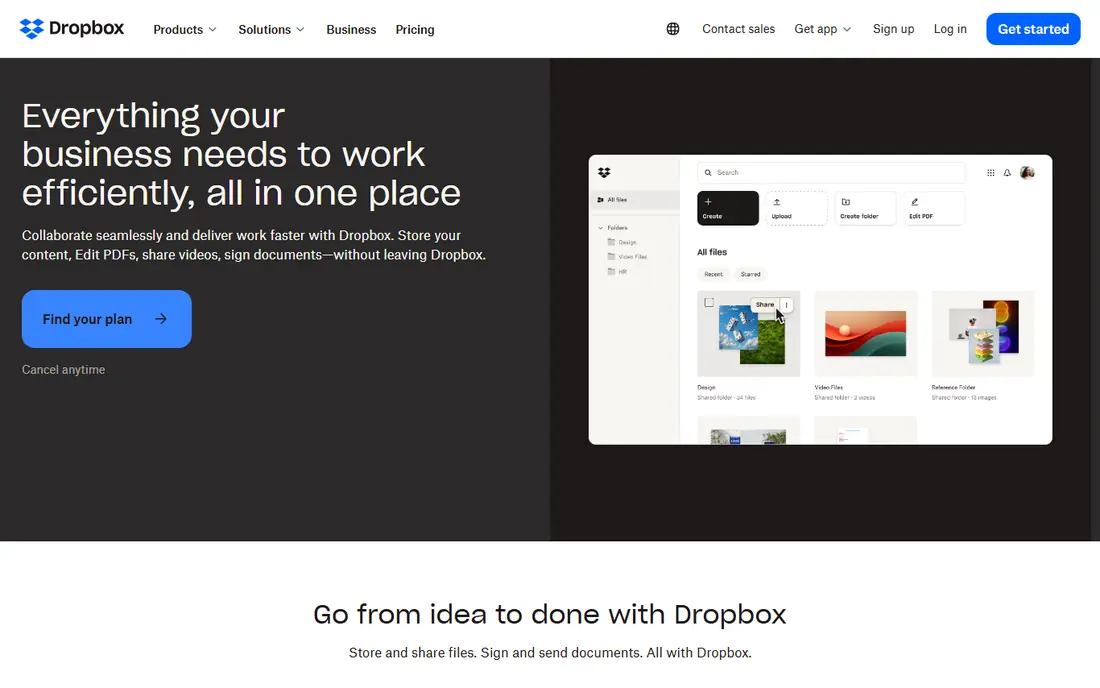
Dropbox Business is the simplest large-scale sync option in this list. Desktop sync is reliable, large media files move well, and sharing a folder or requesting a file takes little training. Teams that work across Mac, Windows and mobile, and that handle video or design files, often prefer Dropbox for that reason.
It is less of a full collaboration suite than Microsoft 365 or Google Workspace. Real-time document editing and intranet features are thinner, and the top enterprise tier is quote-led. If your main job is moving and sharing files reliably, Dropbox Business is excellent. If you need full office collaboration, a suite-based platform may serve you better.
- Reliable desktop sync and large file handling
- Simple sharing and file requests
- Team storage pools
- Enterprise tier is quote-led
- Fewer built-in collaboration tools than Microsoft or Google suites
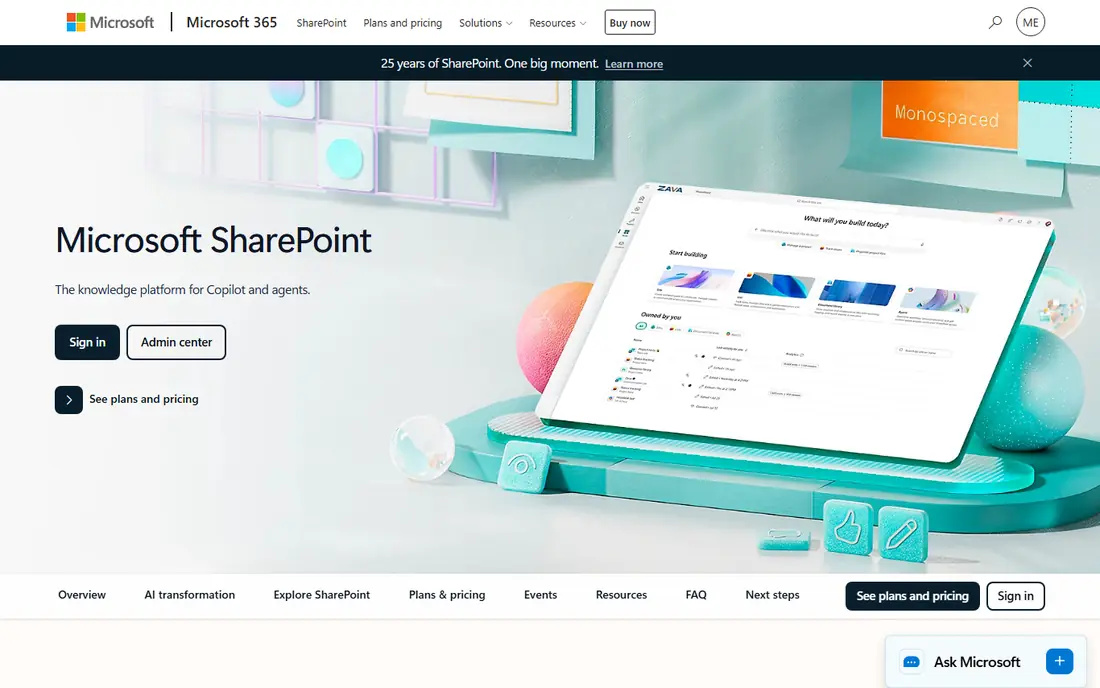
For companies already on Microsoft 365, SharePoint and OneDrive are the natural file sharing choice. OneDrive gives each user personal storage, SharePoint gives teams shared sites and libraries, and Office documents co-author in real time. Admin controls through Entra ID, including conditional access, suit larger IT teams.
The complexity is real. SharePoint governance, permissions and site structure take planning, and small teams can find it heavy for simple sharing. It also makes most sense as part of a Microsoft 365 plan, not as a standalone purchase. For Microsoft-centered organizations, though, it is hard to beat on integration and value.
- Native Office co-authoring
- SharePoint team sites and OneDrive personal storage
- Entra ID access controls
- Setup and governance can feel complex
- Best value only inside Microsoft 365
Google Drive, as part of Google Workspace, offers the smoothest real-time collaboration in this list. Docs, Sheets and Slides co-edit instantly, shared drives give teams a stable home for files, and sharing controls are easy for most staff to understand. Cloud-native teams that live in Gmail and Calendar often find Drive the lowest-friction option.
Limits appear at scale. Business plans cap at 300 users, and entry storage is pooled rather than generous per user, so larger companies may need an enterprise plan. Google Drive is also a file store, not a full intranet, and Excel-heavy teams may prefer Microsoft. For cloud-first teams under that user cap, Drive is a strong default.
- Real-time Docs, Sheets and Slides collaboration
- Simple sharing and admin
- Shared drives for teams
- Business plans cap at 300 users
- Entry storage is pooled and limited
Egnyte suits companies that cannot move everything to the cloud at once. It bridges on-premises storage and cloud sharing, so teams can keep sensitive files local while still sharing securely with partners. Governance, audit trails and ransomware detection add to its appeal for regulated and midsize enterprises.
The entry price is higher than Microsoft or Google suite pricing, and the Business plan has a user limit that larger companies will outgrow. Setup also needs more planning than a simple sync tool. For hybrid environments, especially in construction, life sciences and professional services, Egnyte fills a gap that pure cloud platforms do not.
- Hybrid cloud and on-premises storage in one system
- Governance and ransomware detection
- Large file support
- Higher entry price than suite options
- Business plan limited to 100 users
Citrix ShareFile, now part of Progress, is built around client work. Law firms, accounting firms and professional services teams use it for client portals, secure file requests, document workflows and e-signatures. That workflow focus makes it more than a simple storage folder for firms that exchange sensitive documents daily.
It is not a general office suite, and pricing depends on tier and minimum users, so a small team should confirm the total before committing. For client-facing professional work, though, ShareFile offers a clearer portal and request flow than a generic drive. Check whether a business associate agreement and the e-signature features you need are included in your tier.
- Client portals and file request workflows
- E-signature options
- Professional services focus
- Pricing varies by tier and user minimum
- Less of a general office suite
Tresorit is the privacy-first option in this list. Its zero-knowledge encryption means the provider cannot read your files, and it offers secure rooms, granular access controls and audit features for sensitive sharing. Teams in legal, health care and research, or companies handling confidential deal documents, often choose Tresorit for that assurance.
The trade is breadth and price. Collaboration tools are narrower than Microsoft or Google, and per-user pricing is higher than basic sync. Storage extensions and higher tiers also add cost. If privacy is the deciding factor, Tresorit is worth the premium. If you mainly need everyday team sharing, a suite platform will be cheaper.
- End-to-end encryption with zero-knowledge design
- Swiss hosting options
- Secure rooms and access controls
- Higher cost per user than basic sync tools
- Collaboration features are narrower than suite platforms
Nextcloud is the self-hosted alternative to commercial file sharing platforms. As open-source software, it can run on your own servers, giving you full control over data location and access. It offers file sharing, sync, chat, calendar and office integration through apps, so a capable IT team can build a complete collaboration system around it.
That control comes with responsibility. Your team must handle hosting, backups, updates and security, and enterprise support is sold separately. Organizations without IT capacity should not choose Nextcloud for its free price alone. For governments, universities and companies with strict data sovereignty rules, it offers a level of control no hosted platform can match.
- Open-source and self-hostable
- Full control over data location
- File sharing, chat and office tools available
- You manage hosting, updates and security
- Enterprise support is a separate paid service
How we picked these
We compared official pricing pages, security documentation and recent enterprise file sharing guides, favoring platforms that are actively sold in 2026 and that fit a distinct enterprise need, from compliance to privacy to self-hosting. Where pricing depended on tier, user minimums or a quote, we wrote See website rather than publishing a figure we could not confirm.
How to choose the best enterprise file sharing platform
Start with your non-negotiables. List compliance needs, data location rules, external sharing requirements and the apps your team already uses daily. A platform that fails a compliance or data rule is out, no matter how good its sync feels. A platform that duplicates a suite you already pay for is also a poor buy, even if its standalone features look strong.
Next, test external sharing the way a client will experience it. Invite an outside partner to a folder, set an expiry and a password, revoke access, and check the audit log. That test reveals permission complexity, guest costs and log quality faster than a sales demo. Also confirm how many users you must buy, how storage is pooled, and whether guests count toward your license total.
Finally, plan migration and governance before you sign. Decide folder structure, naming, permission groups and retention rules, and migrate one team first. Train staff on link settings, since most file leaks come from a shared link, not a hack. The best enterprise file sharing platform is the one your team uses correctly every day, with permissions you can audit when it matters.
Frequently asked questions
What are the best file sharing platforms for enterprises?
Box, Microsoft SharePoint and OneDrive, Google Drive, Dropbox Business and Egnyte are strong enterprise options, with Tresorit and Nextcloud suiting privacy and self-hosting needs. The best file sharing platform for enterprises depends on compliance, existing suites, external sharing and data control requirements.
What is the best enterprise file sharing platform for regulated industries?
Box and Egnyte are strong for regulated industries because of governance, audit trails and compliance support. Tresorit adds zero-knowledge encryption for highly sensitive files, while ShareFile suits professional firms that need client portals. Confirm certifications for your exact regulation before you choose.
Is Dropbox Business good for enterprises?
Dropbox Business is good for enterprises that prioritize reliable sync and large file handling across platforms. It is less of a full office suite than Microsoft 365 or Google Workspace, so teams that need deep document collaboration may prefer a suite-based platform.
What is the difference between SharePoint and OneDrive for business?
OneDrive gives each user personal cloud storage, while SharePoint gives teams shared sites and document libraries. In Microsoft 365 they work together: personal files live in OneDrive, team files live in SharePoint, and Office documents co-author across both.
Can enterprises self-host file sharing?
Yes, Nextcloud is an open-source, self-hostable file sharing platform that gives full control over data location. Self-hosting requires IT capacity for hosting, backups, updates and security, and enterprise support is sold separately from the free software.
Sources
- https://www.papermark.com/blog/enterprise-file-sharing-solutions
- https://www.kiteworks.com/secure-file-sharing/top-ten-secure-file-sharing-solutions-smb/
- https://www.box.com
- https://www.dropbox.com/business
- https://www.microsoft.com/en-us/microsoft-365/sharepoint/collaboration
- https://drive.google.com
- https://www.egnyte.com
- https://www.sharefile.com
- https://tresorit.com
- https://nextcloud.com
See where you really rank - block by block
ProMapRanker scans Google Maps across a grid of your service area. Simple monthly plans from $19, white-label on every plan.
Start freeKeep reading
 who has the best home internet service
Who Has the Best Home Internet Service in 2026
Who has the best home internet service in 2026? Compare fiber, cable, and 5G providers on speed, price, data caps, and availability at your address today.
Read → visio alternatives
Best Visio Alternatives in 2026
Compare 9 Visio alternatives for flowcharts, org charts, and network diagrams, with free plans, pricing, and the best pick for teams and solo users in 2026.
Read → top 10 logistics software
Top 10 Logistics Software in 2026
We compared the top 10 logistics software tools for transport, warehousing, visibility and shipping, for shippers, carriers and 3PL teams in 2026 today.
Read →