 ProMapRanker
Best Enterprise Backup Software in 2026

Key takeaways
- Veeam and Commvault are the broadest shortlist options for hybrid estates, with wide workload coverage and long enterprise records.
- Rubrik and Cohesity suit security-led and consolidation-led buyers, with ransomware recovery and large data-center footprints in mind.
- Druva and HYCU suit SaaS and endpoint sprawl, with managed delivery that reduces infrastructure to run.
- Most enterprise pricing is quote-based by workload, front-end capacity, or stored data, so compare total cost including storage and restore, not just the license.
- Test a real restore before signing, including a single file, a database table, and a full virtual machine, because restore speed decides the value of any backup.
Quick comparison
| Pick | Great for | Pricing starts at | Free tier | |
|---|---|---|---|---|
 Veeam Data Platform | Hybrid and virtual estates | See website | Free trial | Visit |
 Commvault Cloud | Complex regulated enterprises | See website | Free trial | Visit |
 Rubrik Security Cloud | Ransomware-focused recovery | See website | Free trial | Visit |
 Cohesity DataProtect | Hybrid consolidation | See website | Free trial | Visit |
 Dell PowerProtect | Dell and Data Domain shops | See website | No | Visit |
 Druva Data Security Cloud | SaaS and endpoint backup | See website | Free trial | Visit |
 HYCU R-Cloud | Nutanix and SaaS apps | See website | Free trial | Visit |
 AWS Backup | AWS-only environments | See website | No | Visit |
 NAKIVO Backup and Replication | Value virtualization backup | See website | Free trial | Visit |
The best enterprise backup software
We compared workload coverage, recovery options, ransomware protection, deployment models, and pricing from official product pages and public pricing summaries. The platforms below all protect enterprise workloads today, and they differ in whether software, appliances, or managed SaaS leads the product.
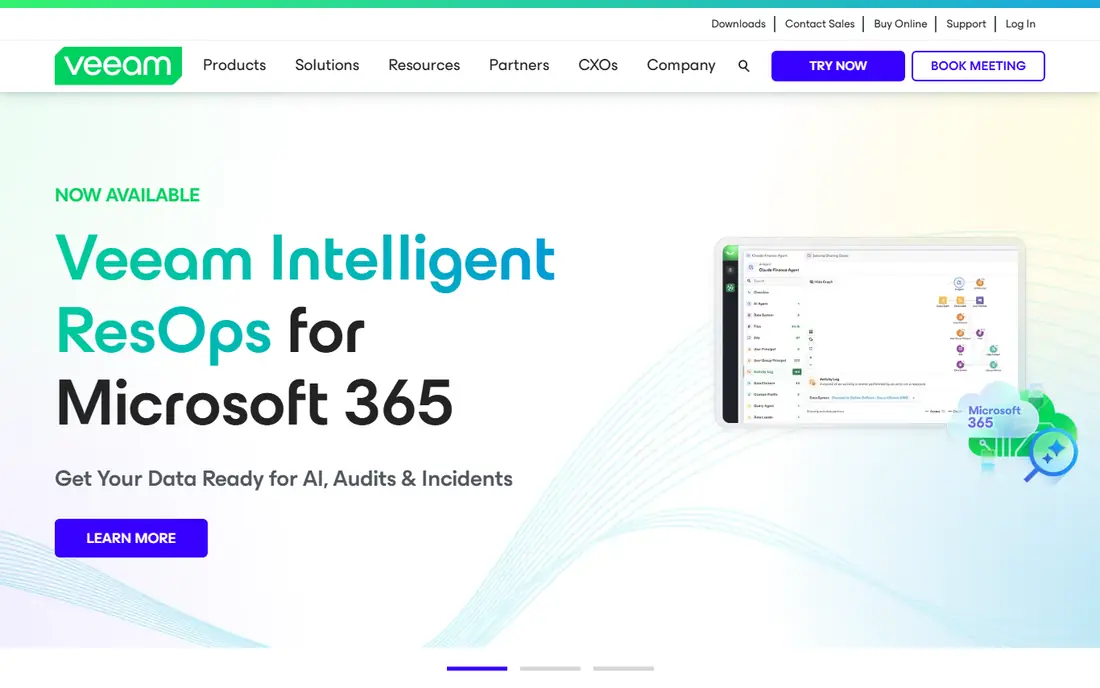
Veeam Data Platform is the default shortlist option for hybrid estates. It protects virtual machines, physical servers, cloud workloads, and SaaS apps such as Microsoft 365, with recovery options from single files to full machines. Hardened repositories and object lock help keep backup copies immutable, and Veeam Vault offers managed cloud storage for teams that do not want to run their own repository. That breadth is why Veeam appears in most enterprise backup evaluations.
The trade-offs are pricing and setup. Licensing is quote-based by workload, so a buyer needs a count of protected instances to get a real price. Immutability also depends on correct repository setup, except where Vault handles it, so a misconfigured repository can leave a gap. For a team moving between hypervisors or running a mix of on-premises and cloud workloads, Veeam gives broad coverage with a mature recovery toolset.
- Broad coverage for virtual, physical, cloud, and SaaS workloads
- Hardened repositories and object lock for immutability
- Veeam Vault for managed cloud storage
- Pricing is quote-based by workload
- Immutability needs correct repository setup outside Vault
- Large estates need careful architecture
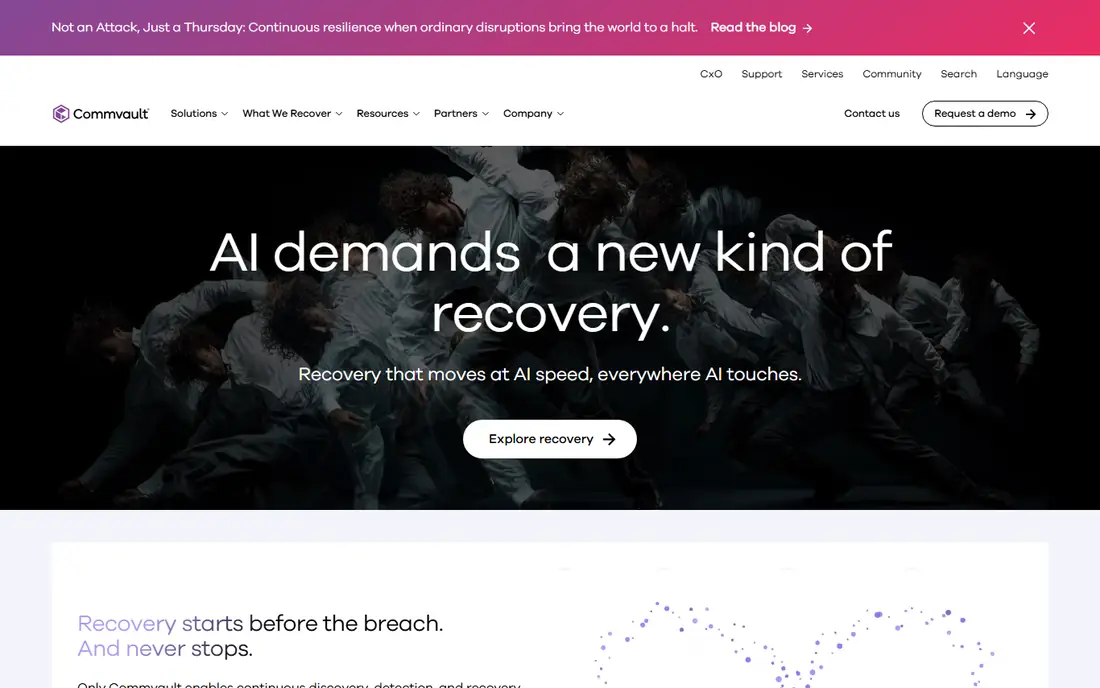
Commvault Cloud suits complex enterprises with many workload types and strict recovery needs. It covers virtual, physical, cloud, database, and enterprise applications, with recovery options for files, tables, and full systems. AirGap storage provides isolated copies, and cleanroom recovery helps a team test whether a restored copy is clean before returning it to production. Deployment can be self-run or Commvault-managed, which helps regulated teams with different operating models.
Breadth is also the drawback. Setup and policy design take time, and pricing by front-end capacity needs a careful capacity count to avoid surprises. A smaller estate with only virtual machines and SaaS apps may not need this depth. For a large enterprise with SAP, Oracle, and many legacy systems, Commvault coverage and recovery tooling justify the evaluation effort.
- Very broad workload coverage including databases and enterprise apps
- AirGap storage and cleanroom recovery
- Self-run or managed deployment
- Pricing is quote-based by front-end capacity
- Breadth adds complexity and setup time
- Smaller teams may find it more than they need
Rubrik Security Cloud is built around ransomware recovery as much as backup. Data is stored on an append-only filesystem, which helps prevent backup copies from being altered or deleted by an attacker. Anomaly detection flags unusual changes, and threat hunting tools help a security team find the last clean copy before an incident. Recovery workflows focus on returning a clean system to production quickly, rather than only restoring files.
Pricing and deployment need care. Published summaries describe quote-based pricing with multi-year terms, so a buyer should confirm term length and renewal terms. Some deployments use clusters that need operating, though hosted and managed options exist. For a security-led enterprise that treats backup as a cyber recovery tool, Rubrik is a strong pick.
- Append-only filesystem for immutable backups
- Anomaly detection and threat hunting
- Clean recovery workflows for ransomware events
- Pricing is quote-based with multi-year terms in summaries
- Cluster-based deployment adds infrastructure for some buyers
Cohesity DataProtect suits enterprises consolidating several data protection tools into one platform. It covers virtual, physical, cloud, and SaaS workloads, with snapshots, replication, and recovery in a single system. DataLock adds immutable copies on top of read-only snapshots, and FortKnox provides an isolated vault for critical copies. That consolidation can cut tool sprawl and simplify operations for a large data center.
The platform is quote-based, with one, three, and five-year terms in published summaries, so total cost depends on term and capacity. Breadth also means setup and policy work take time, and buyers should confirm current product packaging after recent merger activity. For a large enterprise renewing a legacy data-center contract, Cohesity is a credible consolidation option.
- Consolidation of backup, recovery, and data management
- Read-only snapshots with DataLock option
- FortKnox isolated vault option
- Pricing is quote-based with multi-year terms
- Platform breadth adds complexity
- Merger-related product changes need checking
Dell PowerProtect is the natural pick for enterprises already running Dell storage. It integrates with Data Domain systems, with Retention Lock for immutable copies and a Cyber Recovery vault for isolated recovery. Appliances suit data-center teams that prefer hardware, while SaaS options cover cloud workloads. For a Dell shop refreshing hardware, keeping backup in the same vendor stack simplifies support and procurement.
The fit narrows outside Dell estates. Pricing is quote-based for hardware plus software, and vault features need licensing, so the total cost is not clear from a single figure. A team with mixed vendors may prefer a software-led platform such as Veeam or Commvault. For a Dell estate, PowerProtect gives a coherent appliance-led path.
- Tight fit for Dell storage and Data Domain estates
- Retention Lock and Cyber Recovery vault
- Appliance plus SaaS options
- Pricing is quote-based with hardware plus software
- Less suited to non-Dell estates
- Vault features need licensing
Druva Data Security Cloud suits teams that want backup without running infrastructure. As a managed SaaS platform, it protects endpoints, SaaS apps such as Microsoft 365 and Salesforce, and cloud workloads, with storage and operations handled by Druva. Data Lock can make copies immutable per policy, and recovery covers files, mailboxes, and SaaS records. For a distributed workforce with many laptops and SaaS apps, that model removes a large operating burden.
Pricing is quote-based, by workload or stored data after deduplication, so a buyer needs a data count to compare fairly. Data Lock also needs setting per policy, so a team should audit policies to confirm every critical workload is locked. For an on-premises appliance estate, a software or appliance platform may fit better. For SaaS and endpoint sprawl, Druva is a strong managed option.
- Fully managed SaaS delivery with no infrastructure to run
- Endpoint, SaaS, and cloud workload coverage
- Data Lock per policy
- Pricing is quote-based per workload or stored data
- Data Lock needs setting per policy
- Less suited to large on-premises appliance estates
HYCU R-Cloud suits Nutanix-heavy estates and teams protecting many SaaS apps. Nutanix coverage is a core strength, with backup and recovery built for that platform, while the SaaS catalog covers dozens of apps that larger platforms may treat as secondary. Managed delivery reduces infrastructure work, and storage can sit in customer accounts in some models. For a SaaS-heavy estate, that catalog breadth matters, because data lives in apps that general backup tools often miss.
Scale is the limit. HYCU does not match Veeam or Commvault on overall enterprise ecosystem size, and pricing varies by workload, so a quote is needed for a fair comparison. For a Nutanix shop or a SaaS-heavy team, HYCU deserves a place on the shortlist alongside the larger platforms.
- Strong Nutanix coverage
- Broad SaaS app catalog for the long tail
- Managed SaaS delivery with customer storage options
- Enterprise ecosystem scale is smaller than Veeam or Commvault
- Pricing varies by workload and needs a quote
AWS Backup suits teams whose workloads already live in AWS. As a native service, it centralizes backup policies across AWS services such as EC2, RDS, DynamoDB, and S3, with vaults, lifecycle rules, and cross-account options. Vault Lock in governance or compliance mode, plus air-gapped vaults, helps keep copies immutable. For an AWS-only team, native tooling avoids extra agents and vendors.
The limit is scope. AWS Backup does not protect on-premises or other-cloud workloads in the same way, so a hybrid estate needs a second tool. Pricing varies by storage tier, region, and vault type, so the bill depends on retention and storage choices. For an AWS-only estate that values native simplicity, AWS Backup is the lowest-friction option.
- Native AWS service with central policies
- Vault Lock and air-gapped vaults for immutable copies
- No extra software to run for AWS workloads
- AWS only, so hybrid estates need another tool
- Pricing varies by storage tier and region
- Cross-account setup needs care
NAKIVO Backup and Replication suits cost-conscious virtualization estates. It protects VMware, Hyper-V, and cloud workloads, with immutable repositories, replication, and recovery for virtual machines and files. Published pricing tiers make budgeting easier than quote-only rivals, which helps small and mid-size teams compare options without a long sales cycle. A free trial lets a team test backup and restore on its own hypervisor.
Enterprise scale is the trade-off. NAKIVO does not match the largest platforms on breadth for databases, enterprise apps, and global multi-site governance. For a virtualization-led estate that needs solid backup at a clear price, it offers strong value. For a complex enterprise with many workload types, a broader platform may be needed.
- Published pricing tiers for virtualization
- Immutable repositories and replication
- Lower cost than large enterprise platforms
- Enterprise ecosystem scale is smaller
- Advanced enterprise features are thinner than Commvault or Rubrik
How we picked these
We compared official product pages, documentation, and public pricing summaries for enterprise backup software in October 2026. We kept platforms with live enterprise backup products, a current homepage, and credible recovery and ransomware features, and we marked pricing as See website where vendors use quote-based licensing. We did not invent prices, capacity figures, or recovery speeds, and where public summaries differed on a figure, we described pricing in general terms. We did not claim hands-on testing, and we checked that each homepage below belongs to the named product.
Choosing enterprise backup without a costly restore failure
Start with the workloads you actually run, not the vendor with the longest feature list. List virtual machines, databases, SaaS apps, endpoints, and cloud services, then check that each shortlist platform protects every item natively, without a workaround. Next, test recovery, not just backup. Restore a single file, a database table, and a full virtual machine, and time each one, because a backup that restores slowly is a liability during an outage.
Check ransomware protection in detail. Confirm whether immutability is on by default or needs setting per repository or policy, where the locked copy lives, and who can lift the lock. Confirm whether the platform can tell you if a copy is clean before you restore it, because restoring an infected copy wastes the recovery window. Finally, price the total: license or subscription, storage, egress, and any vault or cleanroom fees, at your retention period. A platform with a low license price and high storage costs can cost more than a quote-based rival over three years.
Frequently asked questions
What is the best backup software for enterprise hybrid estates?
Veeam Data Platform and Commvault Cloud are strong for hybrid estates, with broad workload coverage across virtual, physical, cloud, and SaaS systems. Rubrik and Cohesity also suit hybrid estates with a security or consolidation focus. The best choice depends on workload mix, existing storage, and recovery needs.
What is the best enterprise backup platform for ransomware recovery?
Rubrik, Commvault, and Cohesity offer strong ransomware recovery features, including immutable copies, isolated vaults, and cleanroom or threat-hunting tools. Veeam and Druva also offer immutability through hardened repositories, object lock, or policy-based locks. Confirm lock defaults and clean-copy checks before choosing, because those details decide recovery speed.
What is the top 10 backup software for enterprise buyers to shortlist?
A practical shortlist includes Veeam, Commvault, Rubrik, Cohesity, Dell PowerProtect, Druva, HYCU, AWS Backup for AWS-only estates, and NAKIVO for value virtualization, plus a cloud-native option for cloud-first estates. Shortlist by workload coverage first, then test restores and price total cost over three years.
Is enterprise backup software priced per user?
Usually not, enterprise backup is priced by workload, front-end capacity, stored data, or a quote based on estate size, rather than per user. Druva and HYCU offer per-user pricing for some SaaS workloads, such as Microsoft 365, but most enterprise pricing is quote-based. Always request a quote at your workload and retention numbers.
Can enterprise backup software protect SaaS apps?
Yes, most platforms here protect SaaS apps such as Microsoft 365, Google Workspace, or Salesforce, though coverage varies by app and plan. Druva and HYCU are strong for SaaS breadth, while Veeam, Commvault, and Rubrik cover major SaaS apps alongside infrastructure. Confirm each app you use is covered natively before signing.
Sources
See where you really rank - block by block
ProMapRanker scans Google Maps across a grid of your service area. Simple monthly plans from $19, white-label on every plan.
Start freeKeep reading
 zoho inventory alternatives
6 Alternatives to Zoho Inventory, Compared on Price and Fit
Zoho Inventory alternatives: 6 tools compared on price, free plans and fit. Katana leads the list for manufacturers. Fit and flaws are laid out for each entry.
Read → zoho crm alternatives
Best Zoho CRM Alternatives (2026)
Need Zoho CRM alternatives? We compare 7 tools on cost, free access and who each suits. Every pick gets a straight assessment. Built for quick decisions.
Read → zelle alternatives
Best Zelle Alternatives in 2026
Compare the best Zelle alternatives for sending money to friends, paying sellers and moving funds abroad, with honest notes on fees, speed and safety in 2026.
Read →