 ProMapRanker
Best English to Spanish Translation App in 2026

Key takeaways
- Google Translate is the best free all round pick, while DeepL leads for natural sounding business and document translation.
- For travel, camera and conversation modes matter more than document features, so pick by how you will actually use the app.
- Offline language packs are essential if you travel without reliable data, and Google and Microsoft offer the widest offline coverage here.
- Machine translation still makes mistakes, so have important legal, medical, or contract text checked by a human translator.
- Free apps handle everyday English to Spanish well, but paid plans add document translation, tone control, and stronger privacy terms.
Quick comparison
| Pick | Great for | Pricing starts at | Free tier | |
|---|---|---|---|---|
 Google Translate | Free all round translation | Free | Yes | Visit |
 DeepL | Natural business and document translation | Free | Yes | Visit |
 Microsoft Translator | Free group conversation and Office use | Free | Yes | Visit |
 iTranslate | Keyboard and voice translation on mobile | Free | Yes | Visit |
 SayHi Translate | Simple voice conversation translation | Free | Yes | Visit |
 SpanishDict | Learning and dictionary plus translation | Free | Yes | Visit |
 Reverso | Real examples in context | Free | Yes | Visit |
 Linguee | Dictionary examples from real texts | Free | Yes | Visit |
The best English to Spanish translation app
English to Spanish is one of the best served language pairs in machine translation, so most mainstream apps handle everyday sentences well. The real differences are in camera translation, voice conversation, offline use, document handling, and privacy. We compared official app pages, pricing, and 2026 roundups to find apps that translate both English to Spanish and Spanish to English, since most users need both directions.
A practical note: machine translation is excellent for menus, messages, directions, and everyday reading, but it can miss legal nuance, idioms, and tone. For a contract, a medical letter, or any text where a mistake could cause harm or cost money, use a qualified human translator to check the result.
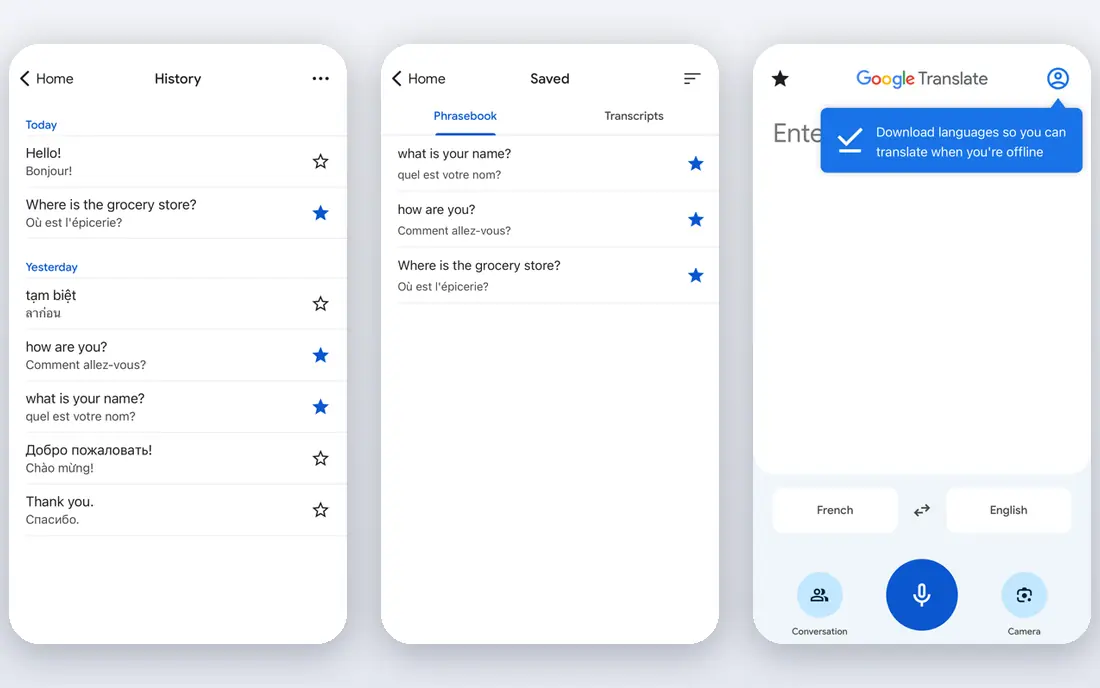
Google Translate is our pick for most people who need English to Spanish translation, because it is free, fast, and covers text, voice, camera, and conversation in one app. Point the camera at a menu or sign in Spanish and you get an overlay translation, speak into conversation mode for a two way chat, or type a sentence for an instant result. Offline packs cover many languages, including Spanish, which helps when you travel without data.
The free app is the full consumer product, with no paid consumer tier needed for everyday use. The main drawback is polish. For business documents, DeepL often produces more natural Spanish, and Google output can need more editing for tone. For travel, messages, and everyday reading, though, Google Translate remains the default for good reason.
- Free across web and mobile
- Camera, voice, and conversation modes
- Wide offline packs
- Formal or legal text can read less naturally than DeepL
- Privacy terms differ by plan
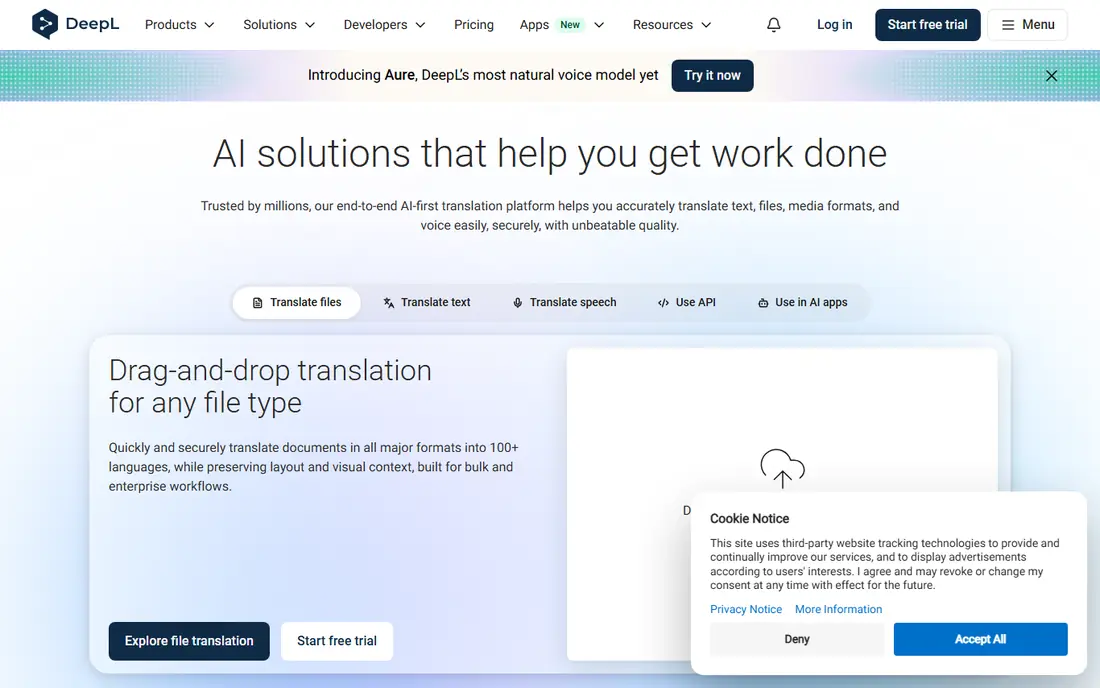
DeepL is the pick for work where Spanish must read naturally, such as business emails, product descriptions, and documents. In 2026 comparisons, DeepL consistently rated highly for English to Spanish accuracy and fluency, with less manual cleanup than Google for formal text. It also offers tone control for formal and informal Spanish, which matters in business and customer communication, and document translation that keeps original formatting.
The free tier covers everyday text translation, while Starter is reported at $10.49 per user per month, Advanced at $34.49, and Ultimate at $68.99, with document limits rising by tier. DeepL covers far fewer languages than Google, and its mobile app needs an internet connection, so it is not the best travel app. For desk based Spanish translation, it is the quality leader here.
- Natural sounding European language output
- Document translation keeps formatting
- Tone control
- Fewer languages than Google
- Document limits on lower tiers
- No offline mode in the app
Microsoft Translator
Great for: Free group conversation and Office use
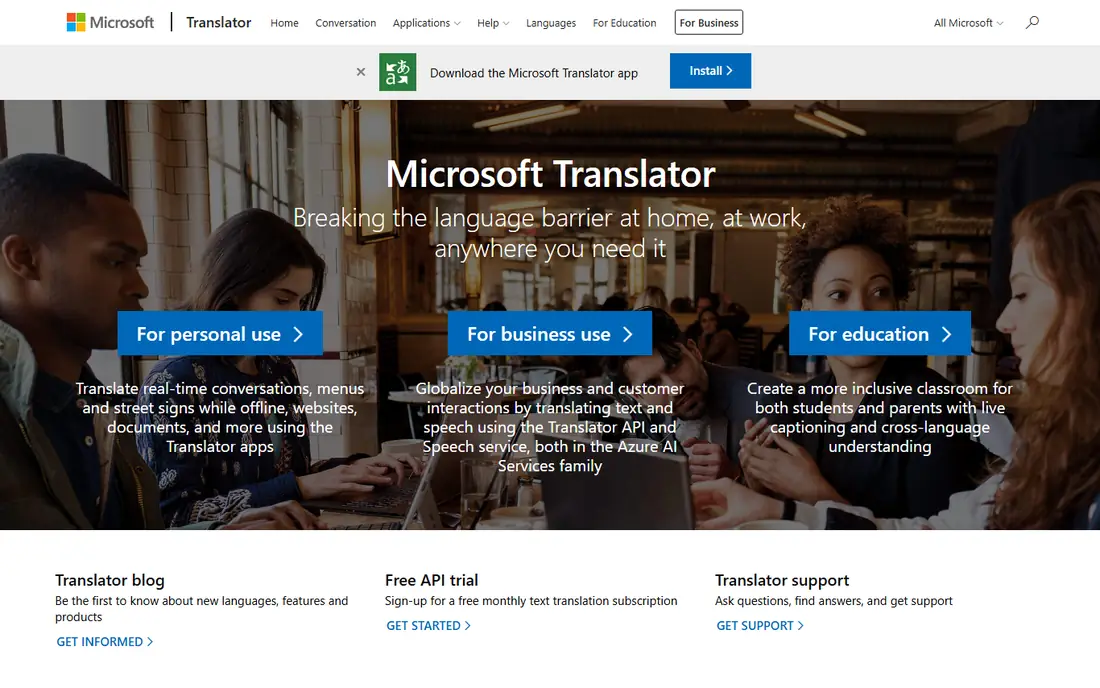
Microsoft Translator is an underrated free option, especially for groups and for Microsoft users. Its group conversation mode lets many people join a translated chat with a shared code, each reading in their own language, which suits tour groups, classes, and multilingual families. Offline packs cover Spanish and many other languages, and the app handles text, voice, and camera translation.
The app is free, with usage based pricing only for developers using the Azure API. Output for Spanish often reads naturally, though it can feel plainer than DeepL for marketing or creative text. If you already use Office or Teams, or you need group translation, Microsoft Translator is a strong, free second app to keep alongside Google.
- Free app with offline packs
- Group conversation for up to 100 people
- Office and Teams integration
- No learning features
- Output can feel plainer than DeepL for creative text
iTranslate suits mobile users who want translation inside other apps, not just inside a translator app. Its keyboard extension lets you translate text while typing in messages, email, or social apps, which is handy for frequent Spanish messaging. It also offers voice translation, camera translation, and phrasebooks, with offline packs on the paid plan.
The free tier covers basic translation, while Pro is reported at around $5.99 to $7.99 per month depending on source and store, so we list the starting price as free with a paid Pro option noted here. The free tier is thinner than Google Translate, so iTranslate makes most sense if the keyboard and voice features matter to you. Otherwise, Google covers the same basics for free.
- Keyboard extension for in app translation
- Voice and camera modes
- Offline packs on Pro
- Best features need Pro
- Free tier is limited compared with Google
SayHi Translate, from Amazon, focuses on one job: two way voice conversation between English and Spanish, and many other languages. Open the app, speak, and it speaks the translation aloud, with text shown alongside. That simplicity suits travellers, shop staff, and anyone who needs a quick spoken exchange without learning a complex app.
The core app is free, with no paid tier needed for basic voice translation in the sources we reviewed. The drawback is scope. SayHi does not offer document translation, dictionary depth, or learning tools, and its camera features are thinner than Google. As a dedicated conversation app, though, its clean design is a real advantage in a noisy, real world exchange.
- Very simple voice conversation design
- Fast two way speech translation
- Free core app
- Fewer features than Google or Microsoft
- No document translation focus
SpanishDict is the pick if you are learning Spanish as well as translating it. Its dictionary, verb conjugation tables, and example sentences help you understand why a translation reads the way it does, which a pure machine translator rarely explains. That learning layer makes it ideal for students, travellers who want to learn phrases, and anyone who translates Spanish regularly and wants to improve.
The website and app are free to use for core dictionary and translation, with a premium option for an ad free experience and extra features. Translation itself is dictionary led, so long documents are better handled by DeepL or Google. Pair SpanishDict with one of those apps, and you get both a translator and a teacher in your pocket.
- Excellent Spanish dictionary and conjugation tables
- Example sentences
- Learning content
- Not built for document translation
- Translation is dictionary led, not full document focused
Reverso stands out for its Context feature, which shows how a word or phrase is actually used in real translated texts, not just a single dictionary definition. That helps with idioms, register, and tricky Spanish verbs, where a single translation can mislead. It also offers a dictionary, grammar help, and vocabulary lessons, making it useful for learners and professionals alike.
The free tier covers core translation and context search, while Premium is reported at $9.99 per month in the sources we reviewed, adding voice translation and scanned document translation. Free limits apply, so heavy users will need Premium. If you often wonder whether a Spanish phrase sounds natural, Reverso Context is the tool that answers that question best.
- Context examples from real texts
- Dictionary and grammar help
- Document translation on Premium
- Free translation has limits
- Premium needed for voice and scanned document features
Linguee, now closely linked to DeepL, works as a bilingual dictionary with examples drawn from real translated documents. Search an English word or phrase, and you see Spanish translations alongside sentences showing how each option is used in context. That evidence based approach helps writers and learners choose the right Spanish word, rather than accepting the first machine suggestion.
The service is free to use on web and mobile, with no paid tier needed for core dictionary search. It is not a full document translator, and its app is more basic than Google or DeepL, so use it as a reference tool alongside a main translator. For careful Spanish writing, Linguee plus DeepL is a strong combination.
- Bilingual examples from real documents
- Clear dictionary entries
- Free to use
- Now closely tied to DeepL
- Not a full document translator
- App features are basic
How we picked these
We compared official app pages, pricing, and 2026 roundups, and we favoured apps that are live in October 2026, translate both English to Spanish and Spanish to English, and fit a clear use case such as travel, business, or learning. We left prices as See website where they vary by store or source, and we listed free plans only where a free tier is clearly offered. We did not claim hands on testing, and we treated accuracy claims as general guidance, since quality varies by text type.
How to choose a translation app for Spanish
Start with how you will use it most. For travel, prioritise camera mode, conversation mode, and offline Spanish packs, which points to Google Translate or Microsoft Translator. For work documents, prioritise natural output, formatting, and tone control, which points to DeepL. For learning, prioritise dictionary depth and examples, which points to SpanishDict, Reverso, or Linguee.
Next, test the app on your own sentences, not just a demo phrase. Translate a message you actually send, a menu item, and a formal email, and compare the Spanish output for tone and accuracy. A small test like that reveals more than any feature list, especially for formal versus informal Spanish, where using the wrong form can change the meaning of a message.
Finally, check privacy before you paste sensitive text. Free consumer translators may store or review text under their terms, while paid business plans often delete text after translation and promise not to train on it. For contracts, medical notes, or unpublished work, use a paid plan with clear privacy terms, or have a human translator handle the text.
Frequently asked questions
What is the best English to Spanish translation app?
Google Translate is the best free all round app for English to Spanish, thanks to camera, voice, conversation, and offline modes. DeepL is better for business documents and formal writing, where natural tone and formatting matter more.
What is the best free Spanish translator app?
Google Translate and Microsoft Translator are the best free Spanish translator apps, since both are free, cover Spanish offline, and handle text, voice, and camera input. SpanishDict is also free and adds dictionary and learning depth that pure translators lack.
Can I translate English to Spanish offline?
Yes, Google Translate and Microsoft Translator both offer downloadable Spanish packs for offline translation. Download the pack before you travel, since offline translation needs storage space and a connection for the initial download, and offline quality can be slightly lower than online quality.
Is DeepL better than Google Translate for Spanish?
DeepL often produces more natural Spanish for business, formal, and document translation, with better tone control and formatting. Google Translate covers more languages, more input modes, and offline use, so it remains better for travel and everyday messages.
Can translation apps translate Spanish to English as well?
Yes, every app in this list translates both ways, between English and Spanish and Spanish and English. Most apps detect the source language automatically, but setting the languages manually gives more reliable results for short phrases or mixed language text.
Should I trust a translation app for legal or medical Spanish?
No, not on its own. Machine translation can miss legal nuance, medical terms, and tone, and a mistake in those texts can have serious consequences. Use an app for a first draft or for understanding, then have a qualified human translator check any legal, medical, or contract text before you rely on it.
Sources
See where you really rank - block by block
ProMapRanker scans Google Maps across a grid of your service area. Simple monthly plans from $19, white-label on every plan.
Start freeKeep reading
 zoho inventory alternatives
6 Alternatives to Zoho Inventory, Compared on Price and Fit
Zoho Inventory alternatives: 6 tools compared on price, free plans and fit. Katana leads the list for manufacturers. Fit and flaws are laid out for each entry.
Read → zoho crm alternatives
Best Zoho CRM Alternatives (2026)
Need Zoho CRM alternatives? We compare 7 tools on cost, free access and who each suits. Every pick gets a straight assessment. Built for quick decisions.
Read → zelle alternatives
Best Zelle Alternatives in 2026
Compare the best Zelle alternatives for sending money to friends, paying sellers and moving funds abroad, with honest notes on fees, speed and safety in 2026.
Read →