 ProMapRanker
Best Employee Communication Apps in 2026

Key takeaways
- Slack and Microsoft Teams cover desk-based team chat best, while Blink, Connecteam, and Staffbase are built for frontline staff without a company email or desk.
- Blink is the only internal communications tool in this list with a widely published per-user price, at $3.75 per user per month for Core on annual billing.
- Connecteam is the cheapest route for a small deskless team, with a free plan for up to 10 users and paid hubs from $29 per month for the first 30 users.
- Most dedicated internal communications platforms, including Staffbase, Simpplr, Workvivo, and Haiilo, are quote-only, so budget by licensed headcount, not by headline features.
- The best app for internal communication is the one staff actually open: mobile-first apps win with frontline teams, while chat apps win with office teams.
Quick comparison
| Pick | Great for | Pricing starts at | Free tier | |
|---|---|---|---|---|
 Slack Slack | Desk-based team chat | $7.25 per user per month | Yes | Visit |
 Microsoft Teams Microsoft Teams | Microsoft 365 workplaces | $4 per user per month | Yes | Visit |
 Blink Blink | Frontline staff app | $3.75 per user per month | Free trial | Visit |
 Connecteam Connecteam | Small deskless teams | $29 per month | Yes | Visit |
 Staffbase Staffbase | Large frontline employers | See website | No | Visit |
 Simpplr Simpplr | Intranet plus internal news | See website | No | Visit |
 Workvivo Workvivo | Frontline engagement and news | See website | No | Visit |
 Haiilo Haiilo | Intranet and employee advocacy | See website | No | Visit |
 Chanty Chanty | Small team chat on a budget | $3 per user per month | Free trial | Visit |
The best employee communication apps
Employee communication covers two different jobs: daily team chat for office staff, and company news and updates for everyone, including staff who never sit at a desk. These nine apps cover both, and the right pick depends on which workforce you need to reach.
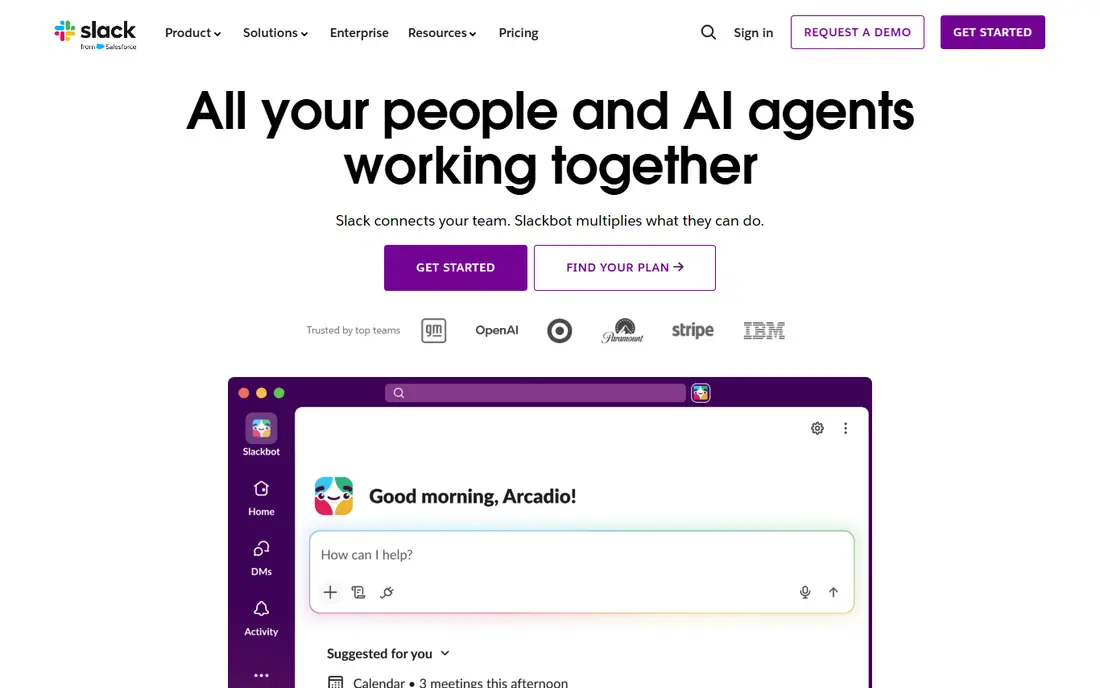
Slack remains the default team communication app for desk-based teams, and for good reason. Channels organise work by team, project, or topic, threads keep side discussions tidy, and search across messages and files actually finds old decisions. The integration library covers most tools a modern office already uses, so alerts, documents, and approvals can flow into chat instead of another inbox.
The free plan is the limit to watch. It keeps only 90 days of message history and caps app connections, so a growing team will need Pro at $7.25 per user per month on annual billing for unlimited history and group video. Slack is also a poor fit for frontline staff who lack a company email or desk. For office teams, though, it is still the benchmark other chat apps are judged against.
- Fast channels, threads and search
- Huge integration library
- AI summaries on paid plans
- Free plan keeps only 90 days of message history
- Costs rise with headcount
- Not built for frontline news
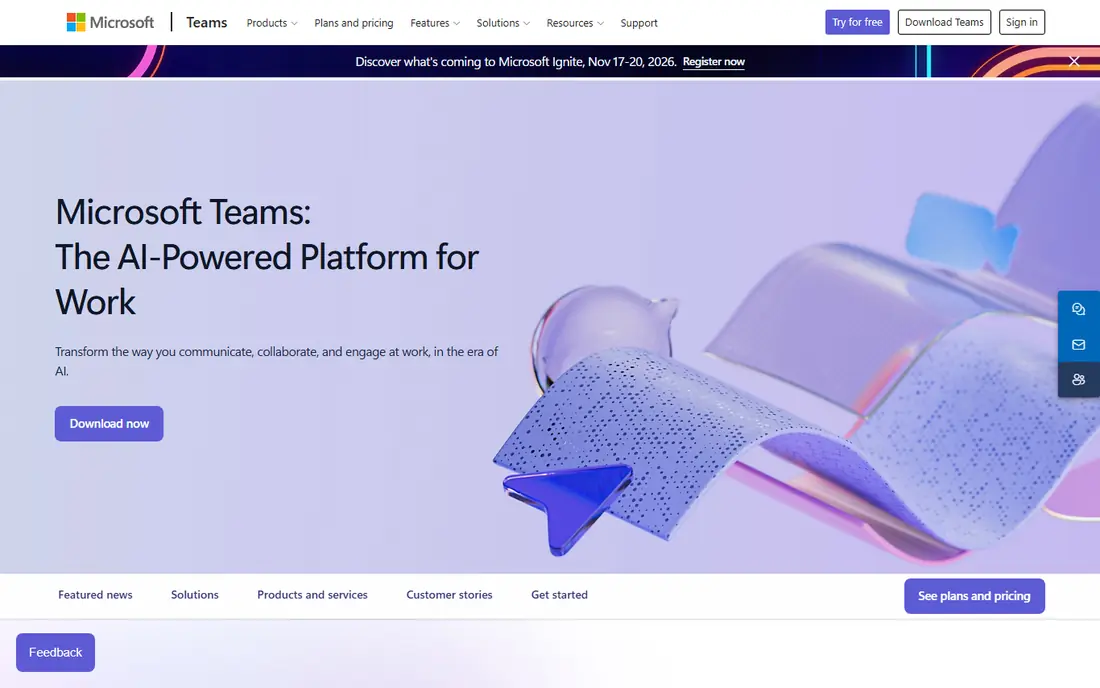
Microsoft Teams is the practical pick when a company already pays for Microsoft 365. Chat, channels, video meetings, file sharing, and Office documents sit in one place, and for many businesses Teams is already included in the Microsoft 365 plan they pay for, so the marginal cost is zero. Meetings hold up to 300 participants on business plans, which makes Teams the stronger choice for large all-hands calls.
The standalone route is less generous. Teams Essentials costs $4 per user per month on annual billing, and the free version for individuals does not give a company a proper workspace. Teams also feels heavier than Slack for pure chat. If your documents, email, and calendar already live with Microsoft, Teams is the sensible default. If they do not, Slack is usually the lighter chat tool.
- Included with Microsoft 365 plans
- Strong video meetings
- Deep Office and SharePoint links
- Standalone free version is limited for companies
- Interface feels heavier than Slack
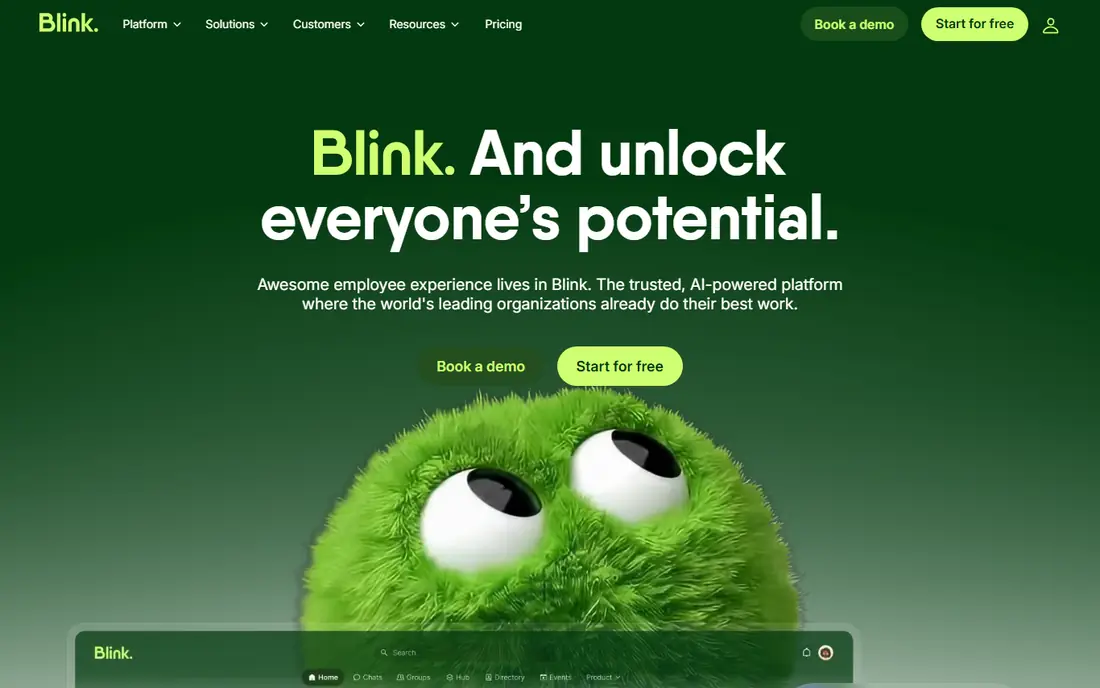
Blink is built for the workers most communication tools miss: retail, logistics, healthcare, and field staff who have a phone but no desk and often no company email. Its mobile-first app combines a news feed, knowledge hub, chat, forms, and shift tools, so a manager can send a must-read update and see who has seen it, without relying on personal email or a noticeboard. Core costs $3.75 per user per month on annual billing, with Pro at $5, which makes Blink unusually transparent in a category where most rivals hide prices behind a quote form.
The trade is scope. Blink does not match Slack or Teams for office chat depth or integrations, and there is no free plan, only a trial. For a frontline employer, that trade is worth it, because a message staff never see has no value. Blink is our pick for frontline-first employers that want a published price.
- Mobile-first app for staff without company email
- Published per-user pricing
- News feed, chat, forms and hub in one app
- No free plan, trial only
- Smaller integration range than Slack or Teams
Connecteam is a workforce app where communication sits alongside scheduling, time tracking, forms, and checklists, which makes it a strong all-rounder for deskless teams. Staff get a mobile app with team chat, company updates, and documents, without needing a company email, and managers can run shifts and tasks from the same place. The Small Business plan is free for up to 10 users across all hubs, and paid hubs start at $29 per month for the first 30 users on annual billing.
The catch is hub pricing. Each hub has its own base price, so a team that takes Communications plus Operations plus HR hubs will pay for each, and extra users add a per-user fee. For a small team that needs chat plus scheduling, Connecteam is excellent value. For a larger company that only needs internal news, a dedicated platform such as Blink or Staffbase may be cleaner.
- Free for up to 10 users
- Team chat plus scheduling, forms and checklists
- No company email needed
- Communication is one hub among several
- Per-hub pricing adds up if you take every hub
Staffbase is an employee communications and intranet suite aimed at large employers with many frontline workers. It offers a mobile employee app, targeted news, and an intranet, with frontline workers priced separately from office staff in its licensing, which matters when a large share of the workforce has no desk. Communications teams can target messages by location, role, or shift, and track who has read a must-read update.
Pricing is quote-only, so buyers need a sales conversation and should compare quotes by licensed headcount and frontline share, not by a headline figure. Setup is also heavier than opening a Slack workspace, since Staffbase is a platform, not just a chat app. For a large employer that must reach every worker with policy or safety news, that weight is justified. For a small team, it is more platform than needed.
- Built for frontline and mixed workforces
- Targeted news and mobile employee app
- Strong enterprise controls
- Quote-only pricing
- Heavier setup than a simple chat app
Simpplr combines an intranet with employee communications, so company news, newsletters, must-read tracking, surveys, and enterprise search live in one destination staff can return to. That intranet-led approach suits organisations that want a home for policies, documents, and news, not just a chat feed that scrolls past. Targeted news and read tracking help communications teams prove that an important update actually reached the right people.
The main drawback is the same as Staffbase: pricing is quote-only and volume-based, so small teams cannot budget from a price list. Simpplr is aimed at mid-size and large organisations, and a team under 50 people will likely find Blink or Connecteam faster and cheaper. Choose Simpplr when you need an intranet that doubles as your communications hub.
- Intranet and communications in one platform
- Targeted news and must-read tracking
- Enterprise search and surveys
- Quote-only pricing
- Best suited to mid-size and large organisations
Workvivo takes a social approach to internal communication, with a feed, communities, recognition, and company news that feels familiar to anyone who uses social apps. That familiarity helps adoption with frontline staff who may ignore a formal intranet but will open a feed on their phone. The mobile app works without a company email, which removes the biggest barrier for deskless workers.
Buying is demo-led and quote-only, with pricing by licence count and add-ons, so there is no self-serve start and no published price to budget against. Workvivo also leans more toward engagement and news than toward operational tools such as scheduling. For employers whose main problem is that frontline staff never see company news, Workvivo is a strong shortlist entry.
- Social-style feed staff recognise
- Mobile app for workers without email
- News, recognition and communities
- Quote-only pricing
- Demo-led buying, no self-serve trial
Haiilo, which now includes the Beekeeper frontline app, offers an intranet with channels, announcements, and a mobile app for deskless staff, plus employee advocacy features that let staff share approved company content externally. That combination suits companies that want internal news, a document home, and external advocacy from one supplier, rather than three separate tools.
Pricing is quoted per organisation across its plans, with a trial button but no published price list, so budgeting needs a sales conversation. The breadth can also be a drawback for a small team that only needs chat and news. Haiilo fits mid-size and larger employers that want an intranet-led communications home with a genuine frontline app attached.
- Intranet with channels and announcements
- Mobile app for frontline staff
- Employee advocacy features
- Quote-only pricing
- Broad platform may be more than a small team needs
Chanty is the budget chat pick in this list, starting at $3 per user per month, with team chat, audio and video calls, screen sharing, tasks, and file sharing in a simple interface. For a small business that wants Slack-style chat without Slack-style pricing, Chanty covers the daily essentials: channels, direct messages, unlimited history on paid plans, and a mobile app for staff on the move.
The compromise is ecosystem and scale. Chanty has fewer integrations and fewer enterprise admin controls than Slack or Microsoft Teams, so a larger company with complex compliance needs will outgrow it. For a small team that mainly needs fast, affordable communication, Chanty is hard to beat on price.
- Very low price
- Chat, calls, tasks and file sharing in one app
- Simple interface
- Smaller ecosystem than Slack or Teams
- Fewer enterprise controls
How we picked these
We compared official feature pages, pricing pages, app store listings, privacy policies, and public reviews for apps that handle employee communication in October 2026: team chat, internal news, frontline apps, and intranets with communications features. We kept tools that are still sold and supported, and we left out pure project management tools and pure survey tools, since communication is not their main job. Prices come from vendor pricing pages and recent published comparisons, and we wrote "See website" where a vendor publishes no starting price, rather than repeating an estimate as fact.
We also split the list by workforce type on purpose. A chat app that office staff love can fail completely with warehouse or retail staff, and a frontline app can feel thin to an office team that lives in integrations. That split is why this list mixes chat apps, frontline apps, and intranet-led platforms.
How to choose the right employee communication app
Start with who you must reach
Count how many staff have a company email and a desk, and how many do not. If most staff are deskless, shortlist Blink, Connecteam, Staffbase, and Workvivo first, and test the mobile app with real frontline staff before you buy. If most staff are office-based, Slack or Microsoft Teams will cover daily chat, and you may only need a news tool on top.
Compare quotes by licensed headcount
Quote-only vendors price by different units: per user, per employee reached, per organisation, or by frontline share. Ask each vendor for a total annual price for your exact headcount, and divide it by that number to compare like with like. Blink at $3.75 per user per month on annual billing is a useful floor for that comparison, since it is the only published per-user price in this category.
Test adoption, not just features
Run a two-week pilot with one team, including frontline staff if you have them, and measure read rates on must-read news and chat activity. An app with fewer features but higher read rates beats a feature-rich platform staff ignore. Check login options too: apps that work without a company email remove the biggest adoption barrier for deskless teams.
Frequently asked questions
What are the best employee communication apps?
The best employee communication apps depend on your workforce. Slack and Microsoft Teams lead for desk-based team chat, while Blink, Connecteam, and Staffbase lead for frontline staff without desks or company email. Simpplr, Workvivo, and Haiilo suit larger employers that want an intranet plus internal news in one platform, and Chanty is the budget chat pick for small teams.
What is the best app for internal communication?
The best app for internal communication is the one your staff actually open. For office teams, Slack or Microsoft Teams usually win, since chat, search, and integrations match daily work. For frontline teams, Blink or Connecteam win, since mobile-first apps reach staff without company email. For company-wide news with read tracking, Staffbase, Simpplr, or Workvivo are stronger than a chat app alone.
What is the best team communication app for a small business?
Slack, Microsoft Teams, and Chanty are the strongest small-business team communication tools. Slack has the best free plan for a tiny team, Teams is cheapest if you already pay for Microsoft 365, and Chanty is cheapest as a standalone chat app at $3 per user per month. Connecteam is the better pick if your small team is deskless and also needs scheduling and forms.
How much do employee communication apps cost?
Prices vary widely. Published prices in this list run from $3 per user per month for Chanty, $3.75 for Blink Core, $4 for Microsoft Teams Essentials, and $7.25 for Slack Pro, all on annual billing, to $29 per month per hub for Connecteam. Staffbase, Simpplr, Workvivo, and Haiilo are quote-only, so their cost depends on headcount, modules, and frontline share. Always compare total annual cost for your headcount.
Do frontline workers need a company email to use these apps?
No, not with the frontline apps in this list. Blink, Connecteam, Staffbase, and Workvivo offer mobile apps that work without a company email, using a phone number or personal email for login instead. Slack and Microsoft Teams assume a work account, which is why they suit office teams better. If your workforce is largely deskless, make no-email login a required feature in your shortlist.
Should we use a chat app or an intranet for internal communication?
Use a chat app such as Slack or Teams for daily team conversation, quick questions, and project coordination. Use an intranet-led platform such as Simpplr, Haiilo, or Staffbase for company news, policies, must-read updates, and a document home that staff can return to. Many larger employers use both: chat for daily work, and an intranet or frontline app for news that everyone must see.
Sources
- https://slack.com
- https://www.microsoft.com/microsoft-teams
- https://www.joinblink.com
- https://www.connecteam.com
- https://staffbase.com
- https://simpplr.com
- https://workvivo.com
- https://haiilo.com
- https://chanty.com
- https://leadchangegroup.com/internal-communications-software/
- https://www.rewordin.com/blog/best-internal-communications-software-2026
See where you really rank - block by block
ProMapRanker scans Google Maps across a grid of your service area. Simple monthly plans from $19, white-label on every plan.
Start freeKeep reading
 zendesk alternatives
Best Zendesk Alternatives in 2026
Compare the best Zendesk alternatives in 2026, from budget help desks to AI-first support tools, with current pricing, free plans, and honest trade-offs.
Read → wordpress alternatives
Best WordPress Alternatives in 2026
Looking for the best WordPress alternatives? We compare 8 free and paid options for blogs, business sites, stores, and developer-led projects in 2026.
Read → which real estate company has the best training
Best Real Estate Company Training in 2026
Compare which real estate company has the best training, from Keller Williams and eXp to Compass and Coldwell Banker, by program, mentor, and fit in 2026.
Read →