 ProMapRanker
How to Pick Employee Benefits Platforms


Large employers needing deep plan configurability · Pricing starts at: See website
Direct answer
PlanSource is the first pick on this list for large employers needing deep plan configurability. Justworks is better for small businesses wanting a transparent PEO, and Gusto is better for small companies combining payroll and benefits. The remaining 5 options are covered below with prices and limits.
Key takeaways
- Top of the list is PlanSource, which targets large employers needing deep plan configurability.
- For the cheapest start, look at Rippling: $8 per user/month + $40 per month base fee.
- Rippling fits expanding firms unifying HR, IT and finance.
- One limit worth knowing about PlanSource: quote-only pricing sold through partners.
Quick comparison
| Pick | Great for | Pricing starts at | Free tier | |
|---|---|---|---|---|
| PlanSource | Large employers needing deep plan configurability | See website | No | Visit |
 Justworks | Small companies wanting a transparent PEO | $79 per employee/month (PEO Basic) | No | Visit |
 Gusto | Small firms combining payroll and benefits | $49 a month + $6 per person per month (Simple plan) | Free trial | Visit |
 Employee Navigator | Broker-served firms centred on enrollment | See website | No | Visit |
 Sequoia | Investor-backed startups wanting advisor-led benefits | See website | No | Visit |
 BambooHR | HR-first teams adding benefits on top | $10 per employee/month (Core plan) | Free trial | Visit |
 Namely | Mid-size businesses needing HCM plus managed benefits | $9 per user/month (Namely Now plan) | No | Visit |
 Rippling | Expanding firms unifying HR, IT and finance | $8 per user/month + $40 per month base fee | No | Visit |
Employee Benefits Platforms compared in detail
ProMapRanker put together this guide to employee benefits platforms for readers who want a clear shortlist without reading every vendor page. It compares 8 tools on starting price, free plans, who each one suits and where each one falls short.

PlanSource is built with large employers needing deep plan configurability in mind. PlanSource targets the messy middle of benefits administration: employers with several carriers, complicated eligibility rules, and finance teams tired of reconciling carrier invoices by hand. PlanSource makes sense when your benefits program is genuinely complicated.
Where it falls short: Implementation takes longer than simpler tools.
In daily use, for a standard three-plan medical setup, it is more tool than you need. If your plan design does not fit a template, PlanSource can normally model it. That flexibility includes complexity. Pricing for PlanSource is not stated here, so ask the vendor for current figures. PlanSource has no permanent free option.
- Serves brokers
- Employers and carriers
- Steeper ramp-up time for administrators
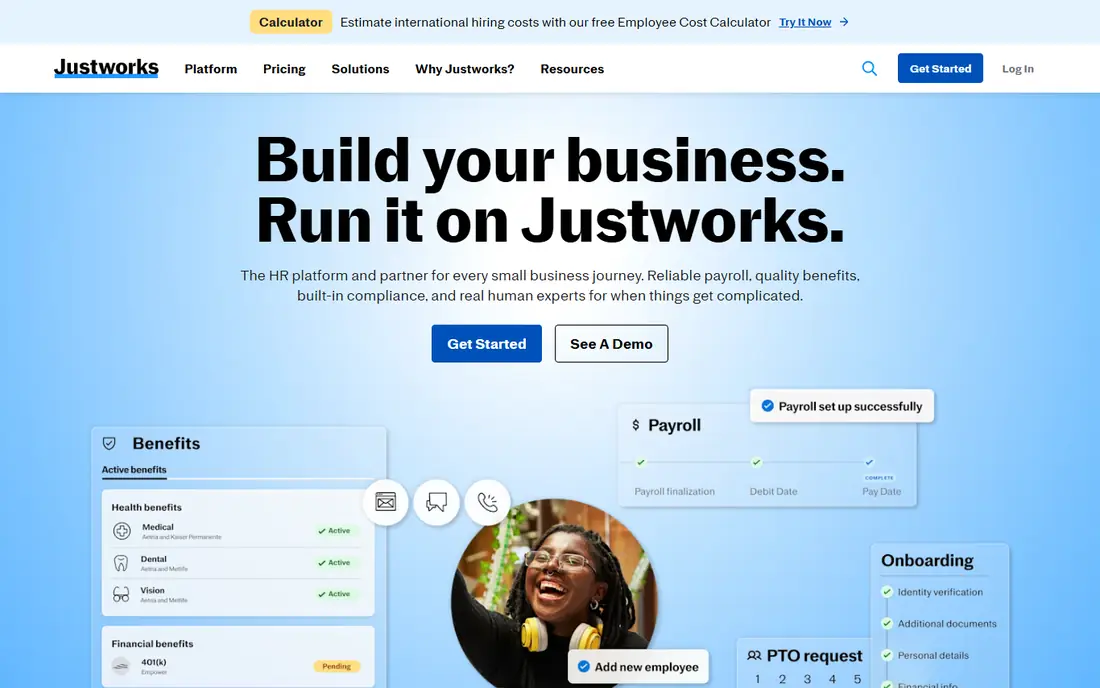
Choose Justworks for small companies wanting a transparent PEO. The trade-off is cost at scale. Beyond that, the Basic and Plus plans are published, the math is per employee with no base fee games.
Support is genuinely available around the clock. Worth adding: Justworks is the PEO for buyers who refuse to sit through a sales call just to learn the price. Worth adding: a 40-person company on the Plus plan pays over $4,000 per month before premiums. More specifically, for startups and small agencies that want big-company benefits without hiring an HR team, that combination is hard to beat. Justworks pricing: $79 per employee/month. Justworks has no free tier.
Where it is weaker: Plus plan needed for full medical, dental and vision.
- IRS-certified PEO with ESAC accreditation
- Publishes PEO pricing online
- Restricted customization for unusual plan structures
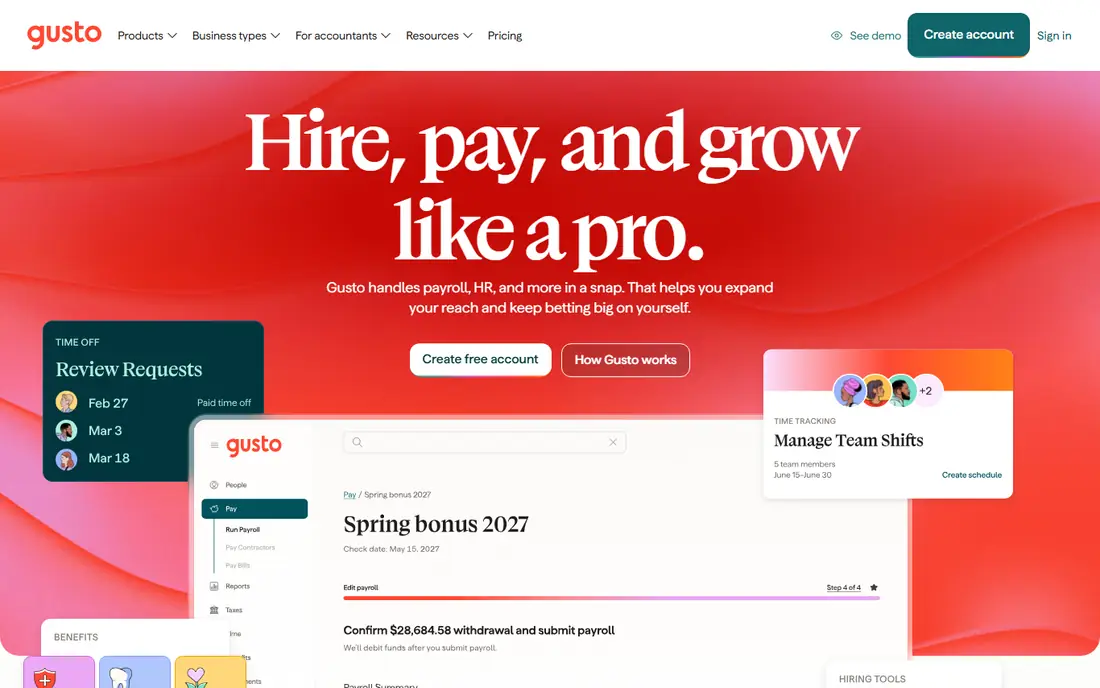
Gusto is aimed squarely at small firms combining payroll and benefits. For a company of 10 to 50 people without an HR department, that single sync is worth more than any analytics dashboard.
Limits to weigh: Health plan choices vary by state and can be thin outside major metros.
On top of that, plan choice relies on your state, and in some markets the choices are limited. Beyond that, the subscription spans the software only. What you pay to start with Gusto: $49 per month + $6 per person per month. Trial and free access: Free trial.
- Payroll
- Transparent published pricing
- Reporting is entry-level compared to enterprise tools
Employee Navigator makes the most sense for Broker-served firms concentrated on enrollment. Employee Navigator is the enrollment engine behind thousands of brokers. In practice, if your broker suggests it, the implementation is normally smooth.
You usually buy Employee Navigator through a broker, not straight, which means the price and the service experience depend partly on that relationship. For everyday use, employees get a clean self-service portal for comparing plans and enrolling, HR gets ACA and COBRA tooling, and the platform links to most major payroll systems so elections flow through without retyping. Employee Navigator does not show a starting price in this comparison, so check the vendor site for current pricing. Employee Navigator has no free tier.
Watch-outs: Mobile app lags the desktop experience.
- Purpose-built benefits enrollment with plan comparison tools
- Strong ACA compliance and 1094/1095 reporting
- Customization is restricted for complicated plan designs
Sequoia targets investor-backed startups wanting advisor-led benefits. Everything is quote-based, and the model assumes a growth trajectory that justifies the investment. Beyond that, for a venture-backed startup that needs to look like a serious employer to candidates whereas the founders focus on product, that package is the entire point.
What works well: benefits and risk experts on one team.
This is not a self-serve product and it is not priced like one. Sequoia does not sell software first. Check the vendor site for Sequoia pricing; none is listed in this comparison. No free plan comes with Sequoia. The main drawbacks: No public pricing; less suited to traditional SMBs.
- Advisory-first model with comp
- Integrated product plus managed PEO services
- Engagement tends to be high-touch and high-cost
BambooHR is designed for HR-first teams adding benefits on top. Teams that already have payroll handled elsewhere, or that want BambooHR to become the system of record whereas specialists manage the money movement, find this arrangement comfortable. Core HR, time off, hiring and onboarding come first, and benefits administration is an add-on for US employees.
Points against: Per-employee pricing climbs with headcount.
BambooHR opens from the employee record and works outward. Businesses under 25 employees pay a flat rate beginning at $250 a month rather than per head. BambooHR starts at: $10 per employee/month. On free options: Free trial.
- Clean interface HR teams adopt rapidly
- Published pricing with volume discounts
- Payroll and benefits administration are quote-only extras
Namely serves mid-sized firms needing HCM plus managed benefits. Two things to verify in the sales process.
Beyond that, plus and Complete plans are custom-quoted based on modules and complexity. Namely starts at: $9 per user/month. Namely has no free plan.
Points against: Integration between payroll and HRIS modules draws complaints.
- Time and benefits
- Managed payroll and managed benefits services available
- Higher levels are quote-only and pricing climbs with modules
Rippling targets expanding businesses unifying HR, IT and finance. Rippling treats benefits as one module in a much larger system. Change someone's marital status in HR and payroll deductions update on their own.
More specifically, payroll, benefits administration and IT management each carry their own per-employee charges. A company that needs all three can land well above more straightforward competitors. Get a line-item quote before you fall in love with the demo. Rippling cost at the entry level: $8 per user/month + $40 per month base fee. No free plan comes with Rippling.
Limits to weigh: Modular pricing layers on up quick once you stack payroll, benefits and IT.
- Capable workflow automation
- Benefits and IT provisioning
- Support quality gets mixed reviews at scale
Selection criteria
The comparison looks at four things: starting price, free access, how well the feature set matches employee benefits platforms, and the main limit of each tool. Plan names, prices and limits change often. Treat the figures here as a starting point and verify them with the vendor. Position on the page reflects fit for a typical buyer first, with price clarity and free access breaking ties. Treat it as a guide, not a ruling.
Before you commit
- Confirm the entry price on the vendor page. For PlanSource, Employee Navigator and Sequoia that means a quote rather than a fixed price.
- Use real work to test the free trial from Gusto and BambooHR, rather than a demo project.
- Before choosing PlanSource, weigh its main limit: quote-only pricing sold through partners.
- Test the integrations you rely on with Gusto before committing; some connectors sit on upper tiers.
- See whether Justworks offers onboarding or training, and whether it is included in the price.
Frequently asked questions
Should a small business use a PEO or benefits software?
It relies on headcount and plan quality. Under about 50 employees, a PEO commonly provides better health plans at a lower total cost since it pools risk across thousands of employers.
Does any tool for employee benefits platforms here have a free plan?
No tool in this list, PlanSource and Rippling included, has a permanent free plan. Gusto, BambooHR offer a trial. Trials and quotes are the usual route, so plan a short evaluation period.
What is the difference between benefits administration and a PEO?
Benefits administration software handles enrollment, eligibility, deductions and compliance reporting whereas you remain the employer. A PEO becomes a co-employer, sponsors the benefit plans itself, and takes care of payroll taxes under its own tax IDs.
Is PlanSource the right pick for everyone comparing employee benefits platforms?
No single tool suits every team. PlanSource comes first because it fits large employers needing deep plan configurability, while Justworks suits small businesses wanting a transparent PEO and Gusto suits small businesses combining payroll and benefits. Match the tool to your own size, budget and workflow before deciding.
Do these tools publish their prices?
Not all of them. PlanSource, Employee Navigator and Sequoia publish no starting price, so expect a quote request for those. The rest, Justworks included, show a starting price, though seats and billing terms still change the final cost.
How much do employee benefits systems cost?
Software systems typically run $6 to $25 per employee a month for the subscription, with insurance premiums, 401(k) fees and add-on modules billed separately. PEOs normally quote $100 to $300 per employee a month all-in, with premiums still separate. Always compare total cost including premiums.
Sources
See where you really rank - block by block
ProMapRanker scans Google Maps across a grid of your service area. Simple monthly plans from $19, white-label on every plan.
Start freeKeep reading
 zscaler alternatives
Best Zscaler Alternatives in 2026
Looking for zscaler alternatives? We compare 9 SASE and zero trust platforms on architecture, data protection, pricing, and fit for your network and team.
Read → zapier alternatives free
Best Zapier Alternatives Free in 2026
Nine automation tools for zapier alternatives free in 2026, all with genuinely free tiers, plus free plan limits, starting prices and upgrade paths explained.
Read → which platform is best for online reputation
Which Platform Is Best for Online Reputation in 2026
Wondering which platform is best for online reputation? We compare 8 review, listing, and response tools for small and multi-location businesses and agencies.
Read →