 ProMapRanker
Best Embroidery Software in 2026


Home users and small shops · Pricing starts at: $199 one-time
Key takeaways
- Hatch Embroidery is the strongest all-round choice for home users and small shops, with levels that grow with your skill.
- Wilcom EmbroideryStudio suits professional digitizers who need full manual control and production output.
- Embrilliance Essentials is a good low-cost start for editing, lettering and resizing on Mac and Windows.
- Ink/Stitch is the best free route into digitizing, but it needs patience and comfort with vector software.
- Machine fit matters more than feature count, so check your file format and hoop sizes before you buy.
Quick comparison
| Pick | Great for | Pricing starts at | Free tier | |
|---|---|---|---|---|
| Hatch Embroidery | Home users and small shops | $199 one-time | Free trial | Visit |
 Wilcom EmbroideryStudio | Professional digitizers | $2,000 one-time | No | Visit |
 Embrilliance Essentials | Editing and lettering on a budget | $159 one-time | No | Visit |
 Brother PE-Design 11 | Brother and Baby Lock owners | See website | No | Visit |
 BERNINA Embroidery Software 9 | BERNINA owners who want full digitizing | See website | No | Visit |
 Embird | Modular buying on a budget | $149 one-time | Free trial | Visit |
 Ink/Stitch | Free digitizing inside Inkscape | Free | Yes | Visit |
 SewArt | Low-cost auto-digitizing | See website | Free trial | Visit |
 Janome Digitizer MB | Janome owners moving to digitizing | See website | No | Visit |
The best embroidery software
Good embroidery software does three jobs well: it edits designs cleanly, it turns lettering and artwork into stitches that sew out well, and it exports a file your machine reads without fuss. We compared official feature pages, pricing and machine compatibility, and we kept only programs that are sold and supported in October 2026.

Hatch is made by Wilcom for home users and small businesses, and that pedigree shows in stitch quality. The entry Organizer level starts at $199, while Personalizer, Composer and full Digitizer levels step up to about $1,199 for the top level in recent listings. You can start small and upgrade as your work grows, rather than buying professional tools on day one.
The full Digitizer level adds manual digitizing, auto-digitizing, photo stitch tools and a large font library. Beginners should still expect a learning curve, since good digitizing is a craft, not a one-click result. If you sew on Windows and you want one program that can carry you from first monogram to paid orders, Hatch is our pick for most people.
- Four levels from organizer to full digitizer
- Wilcom stitch engine
- Strong tutorials and community
- Windows only
- Full Digitizer level costs far more than the entry level
- Auto-digitizing still needs cleanup
EmbroideryStudio is the program many professional digitizing houses run, and it is priced for that market. The Decorating level lists at $2,000 as a one-time purchase, with a subscription option also offered, and higher Designing levels cost more. It includes CorelDRAW Graphics Suite integration for vector editing alongside its digitizing tools.
What you pay for is control over stitch types, pull compensation, sequencing and production output. That control matters when a design must sew cleanly on many fabrics and machines. For a beginner, the same depth is a drawback, since the interface and the price both assume daily professional use.
- Industry-standard stitch control
- Integrated CorelDRAW graphics tools
- Production export options
- High price
- Windows only
- Far more tool than a hobby user needs
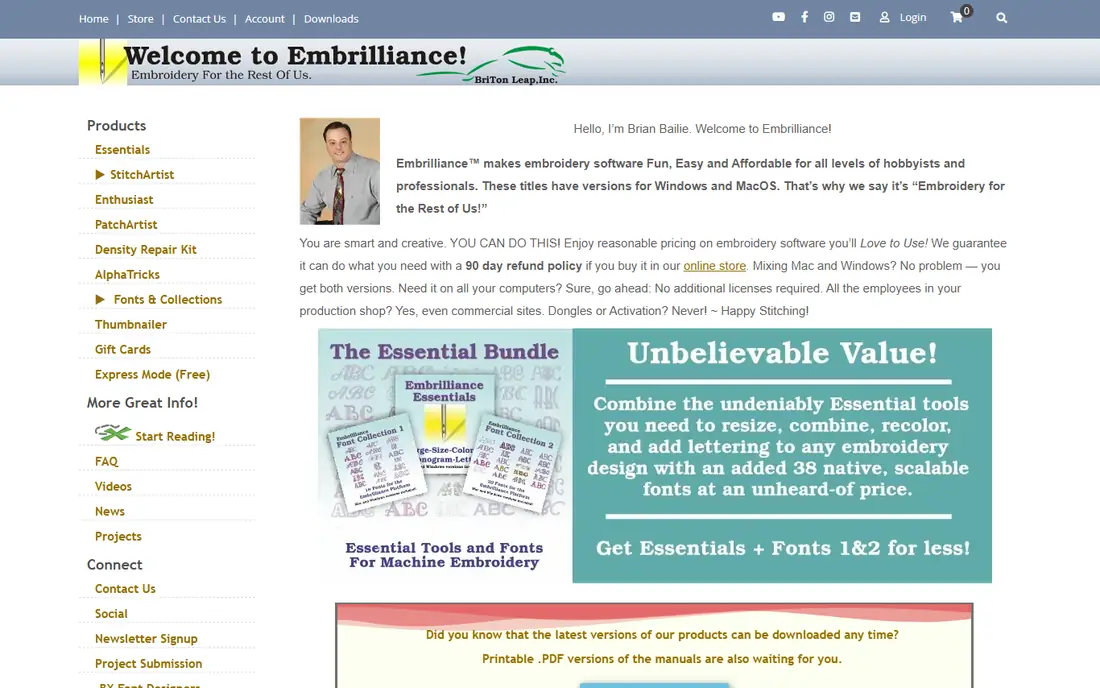
Embrilliance Essentials is a practical first purchase for people who mainly want to edit bought designs, resize them, combine them and add lettering. It lists at $159, with a sale price of $139 seen in October 2026, and it works on both Mac and Windows, which sets it apart from several Windows-only rivals.
The modular model is both a strength and a warning. You buy only what you need, but the total rises if you later add StitchArtist for digitizing and other modules. If your main work is personalizing ready-made designs, Essentials alone may be enough for a long time.
- Runs on Mac and Windows
- Clear lettering and monogram tools
- Modular add-ons sold separately
- Full digitizing needs the separate StitchArtist add-on
- Sale prices change often
PE-Design 11 is Brother's own digitizing platform, and that closeness to Brother machines is its main selling point. It handles design, editing, lettering and photo stitch conversion, and it exports PES files that Brother and Baby Lock machines read directly. That direct fit reduces file conversion problems.
The drawback is transparency on price, since Brother does not publish a single list price on its product page and reseller prices vary. It is also Windows only. If you run an all-Brother setup and you want the fewest surprises at the machine, it is still worth a close look.
- Native PES format support
- Photo stitch tools
- Direct fit with Brother machines
- Windows only
- Price is not published on the main product page
- Interface feels dated to some users
BERNINA Embroidery Software 9 comes in Creator and DesignerPlus levels, with DesignerPlus adding fuller digitizing and editing. It is built around CorelDRAW graphics tools, so users who already think in vectors will feel at home. It also pairs closely with BERNINA machines and hoop systems.
Pricing is handled through dealers, so we list it as See website rather than quoting a reseller figure as a list price. That dealer route can be a plus, since local support and training often come with it, but it makes quick online comparison harder. BERNINA owners who want to digitize seriously should compare it directly with Hatch before deciding.
- Deep digitizing and lettering tools
- CorelDRAW-based graphics editing
- Strong fit with BERNINA machines
- Price on request through dealers
- Windows only
- Large install and learning curve
Embird takes a build-as-you-go approach. A basic license starts at about $149, and you add Studio digitizing, Font Engine and other modules only if you need them. That keeps the first purchase low and lets a small shop spread the cost over time.
The Sfumato Stitch module is a genuine point of difference, blending thread colors to reproduce photographs in a way few rivals match. The trade-off is polish. The interface feels older, and new users may need more trial and error than they would with Hatch or Embrilliance. If budget control matters most, Embird still delivers a lot for the money.
- Buy a basic license then add modules
- Sfumato photo stitch module
- Broad format support
- Interface looks older than rivals
- Learning materials are thinner
- Modules add up
Ink/Stitch is an extension for the free vector program Inkscape, and it is the best free route into real digitizing. You draw and edit in Inkscape, then use Ink/Stitch tools to set stitch types, underlay, pull compensation and other settings before exporting a machine file.
It is not a polished consumer product. Setup takes care, documentation assumes some technical comfort, and you will not get a support phone line. For students, hobbyists and makers who already use Inkscape, though, it is hard to beat on value, and it can produce professional-quality files with practice.
- Free and open source
- Full manual digitizing inside Inkscape
- Runs on Mac, Windows and Linux
- Needs Inkscape knowledge
- No commercial support line
- Auto-digitizing is limited
SewArt focuses on turning images into embroidery files at a low price, which makes it a useful entry point for simple designs. It suits logos, clip art and straightforward shapes better than detailed photographs or fine lettering. A trial lets you test it with your own artwork before you pay.
The honest limit is quality on complex art. Automatic conversion can produce dense or messy stitching on detailed images, and SewArt has fewer manual tools to fix those problems than Hatch or Wilcom. Use it for simple work, and move to a full digitizer when your designs get more complex.
- Low cost for image-to-stitch conversion
- Simple interface
- Useful for simple logos and clip art
- Auto-digitizing needs cleanup on detailed art
- Fewer manual editing tools than full digitizers
Janome Digitizer comes in Junior, Pro and MB levels, with MB aimed at users who want fuller digitizing tools. It is made with Janome machines in mind, so JEF export and machine fit are straightforward. That matters if you already own a Janome embroidery machine and you want to avoid format surprises.
Pricing varies by dealer and level, so we list it as See website. The community and tutorial base is also smaller than the one around Hatch, which can matter when you are stuck on a design late at night. For Janome owners, the machine fit may still outweigh that drawback.
- Built for Janome machines
- Multiple levels for different skill levels
- Reliable JEF format export
- Price is not published as a single list price
- Windows focused
- Less community material than Hatch
How we picked these
We compared official feature pages, pricing pages and machine format support, plus public user guidance on learning curves. We favored programs that are actively sold and supported, export common machine formats, and offer a clear path from editing to full digitizing. We left out discontinued programs and mobile-only viewers that cannot create or edit stitch files properly.
What to check before you buy embroidery software
Start with your machine. Write down its file format, its hoop sizes and how you transfer designs, whether by USB, Wi-Fi or card. A program that cannot export your format cleanly will frustrate you no matter how good its digitizing tools look in a demo.
Next, be honest about your main job. If you mostly personalize bought designs, an editor such as Embrilliance Essentials will serve you better than a full professional digitizer. If you plan to sell designs or take client artwork, you need manual digitizing, stitch simulation and good control over underlay and density.
Trials, operating systems and file formats
Use a trial with your own artwork, not only the sample files. Test resizing, lettering and a small sew-out if you can, since a design that looks fine on screen can still pucker on fabric. Check the operating system too, since Hatch, Wilcom, Brother and BERNINA tools are Windows focused, while Embrilliance and Ink/Stitch cover Mac as well.
Digitizing quality and learning time
Auto-digitizing gives you a starting point, not a finished design. Expect to clean up stitch direction, density and trims, especially on small text and detailed art. Budget learning time alongside money, and look for tutorials and user groups for the program you choose, since good support often matters more than one extra feature.
Frequently asked questions
What is the best embroidery software for beginners?
Hatch Embroidery at its lower levels and Embrilliance Essentials are the easiest strong starts for most beginners. Hatch gives you a clear upgrade path to full digitizing, while Embrilliance is simpler and runs on Mac. Ink/Stitch is free, but it suits beginners who are already comfortable with vector software.
What is the best embroidery software for professionals?
Wilcom EmbroideryStudio is the professional standard for many digitizing houses, with deep manual control and production tools. BERNINA Embroidery Software 9 DesignerPlus and Hatch Digitizer are strong alternatives for shops that do not need the full Wilcom suite. The right pick depends on your machines and your client work.
Can I use embroidery software on a Mac?
Yes, with limits. Embrilliance runs natively on Mac and Windows, and Ink/Stitch runs inside Inkscape on Mac, Windows and Linux. Hatch, Wilcom, Brother PE-Design and BERNINA software are Windows focused, so Mac users need a Windows setup or a Mac-friendly alternative.
Do I need digitizing software or just editing software?
Editing software is enough if you buy designs and only resize, combine or add lettering. Digitizing software is needed if you want to turn your own artwork, logos or photos into stitch files. Buying digitizing tools before you need them adds cost and complexity without benefit.
How much does embroidery software cost?
Entry editing tools start around $149 to $199, mid-range digitizing levels run from about $599 to $1,199, and professional suites start at $2,000. Free options such as Ink/Stitch exist, but they need more setup time. Always check whether the price is one-time or subscription, and whether upgrades are included.
Sources
See where you really rank - block by block
ProMapRanker scans Google Maps across a grid of your service area. Simple monthly plans from $19, white-label on every plan.
Start freeKeep reading
 zscaler alternatives
Best Zscaler Alternatives in 2026
Looking for zscaler alternatives? We compare 9 SASE and zero trust platforms on architecture, data protection, pricing, and fit for your network and team.
Read → zapier alternatives free
Best Zapier Alternatives Free in 2026
Nine automation tools for zapier alternatives free in 2026, all with genuinely free tiers, plus free plan limits, starting prices and upgrade paths explained.
Read → which platform is best for online reputation
Which Platform Is Best for Online Reputation in 2026
Wondering which platform is best for online reputation? We compare 8 review, listing, and response tools for small and multi-location businesses and agencies.
Read →