 ProMapRanker
Best Embroidery Digitizing Software in 2026


Professional digitizing shops · Pricing starts at: See website
Key takeaways
- Wilcom EmbroideryStudio remains the professional standard for shops that sell digitizing, while Hatch gives home businesses a clear path from editing to full digitizing.
- Embrilliance StitchArtist is the friendliest paid route for Mac users, since it runs on Mac and Windows and sells in levels you can buy one at a time.
- Ink/Stitch costs nothing and can produce clean stitch files, but it asks for more learning time and patience with setup than paid tools.
- Machine format support matters more than a long feature list: check that a tool writes the format your machine reads before you buy.
Quick comparison
| Pick | Great for | Pricing starts at | Free tier | |
|---|---|---|---|---|
| Wilcom EmbroideryStudio | Professional digitizing shops | See website | Free trial | Visit |
 Hatch Embroidery | Home businesses moving up to digitizing | $149 one-time | Free trial (30 days) | Visit |
 Embrilliance StitchArtist | Mac users and modular buyers | $169 one-time | No | Visit |
 Brother PE-DESIGN 11 | Brother machine owners | See website | No | Visit |
 Janome Digitizer MBX | Janome and Elna owners | See website | No | Visit |
 Ink/Stitch | Budget makers who like open source | Free | Yes | Visit |
 Embird | Budget buyers who want modular add-ons | $149 one-time | Free trial | Visit |
 BERNINA ArtLink | Beginners learning to edit designs | Free | Yes | Visit |
The best embroidery digitizing software
Digitizing turns artwork into stitch instructions: stitch type, density, direction, order, and trim points. The tools below cover that job at very different prices, so we compared official feature pages, pricing pages, and format support rather than assuming one tool fits every machine.
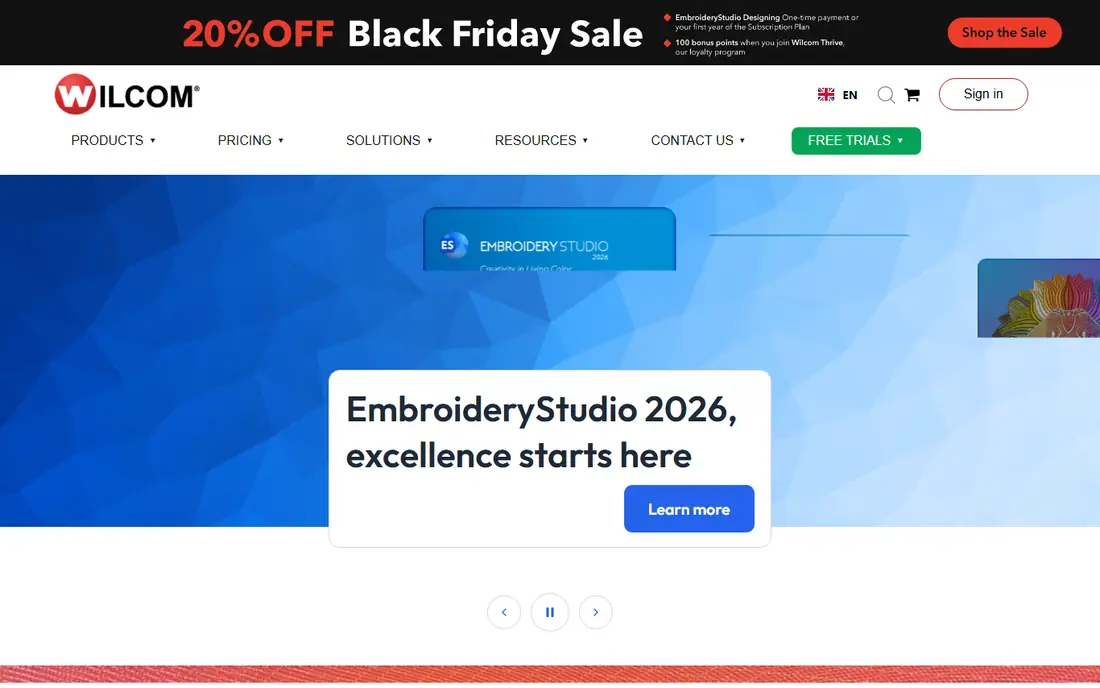
Wilcom EmbroideryStudio is the tool many commercial digitizers use as their daily workhorse, and that reputation is earned by control rather than by a single headline feature. You can shape individual stitch angles, adjust push and pull compensation, build complex fills, and sequence a design so it sews in a sensible order on a multi-needle machine. For a shop that takes client artwork all day, that level of control saves test sews and rework.
The catch is price and commitment. Wilcom sells in levels, from lettering and editing up to full designing, and the top levels cost several thousand dollars. It is also Windows only, so Mac owners need a Windows machine or a virtual setup. If you digitize for paying clients, the cost can make sense. If you make gifts a few times a month, start lower on this list and upgrade only when paid work justifies it.
- Deep manual digitizing controls
- Strong lettering and monogram tools
- Wide commercial format support
- High price for hobby use
- Windows only
- Learning curve is steep for beginners
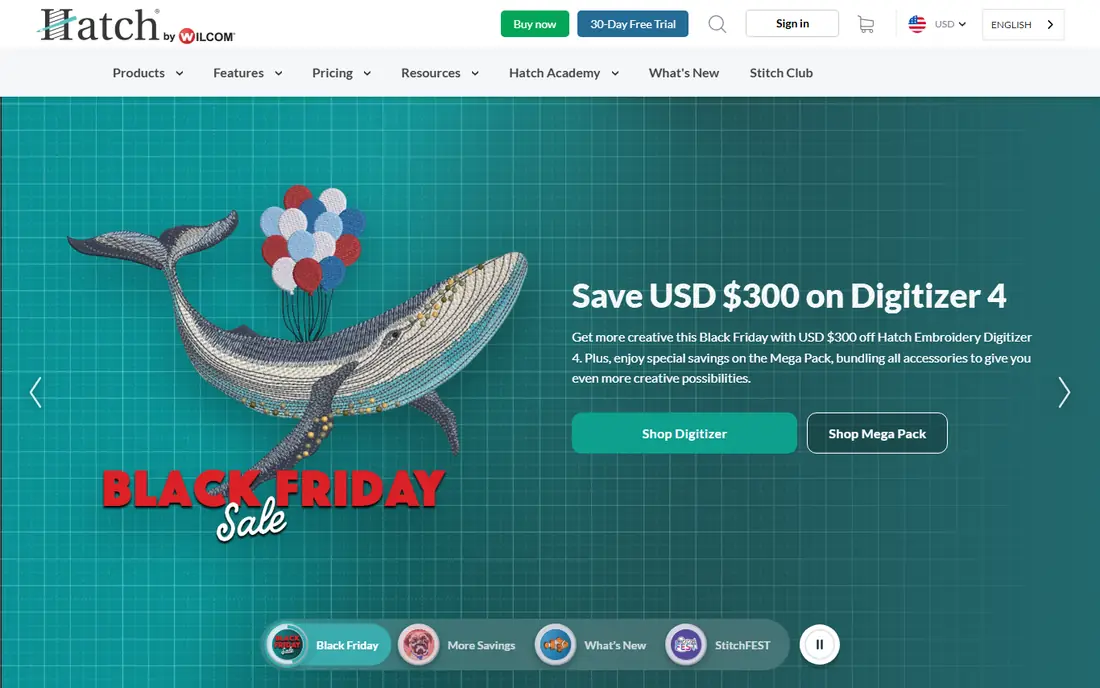
Hatch comes from Wilcom, and that shows in the stitch quality, but the buying model is friendlier for a home business. You can start with Organizer to sort, resize, and convert designs, move to Personalizer or Composer for lettering and auto-digitizing, and step up to Digitizer when you want full manual control. The Academy lessons included with the software help close the gap between watching a tutorial and digitizing a clean logo.
Pricing needs a careful read. The $149 starting figure is for the entry Organizer level, not for full Digitizer, which is priced much higher and can also be paid in installments through FlexPay. The 30-day trial covers all four levels, so use it with your own artwork and your own machine format before you commit. Windows 11 is required for the current version, which is a real limit for older computers and for Mac-only households.
- Four clear levels from organizing to full digitizing
- Built-in Academy lessons
- Strong auto-digitizing and lettering
- Windows only
- Top Digitizer level costs far more than the entry level
- Large download and setup
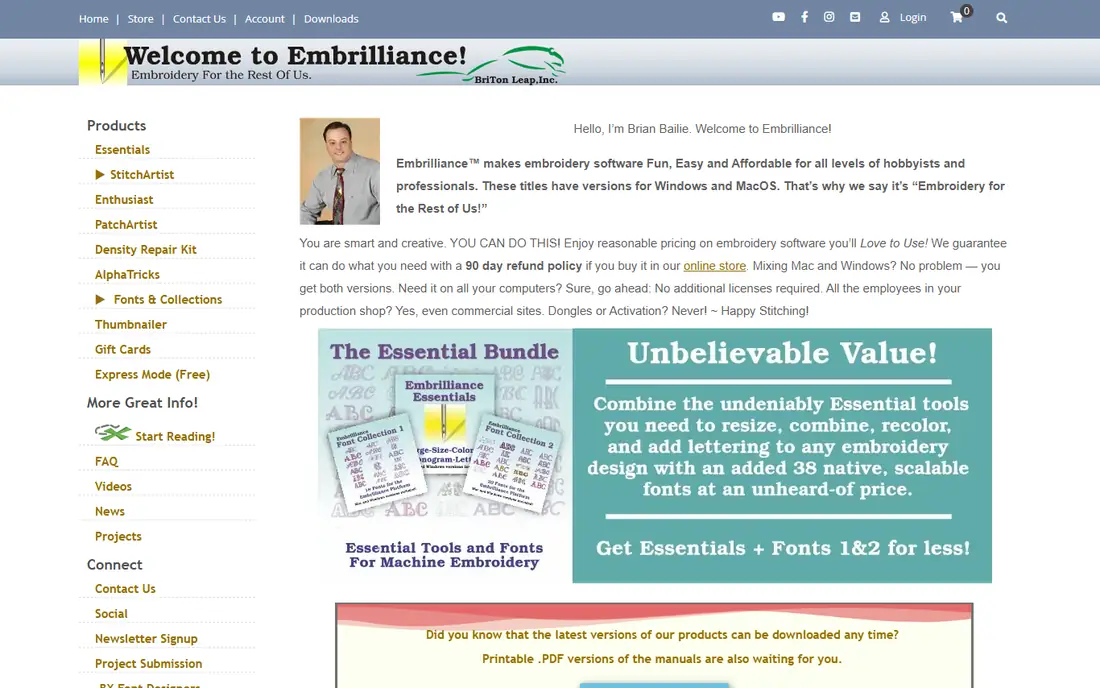
Embrilliance takes a different approach from Hatch: one platform program grows as you add titles, so StitchArtist sits alongside Essentials and other modules without forcing you to switch apps. Level 1 starts at $169 and covers applique, running stitch, and simple fills, which is enough for many hobby projects. Level 2 adds a wider stitch range for more complex work, and you do not need to own Level 1 first to buy Level 2.
Mac support is the main reason many buyers pick this route. Most pro digitizing tools are Windows only, while Embrilliance runs natively on both systems and reads and writes common formats including PES, JEF, DST, and HUS. The trade-off is that the modular price can climb as you add levels, and there is no free plan to test the full workflow. If you work on a Mac and want a paid tool with a gentle start, this is the most practical pick here.
- Runs on Mac and Windows
- Modular levels let you pay as skills grow
- Instant stitch generation while editing
- Advanced levels add up in cost
- No free tier
- Fewer production tools than Wilcom at the top end
PE-DESIGN 11 is Brother's own digitizing software, and it fits best when your machine is also a Brother. It turns photos into stitch patterns, lets you build custom fonts and decorative stitches, and includes a large library of built-in designs and fonts to start from. Features such as intelligent color sorting cut down thread changes, and the fabric selector adjusts stitch settings for different materials.
Brother does not publish a single list price on its main product page, so expect dealer pricing and check the exact edition before you pay. The software is Windows only, and while it can export common formats, its strongest case is a Brother workflow with wireless transfer to a compatible machine. If you run a mixed-brand shop, a brand-neutral tool such as Wilcom or Hatch may give you fewer format surprises.
- Built for Brother and Baby Lock workflows
- Photo-to-stitch tools
- Large built-in design and font library
- Windows only
- Price is set by dealers and varies
- Less useful if you own another brand
Janome Digitizer MBX, also sold in related editions under the Janome and Artistic Digitizer names, is the natural first look for Janome owners. It handles the JEF and SEW formats your machine expects, plus editing, lettering, and digitizing tools for turning your own drawings into stitch files. For someone who already owns a Janome machine, that match removes a lot of format guesswork.
As with Brother, pricing is typically through dealers rather than a single public price, so get a written quote for the edition you need. It is Windows software, and its community of tutorials is smaller than the Wilcom and Hatch communities. That matters when you get stuck on a tricky fill or a logo with small text. If you own a Janome and plan to stay with that brand, the fit is strong. If you plan to serve clients on many brands, compare it with a brand-neutral option first.
- Made for Janome machines and formats
- Strong editing and lettering tools
- Good for customizing purchased designs
- Dealer pricing varies
- Windows only
- Less common in mixed-brand commercial shops
Ink/Stitch is an extension for Inkscape, the free vector drawing program, and it is the best free digitizing option we found. You draw or import vector shapes, assign stitch types and properties, and export machine formats for your embroidery machine. Because it is open source, there is no license fee, no subscription, and no locked file format pushing you toward a paid upgrade.
The honest catch is the learning curve. You need to learn Inkscape basics as well as digitizing basics, and setup on some systems takes careful following of the install guide. There is no phone support team to call, though community forums and guides are active. If your budget is zero and you enjoy learning a tool properly, Ink/Stitch can produce work you would be happy to sell. If you need to digitize client logos this week with minimal setup, a paid tool with guided lessons will feel faster.
- Free and open source
- Runs inside Inkscape on Mac, Windows, and Linux
- Full manual digitizing control
- Setup takes patience
- Documentation assumes some vector editing skill
- No commercial support line
Embird has been around for years, and its appeal is simple: buy the base program, then add plug-ins for digitizing, lettering, editing, or other jobs only when you need them. The base price starts around $149, which makes it one of the cheapest paid entry points on this list. It also converts between many machine formats, which helps if you collect designs from different sources.
The interface will not win design awards, and it can feel dated next to Hatch or Embrilliance. Plug-in pricing means the total can grow past the entry price, so add up the modules you actually need before comparing it with a single-price tool. It runs on Windows only. For a budget buyer who wants a paid tool without a subscription and who is happy with a practical, older-style interface, Embird still earns a place.
- Low entry price for the base program
- Plug-ins let you add only what you need
- Broad format conversion
- Interface looks dated
- Plug-ins add cost over time
- Windows only
ArtLink is free software from BERNINA for viewing, resizing, recoloring, and converting embroidery designs, and it is a sensible first step if you own a BERNINA or Bernette machine. It helps you understand how a design is built, how stitch counts change when you resize, and how formats differ, without spending anything. For a beginner who is still learning what digitizing even means, that free practice has real value.
Do not mistake ArtLink for a full commercial digitizer. It lacks the deep manual stitch control, advanced fills, and production sequencing found in Wilcom or Hatch Digitizer. If your goal is only to edit and personalize purchased designs, it may be all you need. If your goal is to digitize original logos from scratch for clients, plan to move up to a true digitizing tool on this list once you outgrow it.
- Free for BERNINA and Bernette owners
- Easy resizing and format conversion
- Gentle first step into design editing
- Not a full professional digitizer
- Limited advanced digitizing tools
- Tied to the BERNINA ecosystem
How we picked these
We compared official feature and pricing pages, machine format lists, operating system requirements, and public documentation for each tool. We favored tools that are still sold and supported in October 2026, that write at least one common machine format, and that fit a clear buyer: hobbyist, home business, or commercial shop. Where a vendor did not publish a price, we wrote See website rather than copying a dealer or reseller figure as if it were the vendor price.
What to check before you buy digitizing software
Start with your machine, not with a feature list. Write down the format your machine reads, the hoop sizes you use, and whether you work on Mac or Windows. A tool that cannot write your format, or cannot run on your computer, is not a bargain at any price.
Next, decide how much digitizing you will actually do. Editing purchased designs needs far less software than building logos from scratch. If you only resize, recolor, and add names, a free editor or an entry level tool may serve you for years. If you plan to digitize client artwork, budget for manual digitizing controls, good lettering, and time to learn them.
Try before you buy, with your own artwork
Use a trial with a real logo, not just a built-in sample. Digitize it, export it in your machine format, and sew a test on scrap fabric with the stabilizer you normally use. Look for gaps, puckering, thread breaks, and lettering that fills in at small sizes. A tool that looks smooth on screen can still sew badly if density or underlay settings are wrong for your fabric.
Budget for learning, not just the license
Digitizing is a skill, and the software is only part of the cost. Lessons, test fabric, stabilizer, and thread for practice runs all add up. Tools with built-in lessons, such as Hatch Academy, or with large tutorial communities, can shorten that learning time. A cheaper tool with no guidance can end up costing more in wasted test sews.
Frequently asked questions
What is the best digitizing software for embroidery for beginners?
For a free start, Ink/Stitch or BERNINA ArtLink (for editing) cost nothing and teach the basics. For a paid beginner route, Embrilliance StitchArtist Level 1 or Hatch Organizer and Personalizer are easier to learn than full professional tools, and both let you upgrade later without starting over.
What is the best machine embroidery software for a small business?
Hatch Digitizer is a strong middle ground: it has Wilcom stitch quality, clear levels, and lessons for a home business. Wilcom EmbroideryStudio fits better once digitizing itself is a paid service and you need the deepest manual control for client work.
What is the best digitizing software overall?
There is no single winner for every buyer. Wilcom leads for commercial digitizing depth, Hatch leads for home businesses that want a guided path, and Embrilliance leads for Mac users. Match the tool to your machine, your computer, and how much digitizing you will sell.
Can I get best digitizing software for free?
Yes, Ink/Stitch is free and can digitize original designs, and BERNINA ArtLink is free for editing and converting designs. Free tools need more setup and self-teaching, but they do not lock you into a subscription or a file format you cannot export.
Should I hire a digitizing service instead of buying software?
If you need only a few logos a year, a service can be cheaper than software plus learning time. If you digitize weekly, or you need fast changes to client artwork, owning software usually pays off. Many shops do both: they digitize routine work in-house and send complex designs to a service.
Does digitizing software work with every embroidery machine?
Not every tool writes every format, so check before you buy. Most tools here write common formats such as PES, JEF, DST, EXP, and HUS, but the exact list varies by tool and by level. Confirm your machine format on the vendor page and test an export during any trial.
Sources
See where you really rank - block by block
ProMapRanker scans Google Maps across a grid of your service area. Simple monthly plans from $19, white-label on every plan.
Start freeKeep reading
 zoho inventory alternatives
6 Alternatives to Zoho Inventory, Compared on Price and Fit
Zoho Inventory alternatives: 6 tools compared on price, free plans and fit. Katana leads the list for manufacturers. Fit and flaws are laid out for each entry.
Read → zoho crm alternatives
Best Zoho CRM Alternatives (2026)
Need Zoho CRM alternatives? We compare 7 tools on cost, free access and who each suits. Every pick gets a straight assessment. Built for quick decisions.
Read → zelle alternatives
Best Zelle Alternatives in 2026
Compare the best Zelle alternatives for sending money to friends, paying sellers and moving funds abroad, with honest notes on fees, speed and safety in 2026.
Read →