 ProMapRanker
Best Email Warmup Service for Cold Outreach in 2026

Key takeaways
- Bundled warmup in Instantly, Lemlist, and Smartlead is cheapest at scale, because there is no per-inbox warmup fee.
- Standalone tools like Mailreach and Warmbox suit teams that already have an outreach platform without warmup.
- A short trial will not finish warming a new mailbox, so budget for several weeks of warmup before outreach.
- Warmup does not guarantee inbox placement or replies, and it cannot fix bad lists or missing SPF, DKIM, and DMARC.
- Lawful contact, clear opt-outs, and consent where required matter more than any warmup tool.
Quick comparison
| Pick | Great for | Pricing starts at | Free tier | |
|---|---|---|---|---|
 Instantly | Outreach plus built-in warmup | See website | No | Visit |
 Lemlist | Outreach with Lemwarm warmup | See website | No | Visit |
 Smartlead | High-volume outreach and warmup | See website | No | Visit |
 Mailreach | Standalone warmup and diagnostics | See website | No | Visit |
 Warmbox | Budget standalone warmup | See website | No | Visit |
 Warmup Inbox | Solo senders and simple setup | See website | Free trial | Visit |
 Mailwarm | Simple standalone warmup | See website | No | Visit |
 Warmy | Reputation repair and custom setups | See website | Free trial | Visit |
 Folderly | Premium deliverability audits | See website | No | Visit |
The best email warmup services for cold outreach
This guide is framed for lawful business contact only, with consent and privacy notes throughout. Warmup is the gradual process of building a new mailbox reputation by sending and receiving a small, growing volume of mail, so providers learn to trust that mailbox. It does not guarantee inbox placement or replies, and it cannot fix a poor list, missing authentication, or messages sent without a lawful basis. Only contact people you have a lawful reason to contact, honour opt-outs promptly, and follow privacy rules for your market. We compared official feature pages, pricing pages, app store listings, privacy policies, and public reviews.
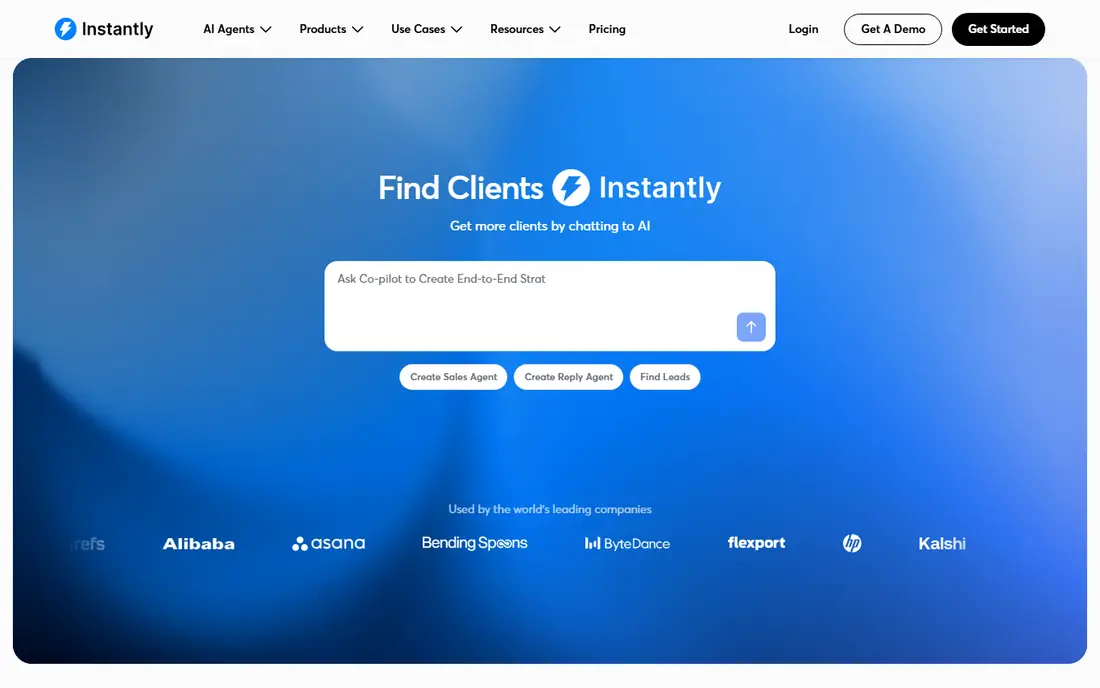
Instantly is the simplest choice for teams already running outreach on the same platform. Warmup is built into its outreach plans, so there is no separate per-inbox warmup bill, and deliverability monitoring sits in the same dashboard as campaigns. That bundling helps agencies and sales teams with many inboxes, where per-inbox pricing would grow fast.
The weakness is that warmup alone is not the product: you pay for an outreach platform, so a team that only needs warmup may pay for features it never uses. Use Instantly when outreach and warmup will live together, and keep list quality high, because warmup cannot fix bad data. For a tree crew or a web team, the test is simple: run one small campaign or project first, watch the real cost per result, and only then scale the budget.
- Unlimited warmup included with outreach plans
- Deliverability tools in one dashboard
- Scales well for many inboxes
- Warmup is bundled, not standalone
- Outreach plan cost is the entry price
- Results still depend on list quality
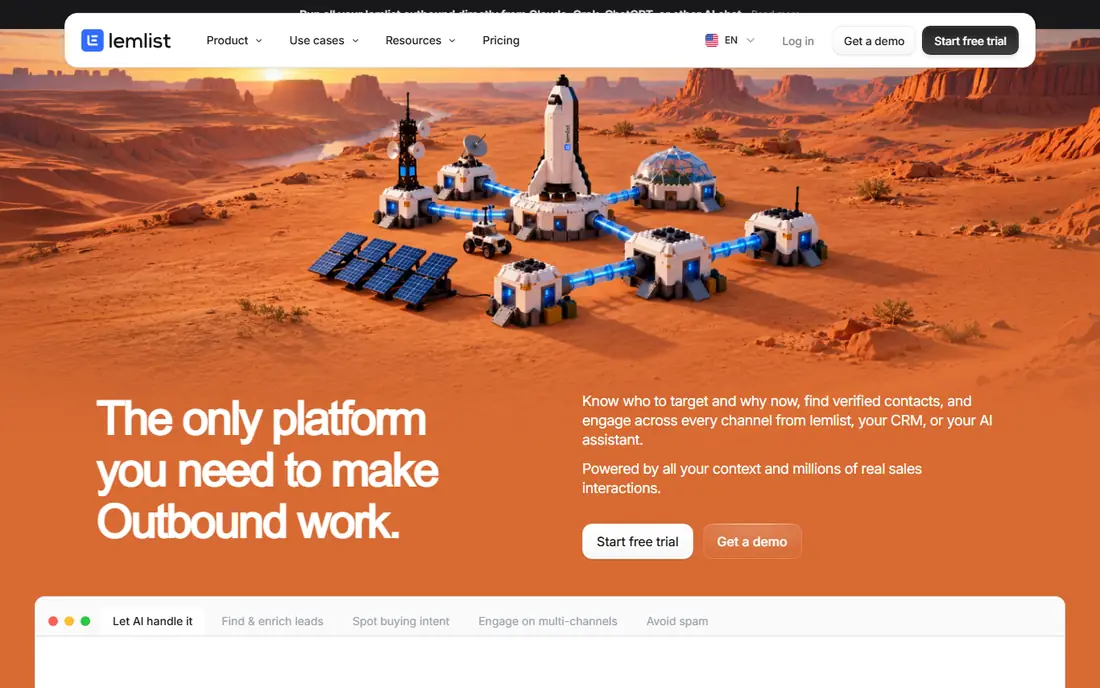
Lemlist suits teams that want warmup and outreach in one workflow, with a more personal feel to the warmup itself. Its Lemwarm tool sends personalised warmup emails and monitors sender reputation, while Lemlist campaigns handle the outreach that follows. That pairing helps small sales teams that want one login for the whole cold outreach process.
The trade-off is bundling again: Lemwarm is included with Lemlist plans, so a team using another outreach tool may not want to switch platforms for warmup alone. Test the full flow from warmup to first campaign, and check the per-email cost at your inbox count. Start small, measure what actually happens in the first month, and keep the plan only if the numbers and the daily workflow both hold up.
- Lemwarm warmup included with Lemlist plans
- Personalised warmup emails
- Deliverability monitoring for senders
- Standalone warmup is tied to Lemlist plans
- Per-email pricing can add up
- Outreach features may be more than needed
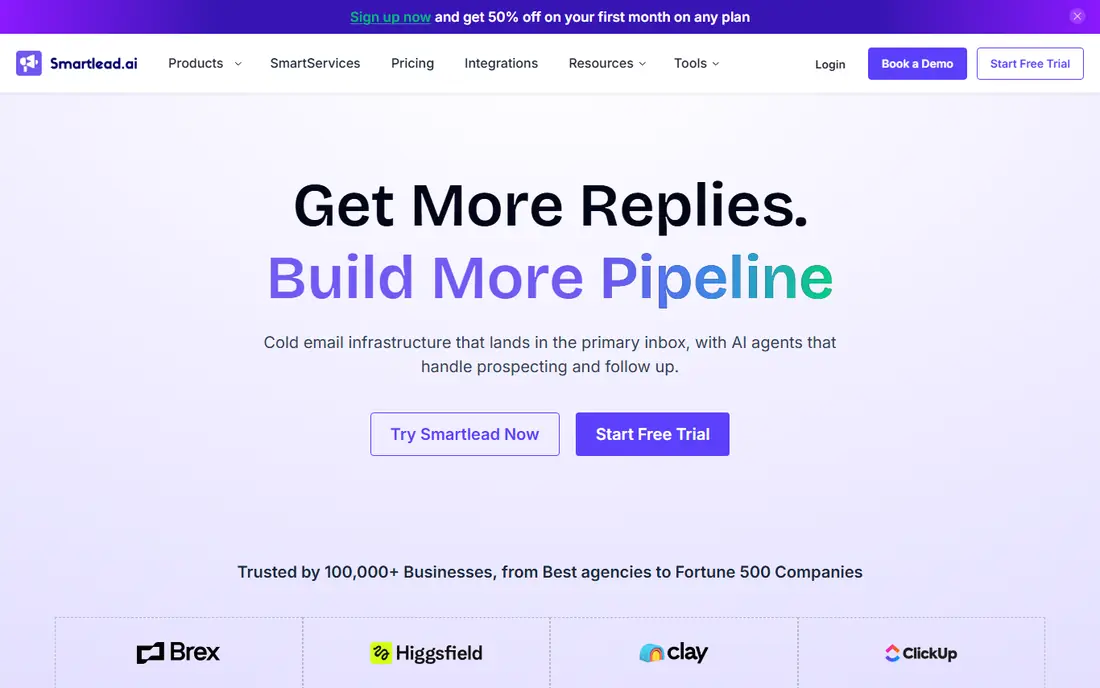
Smartlead is built for volume, and its warmup reflects that focus. Warmup is included with its outreach plans, with no separate per-inbox warmup charge, and its deliverability tools help protect many domains and inboxes at once. Agencies running campaigns for several clients can benefit from that flat, bundled shape.
The weakness is entry cost and complexity: a solo sender with one inbox may not need an agency-grade platform. Use Smartlead when inbox count is high and outreach will run at scale, and set up authentication before any campaign. The right test is a short, real trial with your own jobs, files, or contacts, not a demo account filled with sample data.
- Unlimited warmup with outreach plans
- Deliverability protection across inboxes
- Built for agencies and large teams
- Entry cost is an outreach plan, not a small warmup fee
- Setup takes care for many domains
- List quality still matters most
Mailreach is the clear standalone pick for teams that already have an outreach tool without good warmup. It warms mailboxes independently, monitors spam placement and blacklists, and gives diagnostics that help a team find why mail lands in spam. That independence matters when switching outreach tools would be costly or disruptive.
The downside is linear pricing: each mailbox adds cost, so a large agency may pay more than with a bundled platform. Use Mailreach for a focused warmup job, and compare its per-mailbox total against a bundled plan at your inbox count. Compare the total monthly cost, including add-ons and renewals, before you judge a headline price.
- Standalone warmup for any outreach tool
- Spam testing and blacklist monitoring
- Clear per-mailbox pricing
- Per-mailbox cost grows with inbox count
- No outreach campaigns included
- Setup needs authentication work
Warmbox suits a solo founder or small team that needs warmup without an agency budget. Its per-inbox price is low, its scheduling spreads warmup emails sensibly, and its blacklist checks flag problems early. For one to three inboxes, that simplicity and price are hard to beat.
The limit is scale: per-inbox pricing adds up for larger teams, and it does not include outreach campaigns. Start with Warmbox for a small, lawful outreach test, and move to a bundled platform only if inbox count grows sharply. If the setup feels heavy for the size of your team, that friction usually stays, so weigh it as heavily as the feature list.
- Low per-inbox price for solo senders
- Smart scheduling for warmup emails
- Blacklist risk checks included
- Per-inbox pricing grows with scale
- No outreach campaigns
- Support and features are simpler than premium tools
Warmup Inbox is a straightforward choice for a single mailbox that needs a gentle ramp-up. Setup is simple, analytics show warmup progress, and a trial lets a user see the dashboard before paying. That ease of use helps a founder who does not want to learn a full outreach platform just to warm one inbox.
The weakness is the trial itself: a few days of warmup will not complete the process, so the trial is a dashboard test, not a finished warmup. Plan for at least several weeks of paid warmup, and keep sending volume low during that period. A short pilot with real work will tell you more than any feature page, so set a clear pass mark before you start.
- Simple setup for individual mailboxes
- Warmup analytics and reporting
- Trial lets users test the dashboard
- Per-inbox pricing
- Trial is short and will not finish warming a new mailbox
- No outreach campaigns included
Mailwarm is a dedicated warmup service for teams that want warmup handled separately from outreach. Its adaptive ramp-up increases volume gradually, and its monitoring shows inbox placement and spam scores so a team can spot problems early. Setup is simple, and the focus on warmup alone keeps the dashboard uncluttered.
The downside is price: it costs more than budget standalone tools, and it does not include outreach campaigns. Use Mailwarm when a dedicated, simple warmup service matters more than the lowest price. Check the renewal price and the cancellation steps in writing, because those terms matter as much as the first month.
- Dedicated warmup service with adaptive ramp-up
- Inbox placement and spam score monitoring
- Simple account setup
- Higher per-account price than budget rivals
- No outreach campaigns
- Pricing is per account rather than per feature tier
Warmy suits senders whose reputation needs repair, not just a routine warmup for a new mailbox. Its custom setups and placement testing help a team diagnose why mail lands in spam and rebuild sending patterns gradually. That diagnostic focus is useful after a domain has suffered bounces, complaints, or blacklist issues.
The weakness is cost and time: it starts higher than budget tools, and a trial alone will not repair a reputation. Use Warmy for a focused repair project, and fix list quality and authentication at the same time. Keep one alternative ready during the trial, so you can walk away cleanly if the fit is wrong.
- Custom warmup setups for damaged reputations
- Inbox placement testing
- Volume-based pricing for larger needs
- Higher starting price
- Trial will not complete a full warmup
- Setup needs care for custom plans
Folderly is a premium deliverability service for teams that want deep audits, not just a warmup switch. Its seed-list testing and reporting can show where mail lands across providers, which helps a team diagnose a stubborn deliverability problem. For a company whose outreach revenue depends on inbox placement, that diagnostic depth can matter.
The weakness is price and fit: it is the most expensive option here, and public criticism of its seed-list range and sending schedule should be checked before paying. Use Folderly only for a specific audit or repair need, and compare its total against a bundled warmup plan first. Judge it on the jobs you run every week, not on the largest or most unusual job in your pipeline.
- Deep deliverability audits and seed-list testing
- Detailed reporting for teams that need diagnostics
- Premium support options
- Highest price on this list
- Seed-list limits and weekend sending have drawn criticism
- Warmup alone may not justify the cost
How we picked these
We compared official feature pages, pricing pages, app store listings, privacy policies, and public reviews, and we kept only services that are live and clearly fit the topic in October 2026. Where a price or a free tier could not be confirmed on the vendor site, we wrote See website rather than guessing, and we left out services that are retired, trial-only when a free plan was claimed, or a poor fit for the stated angle.
Each pick below gets one concrete strength and one honest weakness. That balance matters more than a long feature list, because the best choice for a solo operator is rarely the best choice for a larger team, and a low headline price can hide renewal fees, per-user charges, or limits that only show up at scale.
How to warm up lawfully and safely
Start with authentication and list quality before any warmup tool. Publish SPF, DKIM, and DMARC for the sending domain, use a dedicated domain for outreach rather than the main company domain, and only add contacts you have a lawful basis to contact. A warmup tool can build engagement signals, but it cannot repair a list full of stale addresses, and bounces and complaints during warmup can damage the very reputation you are trying to build.
Warm gradually and measure placement, not just volume. Increase daily sending slowly over several weeks, watch spam placement, bounces, and blacklist status, and pause if complaints rise. Keep warmup and outreach on separate domains where possible, honour every opt-out at once, and never use warmup to disguise spam, deception, or bulk unsolicited mail. If a tool promises guaranteed inbox placement, treat that claim as a warning sign, because no tool can control every provider filter.
Frequently asked questions
How long does email warmup take?
For a new mailbox, plan for several weeks of gradual ramp-up before full outreach volume. A few days of warmup may show progress in a dashboard, but it does not build the sustained reputation that providers trust.
Does warmup guarantee inbox placement?
No. Warmup improves sender reputation, but inbox placement also depends on authentication, list quality, content, complaint rates, and provider filters. A warmed mailbox can still land in spam if those factors are poor.
Should I warm up on my main company domain?
Usually no. Use a separate domain for cold outreach, so any deliverability problem does not harm mail from your main domain to customers and partners. Keep the main domain for transactional and customer mail.
Is cold outreach lawful?
It depends on your market, the recipient, and the lawful basis for contact. Business contact rules vary, consent may be required in some cases, and opt-outs must be honoured promptly. Get legal advice for your market before large campaigns.
Do I need a standalone warmup tool?
Not always. If your outreach platform already includes warmup, a standalone tool adds cost without benefit. A standalone tool makes sense when your outreach platform lacks warmup or you need deeper diagnostics.
Sources
See where you really rank - block by block
ProMapRanker scans Google Maps across a grid of your service area. Simple monthly plans from $19, white-label on every plan.
Start freeKeep reading
 worlds best local seo company
8 Worlds Best Local SEO Companies for Map Pack Growth in 2026
Compare the worlds best local seo company options for Google Business Profile work, citations, reviews, and multi-location rankings and reporting in 2026.
Read → world's best web hosting company
World's Best Web Hosting Company in 2026
Searching for the world's best web hosting company? We compared 10 hosts on price, renewal rates, speed, and support to help you choose well today in 2026.
Read → who's got the best nanny tax services
Who's Got the Best Nanny Tax Services in 2026
We answer who's got the best nanny tax services, comparing full filing, back taxes, software, and pricing so families can handle nanny taxes correctly.
Read →