 ProMapRanker
Best Email Testing Tools in 2026

Key takeaways
- Email testing splits into three jobs: design preview, delivery and spam checks, and QA for app-sent mail such as password resets.
- Mailtrap suits staging and QA, Litmus and Email on Acid suit design preview, and GlockApps suits inbox placement checks.
- Mailosaur, MailSlurp, and Testmail suit automated tests that need a fresh inbox, an API, and code or link checks.
- Use a private test domain for QA mail, because public inboxes can be read by anyone who guesses the address.
- Most strong teams run one tool from each group, rather than hunting for one tool that does all three jobs well.
Quick comparison
| Pick | Great for | Pricing starts at | Free tier | |
|---|---|---|---|---|
 Mailtrap | Staging and QA email sandbox | $14.99 per month | Yes | Visit |
 Litmus | Design preview across clients | See website | Free trial | Visit |
 Email on Acid | Design preview and accessibility | See website | Free trial | Visit |
 Mailosaur | Automated QA with vendor SDKs | $9 per month | Free trial | Visit |
 MailSlurp | Fresh inboxes for every test | $19.99 per month | Yes | Visit |
 GlockApps | Spam and inbox placement testing | $59 per month | Yes | Visit |
 Mailinator | Large parallel test runs | See website | Free trial | Visit |
 Testmail | Small-budget GraphQL email testing | $12 per month | Yes | Visit |
 Stripo | Template design and testing | $12.50 per month | Yes | Visit |
The best email testing tools
We grouped tools by the job they do best, because a design preview tool cannot check a password reset code, and a QA inbox tool cannot preview an email in Outlook dark mode. Read the group first, then the tool, so you pick the right kind of testing for your problem.
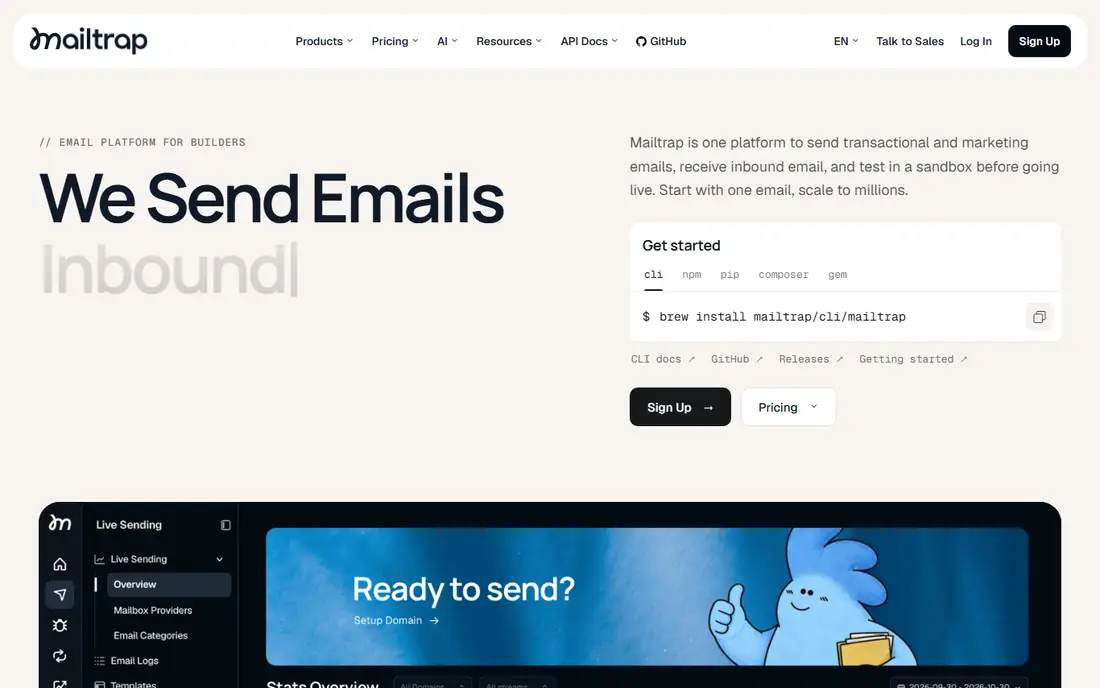
Mailtrap is our pick for teams that send mail from an app in staging, development, or QA. Its Email Sandbox captures mail before it reaches real customers, so a test run cannot spam your user base by mistake. You can inspect HTML, check spam scores, preview across clients, and automate checks through its API.
Mailtrap also offers a free tier for a single inbox and a limited number of tests per month, which suits a solo developer. Its design preview is useful, but a marketing team that lives on pixel-perfect Outlook rendering may still want Litmus or Email on Acid alongside it. For QA and staging, Mailtrap is the most practical starting point.
- Fake SMTP sandbox that traps staging mail
- HTML and spam checks
- API and team inboxes
- Design preview depth is lighter than Litmus
- Paid tiers rise with inboxes and team size
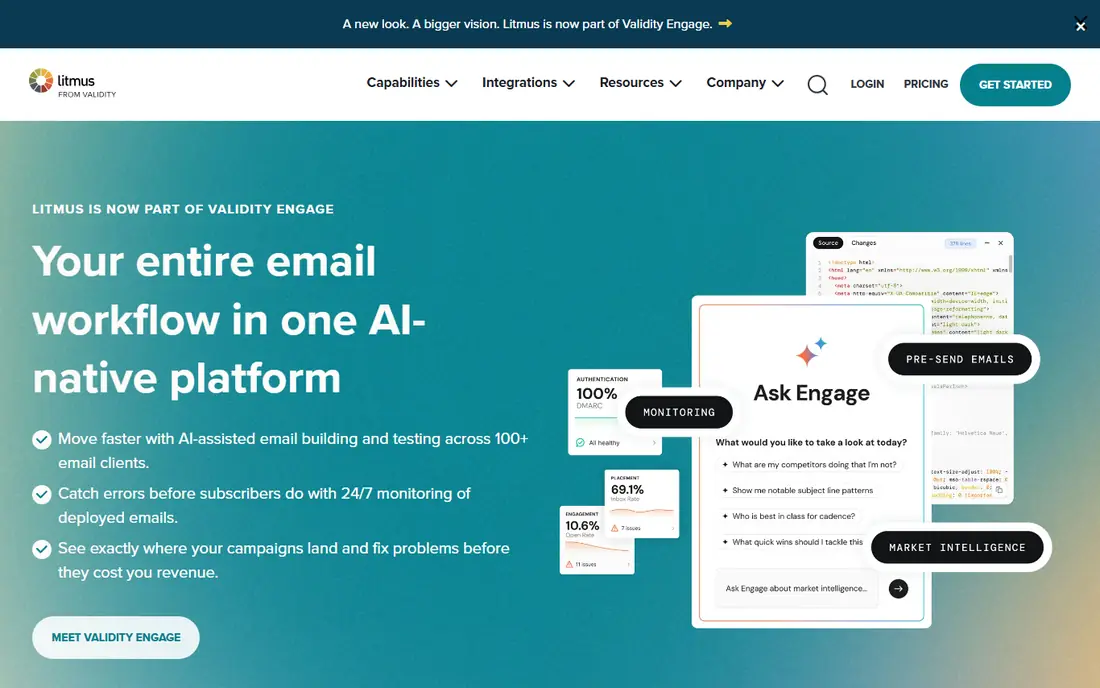
Litmus suits marketing and design teams that need to know how an email looks in Outlook, Apple Mail, Gmail, and mobile apps before sending. Its preview library covers many clients and devices, and its spam testing, analytics, and approval workflows help larger teams ship campaigns with fewer errors. For a team that sends high-volume campaigns, that preview depth is the main value.
Pricing is the caveat. Litmus prices have varied across sources and years, so we wrote See website rather than repeat a stale figure. Confirm the current plan for your preview volume and user count. Litmus is a design tool first, so pair it with Mailtrap or Mailosaur if you also need QA for transactional mail.
- Previews across many apps and devices
- Spam testing
- Collaboration and approval workflows
- Pricing has changed across sources, so confirm the current plan
- Cannot check app-sent codes like a QA inbox
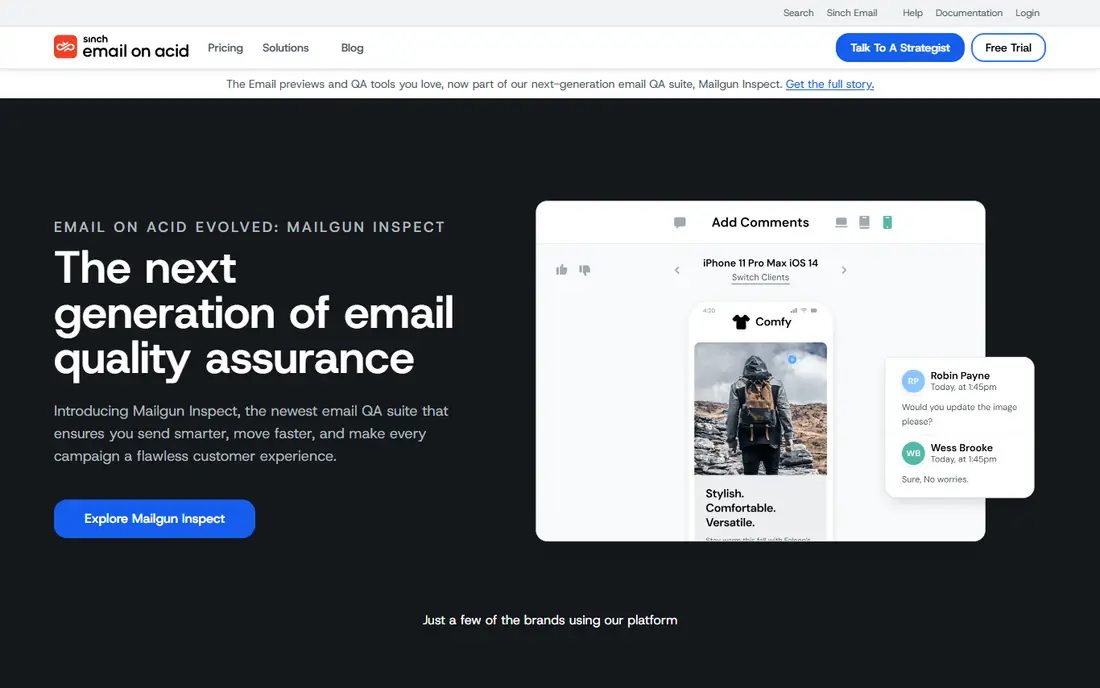
Email on Acid suits teams that want broad preview coverage plus content checks for accessibility, links, and images. Its unlimited previews on some plans help teams that test many template variants, and its spam filter testing covers business and consumer filters. For a design team that iterates often, that preview volume matters.
As with Litmus, pricing has varied across sources, so confirm the current plan before you budget. Email on Acid is strongest for marketing mail design, not for automated QA of app-sent mail. Use it alongside a QA inbox tool if your product sends transactional mail from code.
- Previews across many clients
- Accessibility, link, and image checks
- Unlimited previews on some plans
- Pricing varies by plan and source
- Design focus means QA inbox features are limited
Mailosaur suits small QA teams that want a hosted mail server with SDKs they can call from tests. You can create a server, send mail to it from your app, then check subject, body, links, and attachments in code. That workflow fits continuous integration, where a test must prove that a reset email contains the right link.
Mailosaur does not try to be a design preview tool, and that focus is a strength. Its starting price is low, which helps a small team add email QA without a large contract. If your tests need many parallel inboxes or SMS as well, compare Mailinator and MailSlurp before you choose.
- Hosted mail server for tests
- SDKs for common languages
- Private servers and API access
- Trial only on the free side
- Design preview is not its job
MailSlurp suits QA teams that want a clean inbox for each test run. You can create inboxes on demand, send mail to them, read messages through the API, and delete them after the test. That isolation prevents one test from polluting another, which matters when tests run in parallel in CI.
MailSlurp offers a free tier for non-commercial use, which helps solo developers and open-source projects. Its design preview is limited, so marketing teams will still need Litmus or Email on Acid for rendering. For automated workflow testing, MailSlurp is a flexible, API-first choice.
- A fresh inbox for every test
- API and SDKs
- Free tier for non-commercial use
- Paid tiers rise with usage
- Design preview is limited
GlockApps suits marketing operations and IT teams that need to know whether mail lands in the inbox, the promotions tab, or spam. Its seed lists test placement across providers, and its diagnostics help you find authentication, content, or reputation problems. For a team whose campaigns suddenly land in spam, GlockApps gives a clear place to start.
GlockApps is not a cheap QA inbox, and it is not a design preview suite. Its value is delivery insight, so use it when inbox placement is the problem you must solve. Pair it with a design tool for rendering and a QA tool for transactional mail, and you cover all three testing jobs.
- Inbox placement and spam testing
- Seed lists across providers
- Deliverability diagnostics
- Starting price is higher than QA inbox tools
- Design preview is not its main job
Mailinator suits QA teams that run many tests in parallel and need email plus SMS in one workflow. Its private domains give you real-looking addresses for tests, while its API and webhooks let tests read mail and trigger next steps automatically. That scale helps large teams with complex signup, checkout, and notification flows.
Do not use a public Mailinator inbox for passwords, reset links, or unreleased content, because anyone who guesses the address can read it. Use a private domain for sensitive tests, and confirm pricing for your volume, because larger plans are quoted. For large parallel QA, Mailinator is a strong, scalable choice.
- Private domains and API for large test runs
- Email plus SMS testing
- Webhooks
- Public inboxes are not safe for sensitive mail
- Pricing is quoted for larger plans
Testmail suits small teams and solo developers who want a hosted test inbox with a GraphQL API at a low price. Its free tier covers a small monthly mail allowance, and its paid tier starts at $12 per month in recent comparisons. That price makes it easy to add email QA to a small project without a large contract.
Testmail is simpler than Mailtrap, with fewer design and spam features. If you need deep HTML preview or spam scoring, Mailtrap or GlockApps will serve you better. If you need a cheap, API-first inbox for automated tests, Testmail is a practical pick.
- Low starting price
- GraphQL API
- Free tier with a monthly mail allowance
- Smaller feature set than Mailtrap
- Design preview is limited
Stripo suits marketing teams that design and test email templates in one place. Its builder lets you create responsive templates without code, preview them, and export to your sending platform. That workflow suits teams that send many campaigns and need consistent, tested templates.
Stripo is not a QA inbox for app-sent mail, and it does not replace inbox placement testing. Use it for template creation and preview, then test delivery with GlockApps and transactional mail with Mailtrap or Mailosaur. For template-led teams, Stripo offers good value at its starting price.
- Drag-and-drop template builder
- Preview and testing for templates
- Free version available
- Template focus means QA inbox features are limited
- Advanced features need higher tiers
How we picked these
We compared official vendor pages and public email testing comparisons, and we grouped tools by design, delivery, and QA jobs. We did not claim hands-on testing, and we wrote See website where pricing was quoted or had changed across sources. Where a starting price was consistent across recent comparisons, we used it and urged readers to confirm the current plan before buying.
How to choose an email testing tool
Start with the mail you must test. If it is a marketing campaign, you need design preview and spam checks. If it is a password reset, an order confirmation, or a signup code, you need a QA inbox with an API. If mail lands in spam, you need inbox placement testing and authentication checks.
Use a private test domain for QA, set up a staging SMTP trap so test mail never reaches real customers, and add email checks to CI for transactional flows. Test every campaign template across major clients and dark mode before sending, and retest after any template or sending-domain change. A short pre-send checklist saves more reputation than any single tool.
Frequently asked questions
What is the best email testing software?
Mailtrap leads for staging and QA, Litmus and Email on Acid lead for design preview, and GlockApps leads for inbox placement. The best software depends on whether you test marketing campaigns, app-sent mail, or delivery. Most strong teams use one tool from each group.
What is the best email testing tool for developers?
Mailtrap, Mailosaur, MailSlurp, and Testmail suit developers, because they offer fake SMTP or hosted inboxes with APIs and SDKs for automated tests. Mailtrap is the most complete for staging, while Mailosaur and MailSlurp suit pure QA workflows with fresh inboxes.
What is the best email testing platform for marketing teams?
Litmus and Email on Acid suit marketing teams, because they preview mail across many clients and devices and check spam, links, and accessibility. Stripo suits teams that also need to build templates. Confirm current pricing, because both preview tools have changed prices over time.
Do I need a private domain for email testing?
Yes, for sensitive QA mail. A public inbox can be read by anyone who guesses the address, which is unsafe for passwords, reset links, and unreleased content. Use a private domain, and keep test mail in a sandbox so it never reaches real customers.
How much does email testing cost?
QA inbox tools start from $9 to $20 per month, template tools start near $12.50 per month, and design preview and delivery tools start higher or are quoted. Free tiers cover small volumes, but team size, inbox count, and preview volume raise the price. Confirm the current plan for your volume.
Sources
See where you really rank - block by block
ProMapRanker scans Google Maps across a grid of your service area. Simple monthly plans from $19, white-label on every plan.
Start freeKeep reading
 zscaler alternatives
Best Zscaler Alternatives in 2026
Looking for zscaler alternatives? We compare 9 SASE and zero trust platforms on architecture, data protection, pricing, and fit for your network and team.
Read → zapier alternatives free
Best Zapier Alternatives Free in 2026
Nine automation tools for zapier alternatives free in 2026, all with genuinely free tiers, plus free plan limits, starting prices and upgrade paths explained.
Read → which platform is best for online reputation
Which Platform Is Best for Online Reputation in 2026
Wondering which platform is best for online reputation? We compare 8 review, listing, and response tools for small and multi-location businesses and agencies.
Read →