 ProMapRanker
Best Email Testing Software for Startups in 2026


Developer-friendly transactional email APIs · Pricing starts at: $15 per month
Direct answer
Mailgun leads the list, best for developer-friendly transactional email APIs. Listed starting prices: Mailgun from $15 per month, EmailGuard from $49 a month and Mailtrap from $12 a month. EmailGuard is the stronger choice for avoiding the spam folder, while Postmark suits steady transactional and marketing delivery. Details, prices and limits for the rest of the 6 tools are below.
ProMapRanker put together this guide to email testing software for startups for readers who want a clear shortlist without reading every vendor page. It compares 6 tools on starting price, free plans, who each one suits and where each one falls short.
Key takeaways
- Number one here is Mailgun, a fit for developer-friendly transactional email APIs.
- Email on Acid fits pre-deployment email checks.
- Free plans exist at 3 of 6 tools (Mailgun, EmailGuard, Mailtrap).
- A fair warning about EmailGuard: narrower than full testing suites.
- Starting prices begin at $12 per month with Mailtrap.
Quick comparison
| Pick | Great for | Pricing starts at | Free tier | |
|---|---|---|---|---|
| Mailgun | Developer-friendly transactional email APIs | $15 per month | Yes | Visit |
 EmailGuard | Avoiding the spam folder | $49 a month | Yes | Visit |
 Postmark | Dependable transactional and marketing delivery | See website | Not stated | Visit |
 Mailtrap | Sandbox testing before real sends | $12 a month | Yes | Visit |
 Litmus | All-in-one email marketing and testing | See website | Not stated | Visit |
 Email on Acid | Pre-deployment email checks | $99 a month | Free trial | Visit |
Email Testing Software for Startups profiles
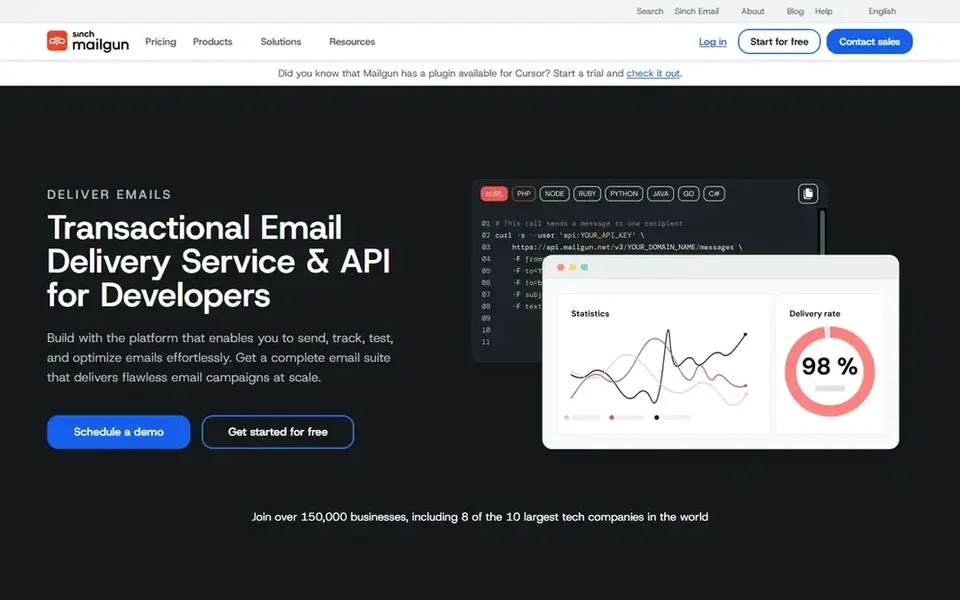
Pick Mailgun if this describes you: developer-friendly transactional email APIs. Mailgun gives you transactional email APIs that let teams send, receive and track email, and its homepage states it is built with developers in mind.
What users get: Clear developer focus.
Choose Mailgun when your priority is a dependable API for transactional email and your team can build around it. The developer-first orientation means marketing teams may need engineering help to get value from it. Starting cost for Mailgun: $15 per month. Mailgun offers a free plan.
Honest limits: Requires development work.
- Receive and track email
- APIs built for developers
- Less of a marketing suite
For avoiding the spam folder, EmailGuard is a natural candidate. EmailGuard positions itself around keeping messages out of the spam folder, a concern that matters to startups whose sender reputation is still forming.
Startups that require rendering checks, sandbox testing and sending together may prefer a wider system. In practice, consider EmailGuard when spam placement is your central worry and you want a dedicated tool. Price to start with EmailGuard: $49 per month. EmailGuard offers a free plan.
The main drawbacks: Restricted public detail on features.
- Clear inbox-placement positioning
- Centred on deliverability concerns
- Narrower than full testing suites
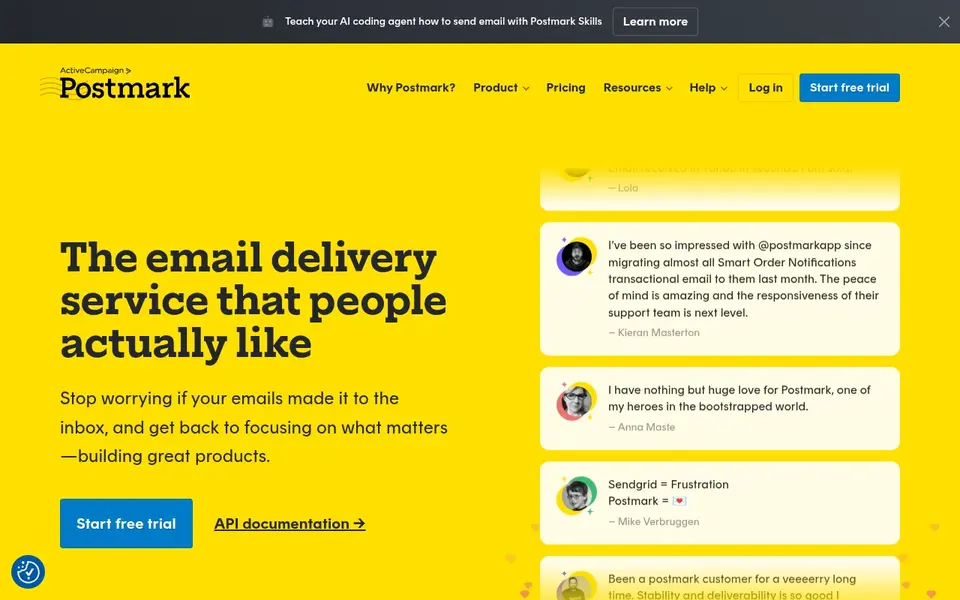
For steady transactional and marketing delivery, Postmark is a natural candidate. Postmark describes itself as a quick, steady email delivery service for developers, sending transactional and marketing email with a focus on reaching the inbox on time.
Trade-offs to know: Narrower marketing toolset.
What Postmark does well: SMTP and API choices.
Startups that require rendering checks across clients should pair it with a dedicated testing tool. Startups that care most about dependable delivery for product notifications and customer messages fit well here. Pricing for Postmark is not stated here, so ask the vendor for current figures. Free access: Not stated.
- Fits developer workflows
- Steady delivery
- Not a full testing suite
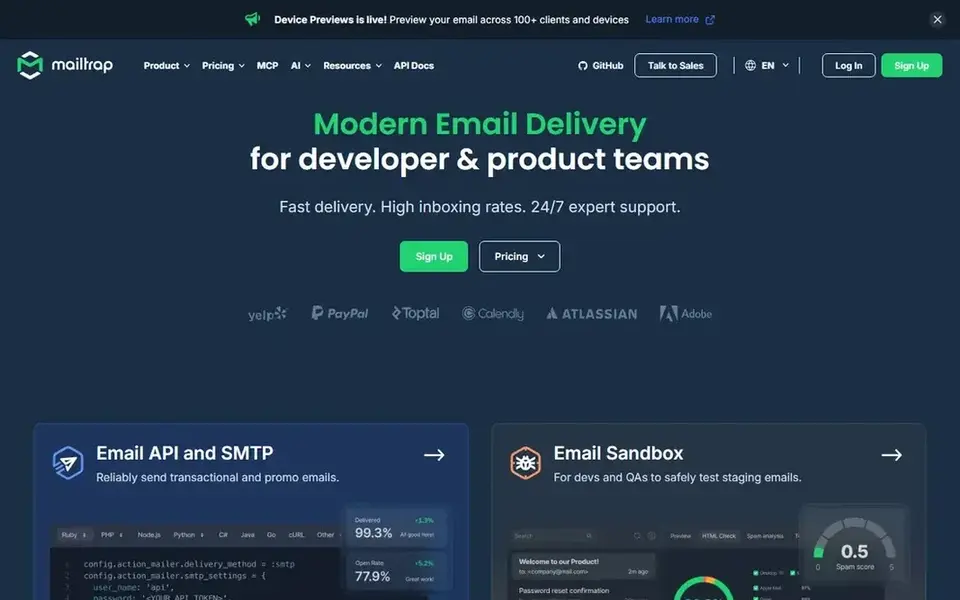
Mailtrap was built for sandbox testing before real sends. Pick Mailtrap when you want a sandbox workflow alongside your sending infrastructure and are comfortable with developer-oriented setup. For startups, the sandbox is the draw: developers can inspect messages without risking real recipients.
The range of capabilities means more configuration than a single-purpose testing tool. For everyday use, startups with very straightforward needs may find a lighter choice quicker to adopt. Starting cost for Mailtrap: $12 per month. You can start on Mailtrap without paying.
Drawbacks to consider: Wide scope can overwhelm beginners.
- API and SMTP sending choices
- Manages transactional and marketing email
- Setup spans several features
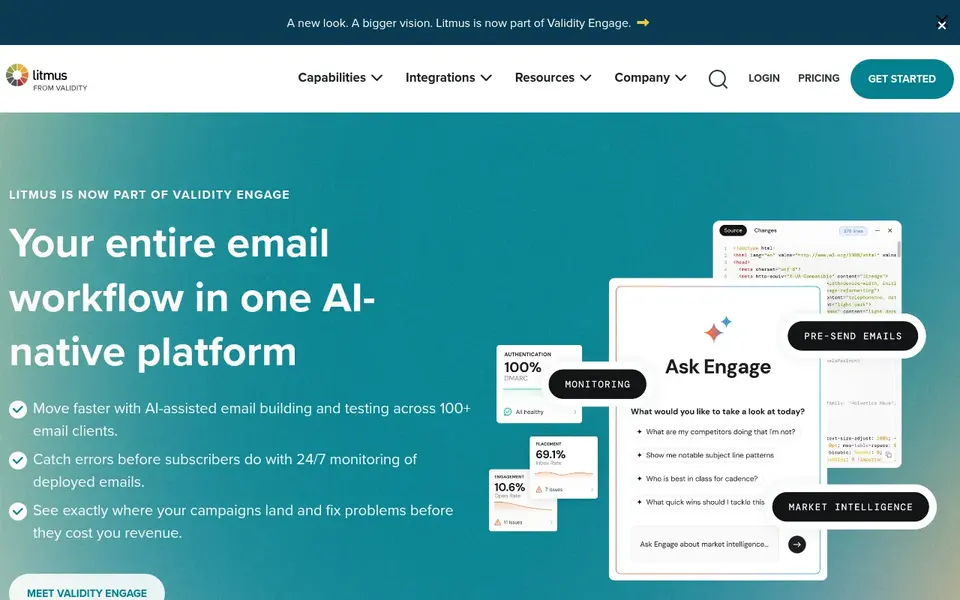
Litmus makes the most sense for all-in-one email marketing and testing. Litmus describes itself as an all-in-one email marketing system that hands teams the tools and options to make every send count. For startups, that means testing and marketing capabilities sit in one place instead of being stitched together from separate services.
Consider Litmus when you want testing and marketing together. Since it is positioned as a full marketing system, smaller startups may find parts of it beyond their current needs. Check the vendor site for Litmus pricing; none is listed in this comparison. Free access: Not stated.
Where it is weaker: Feature depth needs onboarding.
- Wide product coverage
- Merges marketing tools with testing
- May be more than small teams need
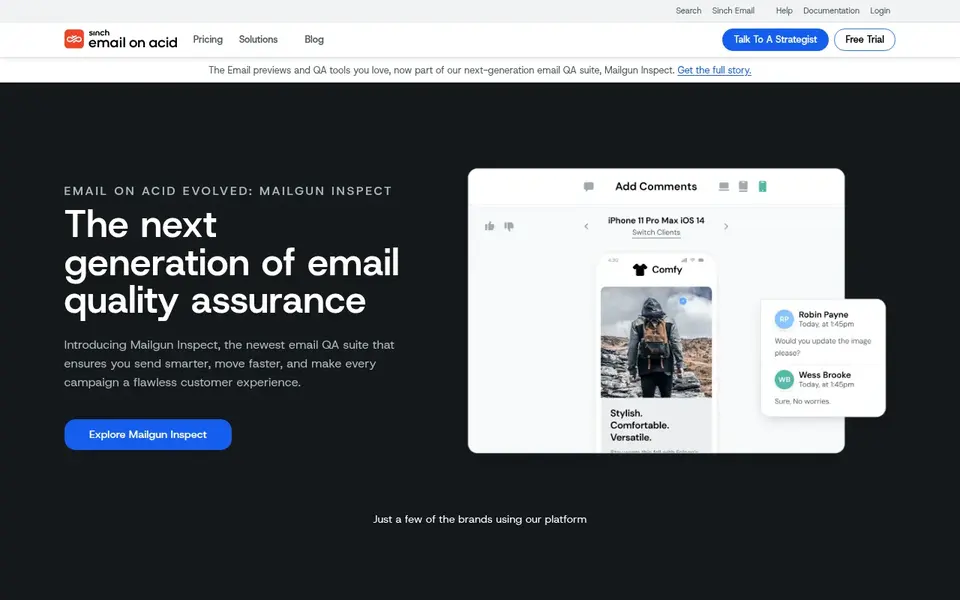
Email on Acid is aimed squarely at pre-deployment email checks. Choose Email on Acid when pre-send checking is the priority.
In practice, Email on Acid presents itself as an email pre-deployment suite, meaning it is built around checking emails before they go out. On cost, Email on Acid starts like this: $99 per month. Free plan details: Free trial.
Watch-outs: Product direction has evolved.
- Handy before campaigns launch
- Positioned as a pre-deployment suite
- Narrower than full marketing suites
Selection criteria
For each of the 6 tools we noted price, free plan or trial, fit for email testing software for startups and the main limit, using vendor pages and documentation. Prices and plan limits come from vendor pages and can change, so confirm them on the vendor site before you buy. Tools are placed by general fit for email testing software for startups, with price clarity and free access as tie-breakers. A different team can reasonably rank them differently.
What to check before you buy
- Confirm the entry price on the vendor page. For Postmark and Litmus that means a quote rather than a fixed price.
- Check what the free option really includes: Mailgun, EmailGuard and Mailtrap offer a free plan, and usage caps differ.
- Use real work to test the free trial from Email on Acid, rather than a demo project.
- Before choosing Mailgun, weigh its main limit: less of a marketing suite.
- Ask whether Mailgun integrates with your current software, and whether that comes standard or as an add-on.
- Pick one real project and run it in Litmus first; a small pilot shows fit faster than a checklist.
Frequently asked questions
How do developer-focused tools differ from marketing systems?
Developer-focused services emphasize APIs and SMTP for programmatic sending, whereas marketing products add campaign tools and testing workflows. Plenty of startups use both kinds together.
What should a startup look for in email testing software?
Start with the checks you actually need, for example rendering across clients or a sandbox for safe sends. For everyday use, a focused tool commonly beats a wide system for early-stage teams.
Which options for email testing software for startups have a free plan?
On this list, Mailgun, EmailGuard and Mailtrap include a free plan. Caps on seats, usage or features are common, so test the free plan against your real workload. One other tool offers a trial instead.
What is the cheapest option for email testing software for startups in this list?
On published monthly entry prices, Mailtrap is the lowest here at $12 per month. Entry price is only part of the cost, because seats, add-ons and billing terms can change the total. Each of the 6 options in this email testing software for startups guide has its own card above with the price, free plan and limits.
Can I try these tools before paying?
Often, yes. Mailgun, EmailGuard and Mailtrap have a free plan and Email on Acid offers a free trial. Use your own data and a real task during the test, and check what the free tier or trial limits before you rely on it.
Can these tools help keep email out of the spam folder?
Multiple choices address deliverability, and some position themselves specifically around inbox placement. Confirm the specific deliverability features on each vendor site before deciding.
Sources
See where you really rank - block by block
ProMapRanker scans Google Maps across a grid of your service area. Simple monthly plans from $19, white-label on every plan.
Start freeBrowse all guides
← 2026 Guide to the Best Email Platform for Financial AdvisorsBest Newsletter Software for Internal Communications in 2026 →
 best email newsletter analytics tools for publishers
Best Email Newsletter Analytics Tools for Publishers in 2026
Best email newsletter analytics tools for publishers: 5 contenders ranked by fit, with entry costs and free tiers. Short verdicts, no fluff. Plain facts.
Read → best email management software for ios
Email Management Software for iOS in 2026: Top 6 Compared
Best email management software for iOS: 6 tools compared on price, free plans and fit. Plain-spoken summaries throughout. Last reviewed November 2026.
Read → best email deliverability tools for startups
Email Deliverability Tools for Startups: Best Picks of 2026
Searching for the best email deliverability tools for startups? Here are 5 options with prices and free plans. Details on cost, catches and fit. Decide faster.
Read → best email marketing software for beginners
7 Strong Email Marketing Software for Beginners in 2026
Best email marketing software for beginners: 7 contenders ranked by fit, with entry costs and free tiers. Each tool is judged on the same checks. No filler.
Read → livechat alternatives
LiveChat Alternatives in 2026
We compared LiveChat alternatives in 2026 for website and in-app chat, covering pricing, AI agents, team inboxes, and ecommerce tools for support teams.
Read → braze alternatives
Braze Alternatives in 2026
Looking for the best braze alternatives? We compare 9 customer engagement platforms for email, push, SMS and in-app messages in 2026, updated for teams today.
Read →More in Email Marketing · All guides A to Z by date · Latest guides