 ProMapRanker
5 Best Email Testing Software for Enterprise in 2026

Email APIs and sending infrastructure · Pricing starts at: See website
Direct answer
Sinch Email leads the list, best for Email APIs and sending infrastructure. Listed starting prices: InboxMonster from $3,750 yearly, Mailtrap from $12 a month and GlockApps from $59 per month. InboxMonster is better for creative rendering with deliverability analytics, and Mailtrap is better for sandbox testing with live sending. Prices, free plans and limits for all 5 tools follow.
ProMapRanker compared 5 tools for email testing software for enterprise. The goal is a practical shortlist: published prices, free plan facts, best-fit use cases and honest limits for every entry.
Key takeaways
- Number one here is Sinch Email, a fit for Email APIs and sending infrastructure.
- Only 2 of the 5 tools have a free plan (Mailtrap, GlockApps), so check the caps.
- For all-in-one email marketing and testing, Litmus is worth a look.
- What to know about Sinch Email first: testing is spread across brands.
Quick comparison
| Pick | Great for | Pricing starts at | Free tier | |
|---|---|---|---|---|
| Sinch Email | Email APIs and sending infrastructure | See website | Not stated | Visit |
 InboxMonster | Creative rendering with deliverability analytics | $3,750 yearly | Not stated | Visit |
 Mailtrap | Sandbox testing with live sending | $12 a month | Yes | Visit |
 GlockApps | Inbox placement and spam diagnostics | $59 per month | Yes | Visit |
 Litmus | All-in-one email marketing and testing | See website | Not stated | Visit |
5 options for email testing software for enterprise in detail
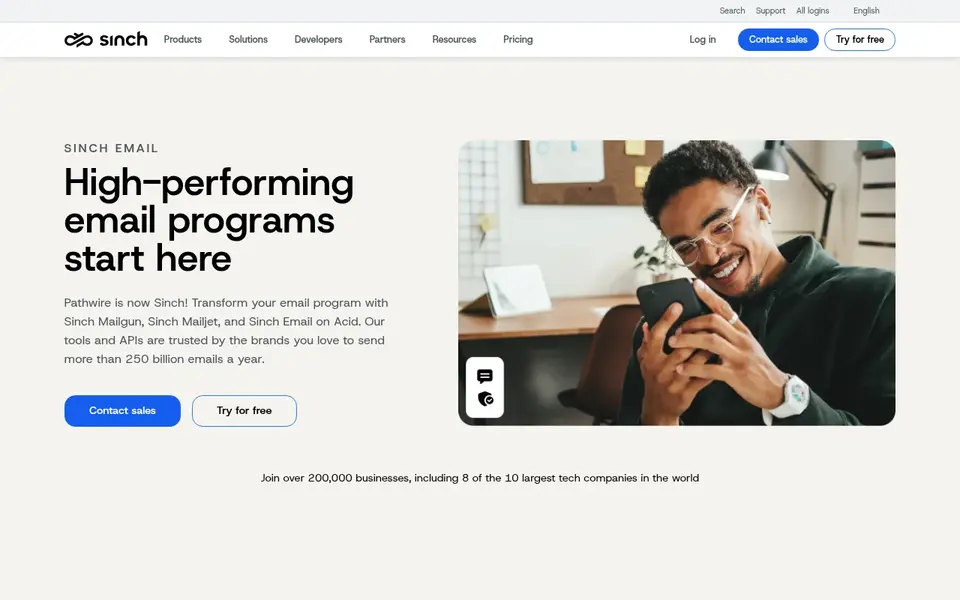
Think of Sinch Email for Email APIs and sending infrastructure. Enterprises already sending at scale can use this ecosystem to pair sending infrastructure with testing capabilities from the same vendor group.
Points against: Testing is spread across brands.
From a buyer's view, if you want one purpose-built testing interface, a focused tool may be simpler to adopt. Beyond that, since the testing capability lives within a specific product in the family rather than a single unified console, teams should map which brand handles each need. Check the vendor site for Sinch Email pricing; none is listed in this comparison. Trial and free access: Not stated.
Best features of Sinch Email: Email APIs for sending programs.
- Brings Mailgun
- Mailjet and Email on Acid together
- Needs coordination across products
InboxMonster was built for creative rendering with deliverability analytics. Inbox Monster is an email testing and deliverability system that pairs creative rendering with deliverability and analytics tools for marketers. Marketers who want results-oriented reporting alongside pre-send checks are the natural audience.
It is a testing and analytics system instead of a sending service, so it works alongside your existing email infrastructure. Teams needing only a single narrow check may prefer a more straightforward dedicated tool. Price to start with InboxMonster: $3,750 yearly. Free access: Not stated.
Points against: Not a sending product.
- Deliverability and analytics tools
- Handles email and SMS performance
- Broader scope needs setup time
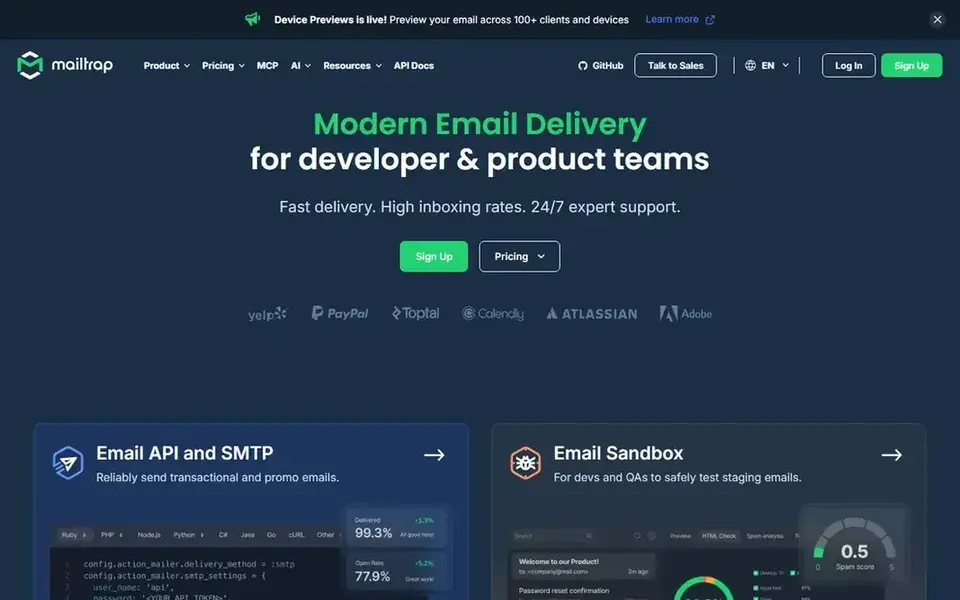
Mailtrap makes the most sense for sandbox testing with live sending. Since Mailtrap is primarily a sending product with testing built in, teams needing deep inbox placement reporting across many mailbox providers may want a dedicated deliverability tool alongside it.
The main drawbacks: Testing is one part of a sending product.
Also, Mailtrap lets teams send transactional, bulk and marketing email through an API or SMTP, receive inbound email, and test in a sandbox first. Entry price for Mailtrap: $12 per month. A free plan is available with Mailtrap.
- Inbound email support
- Live transactional and marketing sending
- Deliverability insight is not the headline focus
GlockApps is aimed squarely at inbox placement and spam diagnostics. Enterprises that require a diagnostic snapshot before campaigns can use these reports to spot problems early.
Also, the tool is diagnostic instead of a sending or design product, so it complements instead of replaces broader email software. Teams without deliverability ownership may find the volume of report detail hard to prioritize. Starting cost for GlockApps: $59 per month. A free plan is available with GlockApps.
Watch-outs: Report-heavy interface may overwhelm beginners.
- Blocklist and content analysis
- IP and domain reputation checks
- Not a full email marketing product
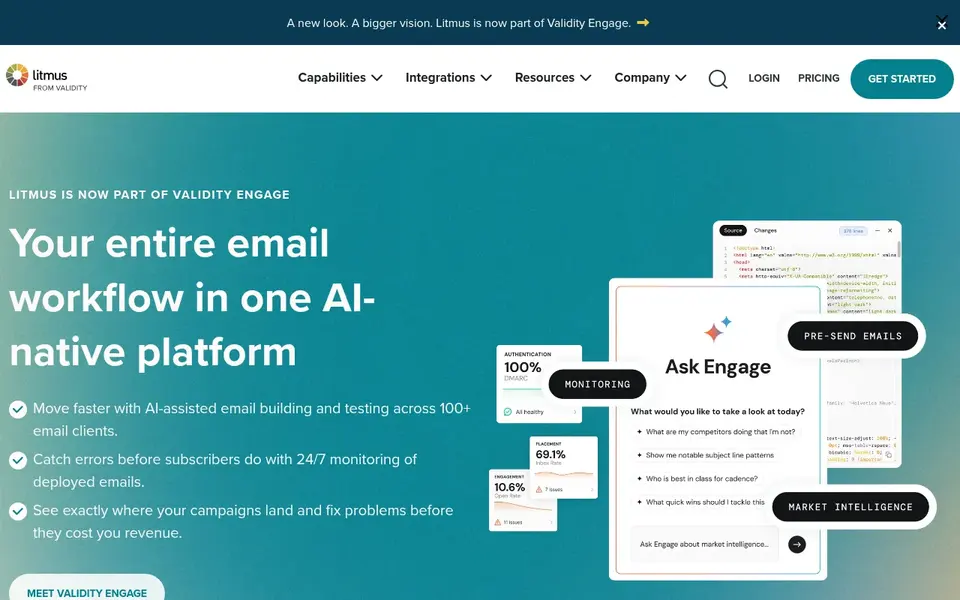
In short, Litmus is for all-in-one email marketing and testing. Since Litmus positions itself as a full product, teams that only need a narrow rendering check may find more focused choices more straightforward.
Trade-offs to know: Wide scope may exceed testing-only needs.
For enterprise organizations, that means email testing sits alongside broader marketing capabilities instead of as a standalone utility. This comparison lists no price for Litmus; ask the vendor. Free options: Not stated.
- Suited to bigger team workflows
- Merges testing with marketing tools
- Enterprise focus can feel heavy for small teams
How these tools were picked
Each tool was reviewed on what its vendor publishes: price, plan limits, core features and stated drawbacks. We did not run hands-on tests. Where a vendor does not publish a price, the entry says quote. Where a price depends on seats or billing term, the entry says so. The order reflects how well each tool fits the most common buying scenario for email testing software for enterprise, then price clarity, then free plan access. It is a starting point, not a verdict.
Questions to settle before buying
- Get a written quote from Sinch Email and Litmus; the list shows no starting price for them.
- Check what the free option really includes: Mailtrap and GlockApps offer a free plan, and usage caps differ.
- Before choosing Sinch Email, weigh its main limit: testing is spread across brands.
- Look at the renewal terms for Sinch Email: auto-renewal, notice periods and price changes can matter more than the first-year price.
- See whether Mailtrap offers onboarding or training, and whether it is included in the price.
Frequently asked questions
Which options for email testing software for enterprise have a free plan?
Mailtrap and GlockApps offer a free plan in this list. Free plans usually cap users, projects or features, so check the limits on the vendor page.
Is a full marketing product better than a dedicated testing tool?
Dedicated tools can be more straightforward when you only need focused deliverability or pre-deployment checks.
Is Sinch Email the right pick for everyone comparing email testing software for enterprise?
No single tool suits every team. Sinch Email comes first because it fits Email APIs and sending infrastructure, while InboxMonster suits creative rendering with deliverability analytics and Mailtrap suits sandbox testing with live sending. Match the tool to your own size, budget and workflow before deciding.
Can I try these tools before paying?
Often, yes. Mailtrap and GlockApps have a free plan. Use your own data and a real task during the test, and check what the free tier or trial limits before you rely on it.
How are the tools for email testing software for enterprise ordered?
Sinch Email sits first and Litmus last because the order follows typical fit for email testing software for enterprise, then price clarity and free access. It is a judgement call, so read each profile for fit and limits.
Sources
See where you really rank - block by block
ProMapRanker scans Google Maps across a grid of your service area. Simple monthly plans from $19, white-label on every plan.
Start freeBrowse all guides
← Email Template Builder for Agencies in 2026: Top 5 ComparedBest Shopify Email Marketing Software (2026) →
 best email signature software for compliance
Best Email Signature Software for Compliance (2026)
5 products for the best email signature software for compliance, ranked by fit, with starting costs and free tiers. Every entry states what it lacks. No filler.
Read → best email marketing software for pharmacies
Best Email Marketing Software for Pharmacies in 2026
Best email marketing software for pharmacies, compared. 6 tools with published prices, free plans and limits. Caveats come with every verdict. Easy to scan.
Read → best email marketing software for online course creators
5 Best Email Marketing Software for Online Course Creators (2026)
Best email marketing software for online course creators in 2026: 5 contenders with entry costs and free tiers. Prices and drawbacks included. Straight answers.
Read → best martech tools
Best Martech Tools in 2026
We compared the best martech tools for email, automation, analytics, and CRM, so marketing teams can build a stack that fits their size and budget today.
Read → best email drip campaign software
Email Drip Campaign Software
Searching for the best email drip campaign software? Here are 7 options with prices and free plans. Honest caveats for every entry. Refreshed for 2026.
Read → snovio alternatives
Best Snovio Alternatives in 2026
Compare snovio alternatives for finding and verifying business emails, with pricing, free credits, CRM links, and consent rules for outreach use today.
Read →More in Email Marketing · All guides A to Z by date · Latest guides