 ProMapRanker
Best Email Signature Tools in 2026


Large teams on Microsoft 365 or Google · Pricing starts at: See website
Key takeaways
- Exclaimer and CodeTwo suit larger teams that need signatures on every device, including phones, with central control and directory sync.
- WiseStamp and Newoldstamp suit small and mid-size teams that want marketing banners and click tracking beside a clean signature.
- Signitic and MySignature offer the easiest low-cost start, with a free plan or a low entry price for one signature.
- Letsignit and Bybrand add campaigns and business card features, but check mail platform support before you pay, since some tools cover only one system.
- Per-user pricing adds up fast, so count seats, check minimums, and test how signatures look on mobile before signing a yearly plan.
Quick comparison
| Pick | Great for | Pricing starts at | Free tier | |
|---|---|---|---|---|
| Exclaimer | Large teams on Microsoft 365 or Google | See website | Free trial | Visit |
 WiseStamp | Small teams and signature marketing | See website | Free trial | Visit |
 CodeTwo | Microsoft 365 only teams | See website | Free trial | Visit |
 Newoldstamp | Small business banner campaigns | See website | Free trial | Visit |
 Letsignit | Marketing-led signature campaigns | See website | Free trial | Visit |
 MySignature | Individuals and small teams | See website | Yes | Visit |
 Signitic | Free start for teams | Free | Yes | Visit |
 Bybrand | Departments and templates | See website | Free trial | Visit |
The best email signature tools
We compared tools that design signatures, apply them across a team, and keep branding consistent, rather than simple image editors. The picks below cover free generators, team managers, and enterprise controls for Microsoft 365 and Google Workspace.

Exclaimer is the safest pick for larger organizations that need the same signature on desktop, webmail, and mobile. Server-side delivery means signatures appear even when mail is sent from a phone, which client-side tools cannot always guarantee. Central templates, directory sync, and campaign banners let marketing control branding without asking each employee to paste HTML.
The cost structure needs attention. Entry prices are per user per month, and higher tiers add analytics and extra templates, so a 200-person team pays far more than a 10-person team. Check the minimum seat count and trial terms before budgeting. For compliance and consistency at scale, Exclaimer remains a leading choice.
- Server-side signatures on any device
- Central template control
- Directory sync and campaigns
- Minimum seats and yearly terms on many plans
- Price rises with user count and tier

WiseStamp suits small and mid-size teams that want signatures to do marketing work, not just carry a name and phone number. The editor is approachable, templates look clean, and higher tiers add scheduled banners and click analytics that show which campaigns actually earn clicks. Employee self-service inside brand guardrails helps larger small teams roll out signatures without IT help for every change.
Lower tiers are more limited, so teams that want analytics should price the tier that includes them, not the entry tier. WiseStamp also bills mainly on yearly terms for team plans, with monthly billing only for selected accounts. For marketing-led teams, the campaign tools justify the step up.
- Easy editor and templates
- Campaign banners and click analytics on higher tiers
- Directory sync
- Cheaper tiers limit campaigns and analytics
- Pricing varies by plan and seat count
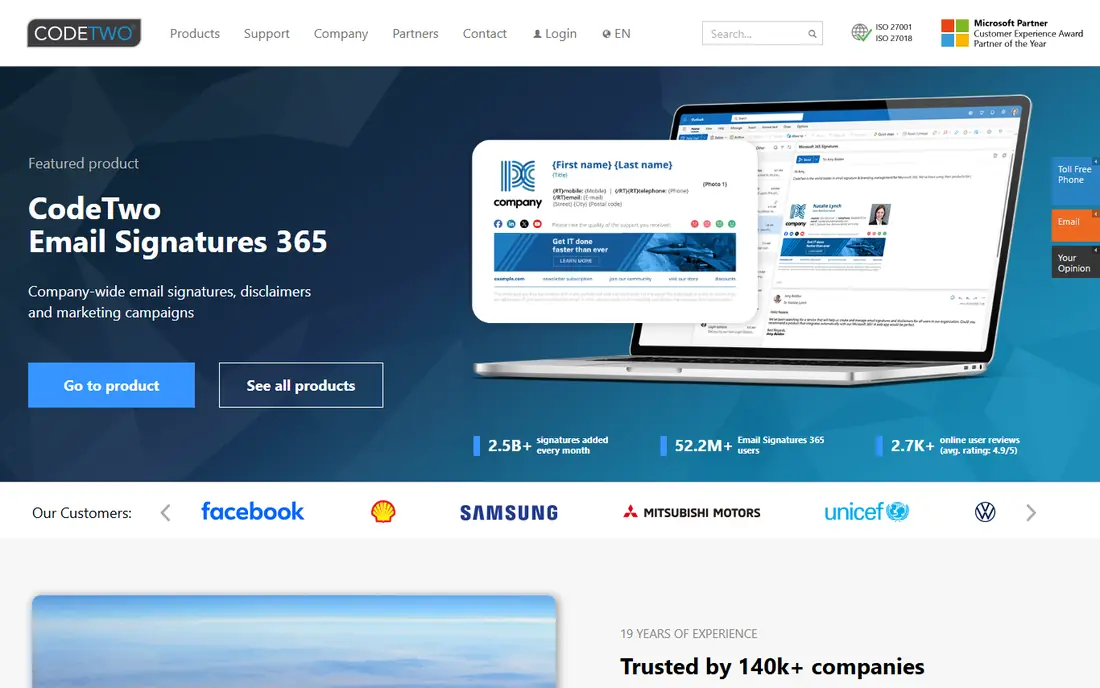
CodeTwo Email Signatures 365 is built only for Microsoft 365, and that focus shows in its depth. Rules can vary signatures by sender, group, or device, and server-side delivery covers mail sent from phones and tablets. For companies that run entirely on Microsoft 365, that fit is hard to beat, since no effort is wasted on a second mail system.
Google Workspace teams should look elsewhere, since CodeTwo does not support that platform. Setup also needs admin access in Microsoft 365, so a small team without an admin may need outside help for the first deployment. Once live, CodeTwo is one of the most reliable signature managers for Microsoft shops.
- Deep Microsoft 365 integration
- Signatures on all devices
- Rules by sender, group, and device
- No Google Workspace support
- Setup needs Microsoft 365 admin access
Newoldstamp fits small businesses that want signatures to promote an event, a product, or a piece of content. Banner campaigns sit inside the signature, and clicks give a simple read on what readers actually opened. Rollout for Google Workspace and Microsoft 365 is straightforward, and the editor keeps branding consistent across a team.
Pricing per signature changes with volume, so a growing team should model the cost at its real headcount, not at the entry price alone. Analytics are useful but lighter than those in Exclaimer or WiseStamp higher tiers. For a small team that wants signatures to sell, Newoldstamp offers a direct, low-friction route.
- Banner campaigns that drive clicks
- Simple team rollout
- Google and Microsoft support
- Price per signature varies with volume
- Analytics are basic beside larger rivals
Letsignit, also styled Letsignit, targets marketing teams that treat every email as a channel. Campaign banners, scheduling, and digital business cards sit beside signature management, so one tool covers branding, promotion, and contact sharing. Template control keeps departments consistent while letting each team promote its own campaign.
The entry price is per user per month, so costs rise with headcount, and the full campaign set may need a higher tier. Teams should ask for a trial with their real mail platform before committing, since deployment differs between Microsoft 365 and Google Workspace. For campaign-heavy teams, Letsignit is a strong contender.
- Campaigns and digital business cards
- Microsoft 365 and Google support
- Template control
- Entry price is per user
- Some features need a higher tier or a demo
MySignature is the easiest low-risk start for one person or a very small team. The free plan covers a single signature, and the editor lets you add a photo, social links, and a banner without learning HTML. That simplicity makes it a good test bed before a team commits to a per-user platform.
Larger teams will notice the limits. Central control, directory sync, and analytics sit on higher team plans, and the depth still trails enterprise tools. MySignature wins on speed and price for individuals, and it works as a stepping stone to a fuller platform when a team grows.
- Free plan for one signature
- Simple editor
- Team plans with templates and analytics on higher tiers
- Enterprise controls are lighter than Exclaimer or CodeTwo
- Free plan is limited to one signature
Signitic stands out because it offers a free plan for teams, not just for one user. Central templates keep signatures consistent, and support covers both Microsoft 365 and Google Workspace, which many low-cost tools do not. For a startup that needs branding control without a budget line, Signitic is a practical first step.
Paid plans add the features larger teams expect, such as campaigns and deeper analytics, so the free plan is a start rather than a full enterprise tool. Signitic is also a smaller vendor than Exclaimer, so large buyers should check support hours and roadmap before a wide rollout. For small teams, the free start is hard to ignore.
- Free plan for teams
- Central templates
- Microsoft 365 and Google support
- Advanced features need a paid plan
- Smaller vendor than Exclaimer or WiseStamp
Bybrand suits teams that need different signatures by department without building each one by hand. Dynamic fields pull names, roles, and contact details from a directory or sheet, and department templates keep each group on brand. Campaign support lets marketing add banners without editing every signature separately.
Pricing is less visible on the public site than for larger rivals, so buyers should request a quote for their seat count. The community is also smaller, which means fewer public guides than for Exclaimer or WiseStamp. For department-heavy teams that want template control at a fair price, Bybrand deserves a trial.
- Department templates and dynamic fields
- Google and Microsoft support
- Campaign support
- Pricing is less visible than rivals
- Smaller community and fewer public reviews
How we picked these
We compared official feature pages, pricing pages, and mail platform support for signature tools live in October 2026, and we kept only tools that design and manage email signatures for individuals or teams. We favored central control, server-side or reliable client delivery, Microsoft 365 and Google Workspace support, campaign tools, and honest per-user pricing. We did not claim hands-on testing, and we used vendor pages and public pricing summaries to check plans, since per-user prices and minimums change often.
How to choose the right signature tool
Start with your mail platform, since that choice alone rules out several tools. CodeTwo fits Microsoft 365 only, while Exclaimer, WiseStamp, Newoldstamp, Letsignit, Signitic, and Bybrand cover both major platforms in different ways. Check whether signatures must appear on mobile mail too, since server-side delivery matters for phone-sent mail.
Next, count seats honestly and model the yearly cost. A low per-user price still adds up at 100 seats, and minimum seat counts can raise the entry cost for tiny teams. Test the trial with real users, send test mail to Gmail, Outlook, and a phone, and check how images, links, and banners render. A signature that breaks on mobile hurts the brand it was meant to help.
Finally, decide how much marketing work signatures should do. If you only need a consistent name, role, and phone number, a free or low-cost tool is enough. If marketing wants scheduled banners and click data, pay for the tier that includes campaigns and analytics, and assign one owner to update banners on a regular schedule.
Frequently asked questions
What is the best email signature software for a team?
Exclaimer suits larger teams that need server-side signatures and central control, while WiseStamp and Newoldstamp suit smaller teams that want marketing banners. The best choice depends on mail platform, seat count, and whether signatures must work on mobile mail.
What is the best email signature tool for one person?
MySignature is a good free start for one signature, with a simple editor and social links. Individuals who want more templates can try WiseStamp or Signitic, but a single user rarely needs enterprise controls such as directory sync.
What is the top email signature software for Microsoft 365?
CodeTwo is a top choice for Microsoft 365 only teams because it is built for that platform and applies signatures on all devices. Exclaimer is the broader pick when a company also uses Google Workspace or needs server-side delivery across both systems.
Do email signature tools work with Google Workspace?
Yes, most tools on this list support Google Workspace, including Exclaimer, WiseStamp, Newoldstamp, Letsignit, Signitic, and Bybrand. CodeTwo is the exception, since it supports Microsoft 365 only, so Google teams should skip it.
How much does email signature software cost?
Most team tools charge per user per month, often with yearly terms and minimum seat counts, so the total depends on headcount and tier. Free plans exist for individuals and small teams, but campaigns, analytics, and server-side delivery usually need a paid plan. Request a quote at your real seat count before budgeting.
Can I track clicks from an email signature?
Yes, on tools and tiers that include campaign analytics, such as WiseStamp higher tiers, Exclaimer higher tiers, and Newoldstamp. Free plans usually do not include click tracking, so check the analytics row on the pricing page before you assume banners will report results.
Sources
See where you really rank - block by block
ProMapRanker scans Google Maps across a grid of your service area. Simple monthly plans from $19, white-label on every plan.
Start freeKeep reading
 zscaler alternatives
Best Zscaler Alternatives in 2026
Looking for zscaler alternatives? We compare 9 SASE and zero trust platforms on architecture, data protection, pricing, and fit for your network and team.
Read → zapier alternatives free
Best Zapier Alternatives Free in 2026
Nine automation tools for zapier alternatives free in 2026, all with genuinely free tiers, plus free plan limits, starting prices and upgrade paths explained.
Read → which platform is best for online reputation
Which Platform Is Best for Online Reputation in 2026
Wondering which platform is best for online reputation? We compare 8 review, listing, and response tools for small and multi-location businesses and agencies.
Read →