 ProMapRanker
Best Email Signature Software for Remote Teams in 2026


Straightforward signature deployment across major products · Pricing starts at: €1 per user a month, excl. VAT
Direct answer
If you need straightforward signature deployment across major systems, Mailtastic is the first tool to look at here. Listed starting prices: Mailtastic from €1 per user a month, excl. VAT, CodeTwo Email Signatures 365 from $1.22 per user a month and WiseStamp from $9 a month. Look at CodeTwo Email Signatures 365 for Microsoft 365 signature and disclaimer management, and at WiseStamp for centralized signature control for IT and marketing. The full list of 6 tools follows, with prices and free plan facts.
Choosing email signature software for remote teams usually comes down to price, fit and limits. This ProMapRanker guide sets 6 tools side by side on those three points, with the facts kept short and checkable.
Key takeaways
- Mailtastic is the opening pick, best for straightforward signature deployment across major products.
- Mailtastic is the only tool of the 6 with a free plan.
- Starting prices begin at $0.90 per user per month, billed annually with Exclaimer.
- The main caution on Crossware Mail Signature: enterprise orientation may overwhelm small teams.
Quick comparison
| Pick | Great for | Pricing starts at | Free tier | |
|---|---|---|---|---|
| Mailtastic | Straightforward signature deployment across major products | €1 per user a month, excl. VAT | Yes | Visit |
 CodeTwo Email Signatures 365 | Microsoft 365 signature and disclaimer management | $1.22 per user a month | Free trial | Visit |
 WiseStamp | Centralized signature control for IT and marketing | $9 a month | Free trial | Visit |
 Crossware Mail Signature | Medium and large enterprise signature automation | See website | Not stated | Visit |
 Exclaimer | Large organizations needing compliant signatures | $0.90 per user a month, billed yearly | Free trial | Visit |
 Rocketseed | Signature management with email marketing | $73 a month | Free trial | Visit |
Email Signature Software for Remote Teams, one by one
Mailtastic
Great for: Straightforward signature deployment across major products
Think of Mailtastic for simple signature deployment across major products. Mailtastic, presented as Signitic, is an email signature management option for centralizing and deploying professional signatures. It is compatible with Microsoft 365 and Google Workspace, which fits mixed or modern remote teams.
Also, the product appears geared toward straightforward signature management instead of extensive marketing or reporting features. It is a reasonable fit when simplicity and cross-platform compatibility matter most. Beyond that, the emphasis on simple and secure management makes it approachable for organizations that want control without heavy administration. Starting cost for Mailtastic: €1 per user per month, excl. VAT. Free access exists with Mailtastic.
Where it falls short: Less emphasis on marketing campaigns.
- Centralizes and deploys professional signatures
- Emphasizes straightforward and secure management
- Feature depth may be restricted compared to enterprise tools
CodeTwo Email Signatures 365
Great for: Microsoft 365 signature and disclaimer management
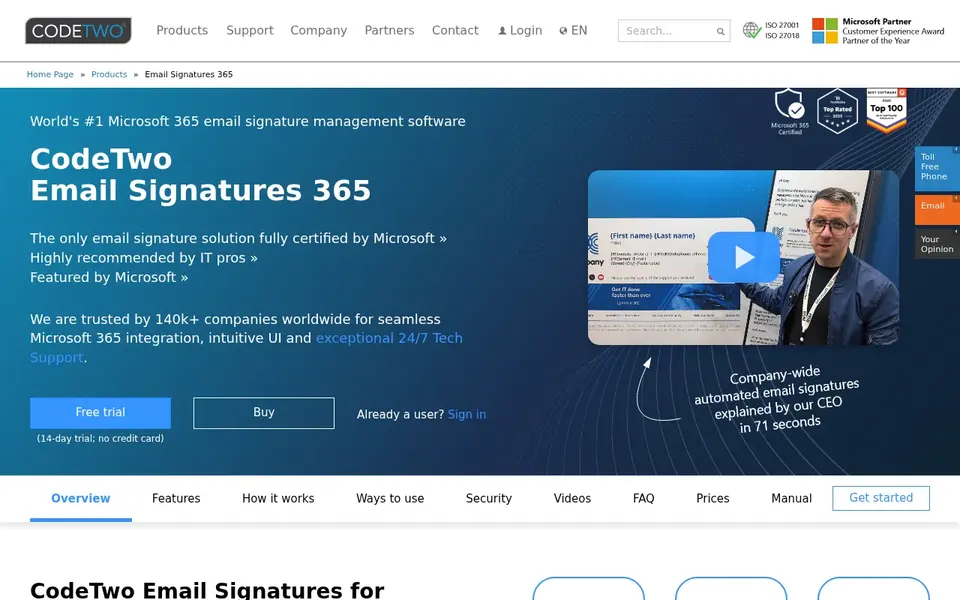
CodeTwo Email Signatures 365 works best for Microsoft 365 signature and disclaimer management. Choose it when Microsoft 365 is your core email system and central control is the priority. CodeTwo Email Signatures 365 is made for centrally managed email signatures and legal disclaimers in Office 365 and Microsoft 365.
More specifically, the focus on disclaimers makes it relevant for organizations with legal or compliance requirements. The tool is oriented toward Microsoft environments, so teams using Google Workspace as their primary product would need a different option. It is also more about management than design adaptability for individual users. What you pay to start with CodeTwo Email Signatures 365: $1.22 per user per month. As for free access: Free trial.
Where it is weaker: May not suit Google Workspace teams.
- Comes with legal disclaimers
- Centrally managed signatures for Microsoft 365
- Restricted to Microsoft ecosystems
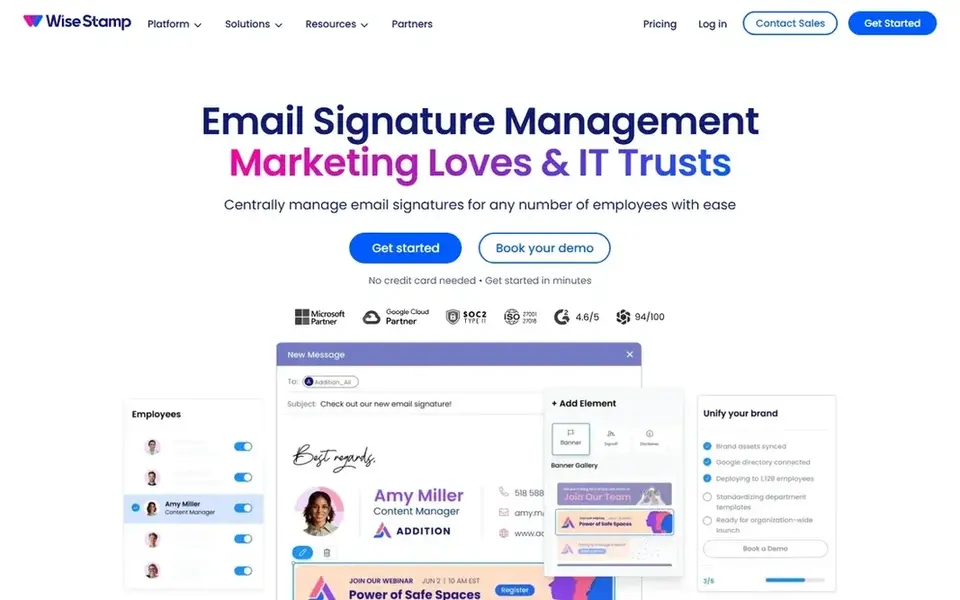
Think of WiseStamp for centralized signature control for IT and marketing. WiseStamp is an email signature management product aimed at IT and marketing teams that require control of employee signatures across the organization.
It works with Office 365, Google Workspace, and Exchange, making it a fit for remote teams already standardized on those systems. Worth adding: setup generally involves administrative configuration, which fits organizations with dedicated IT support. Starting cost for WiseStamp: $9 per month. On free options: Free trial.
What to check first: Concentrated on management instead of advanced marketing campaigns.
What works well: Google Workspace, Exchange.
- Runs signatures company-wide across Office 365
- Hands IT and marketing centralized control
- May need admin setup for full deployment
Crossware Mail Signature
Great for: Medium and large enterprise signature automation
In short, Crossware Mail Signature is for Medium and large enterprise signature automation. The enterprise orientation recommends it is designed for structured IT environments. The tool is less oriented toward straightforward template customization for individual users.
Trade-offs to know: Enterprise orientation may overwhelm small teams.
Consider it when your organization has dedicated IT resources and needs automatic signature management at scale. On top of that, smaller teams may find the enterprise focus and automation setup more than they need. Crossware Mail Signature shows no starting price here, so confirm the cost on the vendor site. As for free access: Not stated.
- Targets medium and large enterprises
- Positions itself as a trusted enterprise option
- Setup likely needs administrative effort
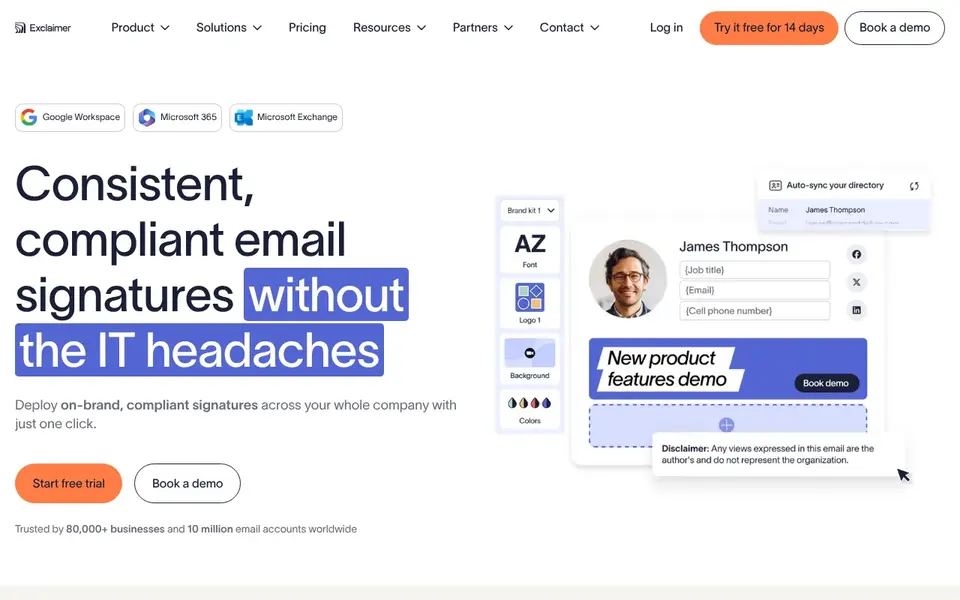
Exclaimer targets large organizations needing compliant signatures. Exclaimer is an email signature software pitched at organizations that want to deploy on-brand, compliant signatures across the whole workforce. In practice, remote teams with plenty of employees across regions can benefit from centralized signature rules that apply automatically.
Worth adding: since it targets organization-wide deployment, smaller teams may find the setup heavier than necessary. Beyond that, the emphasis on compliance and branding also means less focus on lightweight template editing for individual users. Exclaimer starts at: $0.90 per user per month, billed annually. Free plan details: Free trial.
Drawbacks to consider: Enterprise focus may be more than small teams need.
- Deploys on-brand signatures across the entire organization
- Emphasizes compliance
- Configuration can need IT involvement
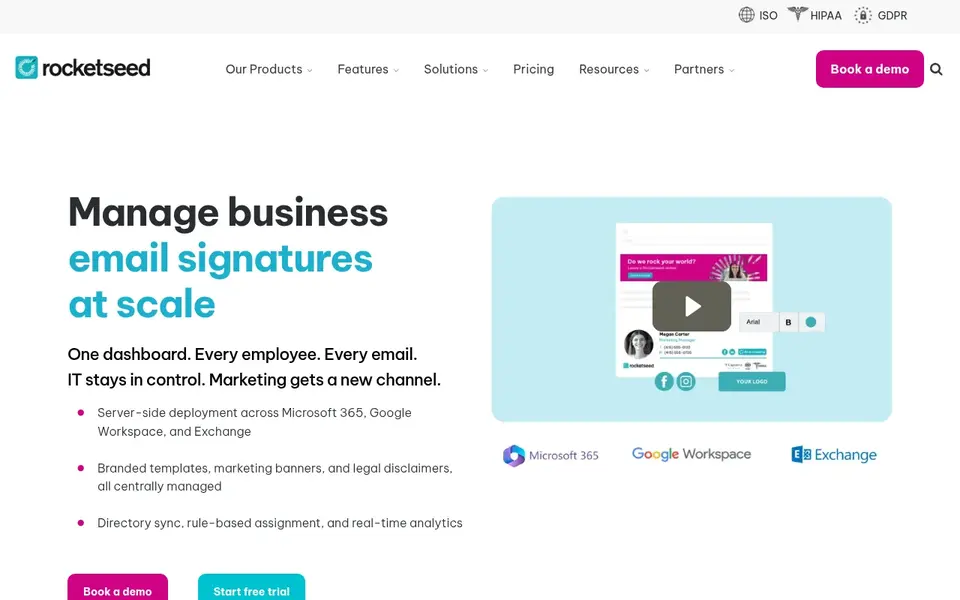
In short, Rocketseed is for Signature management with email marketing. Rocketseed provides business email signature management alongside one-to-one email marketing services. It is made for organizations that want consistent email signature branding plus reporting on email activity.
Drawbacks to consider: Marketing features may be additional for teams that only need branding.
The marketing and reporting capabilities go beyond what some teams need from a signature tool, which can add complexity. For everyday use, remote teams that use signature space for campaigns or consistent branding may find the combined approach handy. More specifically, consider Rocketseed when signature-based marketing and reporting are part of the plan. Starting cost for Rocketseed: $73 per month. As for free access: Free trial.
- Merges signature management with one-to-one email marketing
- Provides round-the-clock support
- Reporting focus may not suit every workflow
How these tools were picked
The comparison looks at four things: starting price, free access, how well the feature set matches email signature software for remote teams, and the main limit of each tool. Figures are shown as the vendors publish them. Billing terms, seat minimums and add-ons can change the real cost. The ranking is editorial: typical fit first, then clear pricing, then free access. If your needs are unusual, read the profiles rather than relying on position.
Pre-purchase checklist
- Confirm the entry price on the vendor page. For Crossware Mail Signature that means a quote rather than a fixed price.
- Look at the free plan from Mailtastic closely: its caps decide whether it is usable for real work.
- Use real work to test the free trial from CodeTwo Email Signatures 365, WiseStamp, Exclaimer and Rocketseed, rather than a demo project.
- Read the limits listed for Mailtastic first: feature depth may be restricted compared to enterprise tools.
- Work out what Rocketseed costs with your real seat count, add-ons and usage, not just the entry price.
- Check whether the features you need in CodeTwo Email Signatures 365 sit on the entry plan or only on higher tiers.
Frequently asked questions
Can email signature software enforce company branding automatically?
Numerous signature management tools apply company-wide rules so branding is consistent without manual updates. Tools like WiseStamp and Exclaimer emphasize centralized control for IT and marketing.
Do these tools publish their prices?
Not all of them. Crossware Mail Signature publishes no starting price, so expect a quote request for it. The rest, Mailtastic included, show a starting price, though seats and billing terms still change the final cost.
What should remote teams look for in email signature software?
Remote teams should prioritize centralized management so signatures stay consistent across locations. Compatibility with your email system, like Microsoft 365 or Google Workspace, is essential.
Can I try these tools before paying?
Often, yes. Mailtastic has a free plan and CodeTwo Email Signatures 365, WiseStamp, Exclaimer and Rocketseed offer a free trial. Use your own data and a real task during the test, and check what the free tier or trial limits before you rely on it.
How are the tools for email signature software for remote teams ordered?
Mailtastic sits first and Rocketseed last because the order follows typical fit for email signature software for remote teams, then price clarity and free access. It is a judgement call, so read each profile for fit and limits.
How do signature tools manage legal disclaimers?
Others focus more on branding and templates. In daily use, if disclaimers are required, confirm that the vendor supports automatic disclaimer insertion.
Sources
See where you really rank - block by block
ProMapRanker scans Google Maps across a grid of your service area. Simple monthly plans from $19, white-label on every plan.
Start freeBrowse all guides
← Best Email Marketing Software for Schools in 2026Best Newsletter Platforms for Content Creators in 2026 →
 best email marketing software for consultants
Best Email Marketing Software for Consultants (2026)
Best email marketing software for consultants, compared. 5 tools with published prices, free plans and limits. Read the caveats before you buy. Easy to scan.
Read → best email marketing for subscription boxes
Email Marketing for Subscription Boxes: Best Picks of 2026
Best email marketing for subscription boxes in 2026: 6 contenders with entry costs and free tiers. Every pick includes one clear drawback. Updated for 2026.
Read → best email deliverability options in gtm software
Best Email Deliverability Options in GTM Software in 2026
Best email deliverability options in GTM software in 2026: 5 tools with starting prices, free plans and limits. Short verdicts, no fluff. Refreshed for 2026.
Read → best email marketing platforms for startups
Comparing 6 Email Marketing Platforms for Startups in 2026
Best email marketing platforms for startups, compared. 6 tools with published prices, free plans and limits. Verdicts stay brief and factual. Straight answers.
Read → best smtp service
Best SMTP Service in 2026
Compare the best SMTP service options for transactional and bulk email, with pricing, free plans, deliverability features, and who each one fits best.
Read → best ai email management tools
AI Email Management Tools
Shortlisting the best AI email management tools? 6 products compared on cost, free access and ideal buyer. Each profile ends with a plain caveat. Easy to scan.
Read →More in Email Marketing · All guides A to Z by date · Latest guides