 ProMapRanker
7 Email Signature Management Software Options Ranked for 2026


Microsoft 365 organizations from 10 to 100,000-plus users · Pricing starts at: $1.22/user/month at 10 users (yearly billing, sliding down with volume)
Key takeaways
- CodeTwo Email Signatures 365 takes the first slot, best suited to Microsoft 365 organizations from 10 to 100,000-plus users.
- Starting prices begin at $0.90/user/month with Exclaimer.
- One limit worth knowing about CodeTwo Email Signatures 365: Microsoft 365 and Exchange only.
- WiseStamp is the one to check for Google Workspace and Microsoft 365 SMBs from 10 to 1,000 employees.
- MySignature is the only tool of the 7 with a free plan.
Direct answer
For Microsoft 365 organizations from 10 to 100,000-plus users, CodeTwo Email Signatures 365 is where this list starts. Look at Newoldstamp for marketing-driven SMBs and mid-market teams on Google Workspace or Microsoft 365, and at Exclaimer for Microsoft 365 and Google Workspace teams from 10 users to global enterprises.
Quick comparison
| Pick | Great for | Pricing starts at | Free tier | |
|---|---|---|---|---|
| CodeTwo Email Signatures 365 | Microsoft 365 organizations from 10 to 100,000-plus users | $1.22/user/month at 10 users (yearly billing, sliding down with volume) | Free trial (14 days) | Visit |
 Newoldstamp | Marketing-driven SMBs and mid-market teams on Google Workspace or Microsoft | $1.80/signature/month (billed annually) | Free trial (7 days) | Visit |
 Exclaimer | Microsoft 365 and Google Workspace teams from 10 users | $0.90/user/month (Starter, billed yearly, 10-user minimum) | Free trial (14 days) | Visit |
 Rocketseed | Microsoft 365 and Google Workspace firms of 50 to 10,000-plus | $705/year for 50 employees (about $1.18/employee/month, annual billing) | Free trial (14 days) | Visit |
 MySignature | Freelancers, startups and small firms of 1 to 50 employees | $0.92/user/month (Teams plan, billed yearly) | Yes | Visit |
 Opensense | Organizations of 50 to 10,000-plus employees doing account-based signature marketing | $1/user/month (Signature plan) with a $500/month platform minimum | No | Visit |
 WiseStamp | Google Workspace and Microsoft 365 SMBs | $19/month base + $1/employee/month (Basic, billed yearly) | Free trial | Visit |
Tool-by-tool breakdown
Short on time? The summary and table above give the quick view of 7 tools for email signature management software, and the profiles that follow give the detail behind each entry.
CodeTwo Email Signatures 365
Great for: Microsoft 365 organizations from 10 to 100,000-plus users
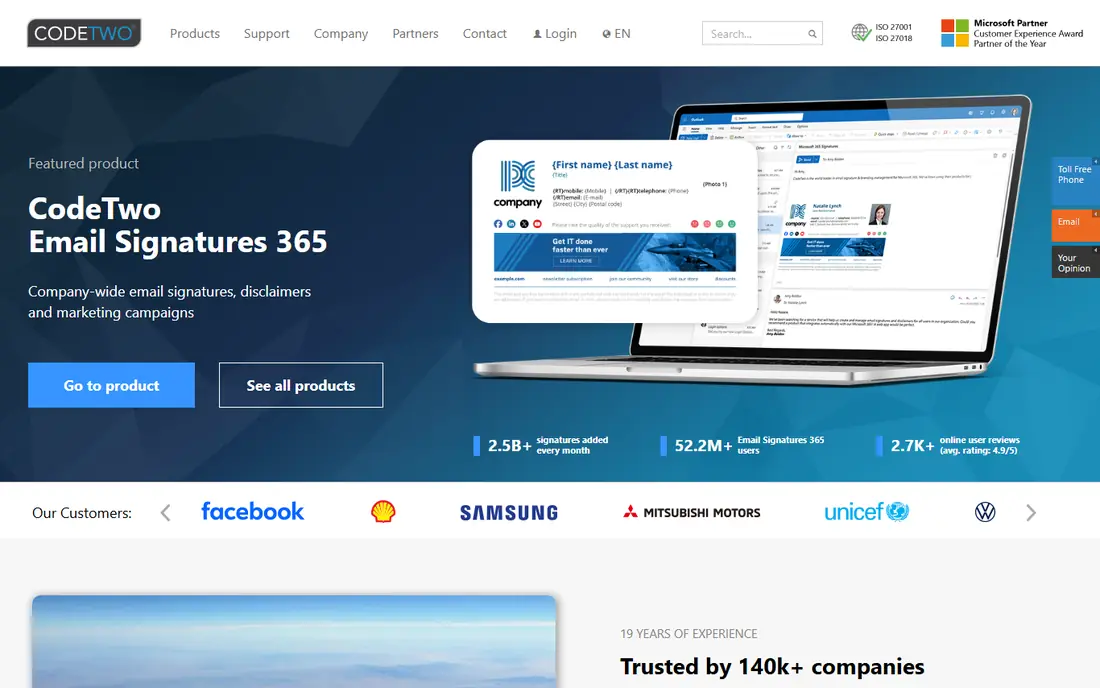
Pick CodeTwo Email Signatures 365 if this describes you: Microsoft 365 organizations from 10 to 100,000-plus users. Campaign-style banners run through signature rules, though marketing analytics are less of a headline than at Rocketseed or Opensense.
Where it falls short: Google Workspace organizations cannot use it at all.
Beyond that, the per-user rate slides with volume: $1.22 at 10 users yearly down to $0.73 at 500, roughly $30 a month at 25 users and $90 at 100. CodeTwo Email Signatures 365 starts at: $1.22/user/month at 10 users. Free plan details: Free trial (14 days).
- Single level with all features included: signatures, disclaimers, branding
- ISO 27001 and 27018 compliant
- Microsoft 365 and Exchange only
Newoldstamp
Great for: Marketing-driven SMBs and mid-market teams on Google Workspace or Microsoft
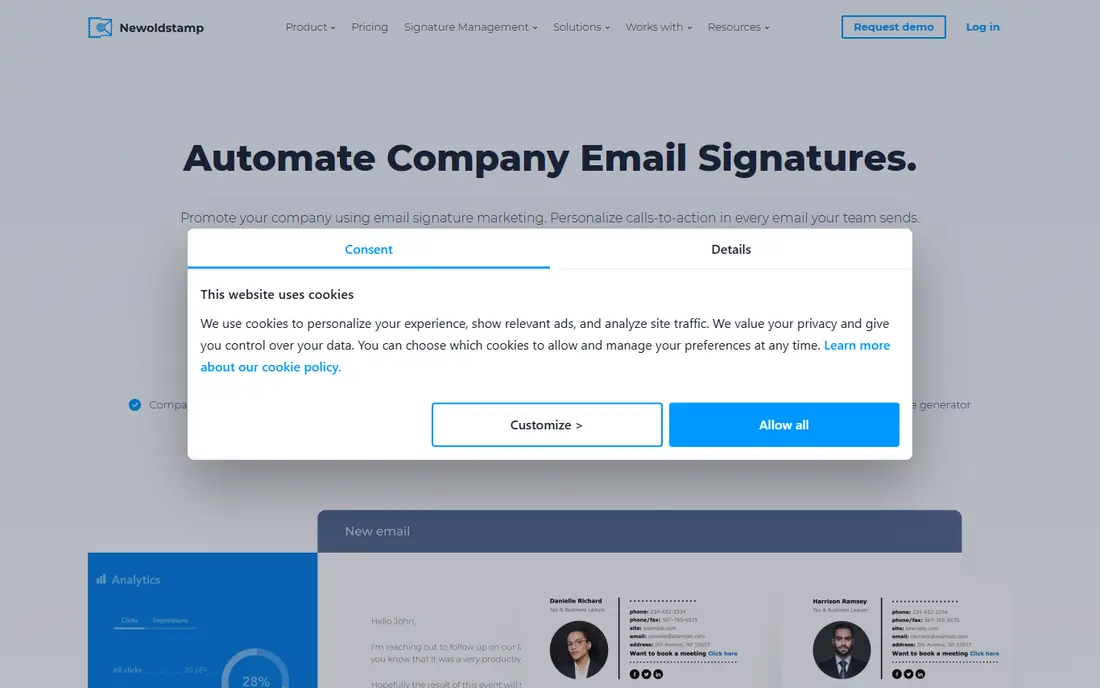
Newoldstamp makes the most sense for marketing-driven SMBs and mid-market teams on Google Workspace or Microsoft 365. Newoldstamp leads with marketing at a low entry price. For everyday use, at $1.80 per signature per month billed yearly, 25 signatures run $45 a month and 100 run $180.
Limits to weigh: No CSV bulk import for photos and user data, so large rollouts need manual entry.
In daily use, confirm billing terms before committing. From a buyer's view, the per-signature model cuts both ways: smooth at small scale, costly past 100 seats compared with Exclaimer Starter or CodeTwo. More specifically, banner campaigns with scheduling and segmentation are core features, not upsells, with department-level templates and 24/7 live chat support. In daily use, for the marketing-led team under 50 seats, the campaign toolkit per dollar is capable. What you pay to start with Newoldstamp: $1.80/signature/month. On free options: Free trial (7 days).
- CRM integrations (HubSpot, Salesforce) without an enterprise tier
- Per-signature pricing scales smoothly with a slider from 5 to 200-plus
- Per-signature billing gets expensive at scale (100 signatures is $180/month)
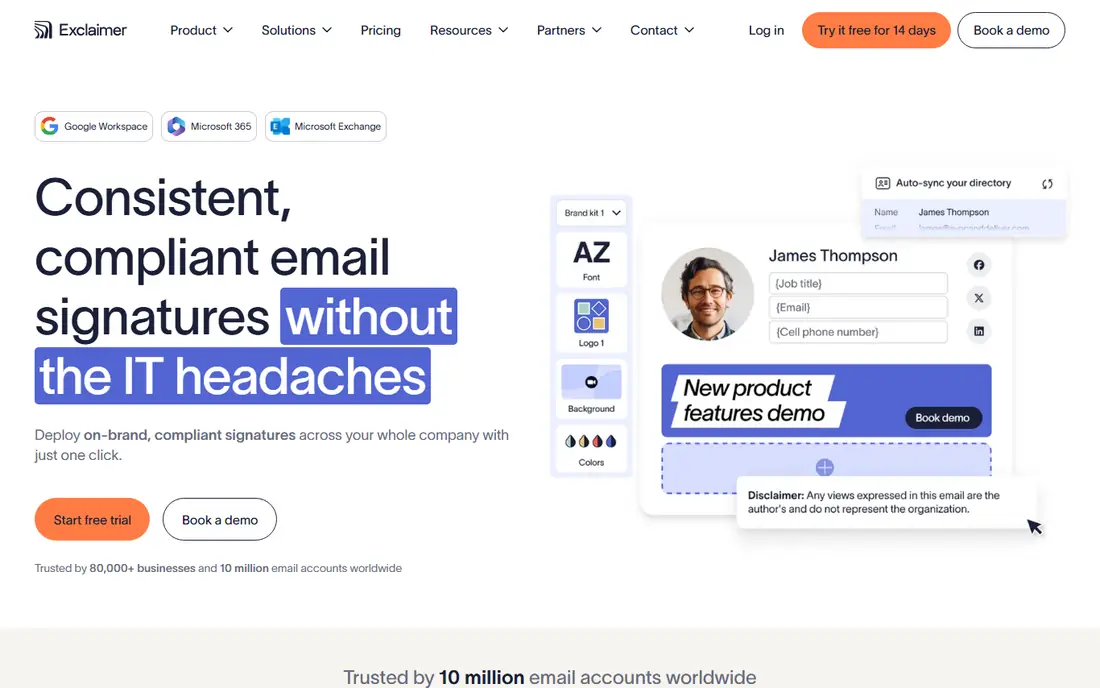
Exclaimer is built with Microsoft 365 and Google Workspace teams from 10 users to global enterprises in mind. Exclaimer is the compliance-first leader. Starter at $0.90 per user a month billed yearly (10-user minimum) spans centralized signatures; Standard at $1.45 and Pro at $1.75 add the features most buyers actually want: campaign banners, scheduling, analytics and A/B testing.
In practice, for the team that needs disclaimers enforced on every email and tamper-proof central control, the scale story is unmatched. Beyond that, for pure marketing banners at small size, the less expensive tools below do fine. The honest catch is the pricing curve: you pay annually at the start, and signature marketing needs Standard. Exclaimer starts at: $0.90/user/month. Free options: Free trial (14 days).
Drawbacks to consider: Campaign banners. Where it shines: Deep template library with Salesforce and HubSpot integrations on Pro.
- Directory sync with legal disclaimers enforced centrally
- Includes Microsoft 365
- Annual-only commitment on the headline price
Rocketseed
Great for: Microsoft 365 and Google Workspace firms of 50 to 10,000-plus
Rocketseed works best for Microsoft 365 and Google Workspace businesses of 50 to 10,000-plus employees. The first-year math bundles a mandatory setup fee including implementation, design, activation and training, and teams under 50 employees are not self-serve.
For the mid-sized company that wants signature marketing with real reporting and zero admin effort, the managed model earns its premium. Rocketseed cost at the entry level: $705/year for 50 employees. Free plan details: Free trial (14 days).
What to check first: A one-time setup fee inflates first-year cost.
- White-glove setup with initial design and training included
- One straightforward price with all features included rather than tiered gates
- Pricing and trial are geared to 50-plus employees, so small teams go through sales
MySignature
Great for: Freelancers, startups and small firms of 1 to 50 employees
Choose MySignature for freelancers, startups and small companies of 1 to 50 employees. The free plan includes individuals, and the template library with banner support manages entry-level promotions. For everyday use, the ceiling is real: no deep directory sync or enterprise governance, restricted CRM integrations, and campaign management lighter than WiseStamp Grow or Rocketseed.
Trade-offs to know: Enterprise admin features (directory sync depth, governance) are thinner than Exclaimer or CodeTwo.
Teams at $0.92 per user a month billed yearly runs about $23 a month for 25 users and $100 at 100 users, the lowest published team rate here. In daily use, MySignature is the price-to-simplicity pick. Professional from $1.50 adds more. MySignature cost at the entry level: $0.92/user/month. MySignature has a free plan.
- Outlook and Apple Mail compatibility
- Chrome extension and central dashboard
- Fewer CRM connections and premium white-labeling
Opensense
Great for: Organizations of 50 to 10,000-plus employees doing account-based signature marketing
Opensense makes the most sense for organizations of 50 to 10,000-plus employees doing account-based signature marketing. The product earns it for the right buyer: turning employee email into an ABM channel with recipient and account targeting, click analytics and claimed 4-7 percent campaign click-through, with native ties to the entire marketing stack.
Watch-outs: Advanced analytics and campaign management sit in the $3-$5 levels.
For the 25-person company, it is the most costly choice here by far. Opensense cost at the entry level: $1/user/month. Opensense does not include a free plan.
- Eloqua and ABM targeting on Pipeline and up
- SOC 2 Type II with 24/7 US-based support
- The $500/month minimum means a 25-person company pays $500, not $25
WiseStamp makes the most sense for Google Workspace and Microsoft 365 SMBs from 10 to 1,000 employees. WiseStamp's pricing rewards growth.
The main drawbacks: Entry-level has no campaigns or analytics, so marketing needs Grow.
For the expanding SMB that wants signature marketing without enterprise pricing, Grow at $74 a month for 25 users is the value pick. WiseStamp starts at: $19/month base + $1/employee/month. Trial and free access: Free trial.
- AI Signature Designer with auto-sync from Google Workspace or Microsoft Entra
- Base-fee-plus-$1-per-seat model gets very cheap per user as headcount grows
- Base fee means small teams pay more per user than the $1 headline recommends
How we built this list
Selection started from tools commonly considered for email signature management software, then narrowed to 7 that have clear pricing information or a clear quote process. Plan names, prices and limits change often. Treat the figures here as a starting point and verify them with the vendor. We ordered the tools by general fit, then by how clearly pricing is shown, then by free access. A buyer with unusual needs may reorder them.
Pre-purchase checklist
- Confirm the entry price on the vendor page: Exclaimer starts at $0.90/user/month, but seat counts and billing terms change the total.
- Look at the free plan from MySignature closely: its caps decide whether it is usable for real work.
- Use real work to test the free trial from CodeTwo Email Signatures 365, Newoldstamp, Exclaimer and others, rather than a demo project.
- Read the limits listed for CodeTwo Email Signatures 365 first: Microsoft 365 and Exchange only.
- Confirm that Rocketseed connects to the apps your team already uses, on the plan you would actually buy.
- Let daily users try Opensense on real work; their feedback beats any feature checklist.
Frequently asked questions
Can I try these options before paying?
Often, yes. MySignature has a free plan and CodeTwo Email Signatures 365, Newoldstamp, Exclaimer and others offer a free trial. Use your own data and a real task during the test, and check what the free tier or trial limits before you rely on it.
What is the cheapest option for email signature management software in this list?
On published monthly entry prices, Exclaimer is the lowest here at $0.90/user/month. Entry price is only part of the cost, because seats, add-ons and billing terms can change the total.
Can email signatures really drive marketing results?
As a banner channel, yes, with measured expectations. The value is consistent impressions on mail you already send: event promotions, content launches, review requests. It complements email marketing; it does not replace it. Track banner clicks separately to judge ROI.
Is CodeTwo Email Signatures 365 the right pick for everyone comparing email signature management software?
No single tool suits every team. CodeTwo Email Signatures 365 comes first because it fits Microsoft 365 organizations from 10 to 100,000-plus users, while Newoldstamp suits marketing-driven SMBs and mid-market teams on Google Workspace or Microsoft 365 and Exclaimer suits Microsoft 365 and Google Workspace teams from 10 users to global enterprises. Match the tool to your own size, budget and workflow before deciding.
Which options for email signature management software have a free plan?
MySignature is the only tool in this list with a free plan. Free plans usually cap users, projects or features, so check the limits on the vendor page. Several others offer a trial instead.
Sources
See where you really rank - block by block
ProMapRanker scans Google Maps across a grid of your service area. Simple monthly plans from $19, white-label on every plan.
Start freeKeep reading
 zoho inventory alternatives
6 Alternatives to Zoho Inventory, Compared on Price and Fit
Zoho Inventory alternatives: 6 tools compared on price, free plans and fit. Katana leads the list for manufacturers. Fit and flaws are laid out for each entry.
Read → zoho crm alternatives
Best Zoho CRM Alternatives (2026)
Need Zoho CRM alternatives? We compare 7 tools on cost, free access and who each suits. Every pick gets a straight assessment. Built for quick decisions.
Read → zelle alternatives
Best Zelle Alternatives in 2026
Compare the best Zelle alternatives for sending money to friends, paying sellers and moving funds abroad, with honest notes on fees, speed and safety in 2026.
Read →