 ProMapRanker
Best Email Service Providers in 2026

Key takeaways
- Gmail leads for most people thanks to strong search, spam filtering and a capable free plan.
- Proton Mail and Tuta are the clearest privacy-first choices, with encryption built into the service design.
- Zoho Mail offers one of the lowest paid entry points for a business address on a custom domain.
- Fastmail suits people who want a fast, ad-free inbox and are happy to pay for it.
- Free plans vary widely, so check storage, ads and custom-domain support before you move an old address.
Quick comparison
| Pick | Great for | Pricing starts at | Free tier | |
|---|---|---|---|---|
 Gmail | Most people and Google users | Free | Yes | Visit |
 Microsoft Outlook | Microsoft 365 and Windows users | Free | Yes | Visit |
 Proton Mail | Privacy-first personal and business mail | Free | Yes | Visit |
 Zoho Mail | Budget business email on a custom domain | $1 per user per month | Yes | Visit |
 Fastmail | People who want a fast paid inbox | See website | Free trial | Visit |
 Yahoo Mail | Casual users who want lots of storage | Free | Yes | Visit |
 iCloud Mail | Apple device owners | Free | Yes | Visit |
 Tuta | Encrypted mail at a low price | Free | Yes | Visit |
 Mailfence | Private mail with calendar and documents | Free | Yes | Visit |
 StartMail | Private mail with unlimited aliases | See website | Free trial | Visit |
The best email service providers
Picking an email provider sounds simple until you think about how much of daily life runs through one inbox. Work messages, password resets, receipts, school notes and family plans all land in the same place, so the choice matters more than the price tag suggests.
We compared official feature pages, pricing pages and app store listings for the services below, and we focused on what ordinary users actually feel each day: search that finds old messages, spam filtering that stays out of the way, a phone app that works, and a clear path to a custom domain for business use.
Our pick for most people is Gmail, because its search and spam filtering remain hard to beat and the free tier is generous. If privacy is the main concern, Proton Mail and Tuta lead, while Zoho Mail and Fastmail suit people who want a paid inbox without a large monthly bill.
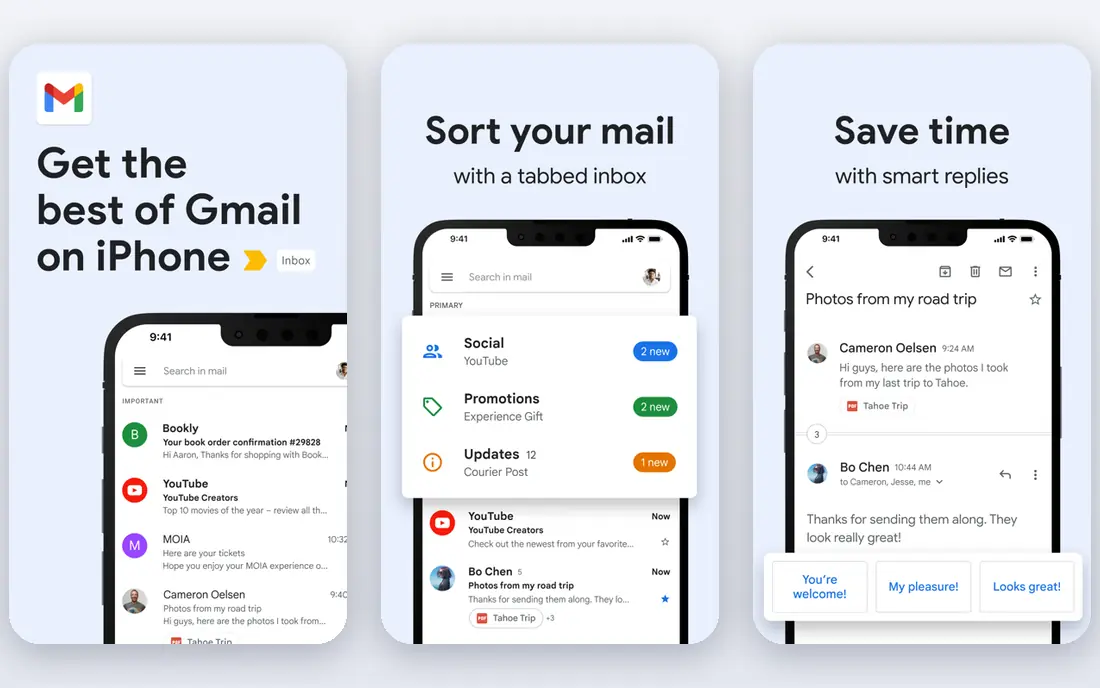
Gmail is the default choice for a reason. Its search finds messages by sender, subject, attachment type and date without much effort, and its spam filtering keeps most junk out of sight. The web inbox and the mobile apps feel consistent, and the service works well with Calendar, Drive and Meet for people who already use Google tools.
Gmail is free for personal use, with paid Google Workspace plans for a business address on your own domain. The catch is that Google scans and processes account data under its own terms, so people who want end-to-end encryption by default should look at Proton Mail or Tuta instead. Storage is shared across Google services, so heavy Drive users may need a paid plan sooner.
- Strong search and spam filtering
- Generous free storage
- Good mobile apps
- Ads can appear in some free views
- Privacy controls need attention
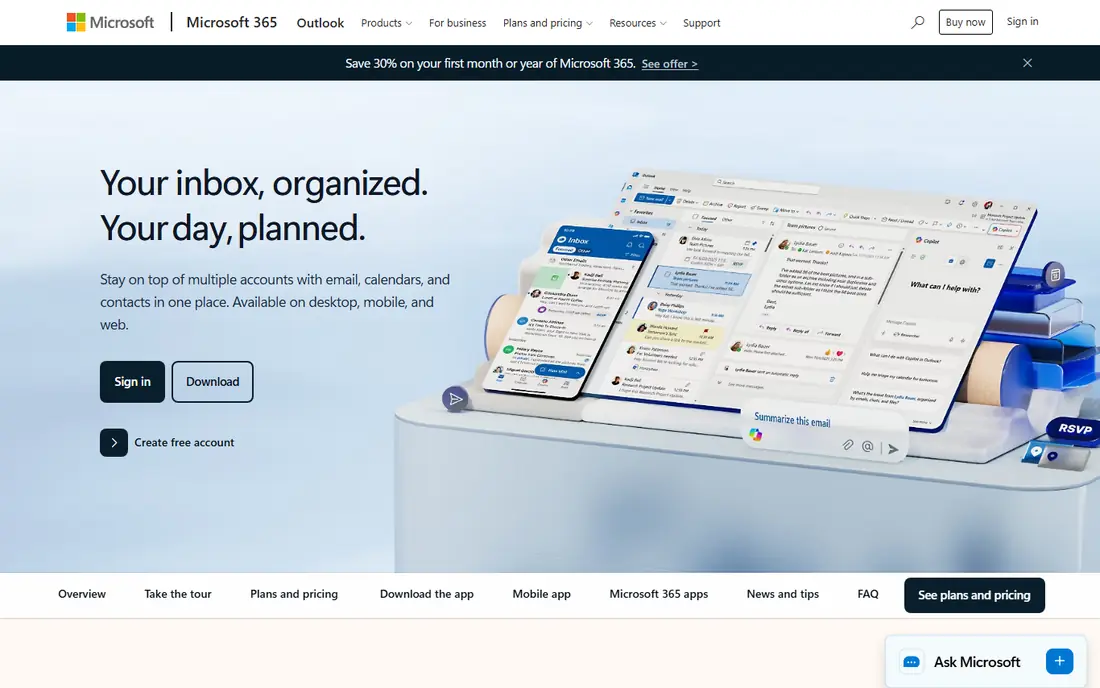
Outlook pairs a capable web inbox with one of the best calendars in this group. It handles focused inbox sorting, rules and shared calendars well, and people who live in Word and Excel will find the Microsoft 365 bundle hard to leave. The free Outlook.com account is a solid starting point for personal mail.
The paid path runs through Microsoft 365, which adds desktop apps and much more storage. That bundle is good value for office users but more than a casual user needs. Outlook also feels heavier than Gmail or Fastmail on older devices, so try the free version first if speed matters to you.
- Strong calendar and contact tools
- Desktop Outlook option
- Familiar for offices
- Free version shows ads
- Paid plans add up for a family or team
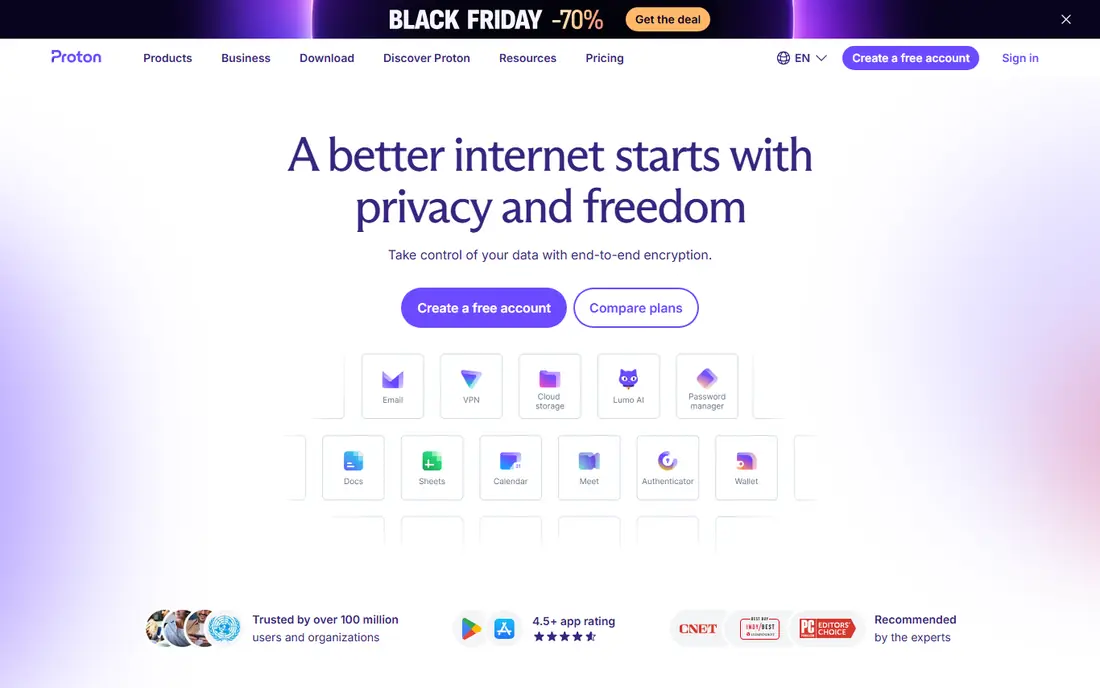
Proton Mail is built around encryption. Messages between Proton Mail users are end-to-end encrypted, and the service is based in Switzerland with a clear privacy stance. The inbox itself is clean and fast, and paid plans add custom domains, more storage and extra addresses for a family or a small business.
The trade is storage and ecosystem. The free plan is modest, so people with large archives will need to pay or archive old mail elsewhere. Desktop users who want a traditional mail app may need the Proton Mail Bridge, which is one more step than Gmail or Outlook requires. For privacy, though, few services match it.
- End-to-end encryption by default
- No ads
- Custom domains on paid plans
- Free plan has limited storage
- Some features need the Bridge app on desktop
Zoho Mail is the value pick for small businesses. Paid plans start at a low monthly price per user, and the service supports custom domains, shared mailboxes and admin controls without pushing a full office suite. For a startup that needs professional addresses on day one, that price gap matters.
Zoho Mail is less polished than Gmail or Outlook, and its strengths show most when a team also uses other Zoho apps. People who only want mail may find the wider Zoho menu distracting. Still, the free tier for a small team and the low paid price make it easy to test before committing.
- Very low paid entry price
- Ad-free inbox
- Works with Zoho apps
- Smaller outside ecosystem
- Interface feels plain next to Gmail
Fastmail focuses on email and does it well. The inbox loads quickly, search is sharp, and masked email addresses help keep a main address private when signing up for newsletters or shops. Custom domains are a core feature rather than an afterthought, which suits families and small businesses.
There is no permanent free plan, only a trial, so Fastmail is a paid choice from the start. It also does not bundle documents, spreadsheets or video meetings, so Google or Microsoft users may keep a second account for those tools. If mail itself is the priority, that focus is a strength rather than a gap.
- Fast and ad-free
- Strong custom-domain support
- Clear privacy stance
- No free plan
- No full office suite included
Yahoo Mail remains a practical free inbox, especially for people who keep years of mail and do not want to pay for storage. The inbox is simple to use, the mobile app covers the basics, and a paid plan removes ads and adds extra features for people who want a cleaner view.
Yahoo Mail is not a strong business pick. It lacks the admin controls, shared mailbox depth and office integration that Google Workspace, Microsoft 365 and Zoho Mail offer. It works best as a personal inbox or a spare address, and users should turn on two-step verification to protect an older account.
- Large free storage
- Simple inbox
- Useful for a second address
- Ads on the free tier
- Fewer business tools than Gmail or Outlook
iCloud Mail is the natural inbox for people who use an iPhone, iPad or Mac every day. Mail, contacts and calendar stay in step across devices, the inbox has no ads, and a paid iCloud+ plan adds a custom domain and more storage. Setup on Apple devices takes only a few minutes.
The limits show up outside Apple hardware. The web version works, but it is not as full-featured as Gmail or Outlook on the web, and the free storage is shared with photos and backups. Android users and Windows-first households will usually get more from Gmail or Outlook.
- Clean inbox with no ads
- Deep Apple device integration
- Custom domains with iCloud+
- Best inside Apple devices
- Limited free storage shared across iCloud
Tuta, formerly Tutanota, encrypts mailboxes and calendars by design and offers a free plan for people who want to try encrypted mail without paying. Paid plans add custom domains, more storage and extra users, and the price stays low compared with larger privacy services.
Encryption brings a real trade. Search inside encrypted messages is more limited than in Gmail, and the service does not try to match the app ecosystem of Google or Microsoft. Tuta suits people who rank privacy above deep integration, and it is a good second inbox for sensitive mail even if Gmail stays the daily driver.
- End-to-end encryption for mail and calendar
- Low paid price
- Open approach
- Smaller ecosystem
- Search is limited by encryption design
Mailfence combines mail with a calendar, contacts and document storage in a single private account. It offers OpenPGP-based encryption for people who want control over keys, and it does not show ads. That bundle suits small teams and individuals who want more than mail alone without joining a large platform.
The free plan is small, so regular users will likely need a paid plan for storage and full features. The design is functional rather than modern, and the service has a smaller support community than Gmail or Proton Mail. It is a steady choice for privacy-minded users who value the extra tools.
- Encryption options
- Calendar, contacts and documents in one account
- Based in Belgium
- Free plan is limited
- Interface feels dated to some users
StartMail is built for people who want a private inbox and many disposable addresses. Unlimited aliases on paid plans make it easy to give each shop or newsletter its own address, then turn one off if spam follows. The inbox itself is simple, ad-free and focused on mail rather than extra apps.
There is no free plan, only a trial, so StartMail is a paid decision. It also lacks the calendar depth and office tools of larger providers, so many users pair it with a separate calendar. For alias-heavy privacy use, though, it is one of the clearest options in this list.
- Unlimited aliases on paid plans
- No ads
- Strong privacy focus
- No free plan
- Smaller feature set than big suites
How we picked these
We started with the providers most US users actually consider, then checked each official homepage and pricing page for current plans, free tiers and custom-domain support. We kept only services that are live in October 2026 and that offer a real inbox, not just a mail client or a marketing tool. That is why this list mixes large platforms with smaller privacy services.
We weighed search quality, spam filtering, storage, mobile apps, privacy terms and the total cost for one person and for a small team. We did not claim hands-on testing. Instead we compared published features, pricing and app store listings, and we flagged where a free plan is limited or where a paid plan is needed for a business address.
Choosing the right option for you
Start with how you use mail today. If most of your life is in Google Docs or Microsoft Office, stay with that provider, because switching will cost more time than the inbox itself is worth. If you mainly need a personal inbox, a free plan from Gmail, Outlook or Yahoo Mail is enough, and you can add a paid plan later for storage.
For a business address, check three things before you pay: custom-domain support on the plan you picked, admin controls for adding or removing staff, and how mail moves if you leave. Zoho Mail and Fastmail keep entry costs low, while Google Workspace and Microsoft 365 bundle mail with documents and meetings. Privacy buyers should compare encryption, data location and whether search or desktop apps need extra steps.
Do not forget account safety. Turn on two-step verification, set a recovery address you actually check, and keep a backup of important messages before closing an old account. A provider change is a good moment to clean up old subscriptions and to give banks and key services the new address first.
Frequently asked questions
What is the best email service provider for most people?
Gmail is our pick for most people because its search, spam filtering and mobile apps are strong and the free plan covers everyday use. Google Workspace is the business version for a custom domain. People who want stronger privacy should compare Proton Mail and Tuta before deciding.
Which are the best email service providers for business use?
Google Workspace, Microsoft 365, Zoho Mail, Fastmail and Proton Mail all support custom domains on paid plans. Zoho Mail has the lowest entry price in this list, while Google and Microsoft bundle mail with documents, storage and meetings. Pick by the tools your team already uses each day.
What is the best rated email service provider for privacy?
Proton Mail and Tuta lead on privacy because encryption is central to how they are built, not an add-on. StartMail and Mailfence also focus on private mail and aliases. Read each privacy policy and check whether encryption covers mail at rest, mail in transit and calendar data.
Is there a good free email service provider?
Yes. Gmail, Outlook, Yahoo Mail, Proton Mail, Tuta and Mailfence all offer free plans, but storage and ads differ. Yahoo Mail offers large free storage, while Proton Mail and Tuta offer smaller free plans with stronger privacy. Check the free storage limit before moving a large archive.
Can I use my own domain with these providers?
Yes, on paid plans for most providers in this list, and on some free tiers with limits. Zoho Mail, Fastmail, Proton Mail, Tuta and Google Workspace all support custom domains. Confirm the exact plan, because entry plans sometimes limit the number of domains or users.
Sources
See where you really rank - block by block
ProMapRanker scans Google Maps across a grid of your service area. Simple monthly plans from $19, white-label on every plan.
Start freeKeep reading
 zoho inventory alternatives
6 Alternatives to Zoho Inventory, Compared on Price and Fit
Zoho Inventory alternatives: 6 tools compared on price, free plans and fit. Katana leads the list for manufacturers. Fit and flaws are laid out for each entry.
Read → zoho crm alternatives
Best Zoho CRM Alternatives (2026)
Need Zoho CRM alternatives? We compare 7 tools on cost, free access and who each suits. Every pick gets a straight assessment. Built for quick decisions.
Read → zelle alternatives
Best Zelle Alternatives in 2026
Compare the best Zelle alternatives for sending money to friends, paying sellers and moving funds abroad, with honest notes on fees, speed and safety in 2026.
Read →