 ProMapRanker
8 Best Email Services for Small Business in 2026


Gmail, Docs, and Meet teams · Pricing starts at: $7 per month
Key takeaways
- Google Workspace and Microsoft 365 both start at a similar entry price, so your existing apps and habits should decide between them.
- Zoho Mail is the lowest cost credible option for teams that mainly need email, while Fastmail suits teams that want email only without a full suite.
- Proton Mail fits privacy sensitive firms, and Hostinger, Namecheap, and GoDaddy suit owners who want email bundled with hosting or a domain.
- Check storage, spam controls, migration help, and support hours before moving a domain, since email downtime affects every customer contact.
Quick comparison
| Pick | Great for | Pricing starts at | Free tier | |
|---|---|---|---|---|
| Google Workspace | Gmail, Docs, and Meet teams | $7 per month | Free trial | Visit |
 Microsoft 365 Microsoft 365 | Outlook, Teams, and Office teams | $7 per month | Free trial | Visit |
 Zoho Mail Zoho Mail | Low cost business email | $1 per month | Yes | Visit |
 Fastmail Fastmail | Standalone email without a suite | $5 per month | Free trial | Visit |
 Proton Mail Proton Mail | Privacy focused businesses | See website | Yes | Visit |
 Hostinger Mail Hostinger Mail | Email bundled with hosting | See website | No | Visit |
 Namecheap Email Namecheap Email | Domain owners on a budget | See website | Free trial | Visit |
 GoDaddy Email GoDaddy Email | Simple setup for new businesses | See website | Free trial | Visit |
The best email service for small business
We compared business email services on domain email, storage, spam and security tools, mobile apps, and the extra apps included in the price. A good service keeps your business address professional, protects inboxes from phishing, and stays reliable when your team grows.
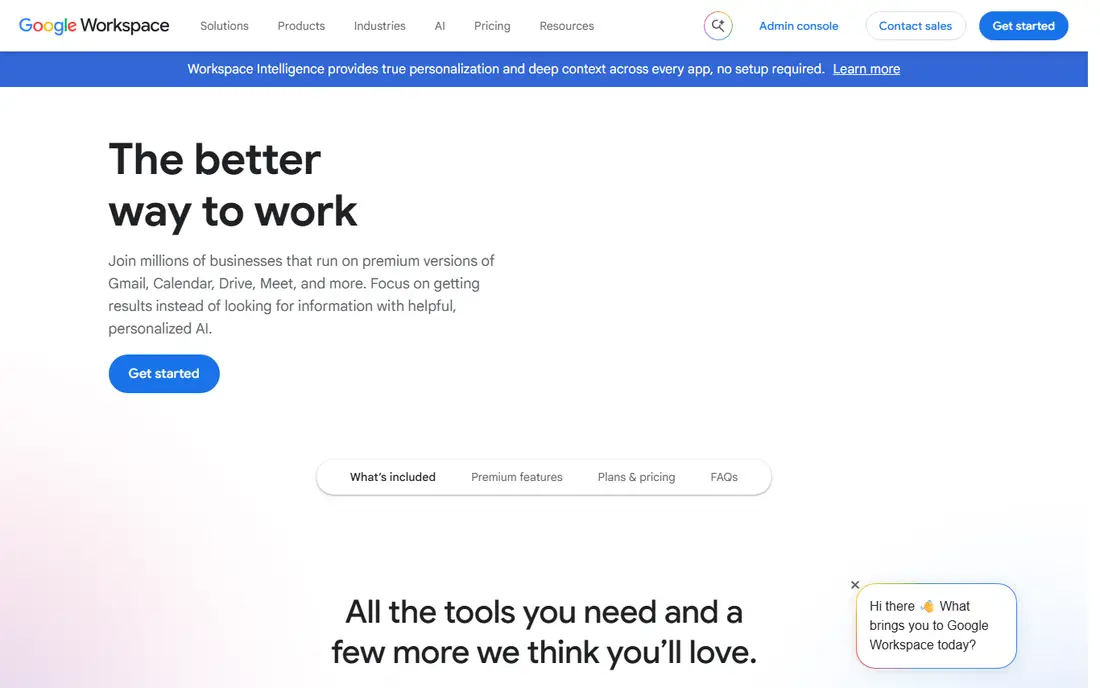
Google Workspace gives small teams Gmail on their own domain, plus Docs, Sheets, Drive, and Meet in one account. Staff who already use personal Gmail will need little training, and shared drives and calendars make day to day coordination simple. Spam filtering and account security tools are mature, and support is available around the clock on business plans. The entry plan includes pooled storage that can feel tight for teams with large attachments and video files. Higher tiers add more storage and stronger admin controls, so growing firms should check the tier they will need in a year. For browser first teams that live in Docs and Meet, Google Workspace remains a straightforward and well supported choice.
- Familiar Gmail interface
- Docs, Drive, and Meet included
- Strong spam filtering
- Storage on the entry plan is limited
- Admin controls grow with higher tiers
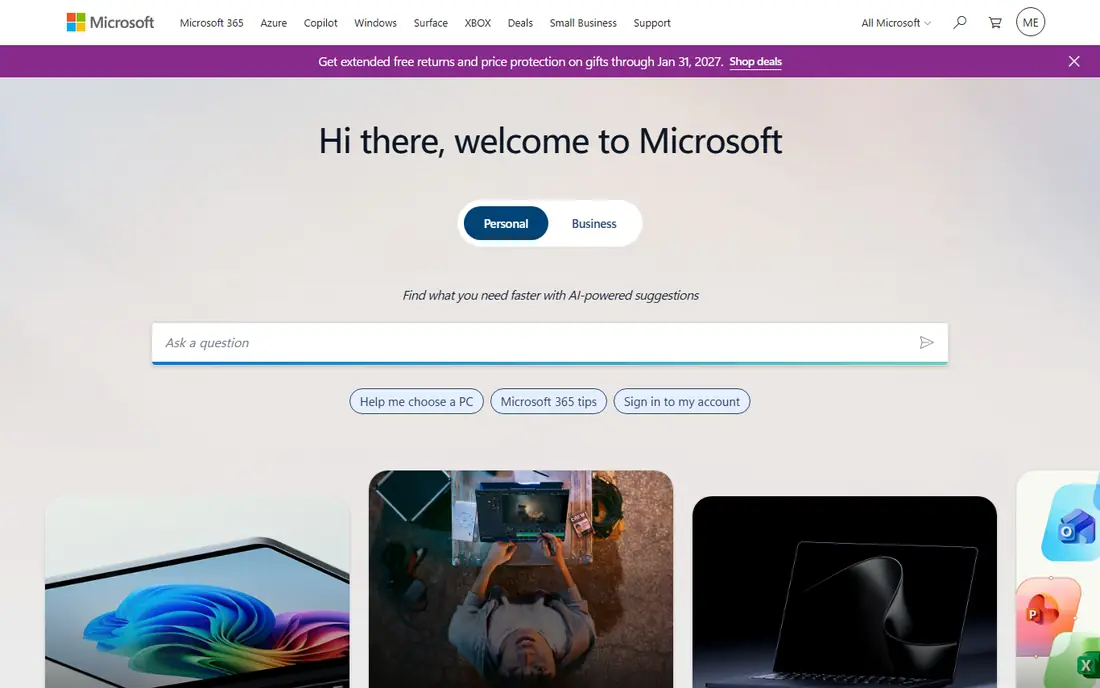
Microsoft 365 gives small businesses Outlook email on a custom domain, plus Teams, OneDrive, and SharePoint, with desktop Office apps on higher tiers. Teams that exchange Word and Excel files with clients, or that already use Windows and Teams, will find the workflow familiar. Compliance, retention, and security controls are also strong for regulated work. The admin centre has more settings than Google Workspace, so a small owner may need time to learn it or help from a partner. Entry plans use web and mobile Office apps, while desktop apps require the Standard tier or above. If your work depends on desktop Office and Outlook, Microsoft 365 is the natural fit.
- Outlook and Teams integration
- Desktop Office on higher tiers
- Strong compliance tools
- Admin centre can feel complex
- Desktop apps need a higher tier
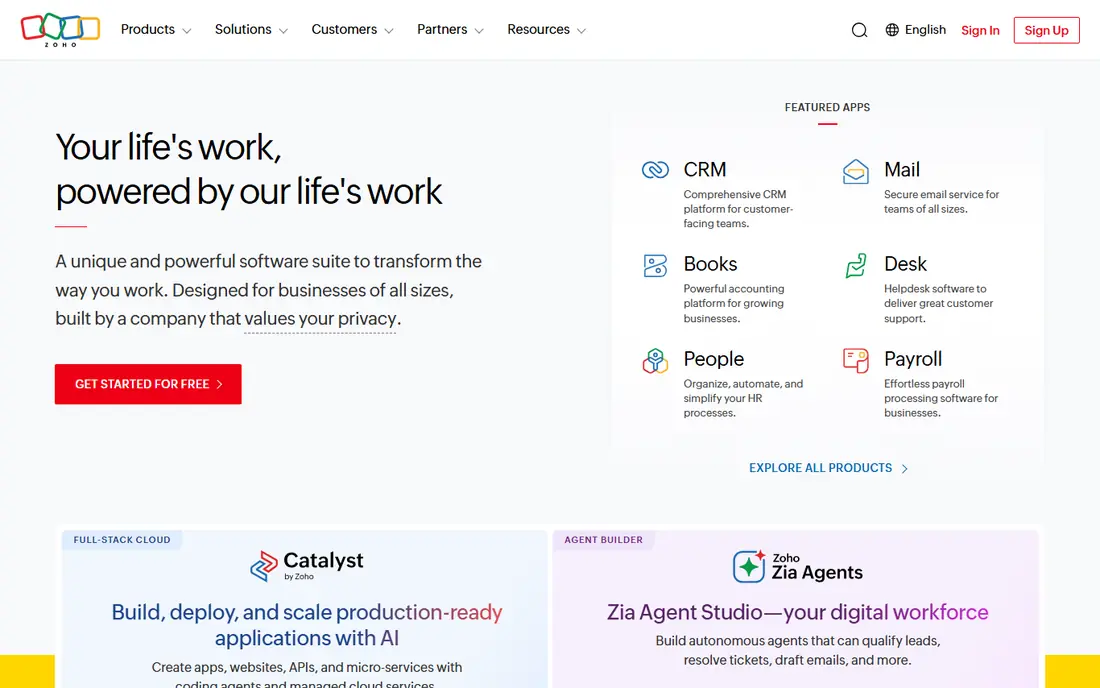
Zoho Mail is the budget leader among credible business email services, with a low cost plan for teams that mainly need reliable domain email. Webmail is clean, mobile apps cover the basics, and spam controls and folders help staff manage shared inboxes. Teams already using Zoho CRM, Books, or other Zoho apps gain extra value from the shared login. The trade off is suite depth. Zoho Workplace includes docs and chat, but it does not match the breadth of Google Workspace or Microsoft 365 for every team. Storage also varies by plan, so heavy attachment users should check limits. For a new business that needs a professional address at low cost, Zoho Mail is hard to beat.
- Very low entry price
- Clean webmail
- Works with the wider Zoho suite
- Fewer native collaboration tools than Google or Microsoft
- Storage varies by plan
Fastmail appeals to teams that want excellent email and nothing else. The service is fast, ad free, and focused on inbox speed, search, and custom domains, with masked email addresses for signups and newsletters. Staff who are tired of suite upsells and cluttered interfaces often appreciate its calm design and clear settings. Because Fastmail does not include Docs, Sheets, or a full office suite, teams must pair it with separate tools for documents and video calls. That can be a strength if you already use other apps and only need email done well. For email first firms that value privacy, speed, and simple pricing, Fastmail is a strong standalone option.
- Fast, ad free email
- Strong privacy stance
- Clear pricing
- No full office suite
- Calendar and contacts are simpler than rivals
Proton Mail is built for businesses where email privacy is a client requirement, such as legal, health, and security work. Messages can use end to end encryption, and the zero access model means Proton cannot read mailbox contents stored on its servers. That design gives clients a clear privacy story that mainstream suites do not offer in the same way. The focus on privacy brings limits. Some third party integrations and desktop workflows need extra setup, and teams used to deep Google or Microsoft integration may miss those links. Pricing should be checked on the vendor site, since business tiers change with storage and users. For privacy first firms, those trade offs are usually acceptable.
- End to end encryption
- Zero access storage model
- Swiss based privacy focus
- Some integrations are limited
- Desktop use may need a bridge app
Hostinger Mail suits owners who already host a website with Hostinger and want email on the same account. Setup is simple, mailboxes can be created from the hosting panel, and bundled plans can keep costs low for a new site. That single account approach reduces the number of vendors a small owner must manage. The main risk is dependence on one host for both site and email, so an outage or a move affects both. Advanced compliance and collaboration tools are also thinner than in Google Workspace or Microsoft 365. For a small site with modest email needs, Hostinger offers a practical bundled path, provided you check renewal prices and mailbox limits first.
- Low cost when bundled with hosting
- Simple setup
- Many mailboxes on some plans
- Email is tied to a hosting plan
- Support depth varies by plan
Namecheap Email fits owners who bought a domain from Namecheap and want a professional mailbox without a suite subscription. Plans are low cost, setup links directly to the domain, and webmail plus mobile access cover everyday sending and receiving. For a solo owner or a tiny team, that simplicity is often enough. It is not a replacement for Google Workspace or Microsoft 365 if you need shared docs, video meetings, and advanced admin controls in one place. Buyers should compare mailbox storage, forwarding, and spam tools across Namecheap tiers. If your main need is a credible business address tied to a domain you already own, Namecheap is a sensible low cost route.
- Easy pairing with a domain
- Low cost plans
- Simple webmail
- Not a full productivity suite
- Storage and features vary by plan
GoDaddy Email helps new business owners get a domain based address running with guided setup and support. Owners can choose simple webmail or a Microsoft 365 based plan, depending on whether they need Outlook and Office tools. Keeping domain, website, and email with one vendor can simplify billing for a first business. Checkout upsells and renewal prices deserve care, so confirm the total for year two before committing. GoDaddy email alone does not match the suite depth of Google Workspace at the same level, unless you choose its Microsoft 365 plans. For owners who want a guided start and one vendor for domain and email, GoDaddy remains a widely used option.
- Guided setup for beginners
- Domain and email in one place
- Microsoft 365 options
- Renewal prices can rise
- Upsells appear during checkout
How we picked these
We compared official feature pages, pricing pages, app store listings, privacy policies, and public reviews for business email services active in October 2026. We looked for domain email, spam and security controls, mobile access, and a realistic small business price. We did not claim hands on testing, and we used See website where a vendor price varies by term, region, or bundle.
Choosing business email that lasts
Start with the apps your team already uses every day. If staff live in Gmail and Docs, Google Workspace will feel natural, while Outlook and desktop Office users will settle faster with Microsoft 365. Email only teams can save money with Zoho Mail or Fastmail, and privacy focused firms should weigh Proton Mail before price alone.
Check migration, storage, and security
Ask how old mail, contacts, and calendars will move, and whether the vendor offers migration help or a partner. Confirm mailbox storage, attachment limits, two factor sign in, and phishing protection, since these affect daily work more than a long feature list. Test the mobile app with a real mailbox, and confirm how shared inboxes and aliases will work for sales and support addresses.
Confirm total cost and support
Compare the price per user per month on annual billing, plus any cost for extra storage, archiving, or advanced security. Check renewal prices for bundled hosting email, and confirm support hours and response paths. A service that is cheap in year one but costly to leave, or slow to support during an outage, can cost more than a slightly higher priced suite with clear terms.
Frequently asked questions
What is the best business email service for a small team?
Google Workspace and Microsoft 365 are the safest general picks, since they combine domain email with docs, storage, and meetings. Zoho Mail wins on price if email alone is enough. Choose based on the apps your team already knows, not on price alone, since retraining costs time.
What is the best email service small business owners use for a custom domain?
All eight services here support a custom domain, but Google Workspace, Microsoft 365, and Zoho Mail make domain setup most straightforward for small teams. Check DNS guidance and migration help before you switch, and keep the old mailbox active until every message has moved. A short overlap avoids lost mail.
Is Zoho Mail really cheaper than Google Workspace?
Yes, Zoho Mail starts lower than Google Workspace for basic domain email, which can save a small team hundreds of dollars per year. The gap narrows if you need large storage, advanced admin controls, or a full docs suite. Compare the tier you will actually use, not just the entry price, before deciding.
Do I need Microsoft 365 if my team uses Outlook already?
If staff already use Outlook and desktop Office, Microsoft 365 usually gives the smoothest path, since mail, calendars, Teams, and files stay in one system. Google Workspace can still work, but habits and file formats may create friction. A trial with real client files will show which workflow feels faster.
How do I move business email without losing messages?
Keep the old account active, set up the new mailboxes, and migrate mail, contacts, and calendars before changing domain records fully. Test sending and receiving from the new service, update signatures and aliases, and confirm forwarding for shared addresses. Allow a few days for DNS changes to settle across providers.
Sources
See where you really rank - block by block
ProMapRanker scans Google Maps across a grid of your service area. Simple monthly plans from $19, white-label on every plan.
Start freeKeep reading
 zendesk alternatives
Best Zendesk Alternatives in 2026
Compare the best Zendesk alternatives in 2026, from budget help desks to AI-first support tools, with current pricing, free plans, and honest trade-offs.
Read → wordpress alternatives
Best WordPress Alternatives in 2026
Looking for the best WordPress alternatives? We compare 8 free and paid options for blogs, business sites, stores, and developer-led projects in 2026.
Read → which real estate company has the best training
Best Real Estate Company Training in 2026
Compare which real estate company has the best training, from Keller Williams and eXp to Compass and Coldwell Banker, by program, mentor, and fit in 2026.
Read →