 ProMapRanker
Best Email Marketing Software Comparison in 2026

Key takeaways
- Mailchimp remains the easiest all round starting point, with a broad template range and many integrations.
- Brevo wins on value for large lists with low send frequency, since pricing follows emails sent rather than contacts stored.
- Klaviyo and Omnisend suit online shops best, with purchase data driving flows and product recommendations.
- ActiveCampaign suits teams that need deep automation and CRM style journeys across sales and marketing.
- Constant Contact, Kit, MailerLite, and GetResponse cover simpler needs well, so do not pay for automation depth you will not use.
Quick comparison
| Pick | Great for | Pricing starts at | Free tier | |
|---|---|---|---|---|
 Mailchimp | Beginners and small businesses | $13 per month | Yes | Visit |
 Brevo | Large lists on a budget | $9 per month | Yes | Visit |
 Klaviyo | Ecommerce brands | $45 per month | Yes | Visit |
 ActiveCampaign | Deep automation teams | $19 per month | Free trial | Visit |
 Constant Contact | Small businesses and events | See website | Free trial | Visit |
 Kit | Creators and newsletters | See website | Yes | Visit |
 MailerLite | Simple, low cost sending | See website | Yes | Visit |
 GetResponse | Funnels and webinars | $19 per month | Yes | Visit |
 Omnisend | Shopify and WooCommerce shops | $16 per month | Yes | Visit |
The best email marketing software tools compared
This comparison focuses on what each tool does best, what it costs to start, and where it starts to feel limited, so you can shortlist two or three and test them properly.
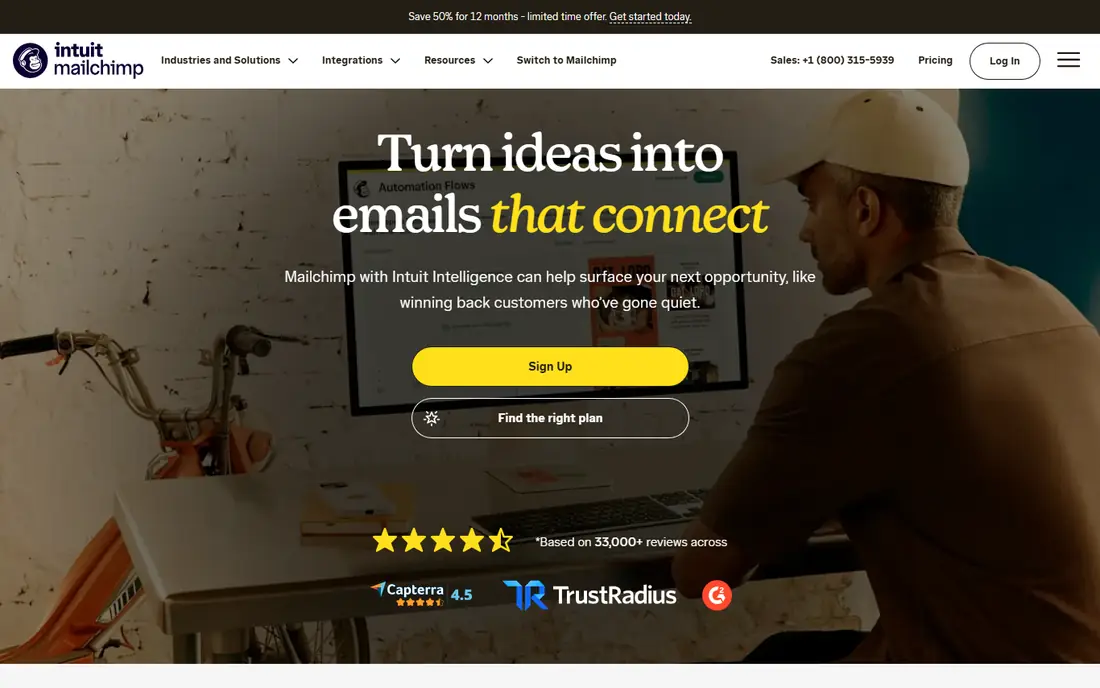
Mailchimp is the tool most small teams try first, and for good reason. The editor is friendly, templates look modern, and integrations cover shops, CRMs, and website builders. A small business can send newsletters, build landing pages, and run basic automations without hiring a specialist. That breadth makes Mailchimp a safe default when you are unsure what you need.
The catch is pricing at scale. Costs are based on contacts stored, so a growing list can push you into a higher tier even when send volume stays modest. Advanced segmentation and automation also sit above the entry plan. If your list is large but you send rarely, Brevo may cost far less, while a shop may get more value from Klaviyo.
- Large template range
- Many integrations
- Friendly editor for new senders
- Price rises fast as contacts grow
- Advanced automation sits on higher plans
- Free plan limits are tight

Brevo, formerly Sendinblue, is the value pick in this comparison for teams with a large list and modest send frequency. Because paid plans charge by emails sent, a list of many contacts that receives one monthly newsletter can stay on a low tier. The free plan also allows a daily email allowance with many stored contacts, which helps a new sender test the platform.
Design and automation are solid but not class leading. Templates are usable rather than beautiful, and complex journey building feels more limited than ActiveCampaign. For a business that sends regular campaigns, transactional email, and some SMS from one account, Brevo gives strong value without a steep learning curve.
- Pricing follows emails sent, not contacts
- Free plan allows many contacts
- SMS and CRM tools included
- Template design is less polished than Mailchimp
- Automation depth is moderate
- Reporting is simpler
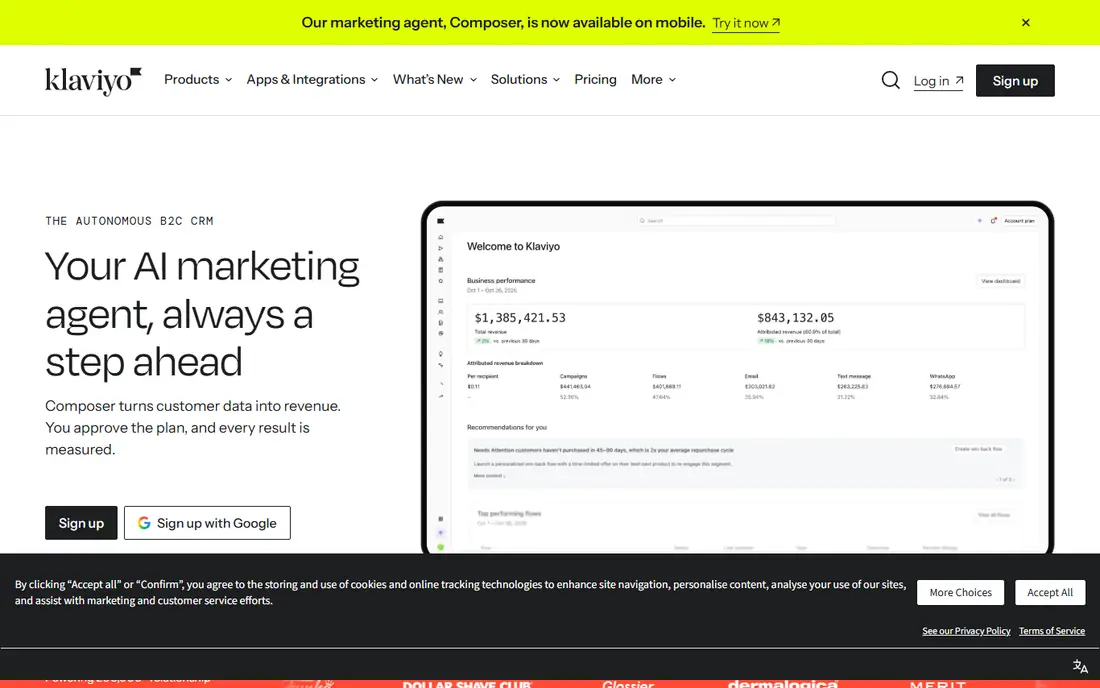
Klaviyo is built around shop data, and that focus shows in its flows. Abandoned cart, browse abandonment, post purchase, and winback flows can use purchase history, product views, and predicted value without manual exports. For a growing online shop, that data depth often pays for itself in recovered orders and repeat purchases.
The price reflects that power. Klaviyo charges by contacts, and costs rise as a shop list grows, so a small shop with a large but cold list should clean contacts before committing. Setup also rewards clean product and order data, since messy catalogs weaken recommendations. For pure newsletters without a shop, Klaviyo is more tool than most teams need.
- Deep Shopify and WooCommerce data
- Strong flows for cart and post purchase
- Predictive tools for shops
- Price climbs with list size
- Setup needs clean shop data
- Overkill for a simple newsletter
ActiveCampaign suits teams that think in journeys, not just campaigns. The automation builder handles branching logic, scoring, tags, and CRM actions, so a lead can move from a download to a sales task without manual handoffs. That depth helps B2B firms, course sellers, and service businesses with longer sales cycles.
New users should expect a learning period. The interface packs many options into each screen, and a poorly planned automation can confuse contacts faster than a simple newsletter would. Start with one or two core flows, such as welcome and lead nurture, and expand only after those work. For simple sending, MailerLite or Brevo will feel faster.
- Powerful automation builder
- CRM and sales tools in one place
- Strong segmentation and scoring
- Learning curve is steeper
- No free plan, only a trial
- Interface can feel busy for new users
Constant Contact targets owners who want to send a good newsletter without learning marketing software. The editor is simple, event registration and surveys are built in, and support is easy to reach. Local businesses, nonprofits, and associations that send regular updates and event invites often find it a comfortable fit.
Automation and ecommerce depth are the limits. You can run basic welcome and birthday flows, but complex branching journeys belong on ActiveCampaign or Klaviyo. Pricing also follows contacts, so a large list costs more even with low sends. For a straightforward newsletter and events program, Constant Contact remains a dependable, low stress choice.
- Very easy for beginners
- Event and survey tools built in
- Good phone and chat support reputation
- Automation is limited
- Price rises with contacts
- Design flexibility is moderate
Kit, formerly ConvertKit, is built for writers, podcasters, course creators, and newsletter authors. The focus is on growing a list, tagging subscribers by interest, and sending clean text led emails that feel personal. Visual automations make it easy to map a welcome sequence or a product launch without a complex builder.
The tradeoff is design. Kit emails look clean but less visual than Mailchimp templates, and shop flows are basic compared with Klaviyo or Omnisend. Paid newsletter and digital product tools help creators earn from a list, though fees and plan limits need checking for your subscriber count. For a creator led list, Kit keeps the workflow focused on writing and growth.
- Built for creators and newsletters
- Visual automation is clear
- Digital product and paid newsletter tools
- Design options are simpler than Mailchimp
- Ecommerce flows are basic
- Paid plans rise with subscribers
MailerLite is the pick for senders who want a clean tool at a low price. The editor is straightforward, the free plan covers a small list, and landing pages plus websites help a new business collect subscribers without extra tools. Bloggers, freelancers, and small shops often find MailerLite covers everything they actually use.
Automation stays basic, with a few flows rather than deep branching journeys, and new accounts go through an approval check that can slow a first campaign. That check exists to protect deliverability, but it can frustrate a team on a deadline. If your needs are newsletters, simple automations, and landing pages, MailerLite gives strong value.
- Clean, easy editor
- Good free plan for small lists
- Websites and landing pages included
- Automation depth is basic
- Approval process can delay first sends
- Advanced reporting is limited
GetResponse bundles more than email, which suits coaches, course sellers, and small firms that run webinars and funnels. You can build a landing page, run a webinar, capture leads, and follow up by email without stitching several tools together. Automation templates also help a new team start with proven flows rather than a blank builder.
The interface can feel crowded because so many tools share one account, and webinar attendee limits need checking on lower plans. Email design and deliverability are solid, though not quite as polished as Mailchimp for pure newsletters. For a team that runs webinars and funnels, the bundle can save money and setup time.
- Funnels, landing pages, and webinars in one account
- Automation templates help beginners
- Good list tools
- Interface feels crowded
- Webinar limits vary by plan
- Price rises with list size
Omnisend focuses on online shops, with deep Shopify and WooCommerce links and prebuilt flows for cart recovery, welcome offers, and post purchase messages. Email and SMS can run in the same flow, so a shop can reach a customer by the channel most likely to convert. That shop first design makes setup faster than a general tool for many store owners.
For a non shop sender, Omnisend offers less value, since many features assume products, orders, and discounts. Pricing also follows contacts, so a shop should clean inactive subscribers regularly. For a Shopify or WooCommerce store that wants Klaviyo style flows at a lower entry price, Omnisend is a strong alternative to test.
- Strong shop integrations
- Email plus SMS flows in one place
- Prebuilt ecommerce automations
- Less suited to non shop senders
- Design tools are shop focused
- Costs rise with contacts
How we picked these
We compared official pricing pages, feature pages, and public comparison guides for each tool, and we favored platforms with a current 2026 presence, a clear free or trial path, and a distinct audience. We included general, creator, and ecommerce tools because an email marketing comparison should reflect real buying choices, not just the largest brands.
We also weighed pricing models, since contact based and email based pricing can change the winner for the same list. A tool that looks cheap for 500 contacts can look costly for 50,000, and the reverse is also true. Our notes flag that model for each tool so readers can model their own list size.
How to choose from this comparison
Shortlist by use case first, then test deliverability and workflow. A shop should test Klaviyo and Omnisend, a creator should test Kit and MailerLite, and a general small business should test Mailchimp and Brevo. Import a small test list, build one campaign and one automation, and send to your own inbox and phone before you migrate a full list.
Pricing traps to check
Check whether pricing follows contacts, subscribers, or emails sent, and whether inactive contacts count toward the bill. Ask what happens when you exceed a plan limit, since some tools pause sends while others bill overages. Also check whether SMS, landing pages, or extra users cost more, since those add ons often explain a price gap between two similar plans.
Deliverability and list health
No tool can fix a purchased or scraped list, and sending to cold contacts harms deliverability on any platform. Use double opt in where it fits, clean bounces and long inactive contacts, and warm up a new domain slowly. Check spam complaint rates and bounce handling in the first month, since early problems are easier to fix than a damaged sender reputation later.
Frequently asked questions
What is the best email marketing software comparison for beginners?
Mailchimp, Brevo, and MailerLite are the easiest starting points for beginners, with friendly editors and free plans or trials. Mailchimp offers the broadest templates, Brevo offers strong value for large lists, and MailerLite offers a clean low cost workflow. Test one campaign on two tools before you commit a full list.
Which email marketing tool is best for ecommerce?
Klaviyo and Omnisend lead for ecommerce, thanks to shop data, cart flows, and post purchase automation. Klaviyo offers deeper predictive tools for larger shops, while Omnisend offers a lower entry price for Shopify and WooCommerce stores. A small shop should compare both on its own order data, not on feature lists alone.
Is there a free email marketing platform that is actually useful?
Yes, Brevo, Mailchimp, MailerLite, Kit, and GetResponse all offer free plans or trials, though limits differ. Free plans usually cap contacts, daily sends, or automation features, so they suit small lists and testing. Check the exact caps for your list size, since a free plan that fits 500 contacts may not fit 5,000.
How much does email marketing software cost?
Entry paid plans in this comparison start around 9 to 19 dollars per month for small lists, while larger lists can cost far more on contact based plans. Ecommerce and automation heavy tools often cost more at scale, while email based pricing from Brevo can stay lower for infrequent senders. Model your list size and send frequency before you judge a price.
Can I switch email marketing tools later?
Yes, most tools allow list export and import, though automations, templates, and landing pages usually need rebuilding. Export contacts with tags and consent data, keep proof of opt in, and warm up sending on the new tool gradually. Plan the switch during a quiet period, and keep the old account active until the first campaigns on the new tool perform well.
Sources
See where you really rank - block by block
ProMapRanker scans Google Maps across a grid of your service area. Simple monthly plans from $19, white-label on every plan.
Start freeKeep reading
 zscaler alternatives
Best Zscaler Alternatives in 2026
Looking for zscaler alternatives? We compare 9 SASE and zero trust platforms on architecture, data protection, pricing, and fit for your network and team.
Read → zapier alternatives free
Best Zapier Alternatives Free in 2026
Nine automation tools for zapier alternatives free in 2026, all with genuinely free tiers, plus free plan limits, starting prices and upgrade paths explained.
Read → which platform is best for online reputation
Which Platform Is Best for Online Reputation in 2026
Wondering which platform is best for online reputation? We compare 8 review, listing, and response tools for small and multi-location businesses and agencies.
Read →